Dek-265GSX-User-Manual.pdf.pdf - 第238页
AUTOFLEX TOOLING (FINE PITCH) Selecting this diagnostics module opens the following window: The menu bar changes displaying the following: Next / Previous keys move the highlight bar up and down the list of selectable di…
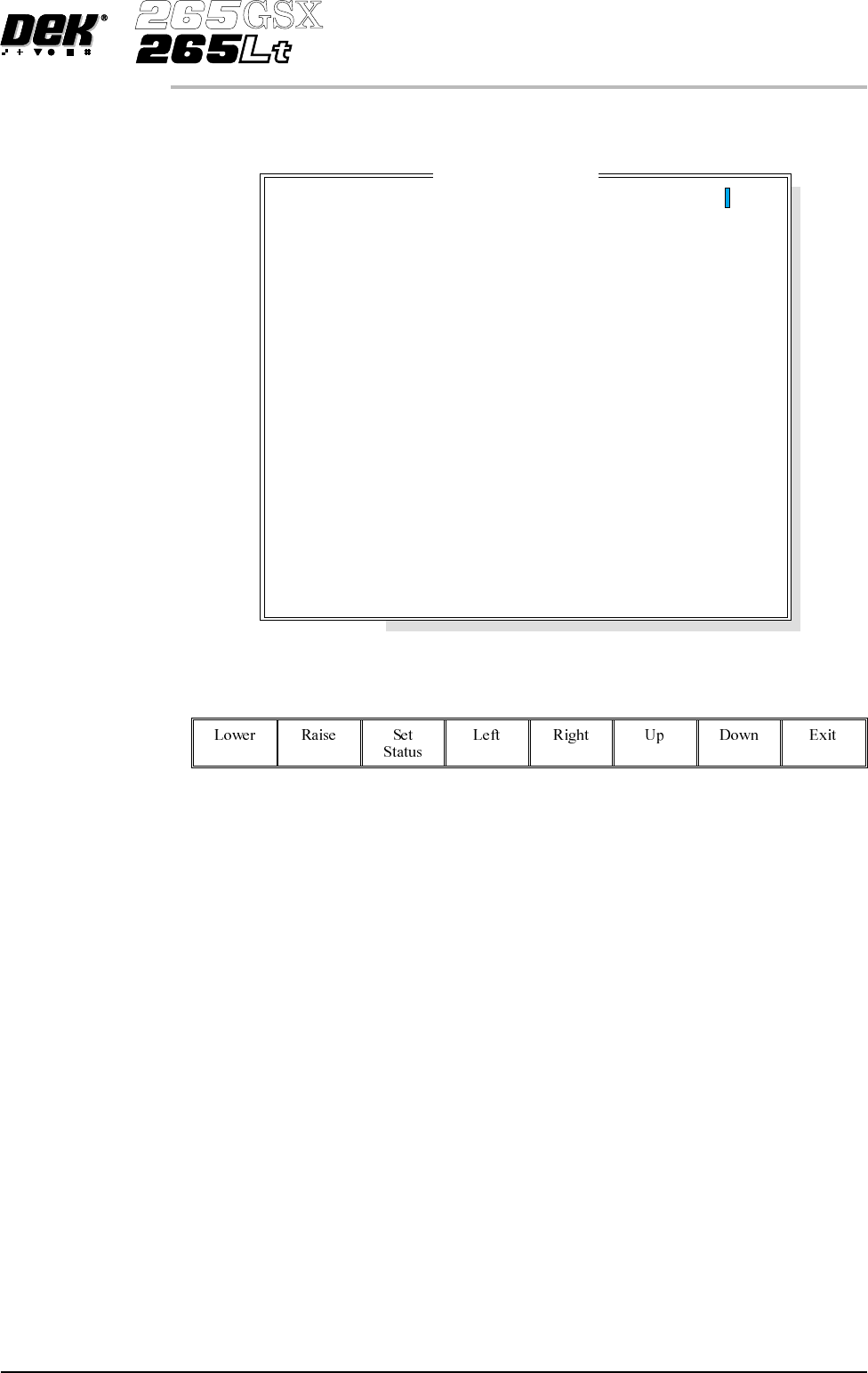
Change Pin Status Selecting this diagnostic function enables different pin patterns to be exercised.
On selection the following window opens:
The menu bar changes to the following:
Left, Right, Up and Down keys move the cursor to enable individual pins to be
selected.
Lower or Raise keys enable the selected pin to be raised or lowered.
Set Status key enables the autoflex to set the selected pin pattern. The message
Setting Up Autoflex Tooling is displayed in the message window.
Exit returns operation to the autoflex diagnostics page.
Cycle Autoflex
Tooling
Selecting this diagnostic function cycles the autoflex pins in a set pattern. The
pattern is as follows:
1. All the pins are raised.
2. The pins are lowered leaving a third raised, every third pin.
3. All the pins are raised.
4. The pins are lowered leaving a second third raised.
5. All the pins are raised.
6. The pins are lowered leaving the last third raised.
7.
The process repeats until the Stop key is pressed.
Software Version 6 User Manual 5.43
DIAGNOSTICS
AUTOFLEX TOOLING (STANDARD)
Autof
l
ex Matr
i
x
14
13
12
11
10
9
8
7
6
5
4
3
2
1
A
B
C
D
E
F
G
H
I
J
K
L
M
N
O
---------------
---------------
---------------
---------------
---------------
---------------
---------------
---------------
---------------
---------------
---------------
---------------
---------------
---------------
AUTOFLEX TOOLING (FINE PITCH)
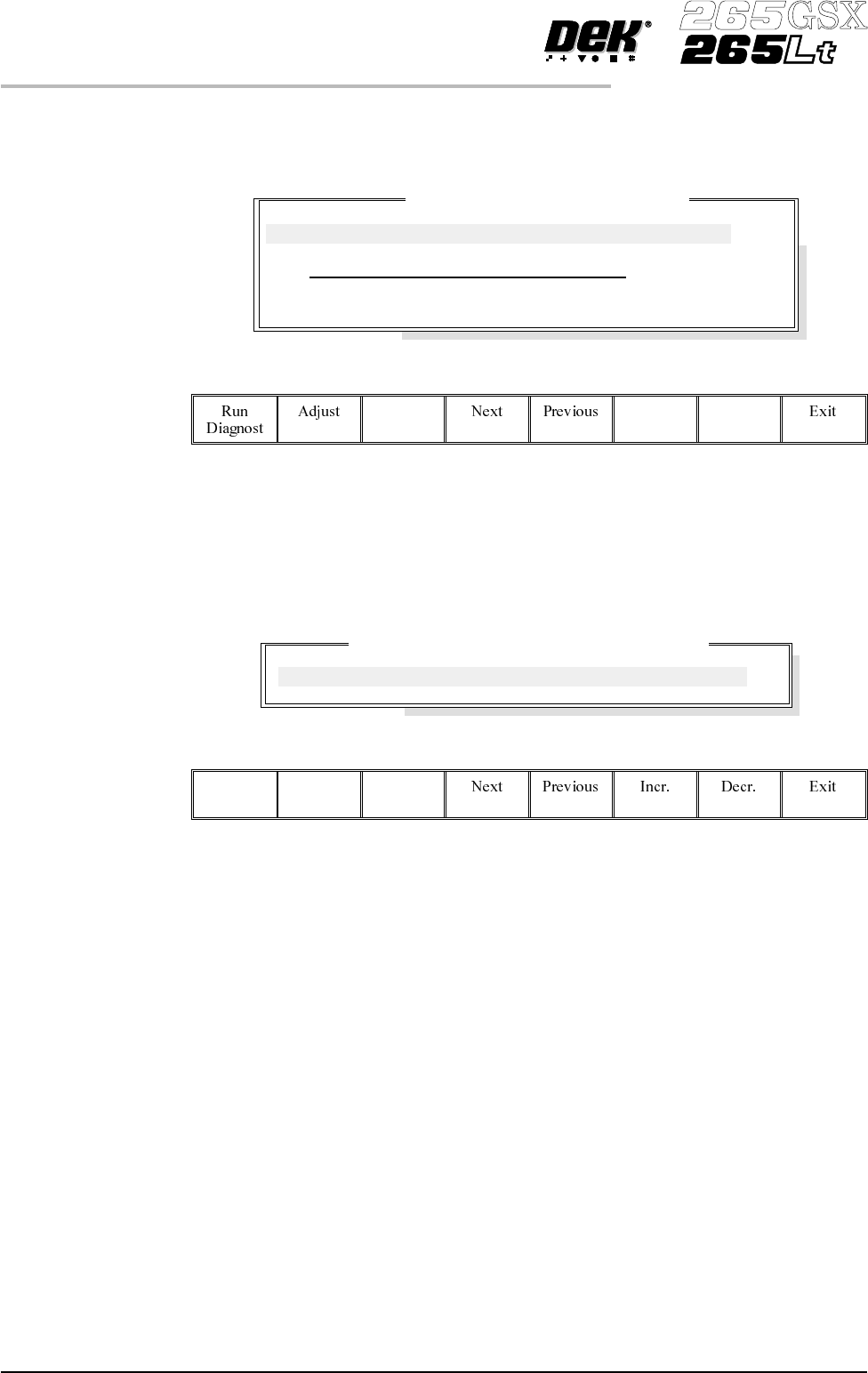
Selecting this diagnostics module opens the following window:
The menu bar changes displaying the following:
Next / Previous keys move the highlight bar up and down the list of selectable
diagnostic functions.
RunDiagnost activates the diagnostic function, as selected by thehighlightbar.
Exit returns operation to the module diagnostics page.
Adjust opens the following window:
The menu bar changes displaying the following:
Next / Previous keys have no function in this application.
Incr. / Decr. keys change the value of the cycle count.
Exit returns operation to the fine pitch autoflex diagnostics page.
Reset All Pins Down This diagnostic function retracts all the pins and resets the ToolMove cards.
Cycle Fine Pitch
Autoflex
This diagnostic function exercises ToolMove card #1 first and ToolMove card
#2 second, for each of the currently selected number of cycles, raising the pins
one at a time until they are all up and lowering them all together before moving
on to the next cycle.
Cycle Count This diagnostic function displays the amount of cycles done and the amount of
cycles to go to complete the cycle count.
5.44 User Manual Software Version 6
DIAGNOSTICS
AUTOFLEX TOOLING (FINE PITCH)
Fine Pitch Autoflex Diagnostics
Cycle Count
Done :- 0, To go :- 50
Reset All Pins Down
Cycle Fine Pitch Autoflex
Fine Pitch Autoflex Cycle Test Parameters
CYCLE COUNT
50.0
Cycles

CHAPTER 6
MONITOR