编带机说明书-含图纸tm401.pdf - 第157页
D292104.8a.fm Preparing to Run a Pre- programmed Job Chapter 6: Operation 6- 11 Run the J ob 1. Close the enclosure doors, then open the HMI Run T ab and press Run . During operation, the operator will add additional p a…
6-10 TM-401 User’s Guide
Preparing to Run a Pre-programmed Job D292104.8a.fm
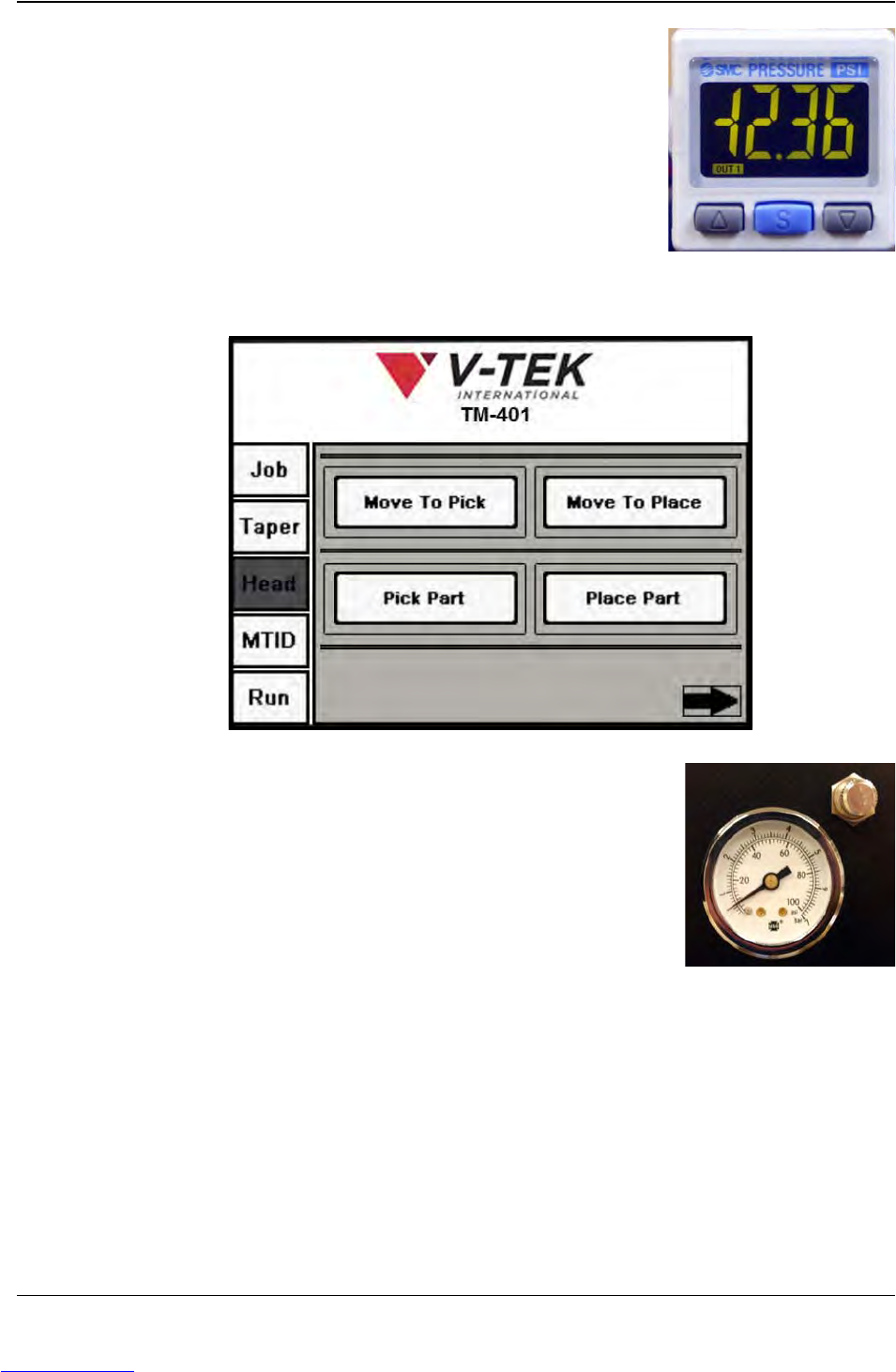
3. Press Move To Pick, then press Pick Part. Observe the
vacuum sensor which is located on top of the head to
see if it is set correctly for the current part. The numbers
should be lit in green with components on the nozzle
and red if components are not.
Note: See the Chapter 6: Troubleshooting for vacuum
sensor adjustment procedures.
4. Return to the Head Setup Tab. Press Move To Place, then press Place Part.
Check that the Blow Off Pressure is set correctly for the
current part. The Blow-off Pressure Gauge is located on
the front of the Pick Head Bridge. If components are not
dropping properly, loosen the locking nut and rotate to
adjust pressure levels. When the desired pressure level
is reached, tighten the locking nut.
Setup Vision
The TM-401 Vision System will automatically revert to the previous inspection. If the
same part is being run, there is no need to retrain the camera. Proceed to Step 8. If a dif-
ferent job/inspection is being run, follow the setup instructions in Chapter 4: Setup.
Step 7:
Setup
Vision
Downloaded from www.Manualslib.com manuals search engine
D292104.8a.fm Preparing to Run a Pre-programmed Job
Chapter 6: Operation 6- 11
Run the Job
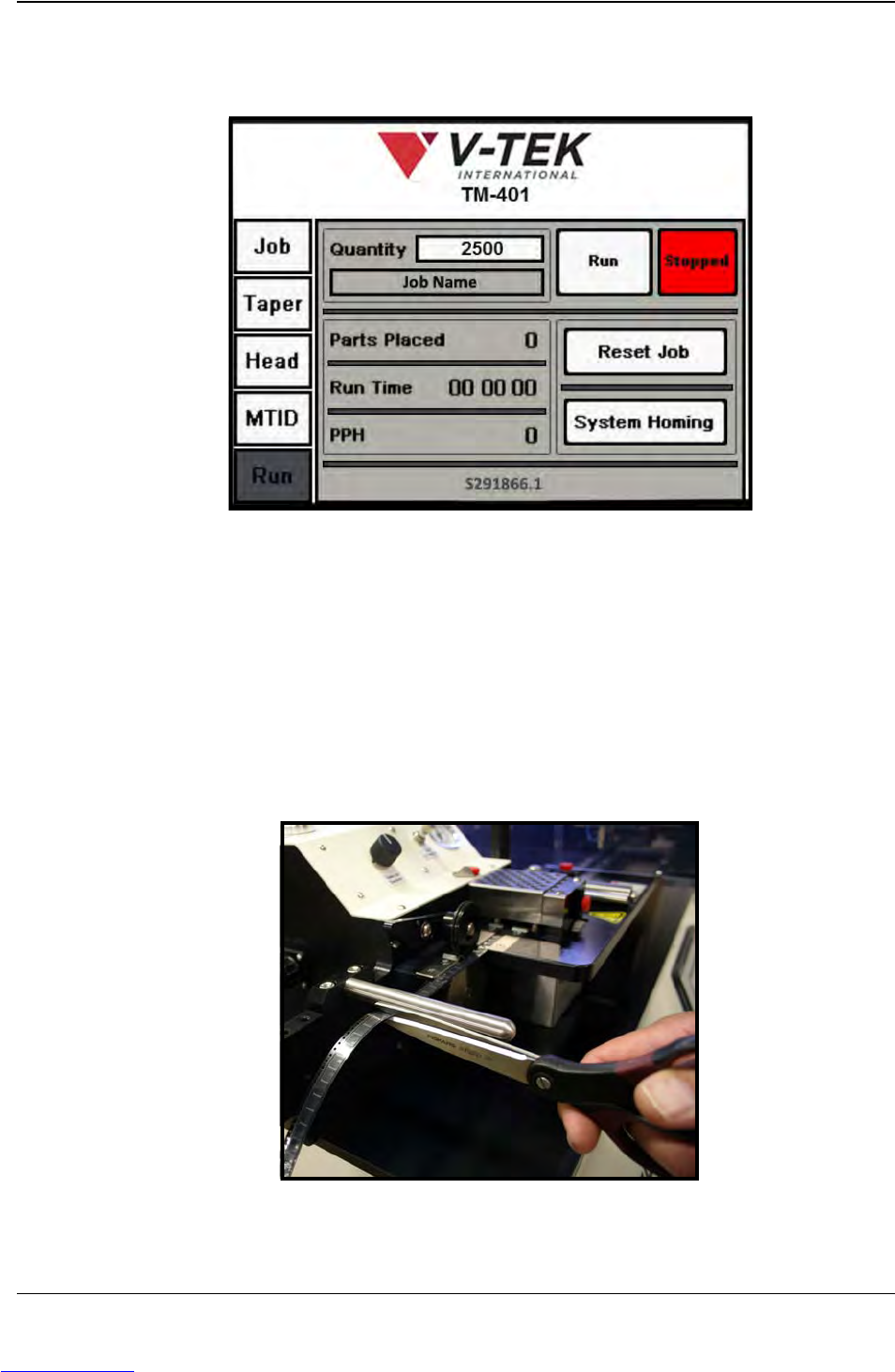
1. Close the enclosure doors, then open the HMI Run Tab and press Run.
During operation, the operator will add additional parts to the Tape Feeder and
unload packaged parts from the Taper as necessary. The operator may also
replace parts that fail 2D Inspection. Otherwise no other adjustments are required
for a job that has already been defined properly.
2. When the preset number of parts has been run, the TM-401 will automatically stop
operation.
3. Cut the sealed tape at the cut point and use a piece of blue Permacel tape to
secure the finished reel. Remove processed output.
Step 8:
Run
Job
Downloaded from www.Manualslib.com manuals search engine