编带机说明书-含图纸tm401.pdf - 第46页
3-4 TM-401 User’s Guide Job Tab D292104.6.fm Jo b T a b When the TM-401 is initially powered up, the HMI will open to the Jo b T ab with a red Home Required button at the top of the T ab Menu and the other tab buttons g …
D292104.6.fm Introduction
Chapter 3: Human Machine Interface 3-3
The active tab button is shaded grey. In the example on the right, the Job Tab is selected.
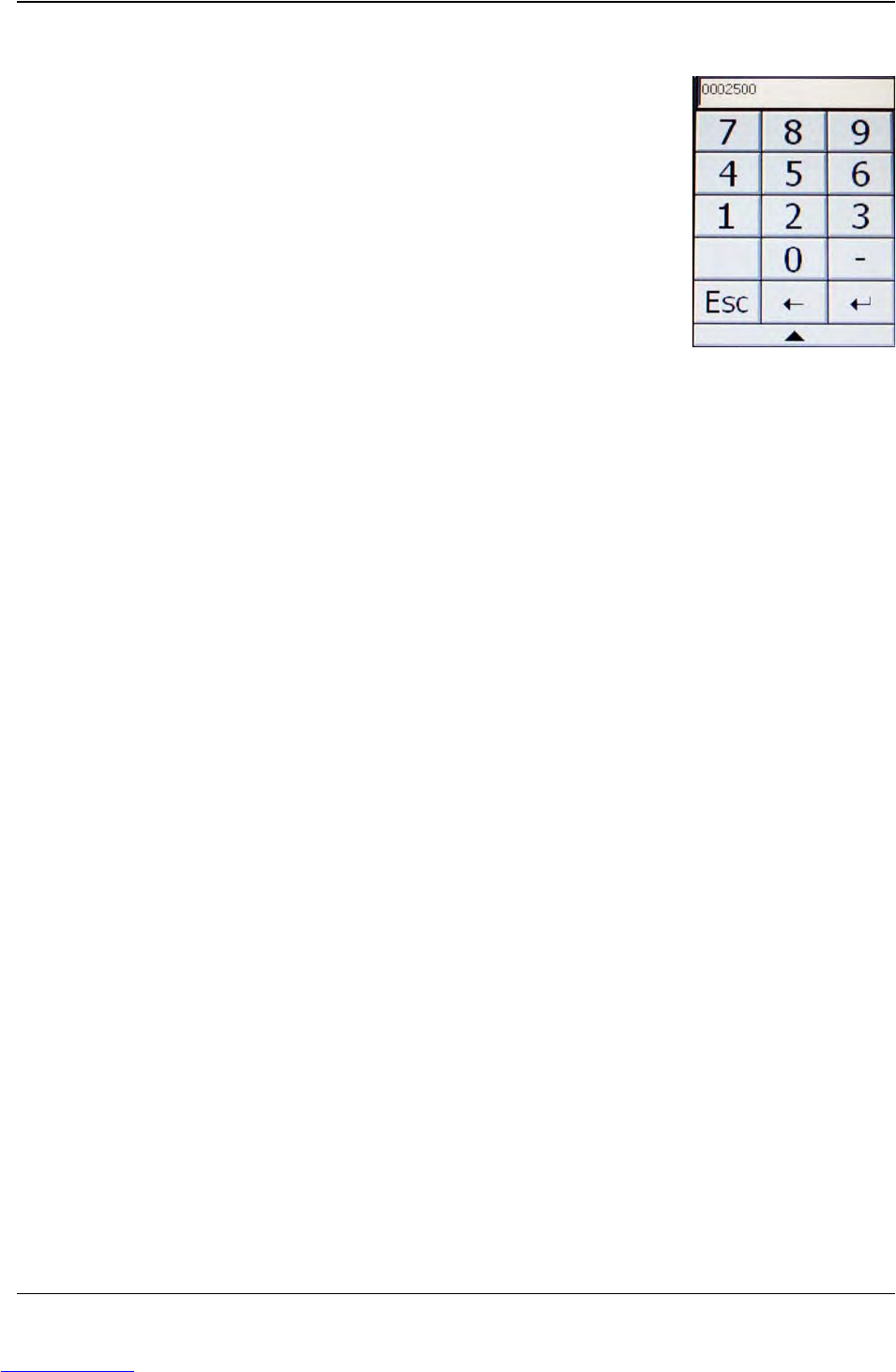
Each tab contains a variety of toggle buttons and open fields. Press any
field to open a numeric or alpha-numeric keypad and enter the appro-
priate information.
Downloaded from www.Manualslib.com manuals search engine
3-4 TM-401 User’s Guide
Job Tab D292104.6.fm
Job Tab
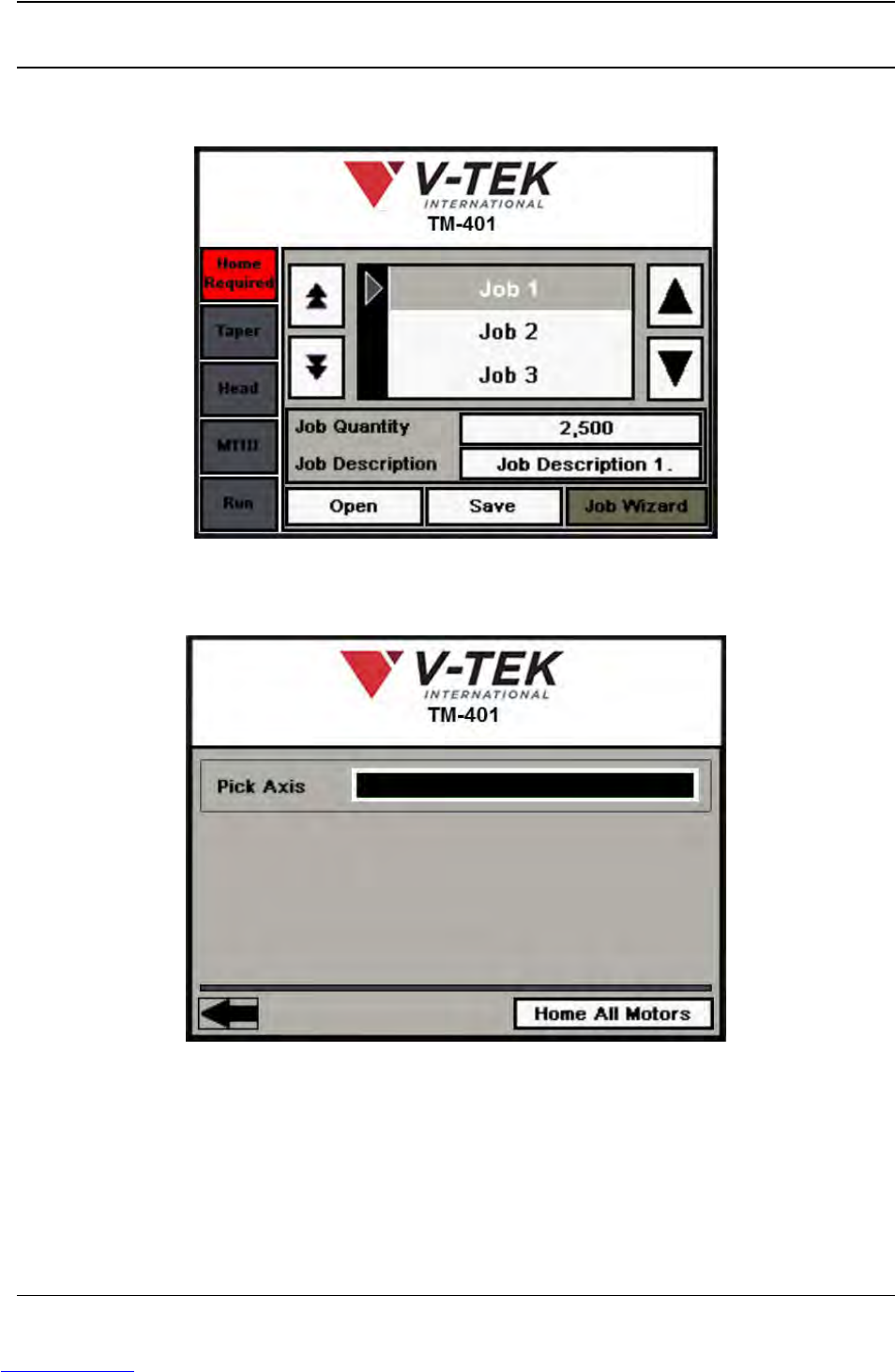
When the TM-401 is initially powered up, the HMI will open to the Job Tab with a red Home
Required button at the top of the Tab Menu and the other tab buttons grayed out.
Homing motors should be done following every system power up or emergency stop. Press
Home Required to open the Homing Status window.
Press the Home All Motors button to begin the homing sequence. Homing progress is displayed
in the Pick Axis Motor Status Bar at the top of the screen.
Downloaded from www.Manualslib.com manuals search engine
D292104.6.fm Job Tab
Chapter 3: Human Machine Interface 3-5
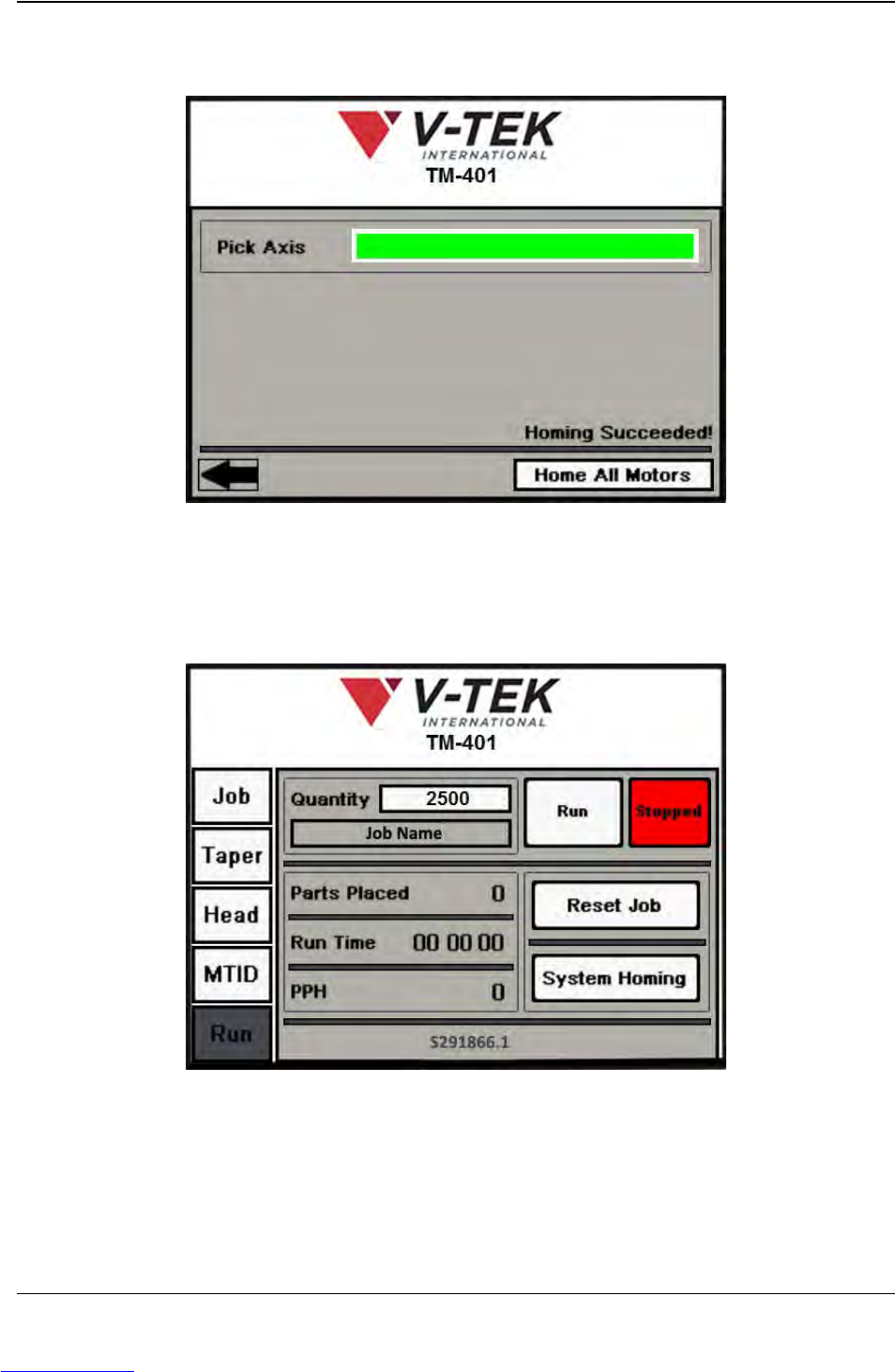
As the homing sequence is completed, the bar gradually turns from black to green. A Homing
Succeeded! message appears at the end of the sequence.
If a problem arises during homing, the status bar will turn red and a Homing Failed message will
appear.
Pressing the Left Arrow button will open the Run Tab.
Select the Job Tab from the Tab Menu to navigate back to the Job Tab.
Downloaded from www.Manualslib.com manuals search engine