4OM-1625-004_w.pdf - 第21页
Safety Precautions Safe-10 1OM-1603 Alert Indications described as " W A RN IN G " (continued) Alert Description Related Items Pay close attention to the cutter blade during the maintenance work. • Lack of atte…
Safety Precautions
Safe-9
1OM-1603
1012-005
3. Alert Indications in Instruction Manual
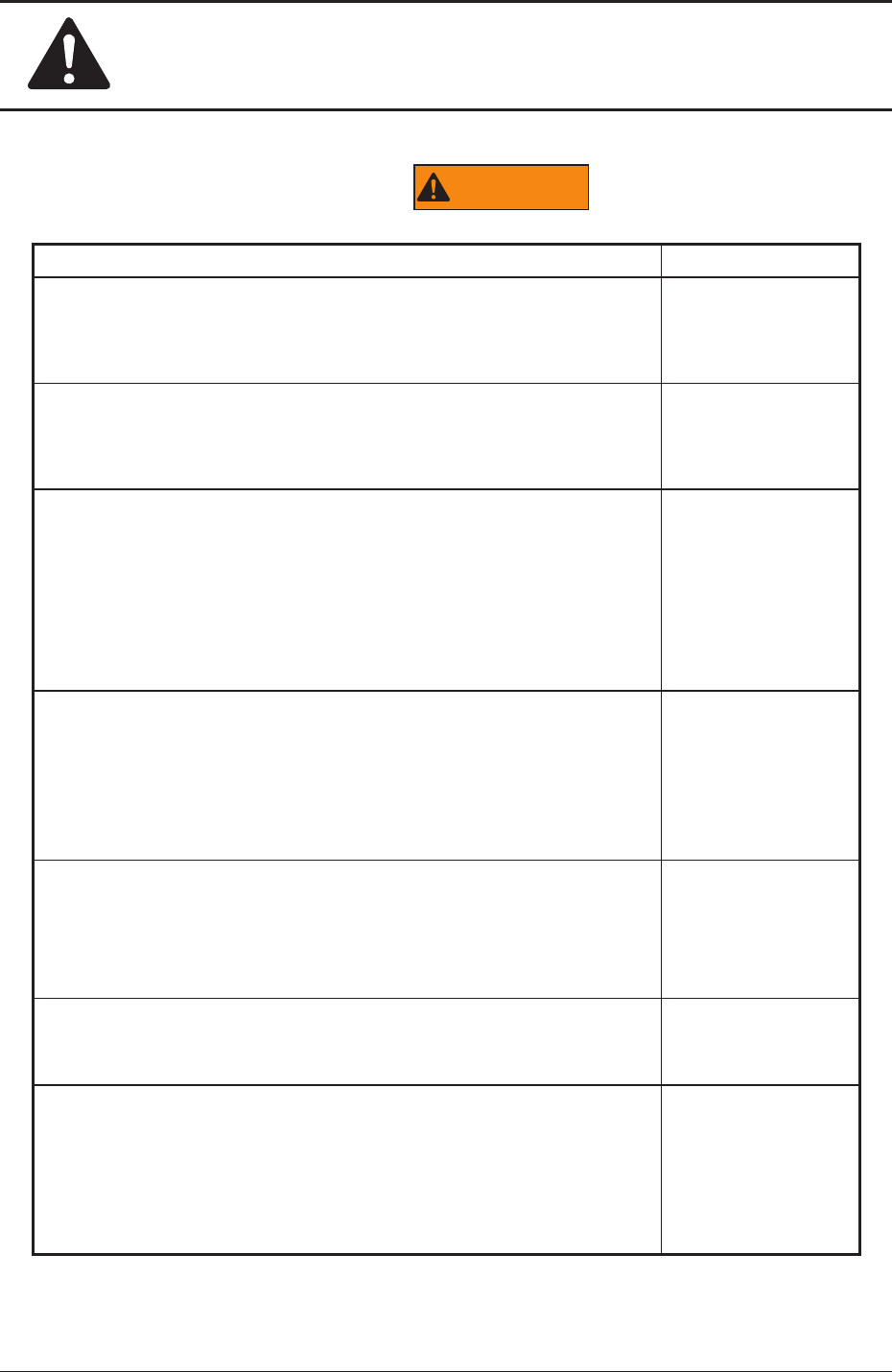
Alert Indications described as "
WARNING
"
Alert Description Related Items
Be sure to keep the all transparent covers closed to avoid any
danger when the automatic operation is started or during the
automatic operation.
"2.2.3" in
"Chapter 1 (Vol. 1)"
Before performing maintenance work, shut off the power breaker
and lock the power breaker with the padlock.
"2.3.1" in
"Chapter 1 (Vol. 1)"
Those who wear implanted pacemakers are not allowed to work
inside the machine.
This machine uses strong permanent magnets in the moving
areas of the X/Y beams.
The pacemaker may be affected by the magnetism and a serious
accident will result.
"3.4" in
"Chapter 1 (Vol. 1)"
If the bank feeder change cart is not set, a clearance will be left
at the feeder setting area and the operator will be exposed to
danger.
Be sure to use the machine with the bank feeder change cart
being attached.
"3.8.1" in
"Chapter 1 (Vol. 1)"
Those who wear implanted pacemakers are not allowed to
handle the tape feeders.
The pacemaker may be affected by the magnetism and a serious
accident will result.
"1.2.2" in
"Chapter 3 (Vol. 1)"
"2.2.4" in
"Chapter 3 (Vol. 1)"
Only a well-trained service person should perform maintenance
taskscarefullythroughthespecied
procedures.
"1.1" in
"Chapter 1 (Vol. 4)"
Before maintenance work, shut off the power breaker and lock
the power breaker with the padlock.
Designate a person who can have charge of the padlock key.
If the provided padlock is lost or damaged, purchase its
substitute.
"1.1" in
"Chapter 1 (Vol. 4)"

Safety Precautions
Safe-10
1OM-1603
Alert Indications described as "
WARNING
" (continued)
Alert Description Related Items
Pay close attention to the cutter blade during the maintenance
work.
•
Lack of attention will result in a hand injury
, etc.
Wear gloves and take the greatest care in performing the work.
•
Be sure to attach the cutter blade cover to the cut unit during
the maintenance work for safety purposes.
"3.2.6" in "Chapter
1 (Vol. 4)"
1003-003
3. Alert Indications in Instruction Manual
Safety Precautions
Safe-11
1OM-1603
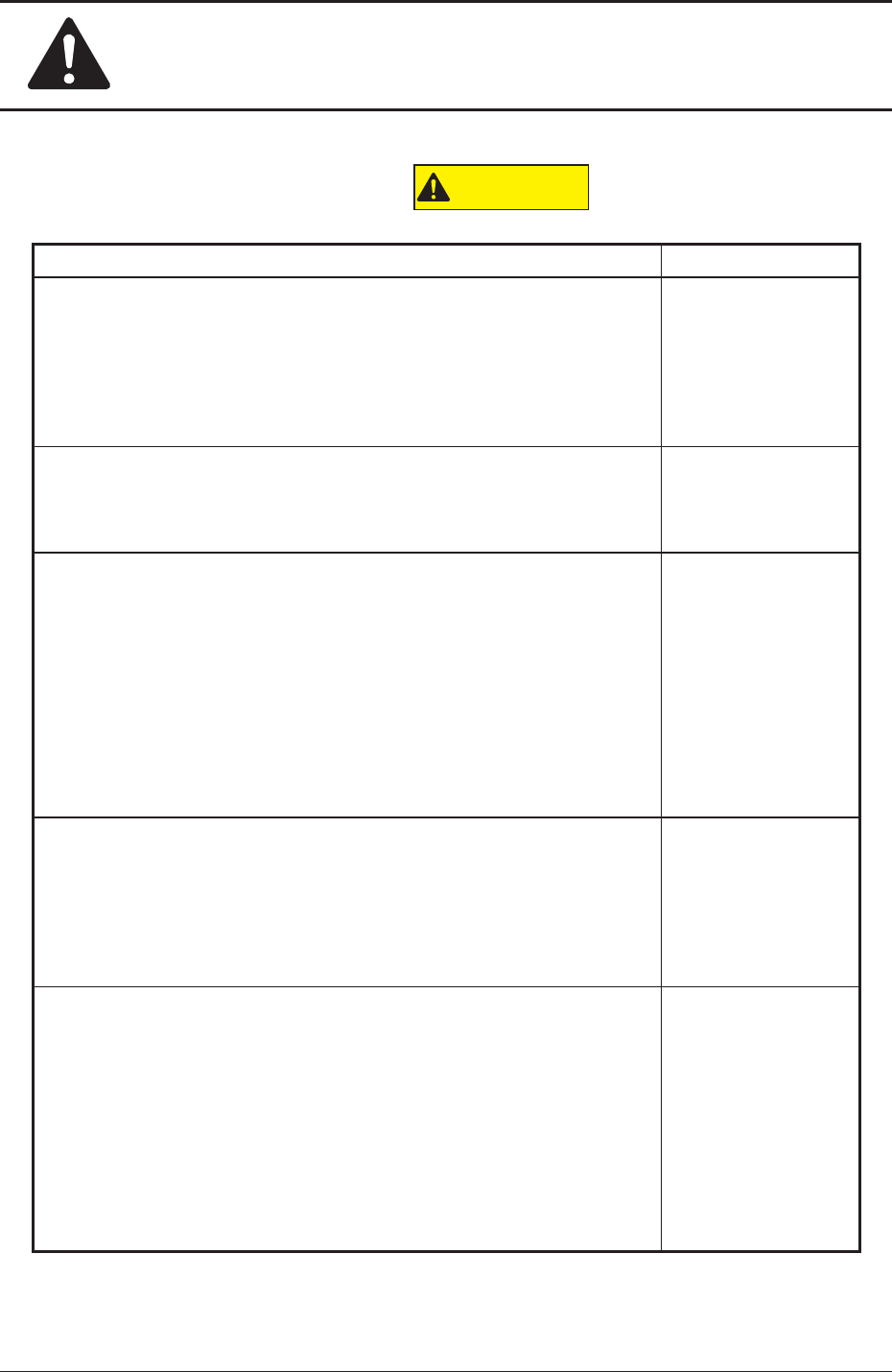
Alert Indications described as "
CAUTION
"
Alert Description Related Items
Avoidhandandngerinjuries.
•
Be careful to avoid hand and nger injuries when closing the
transparent covers.
•
Hold the handgrip rmly and open or close the cover (door type)
slowly.
"2.2.3" in
"Chapter 1 (Vol. 1)"
When the green lamp of the light tower is ON or ickering (ON and
OFF), it indicates that the static machine is in the "Automatic" mode
(standby mode).
"2.6" in
"Chapter 1 (Vol. 1)"
Before
performinganywork,conrm
thatthe"LOCK"lampon
the operation panel is "ON" (green).
•
Ifthe"LOCK"lampis
notturnedon,themachinecanbe
operated at any time from the front and rear sides, endangering
the operators around the machine.
•
Before performing any setup work with the machine being
powered up, turn on the [PNL CHANGE] button and the
"LOCK"lamponthefront
ortherearoperationpanel.
"2.3.4" in
"Chapter 1 (Vol. 1)"
Before operating the machine, conrm that there are no people around
the machine (especially, the other side of the machine operation) and no
objects such as tools and parts are left around the machine.
"3.2" in
"Chapter 1 (Vol. 1)"
"1.1.4" and
"4.1" in
"Chapter 3 (Vol. 1)"
When a PCB is trapped in the PCB receiving area between the
main machine and the input or the output machine, be sure to
stop the machine before removing the PCB.
Depending on the setting of the PCB discharge from the input machine
to the output machine, the conveyor might be moved in direction Y
because the "PCB Direction Y Arrangement Operation" is performed at
the moment when the PCB is removed. In such case, your nger might
be caught.
"3.2" in
"Chapter 1 (Vol. 1)"
1012-005
3. Alert Indications in Instruction Manual