4OM-1625-004_w.pdf - 第23页
Safety Precautions Safe-12 1OM-1603 1012-005 3. Alert Indications in Instruction Manual Alert Indications described as " CAUTION " (continued) Alert Description Related Items Strong Magnetism • Do not bring any…
Safety Precautions
Safe-11
1OM-1603
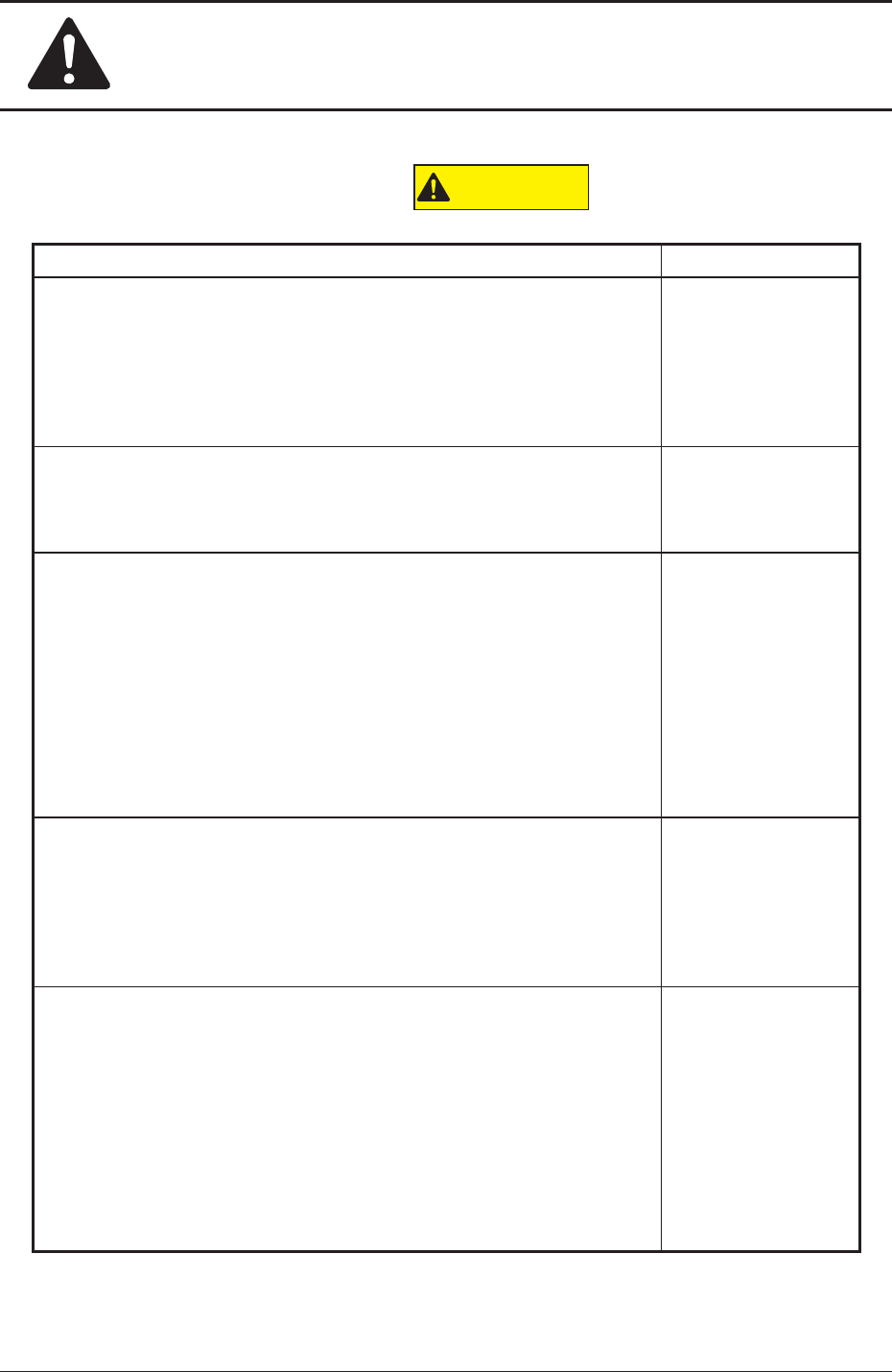
Alert Indications described as "
CAUTION
"
Alert Description Related Items
Avoidhandandngerinjuries.
•
Be careful to avoid hand and nger injuries when closing the
transparent covers.
•
Hold the handgrip rmly and open or close the cover (door type)
slowly.
"2.2.3" in
"Chapter 1 (Vol. 1)"
When the green lamp of the light tower is ON or ickering (ON and
OFF), it indicates that the static machine is in the "Automatic" mode
(standby mode).
"2.6" in
"Chapter 1 (Vol. 1)"
Before
performinganywork,conrm
thatthe"LOCK"lampon
the operation panel is "ON" (green).
•
Ifthe"LOCK"lampis
notturnedon,themachinecanbe
operated at any time from the front and rear sides, endangering
the operators around the machine.
•
Before performing any setup work with the machine being
powered up, turn on the [PNL CHANGE] button and the
"LOCK"lamponthefront
ortherearoperationpanel.
"2.3.4" in
"Chapter 1 (Vol. 1)"
Before operating the machine, conrm that there are no people around
the machine (especially, the other side of the machine operation) and no
objects such as tools and parts are left around the machine.
"3.2" in
"Chapter 1 (Vol. 1)"
"1.1.4" and
"4.1" in
"Chapter 3 (Vol. 1)"
When a PCB is trapped in the PCB receiving area between the
main machine and the input or the output machine, be sure to
stop the machine before removing the PCB.
Depending on the setting of the PCB discharge from the input machine
to the output machine, the conveyor might be moved in direction Y
because the "PCB Direction Y Arrangement Operation" is performed at
the moment when the PCB is removed. In such case, your nger might
be caught.
"3.2" in
"Chapter 1 (Vol. 1)"
1012-005
3. Alert Indications in Instruction Manual
Safety Precautions
Safe-12
1OM-1603
1012-005
3. Alert Indications in Instruction Manual
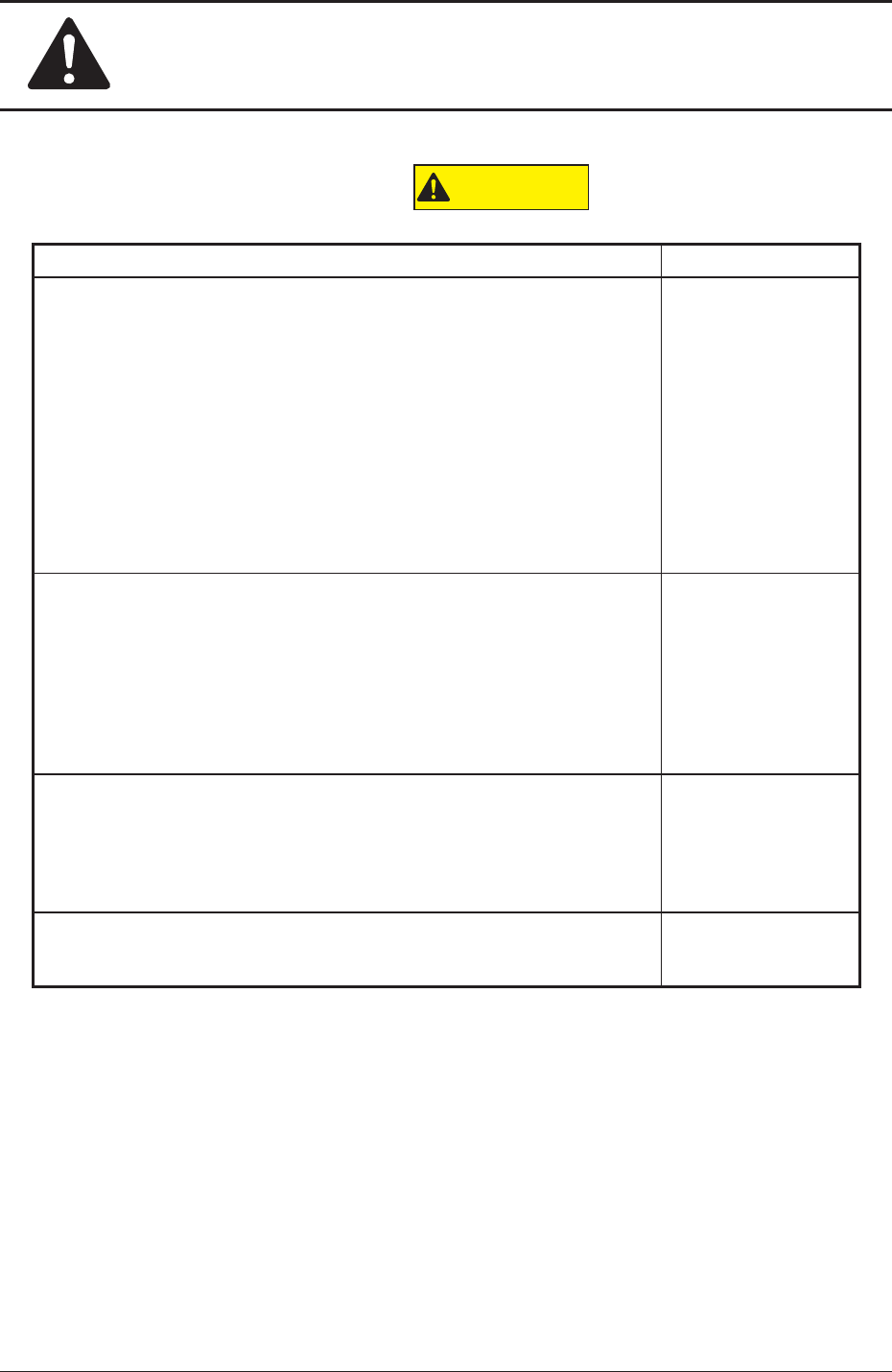
Alert Indications described as "
CAUTION
" (continued)
Alert Description Related Items
Strong Magnetism
•
Do not bring any metal of high magnetizability close to this.
Otherwise, such metal will easily be magnetized and attracted,
causing an injury to the operator or breakdown of the machine.
•
Do not bring any object such as a magnetic card and a watch
close to the machine.Such an object can easily be affected by
the magnetism.
The data of the magnetic card might be cleared or a watch, etc., may
be damaged due to the strong magnetism.
"3.4" in
"Chapter 1 (Vol. 1)"
When a tape feeder is attached or detached, be sure not to drop
it.
Otherwise, a foot injury will result or the feeder itself may be damaged.
Carefully handle each feeder one by one and do not drop any.
"3.8" in
"Chapter 1 (Vol. 1)"
"2.2.4" in
"Chapter 3 (Vol. 1)"
"3.1" in
"Chapter 3 (Vol. 1)"
Hazardoustoyourhandsand
ngers!
·
Be sure to hold the handle to move the bank feeder change cart.
·
Be careful not to hit your hand against the cover while installing the
bank feeder change cart onto the main machine.
"3.8.1" in
"Chapter 1 (Vol. 1)"
Hazardous
toyourhandsand
ngers!
·
Be sure to hold the handle to move the bank feeder change cart.
"2.2.4" in
"Chapter 3 (Vol. 1)"
Safety Precautions
Safe-13
1OM-1603
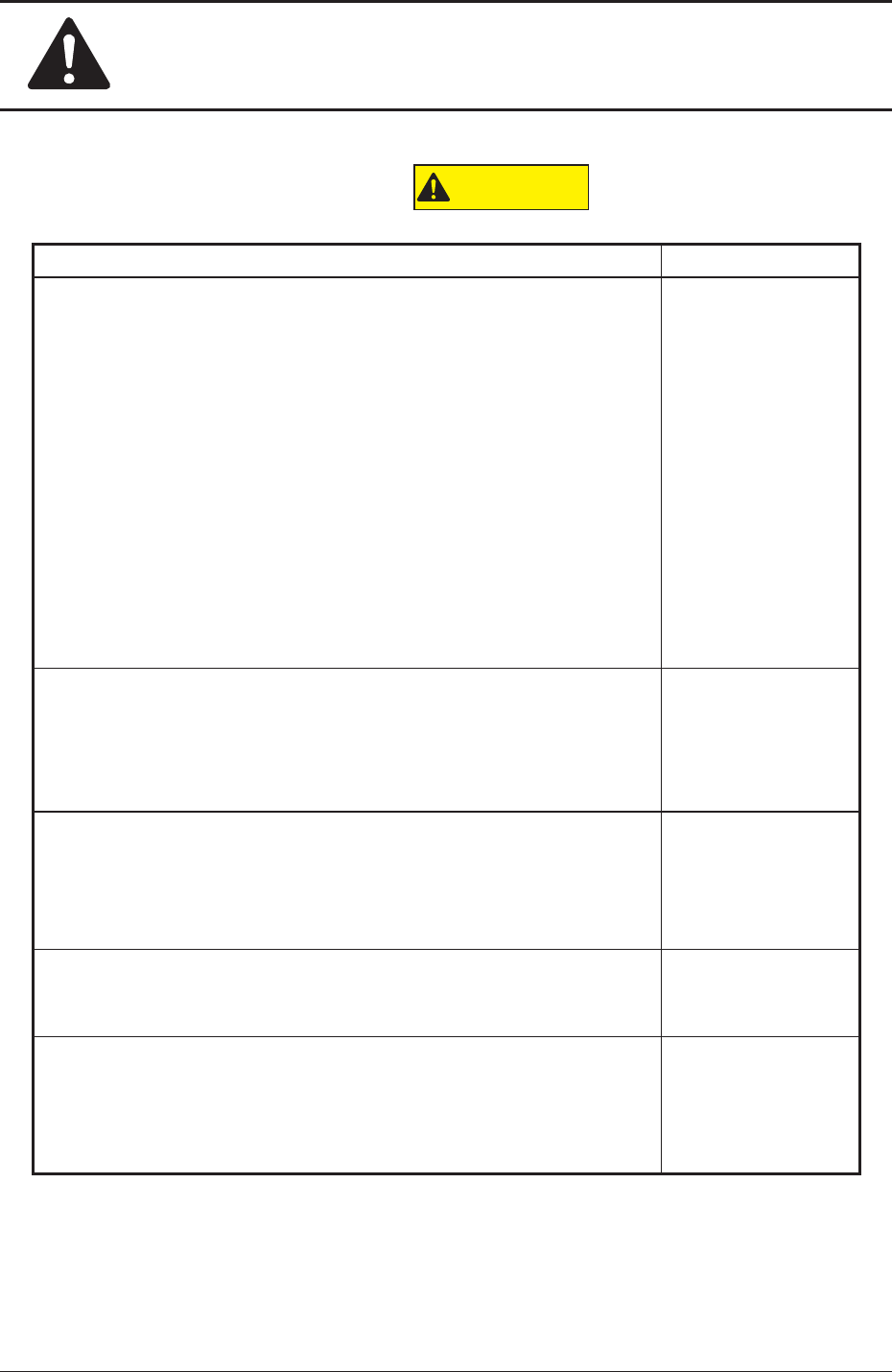
Alert Indications described as "
CAUTION
" (continued)
Alert Description Related Items
Watchyourstep!
·
Be careful not to hit your foot against the cart while moving the bank
feeder change cart.
Especially, the resistance against cart movement may change rapidly
when the oor is ragged and the cart gets caught on the oor or
a sheet is used and the cart gets caught at the edge or a slackened
portion of the sheet.
·
Make sure to insert the feeder into the deep end.
When the tape feeder is mounted onto the feeder carriage, make sure
that it has been inserted into the deep end and xed securely.
In the case that it has not been xed securely, the tape feeder might
fall, which might cause a lower leg injury or damage to the feeder.
"3.8.1" in
"Chapter
1 (Vol. 1)"
"2.2.4" in
"Chapter 3 (Vol. 1)"
Do not put your hand in the moving area while the feeder base is
moving up or down.
While the LED of the Feeder Ready switches are being ickering, it
indicates that the corresponding feeder base is moving up and down.
"2.2.5" in
"Chapter 1 (Vol. 1)"
The load power to the motors, etc., is turned OFF but the setup
operation must be performed carefully when you put your hand
inside
themachine.Avoidhand
andngerinjuries.
"2.3.5" in
"Chapter 3 (Vol. 1)"
"4.2" and "4.4.1" in
"Chapter 6 (Vol. 2)"
The padlock key should be kept in such a way that nobody except the
personnel in charge of maintenance can supervise it.
"4.3" in
"Chapter 2 (Vol. 1)"
Even when the power breaker is set to "OFF", the primary line is
powered, making it possible to cause an electric shock.
Be sure to completely stop the power supply to the machine before
maintenance work.
"1.1" in
"Chapter 1 (Vol. 4)"
1012-005
3. Alert Indications in Instruction Manual