MAN00000772_SI-G200BB_SVCPDFA.pdf - 第709页
XY axis movable parts RPGB-1 1301-01 Change Procedure for Y Axis LM-GUIDE SEET 7 / 9 13 Connect the Y-axis motor power connector (YM) 14, Turn off/on power for the unit to return to hom e 15, Refer to the following Auto …
XY axis movable parts
RPGB-11301-01
Change Procedure for
Y Axis LM-GUIDE
SEET
6
/
9
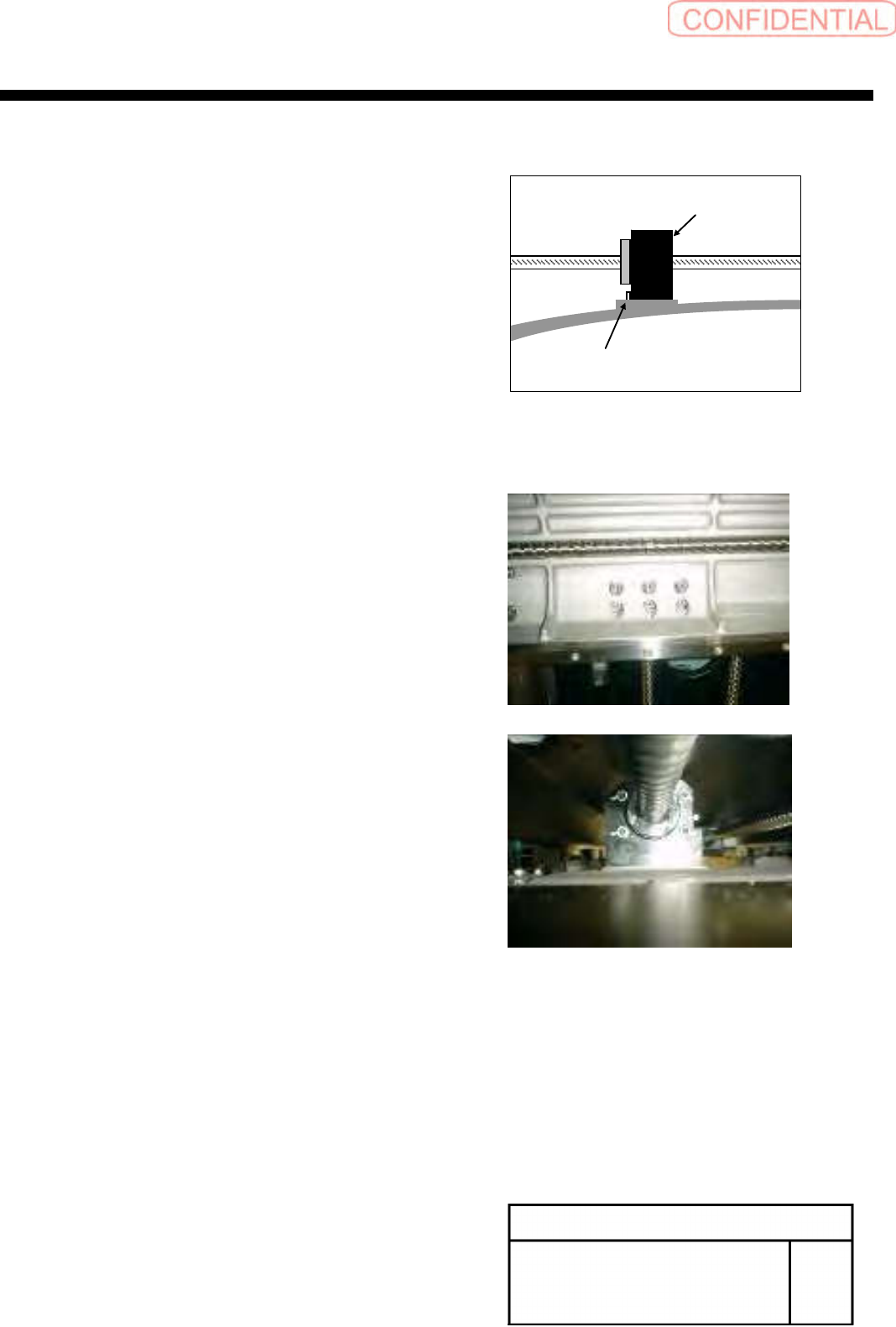
12, Confirm the position of X axis frame,
2 – 3mm from the motor side of mechanical end
Then Install ball screw of nut folder to the X-axis,
tighten it
12-1 Push a nut holder to a positioning pin
and tighten a screw at the opposite angle
12-2 Loosen a screw fixing a nut holder and the nut
of the ball screw and close it at the opposite angle again
12-3 again 12-1
12-4 again 12-2
POINT
Confirm Motion smoothly when move
Y-axis back and forth
PositioningPin
Nutfolder
XY axis movable parts
RPGB-11301-01
Change Procedure for
Y Axis LM-GUIDE
SEET
7
/
9
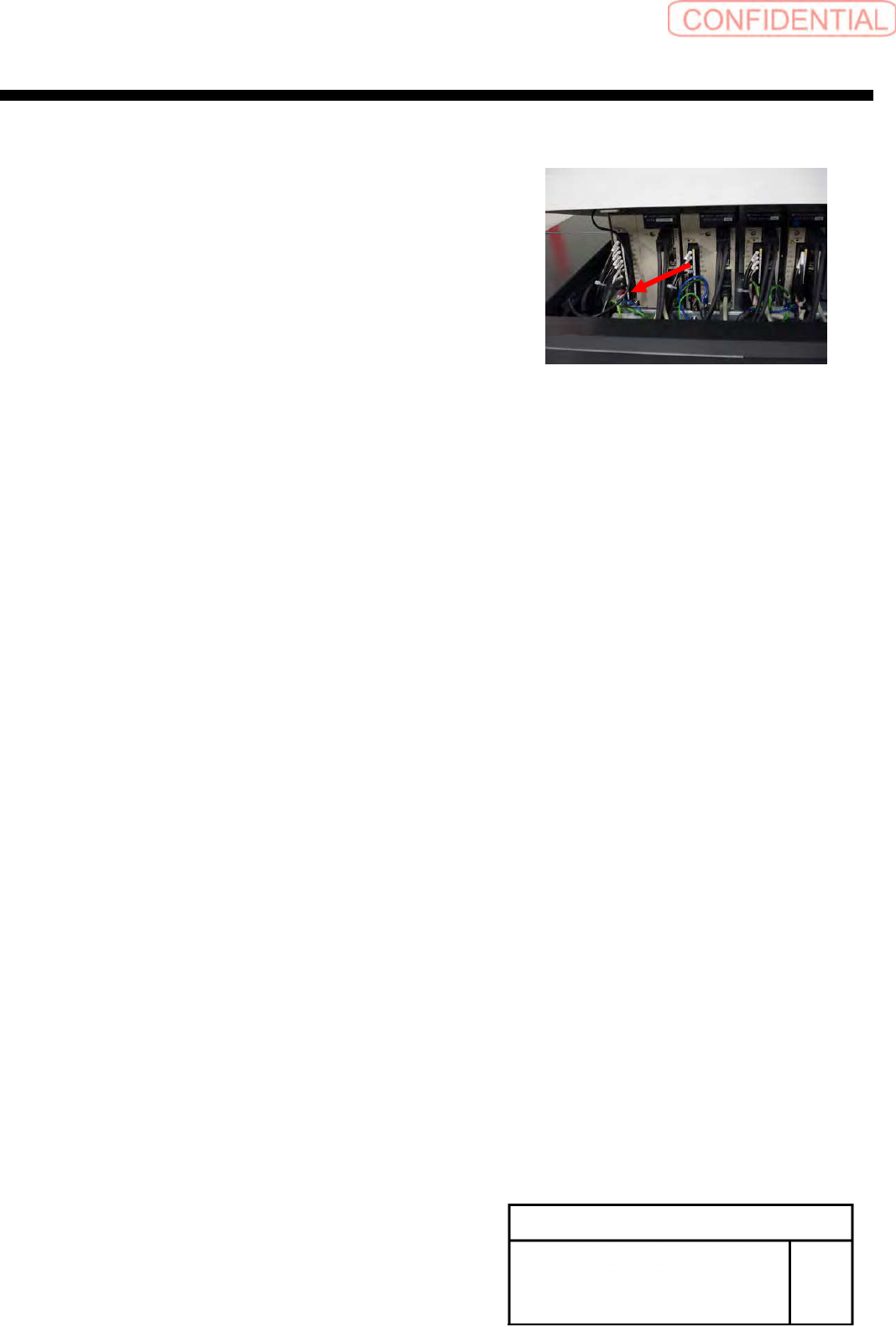
13 Connect the Y-axis motor power connector (YM)
14, Turn off/on power for the unit to return to home
15, Refer to the following
Auto Calibration HLGA-10320-02
16, Refer to the following
Pickup Position HLGA-10314-01
Pickup Position HLGA-10315-01
XY axis movable parts
RPGB-11301-01
Change Procedure for
Y Axis LM-GUIDE
SEET
8
/
9
[Reference information]
Method to change a LM guide at the right and left at the same time
[Necessary jigs]
■ JIG stand
■ JIG jack
Working operation is same time as FRONT side and REAR side
1,
Put the jig stand
Put the jig jack on jig stand for support of X-Axis
POINT
Please do not push up X-axis
JIG jack is fixed in the height in which a little motion remain
When there is not a JIG jack, substitute another JIG and use it
(Reference height of JIG stand to LM-guide rail 251mm)
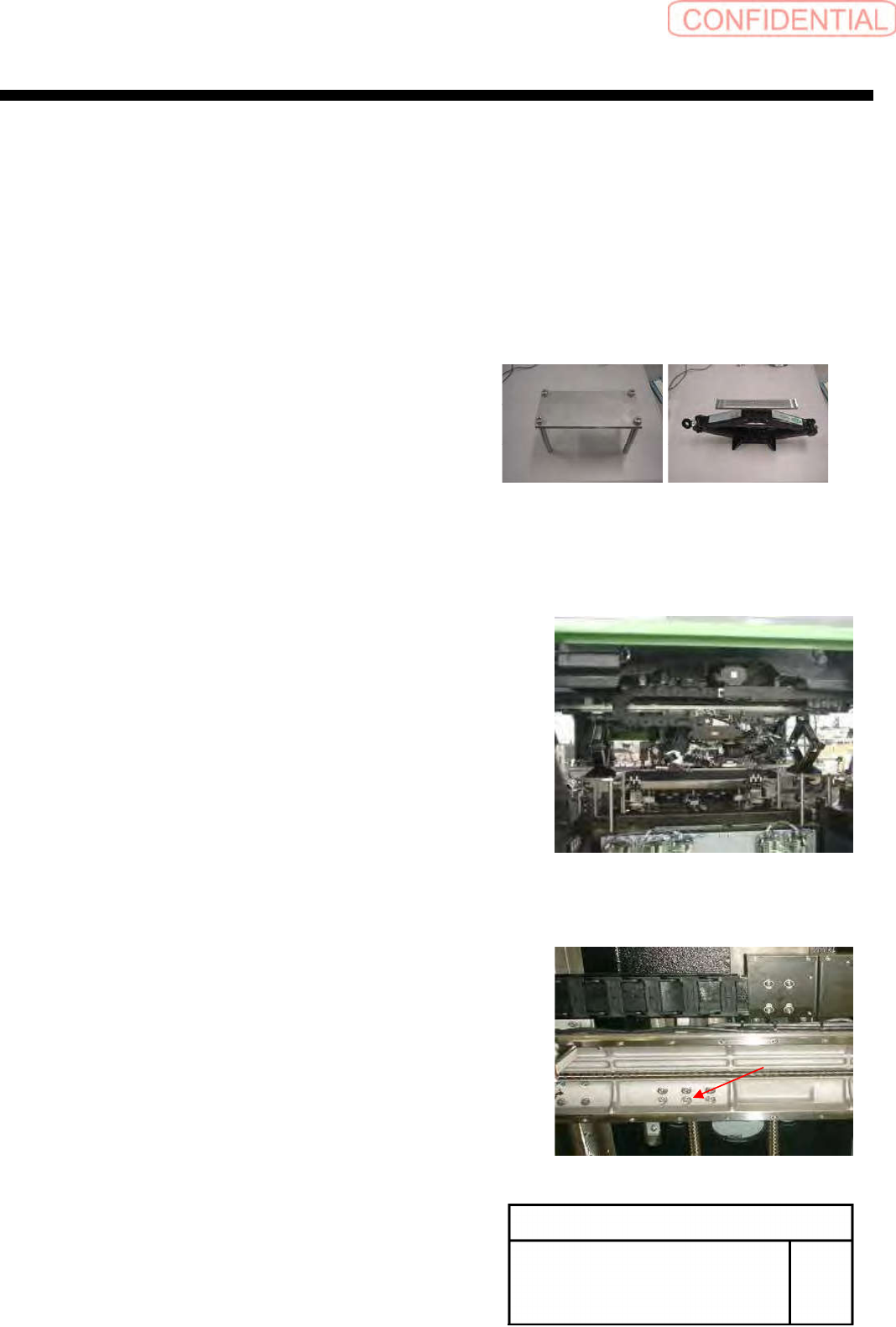
2, Fixed the screw in X-axis and nut holder of
a Y-axis ball screw, unscrew it