TR7500E_Manual_en_v28.pdf - 第183页
C h a p t e r 3 A O I A T P G F u n c t i o n i n s t r u c t i on T R 7500 U S E R M A N U AL 1 76 n C h g – C h a n g e t h e p r i m a r y o r s e c o n d a r y i n d e x n a m e . n D e l – D e l e t i o n t h e p r …
Chapter 3 AOI ATPG Function instruction
TR7500 USER MANUAL
175
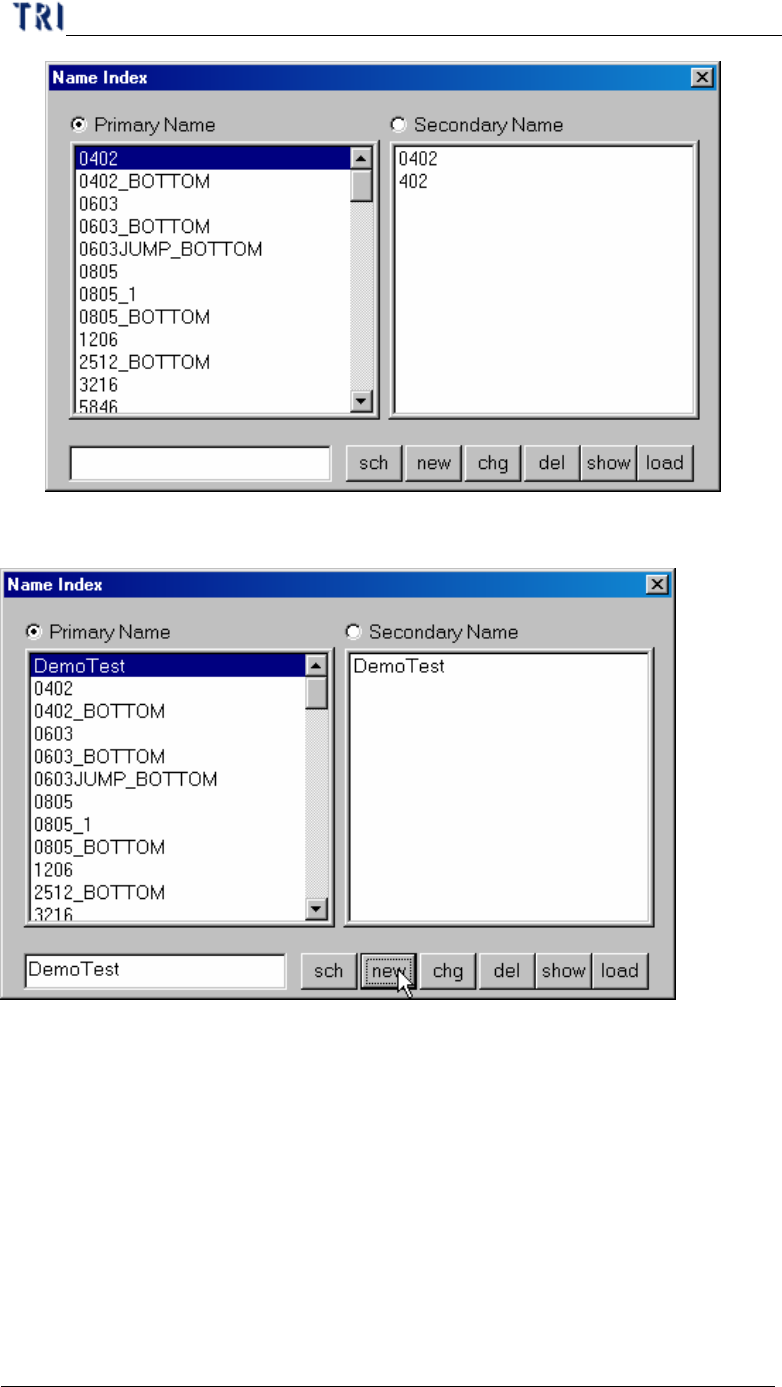
n Sch – Search the index name.
n New – Creating the primary or secondary index name.
Chapter 3 AOI ATPG Function instruction
TR7500 USER MANUAL
176
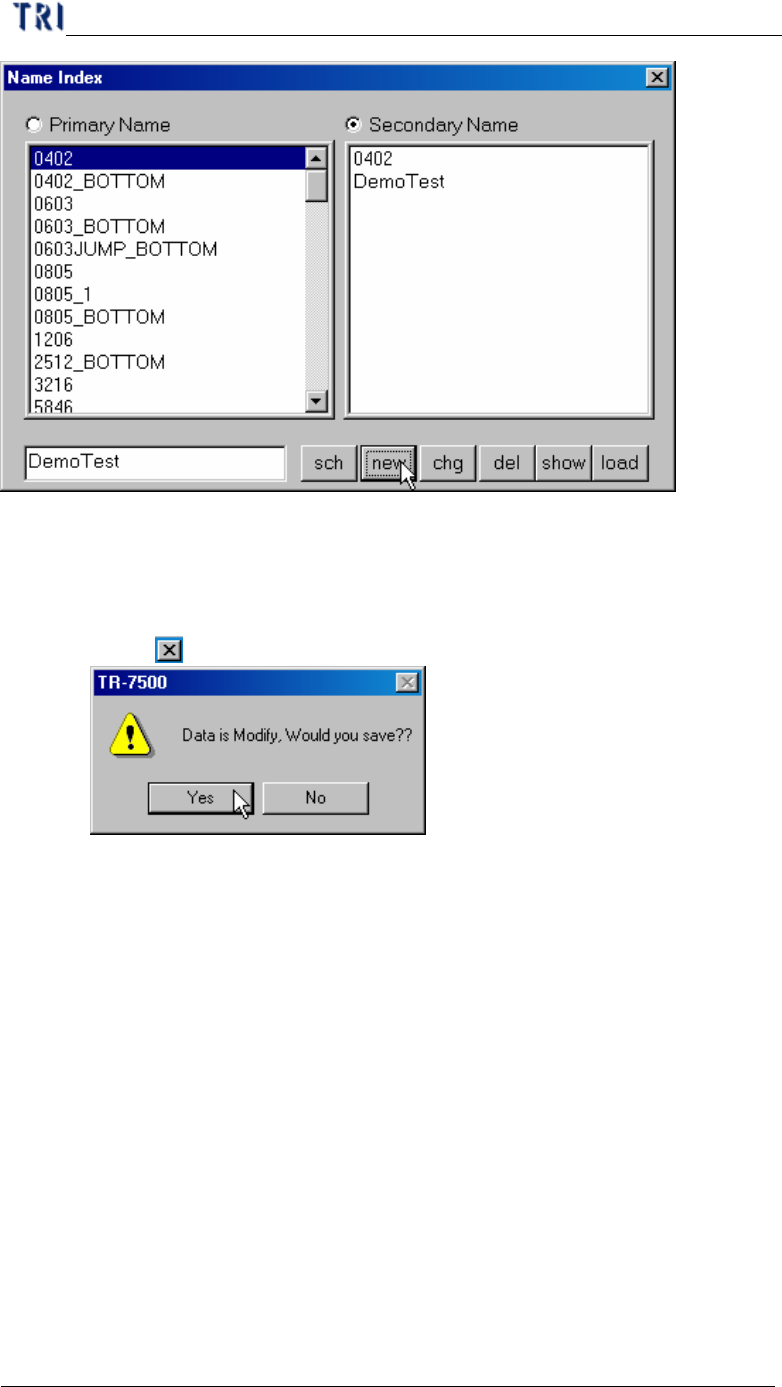
n Chg – Change the primary or secondary index name.
n Del – Deletion the primary or secondary index name.
n Show – *******
n Load – Reload the index name.
n Close ( ) – Press [Yes] to save.
10.6.2. Original Size
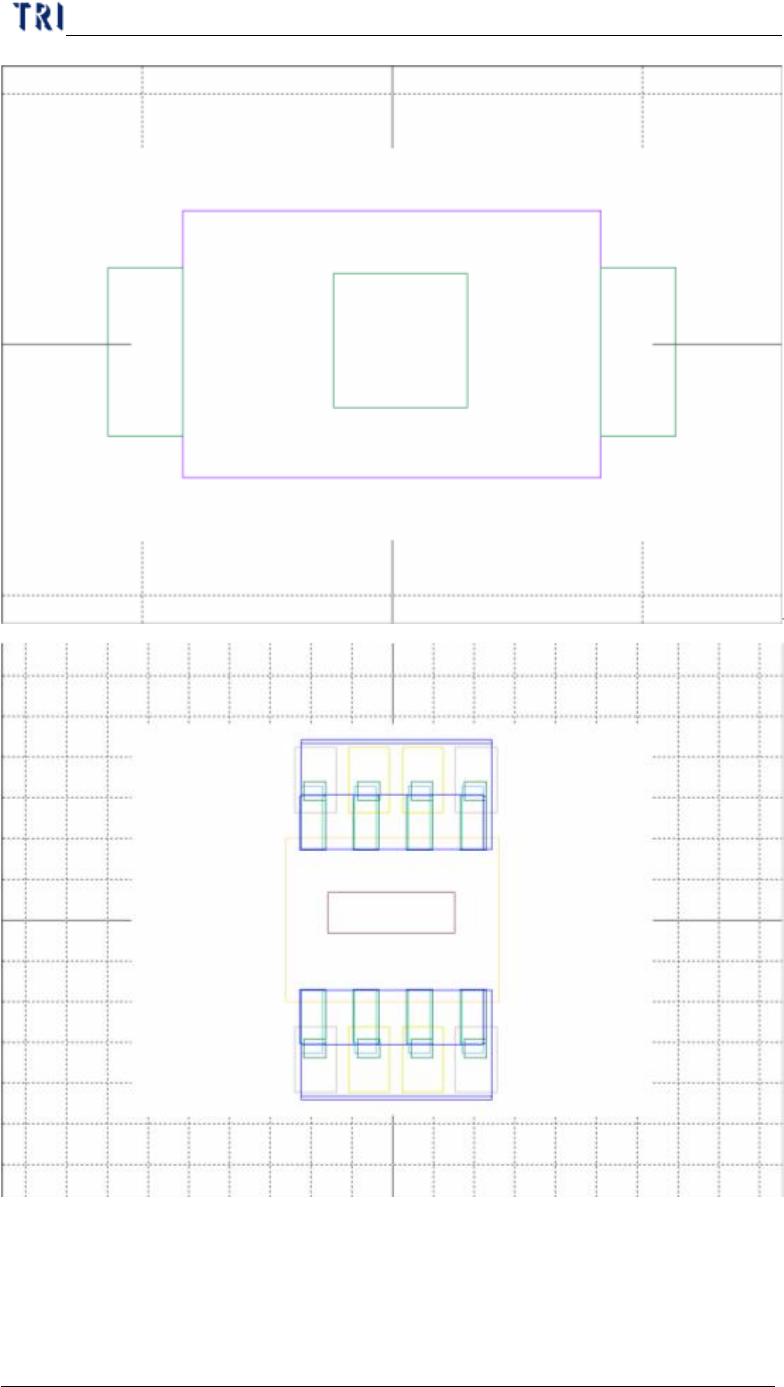
l Press [Original Size] to go back to the original size and image frame.
10.6.3. Suit Size
l Press [Original Size] to show all windows with suit size in drawing frame.
Chapter 3 AOI ATPG Function instruction
TR7500 USER MANUAL
177
10.6.4. Move Center
l In image frame you can press [Move Center] to move the camera to component
center.