TR7500E_Manual_en_v28.pdf - 第252页
C h a p t e r 4 T r a i n d i a l og f u n c t i on T R 7500 U S E R M A N U AL 2 45 6.2.7. D ele t e B o x l S e l ec t a n i n s p ec t i o n bo x t h e n p r e ss [ D e l e t e B o x ] t o d e l e t e i t . 6.2.8. A d…
Chapter 4 Train dialog function
TR7500 USER MANUAL
244
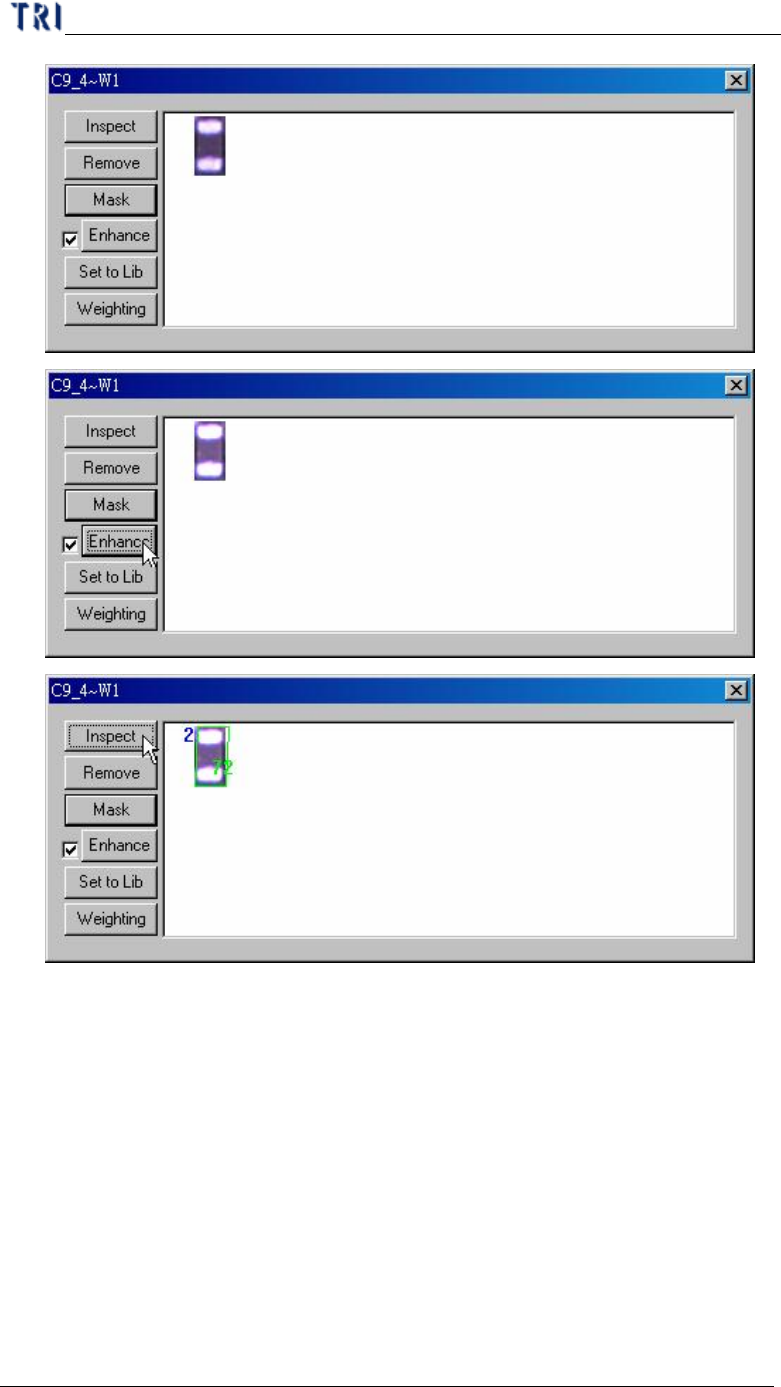
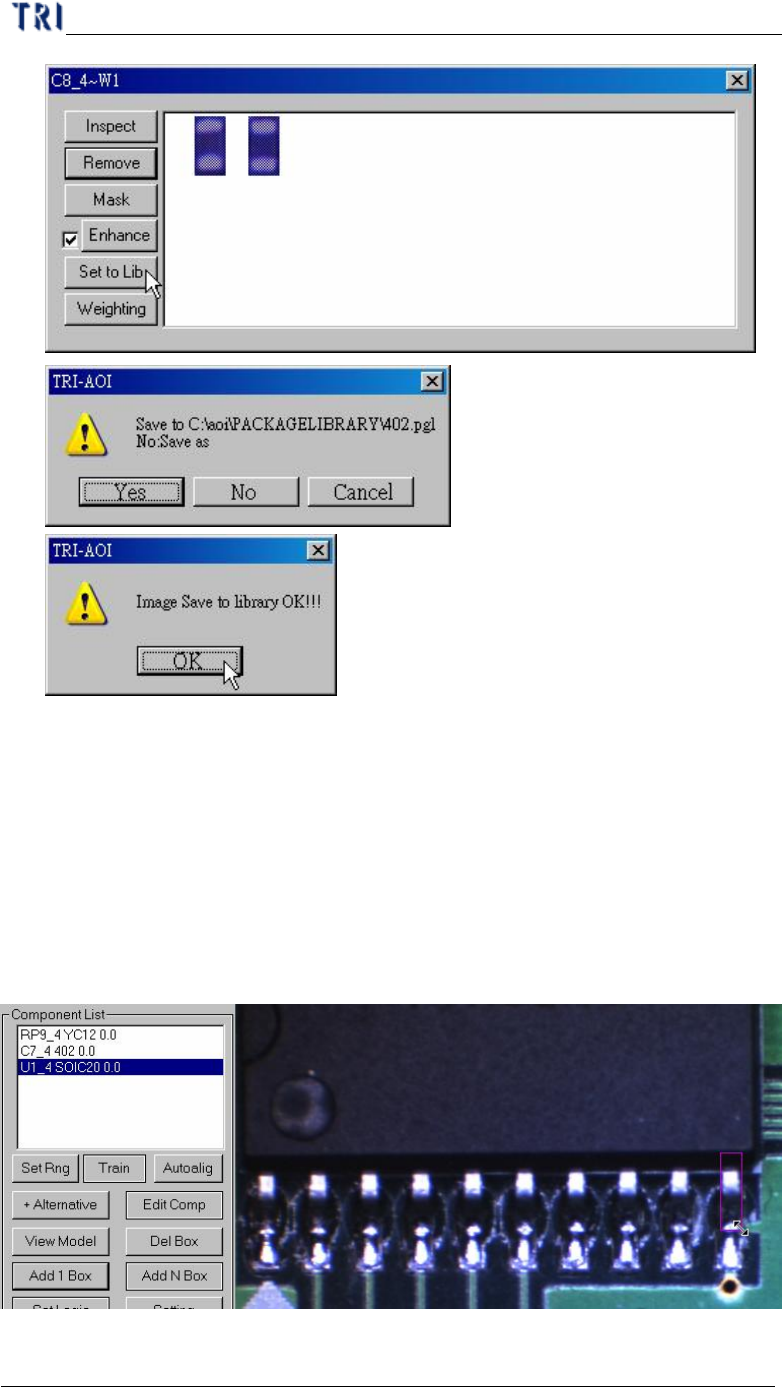
n Set to Lib – You can use this function to save the alternative image back to
package library and image library. Select an image first and press [Set to
Lib]. Then input the file name and press [Open] to finish setting.
Chapter 4 Train dialog function
TR7500 USER MANUAL
245
6.2.7. Delete Box
l Select an inspection box then press [Delete Box] to delete it.
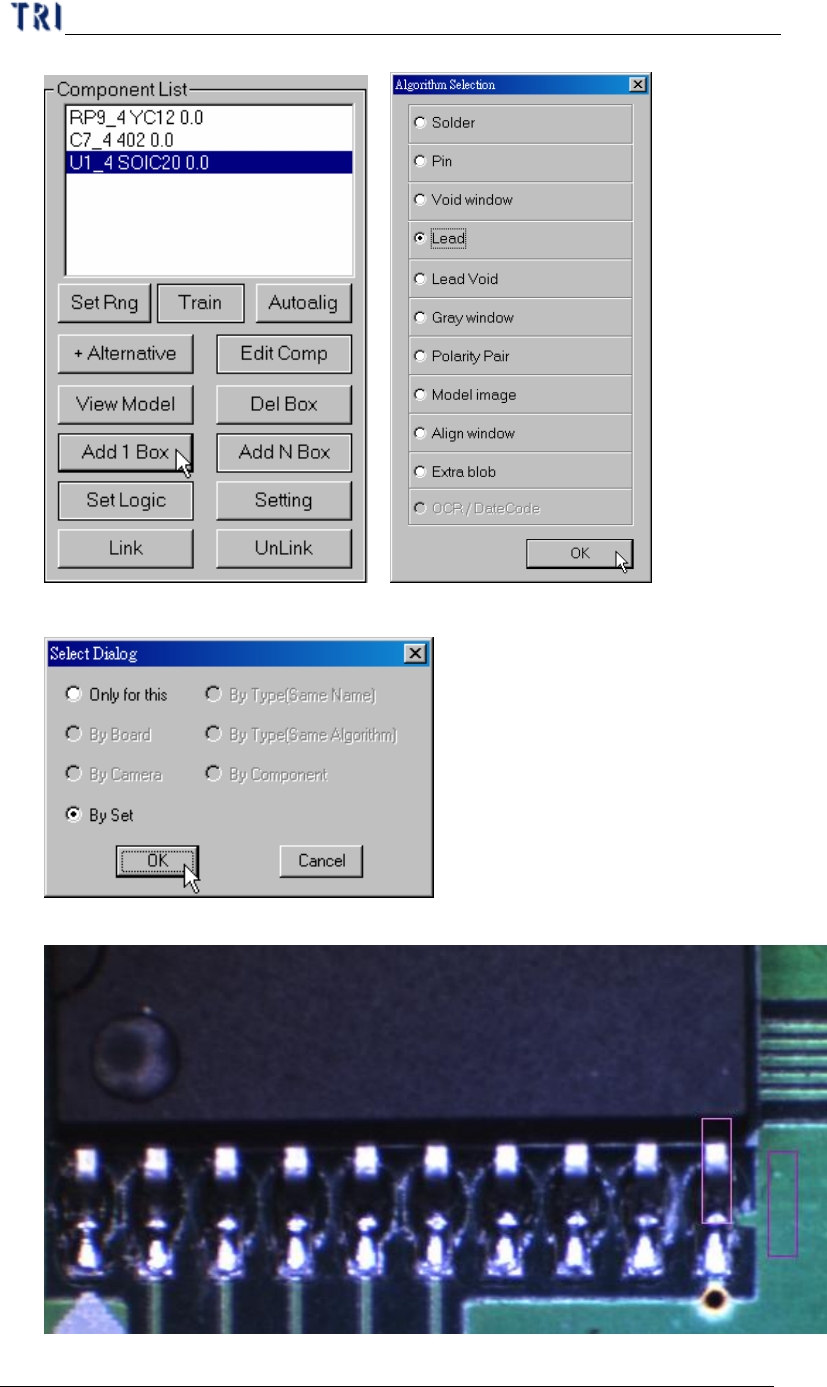
6.2.8. Add 1 Box
l Press the button to add an inspection box for the selected component.
l Setting Steps
Step1. Select a component and adjust the multi-function window to the size and
position of inspection box wanting to add.
Step2. Press [Add 1 Box] button and select the inspection algorithm.
Chapter 4 Train dialog function
TR7500 USER MANUAL
246
Step3. Select the rules to apply the setting.
Step4. Finish adding an inspection box.