TR7500E_Manual_en_v28.pdf - 第206页
C h a p t e r 3 A O I A T P G F u n c t i o n i n s t r u c t i on T R 7500 U S E R M A N U AL 1 99 O n l y m i s s i n g b o x c a n b e s e l e c t ed 10.8.4. C a m e r a l T o d i s p l a y w i t h t op c a m e r a . …
Chapter 3 AOI ATPG Function instruction
TR7500 USER MANUAL
198
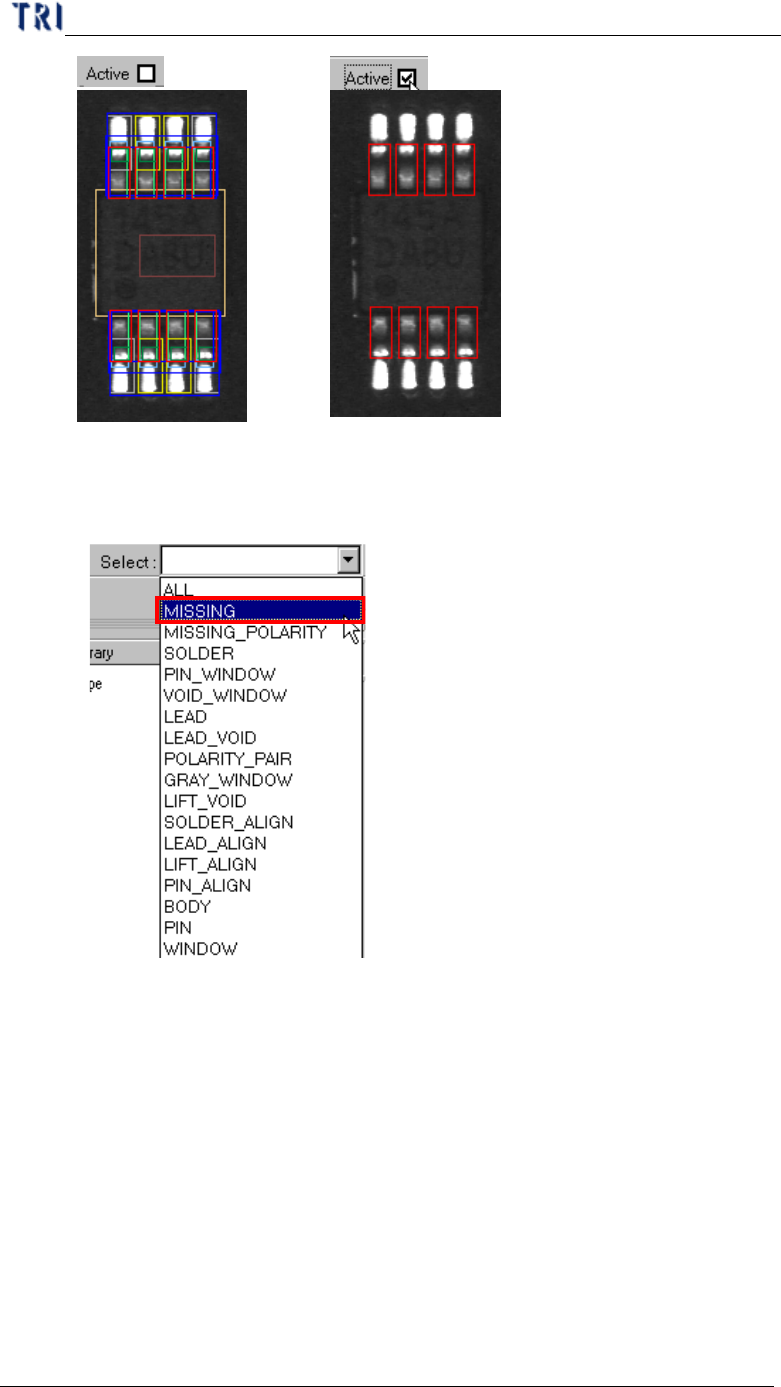
10.8.3. Select
l You can choose a specific kind of windows to be selected.
Chapter 3 AOI ATPG Function instruction
TR7500 USER MANUAL
199
Only missing
box can be
selected
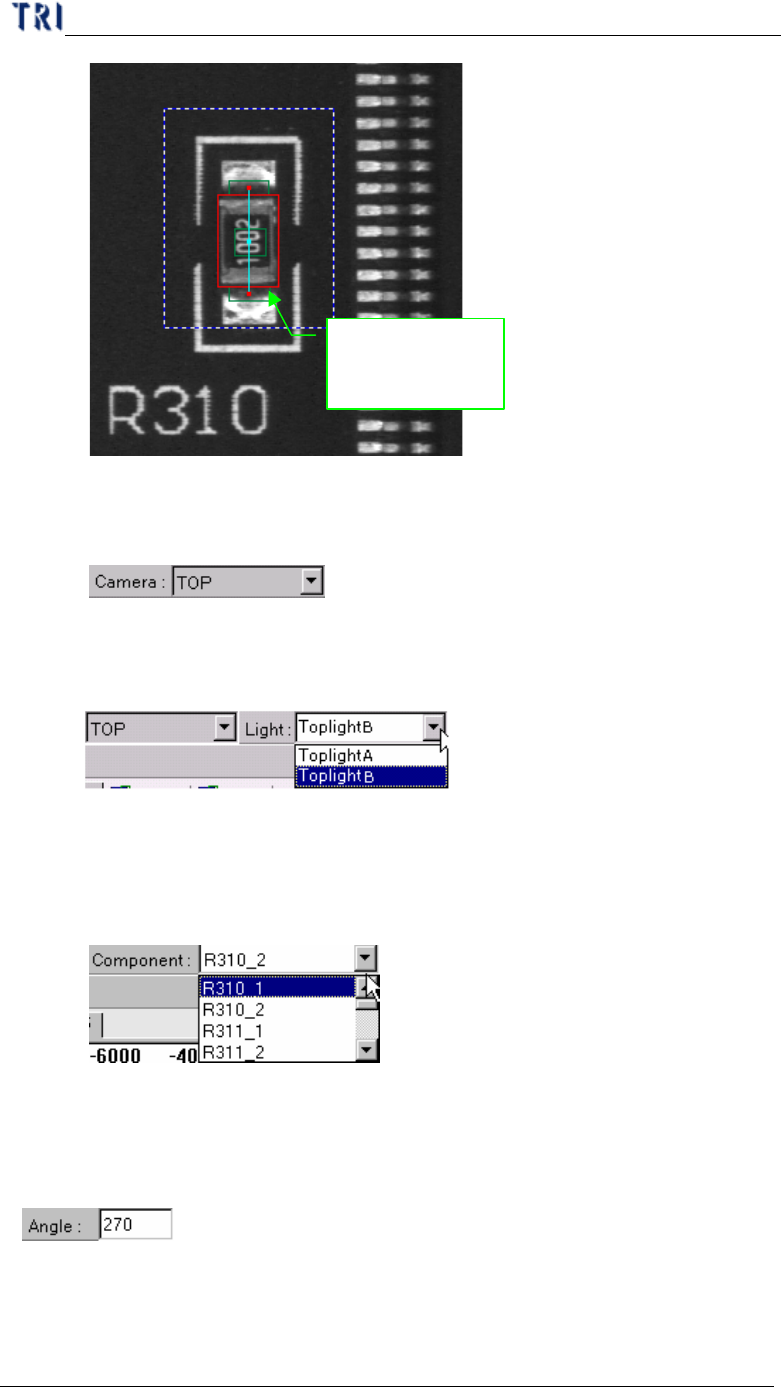
10.8.4. Camera
l To display with top camera.
10.8.5. Light
l You can choose specific light to display.
10.8.6. Component
l You can select any component in this type according to CAD file. The
camera will move to grab the image of specific component.
10.8.7. Angle
l Display the angle of current component. You can change the value to see the
rotation of inspection boxes, but the real angle can’t be changed here.
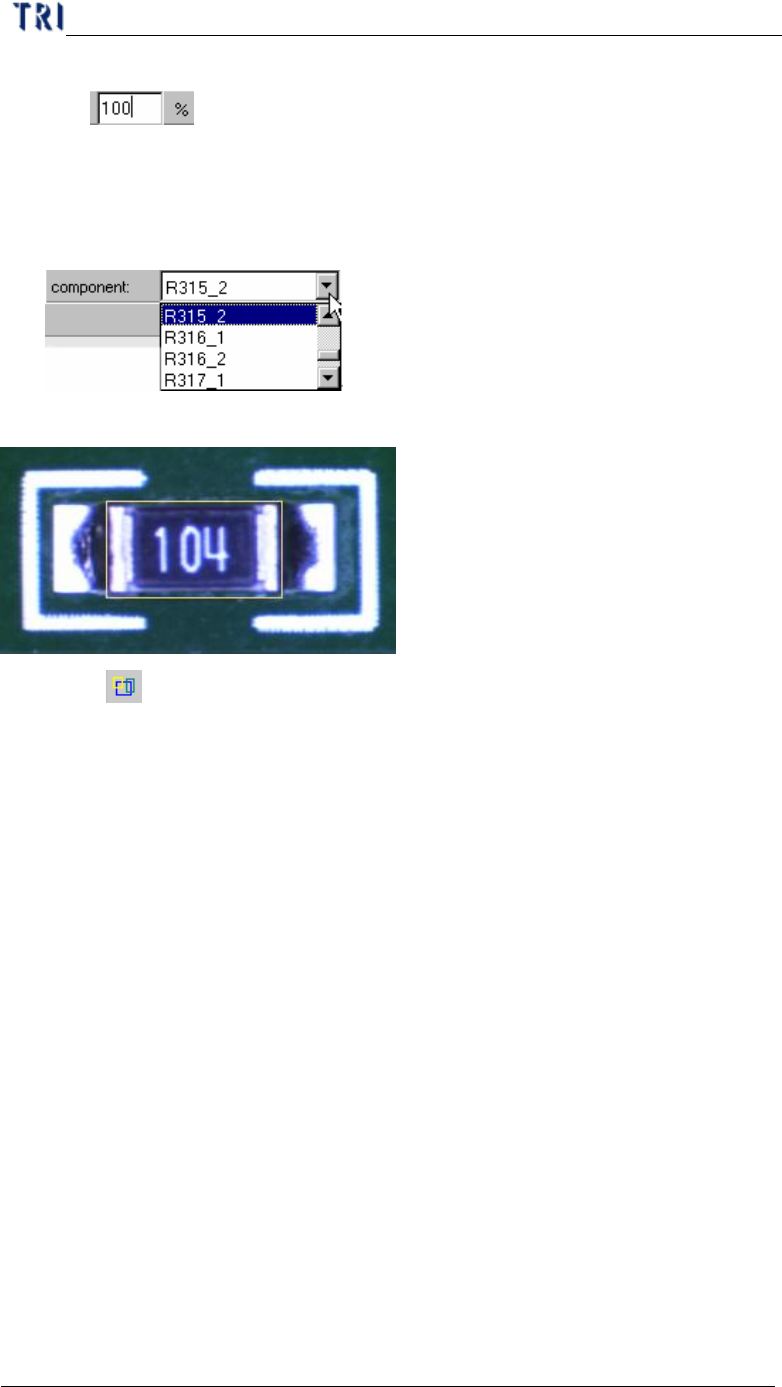
10.8.8. %
l You can change the value to reduce or enlarge the size of all boxes. When
Chapter 3 AOI ATPG Function instruction
TR7500 USER MANUAL
200
you save the library, the current size will be saved.
10.9. Example for editing component library
10.9.1. Example 1 – Chip
(1) Choose a component that is not shifted or skew and have beautiful shape.
(2) Then resize the body window to match the component area.
(3) Press [ Add all] to add missing and void window. The system will create one
missing window on the body window and two void windows at the tow short
sides of missing window separately.