TR7500E_Manual_en_v28.pdf - 第269页
C h a p t e r 4 T r a i n d i a l og f u n c t i on T R 7500 U S E R M A N U AL 2 62 6.12.2. S a v e l S a v e t h e i m a g e i n t h e i m a g e a r e a t o [ I m a g e L i b r a r y ] f o l d e r . Y o u s h o u l d s…
Chapter 4 Train dialog function
TR7500 USER MANUAL
261
Yes
No
6.11. Train/ Untrain/ Test/ Untest
6.11.1. Train
l Train the selected inspection box.
n For all FOV – Train all inspection boxes.
n For untrained – Train all untrained inspection boxes.
6.11.2. UnTrain
l Untrain the selected inspection box
n For all FOV – Untrain all inspection boxes.
6.11.3. Test
l Set the selected inspection box as test.
6.11.4. Untest
l Set the selected box as untest.
6.12. Image Library
6.12.1. Load
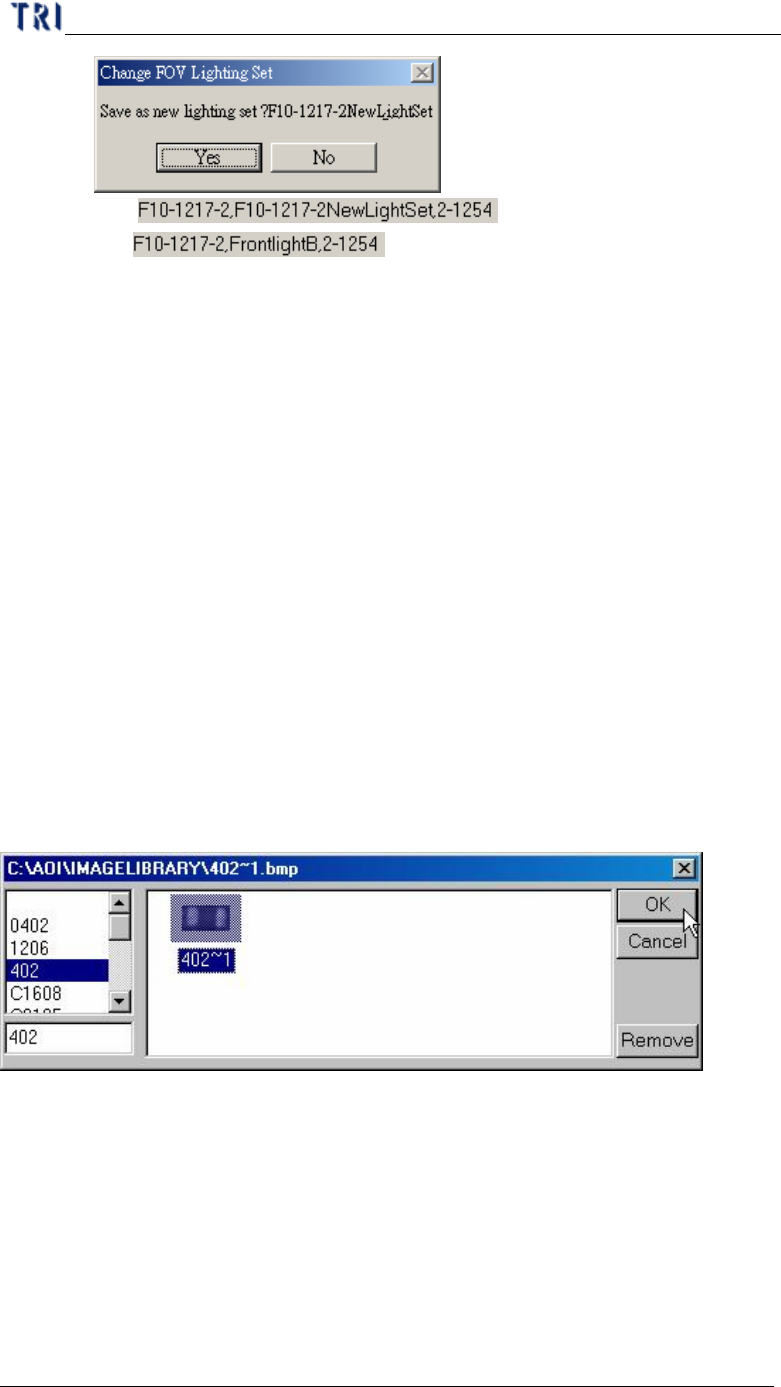
l You can load the saved image to use. You can see the image after loading.
Chapter 4 Train dialog function
TR7500 USER MANUAL
262
6.12.2. Save
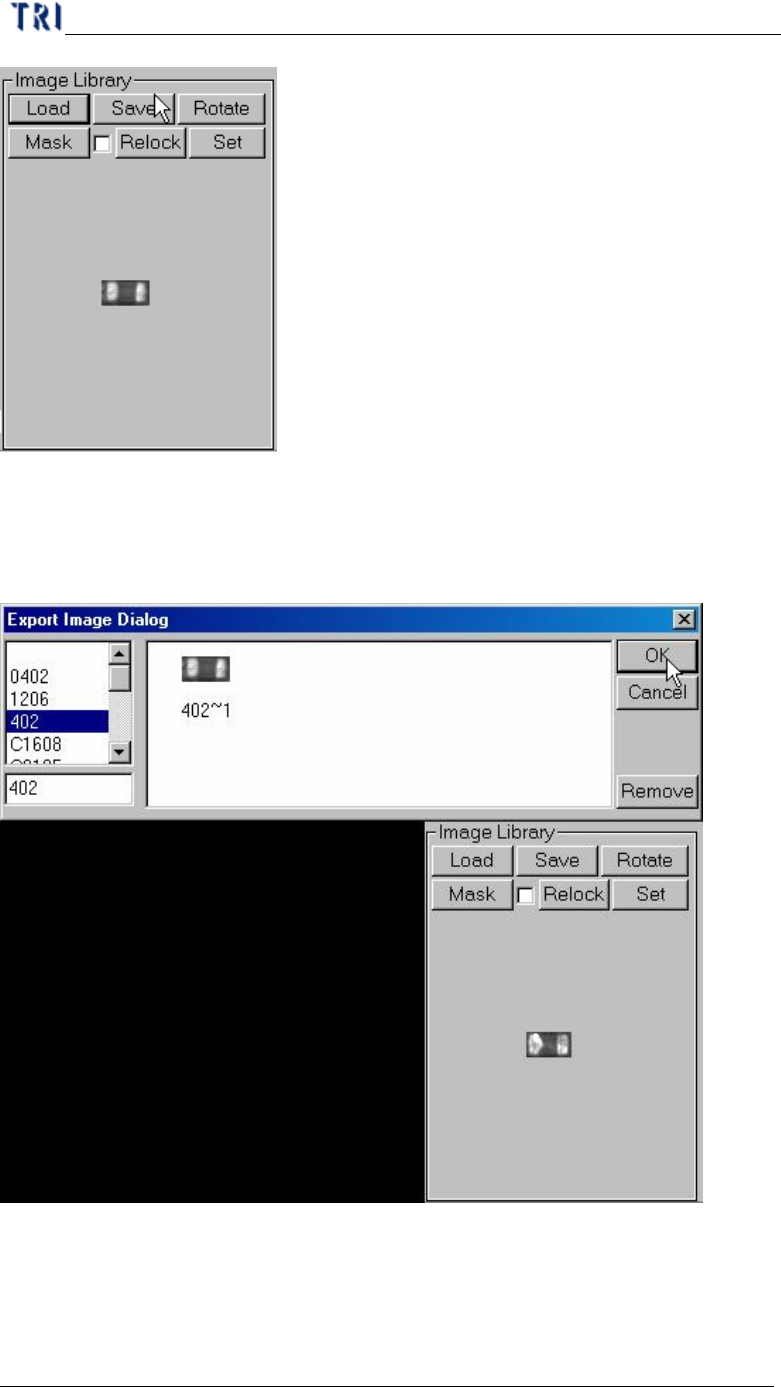
l Save the image in the image area to [ImageLibrary] folder. You should select a
type to save in.
Chapter 4 Train dialog function
TR7500 USER MANUAL
263
6.12.3. Rotate
l Rotate the current image. It rotates 90 degree for one click.
6.12.4. Mask
l You also can set the mask of image here.
6.12.5. Relock
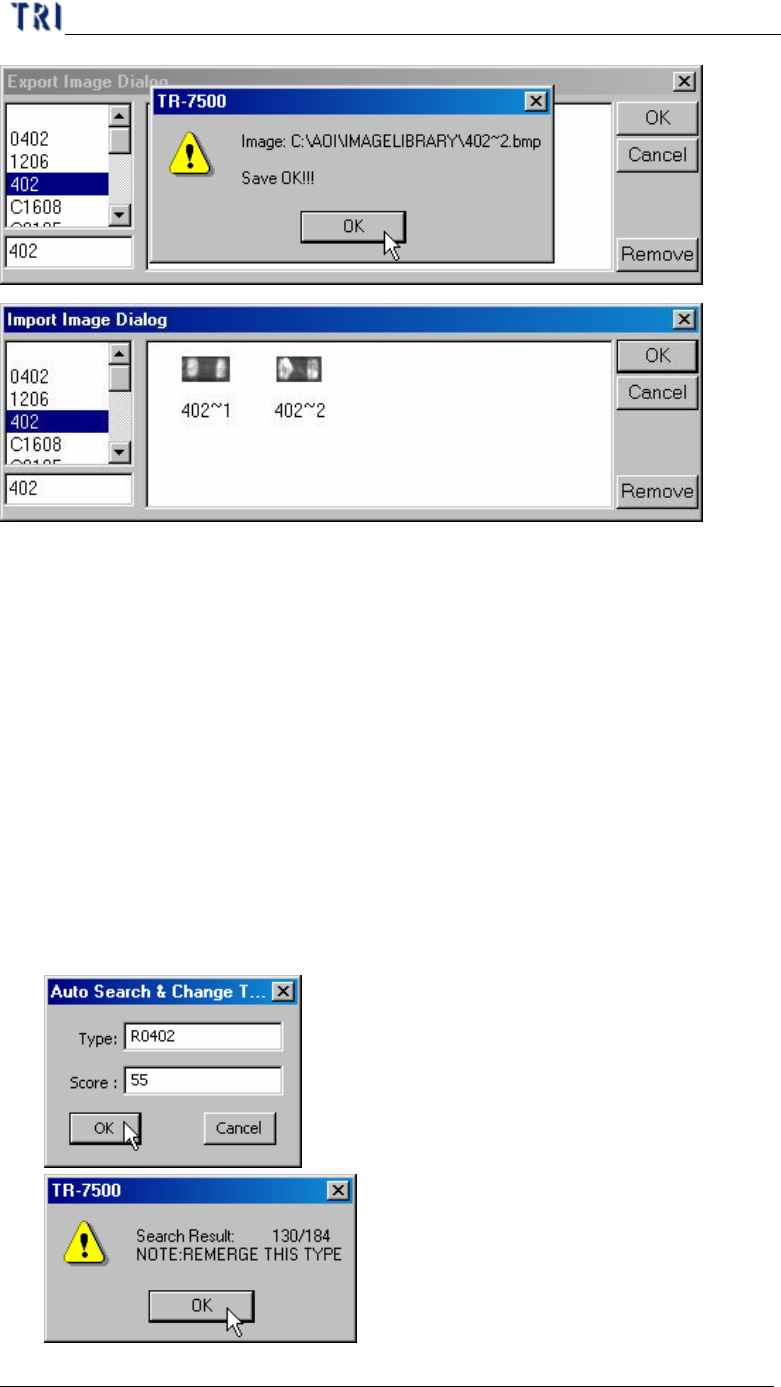
l The system will relocate the inspection box according to the image in image
area.
l If you select the check box the following dialog is appeared. The system will
change the type name when the similarity is up to the score. The system will tell
you how many components are changed.