TR7500E_Manual_en_v28.pdf - 第205页
C h a p t e r 3 A O I A T P G F u n c t i o n i n s t r u c t i on T R 7500 U S E R M A N U AL 1 98 10.8.3. S elec t l Y ou ca n c h o o s e a s p e c i f i c k i n d o f w i n do w s t o b e s e l e c t e d .
Chapter 3 AOI ATPG Function instruction
TR7500 USER MANUAL
197
10.8. Others
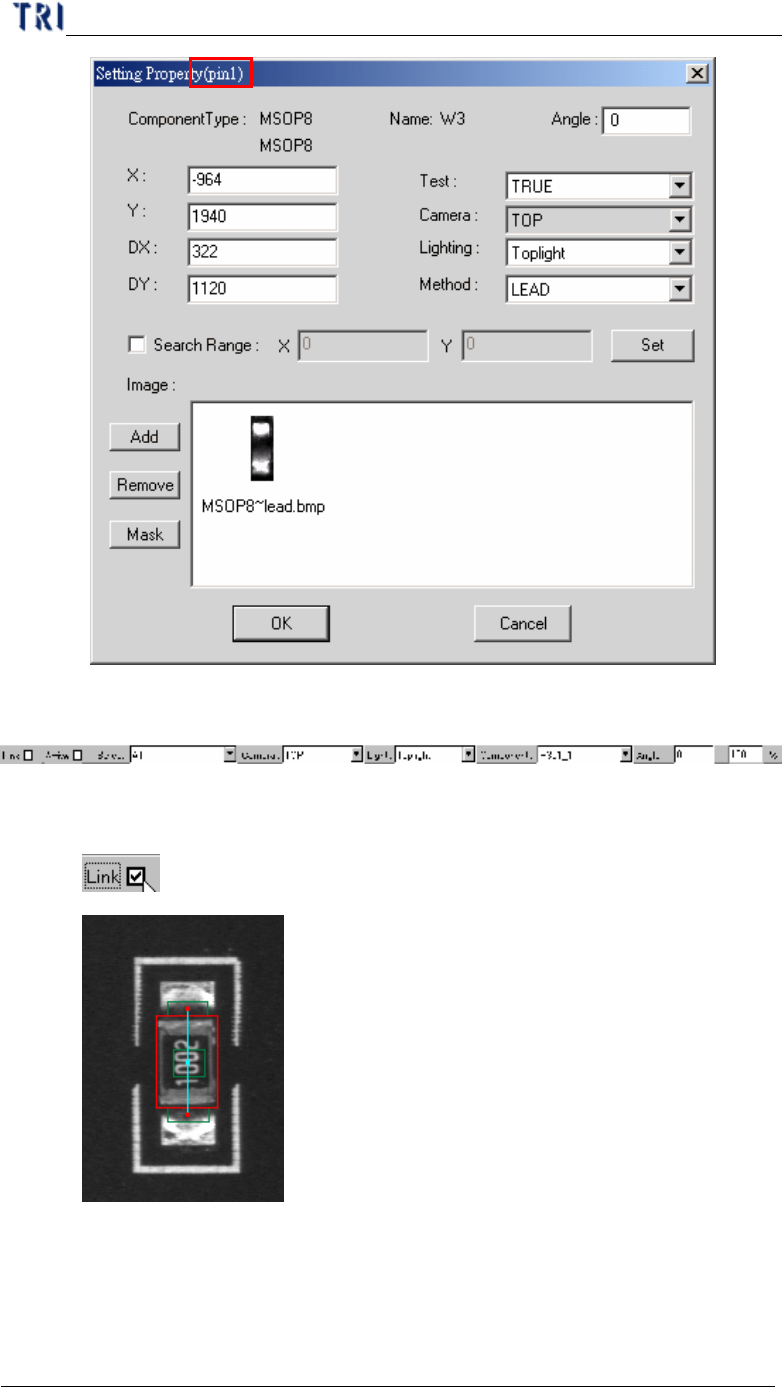
10.8.1. Link
l Check link to display the link of active box with other boxes.
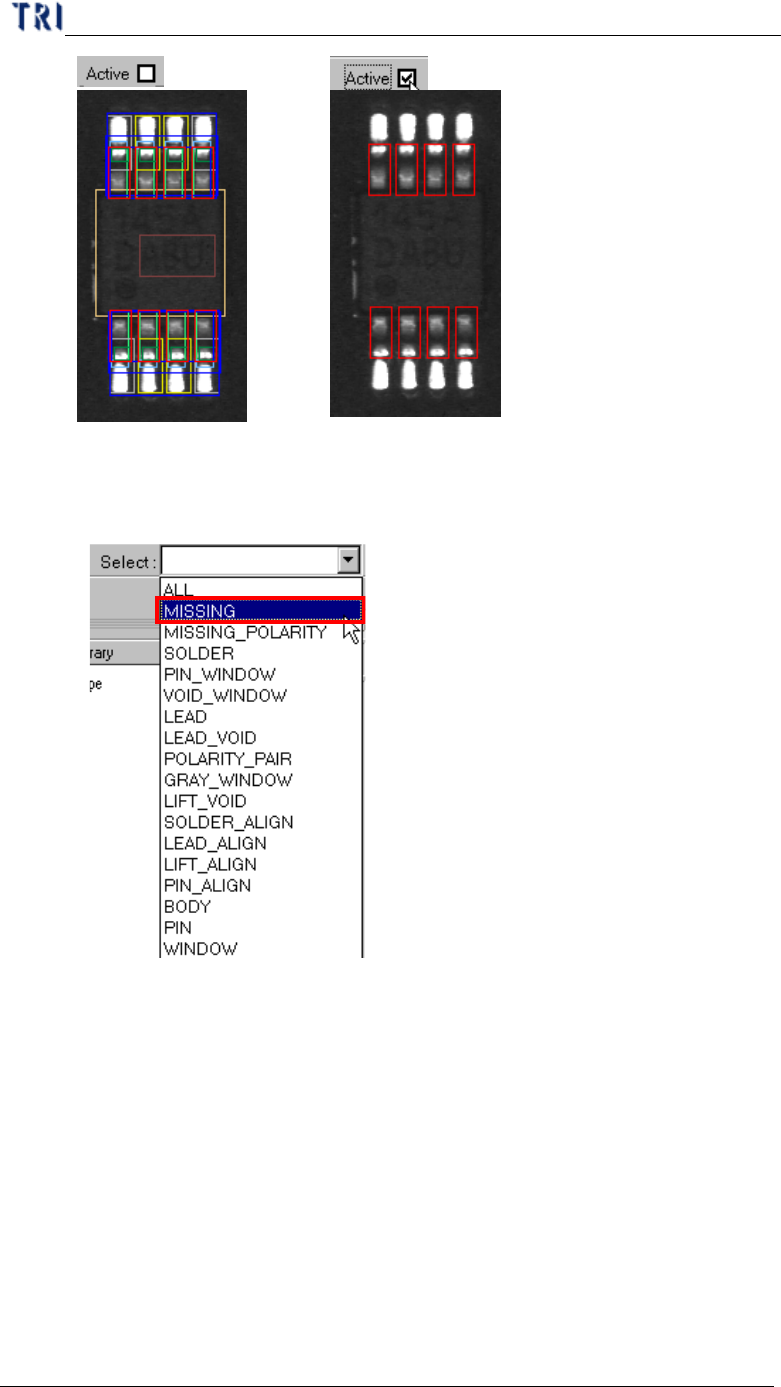
10.8.2. Active
l Check active to show the active window only.
Chapter 3 AOI ATPG Function instruction
TR7500 USER MANUAL
198
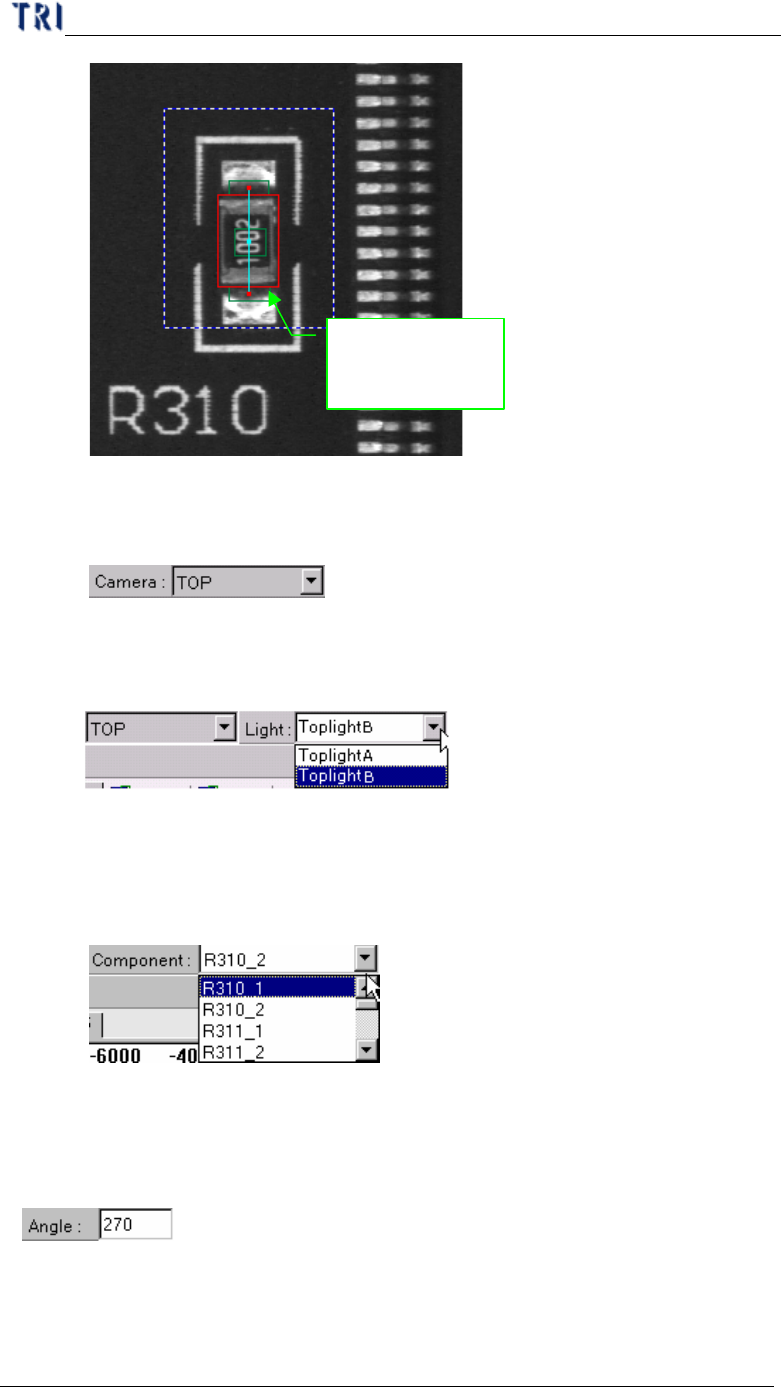
10.8.3. Select
l You can choose a specific kind of windows to be selected.
Chapter 3 AOI ATPG Function instruction
TR7500 USER MANUAL
199
Only missing
box can be
selected
10.8.4. Camera
l To display with top camera.
10.8.5. Light
l You can choose specific light to display.
10.8.6. Component
l You can select any component in this type according to CAD file. The
camera will move to grab the image of specific component.
10.8.7. Angle
l Display the angle of current component. You can change the value to see the
rotation of inspection boxes, but the real angle can’t be changed here.
10.8.8. %
l You can change the value to reduce or enlarge the size of all boxes. When