FLEXLINE-CAD_INM.pdf - 第136页
C- 16 Placement BOM Link ID (new 2.0) Line tagged w ith string “D” or “DD” o f the “W orking_mode” data field inside the placement data section except the three comment lines Based on the order of the section schema line…
C-15
There will always be three comment lines at the beginning of the PLACEMENT data section. The
first and third line will be dashed lines. The section schema line is located between the two
dashed lines and lists all the names of the data fields in the PLACEMENT data section . All data
fields and their order will both be determined by the schema line.
In Placement Data section, both BOC mark information and Placement data are defined.
Placement data are defined in the line with “Working_mode” = “D” or “DD.”
BOC mark information are defined in the line with “Working_mode” = “F” or “FD.”
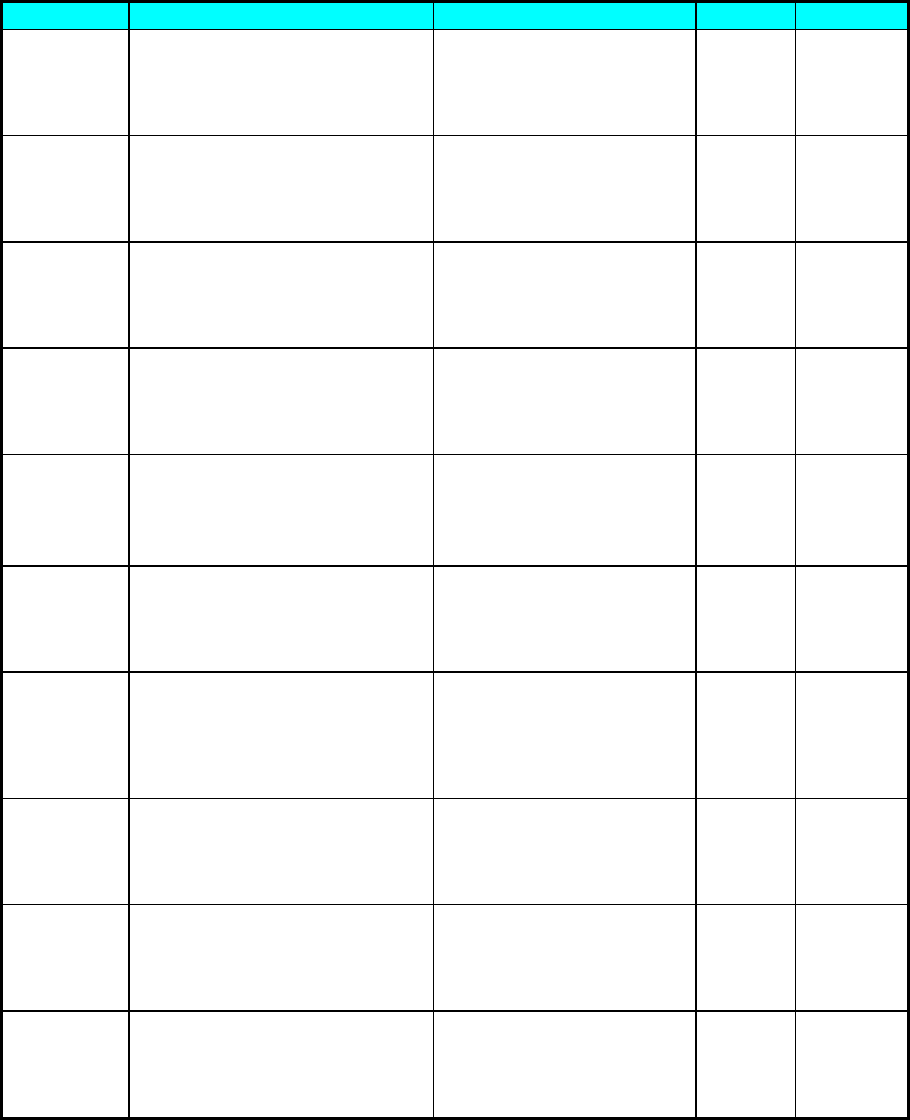
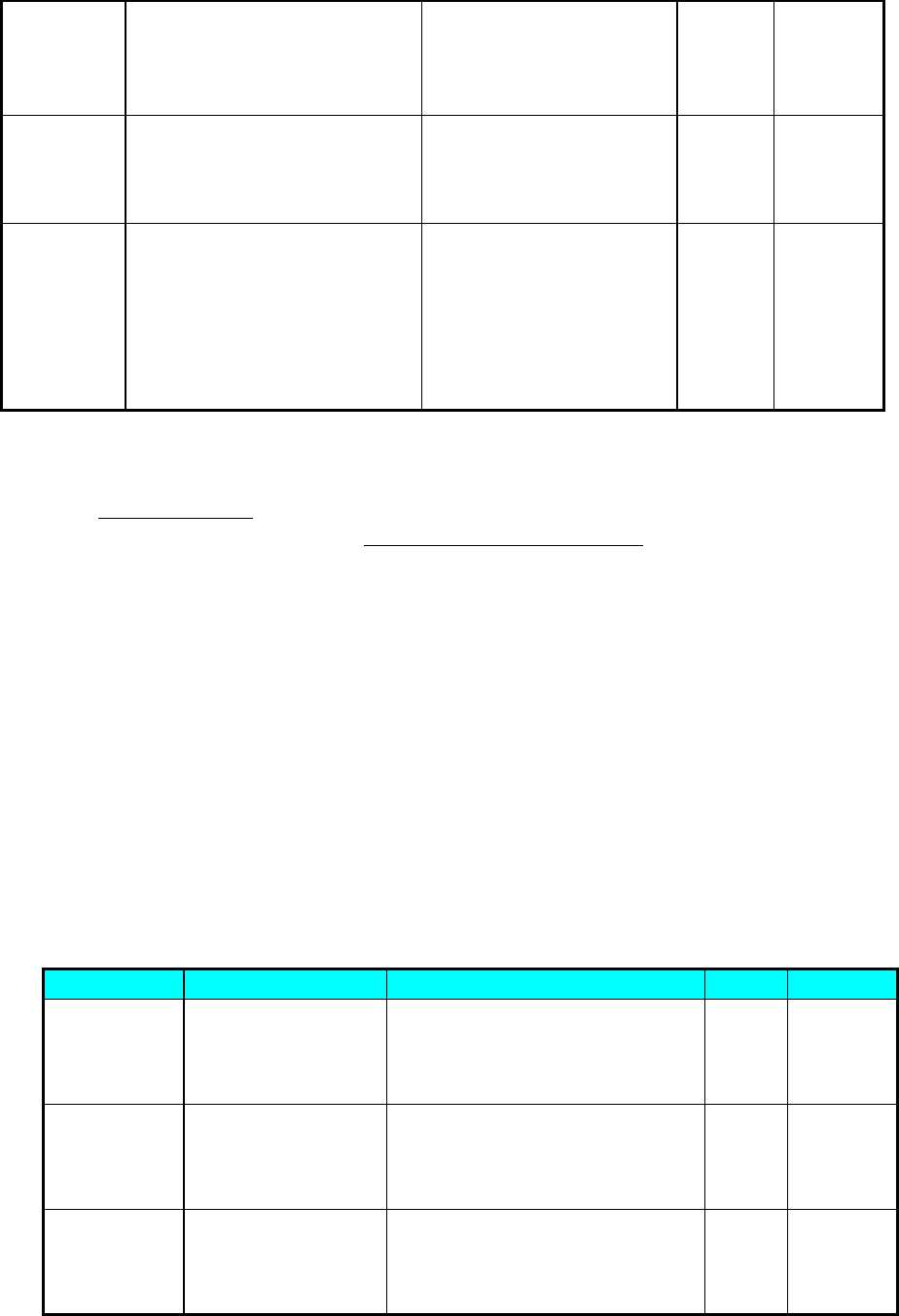
Table Fuji-2: Fuji Data Format PLA section
Data Item
Lines
Field
Units
Scaling
BOC mark
position 1X
The first line tagged with
string “F” or “FD” of the
“Working_mode” data field inside
the placement data section
except the three comment lines
Based on the order of the
section schema line which
lists all the data fields’
names. The keyword for this
field is “X”.
mm 1/100
BOC mark
position 1Y
The first line tagged with
string “F” or “FD” of the
“Working_mode” data field inside
the placement data section
except the three comment lines
Based on the order of the
section schema line which
lists all the data fields’
names. The keyword for this
field is “Y”.
mm 1/100
BOC mark
position 2X
The second line tagged with
string “F” or “FD” of the
“Working_mode” data field inside
the placement data section
except the three comment lines
Based on the order of the
section schema line, which
lists all the data fields’
names. The keyword for this
field is “X”.
mm
1/100
BOC mark
position 2Y
The second line tagged with
string “F” or “FD” of the
“Working_mode” data field inside
the placement data section
except the three comment lines
Based on the order of the
section schema line, which
lists all the data fields’
names. The keyword for this
field is “Y”.
mm
1/100
BOC mark
position 3X
The third line tagged with
string “F” or “FD” of the
“Working_mode” data field inside
the placement data section
except the three comment lines
Based on the order of the
section schema line, which
lists all the data fields’
names. The keyword for this
field is “X”.
mm
1/100
BOC mark
position 3Y
The third line tagged with
string “F” or “FD” of the
“Working_mode” data field inside
the placement data section
except the three comment lines
Based on the order of the
section schema line, which
lists all the data fields’
names. The keyword for this
field is “Y”.
mm
1/100
Placement
ID
Line tagged with string “D”or
“DD” of the “Working_mode” data
field inside the placement data
section except the three
comment lines
Based on the order of the
section schema line, which
lists all the data fields’
names. The keyword for this
field is
“Ysequqnce_comment”.
N/A
N/A
Placement
Position X
Line tagged with string “D” or
“DD” of the “Working_mode” data
field inside the placement data
section except the three
comment lines
Based on the order of the
section schema line, which
lists all the data fields’
names. The keyword for this
field is “X”.
mm
1/100
Placement
Position Y
Line tagged with string “D” or
“DD” of the “Working_mode” data
field inside the placement data
section except the three
comment lines
Based on the order of the
section schema line, which
lists all the data fields’
names. The keyword for this
field is “Y”.
mm 1/100N/A
Placement
Angle
Line tagged with string “D” or
“DD” of the “Working_mode” data
field inside the placement data
section except the three
comment lines
Based on the order of the
section schema line, which
lists all the data fields’
names. The keyword for this
field is “Q”.
Degree 0.016666
667
C-16
Placement
BOM
Link ID
(new 2.0)
Line tagged with string “D” or
“DD” of the “Working_mode” data
field inside the placement data
section except the three
comment lines
Based on the order of the
section schema line, which
lists all the data fields’
names. The keyword for this
field is “Device_#”.
N/A N/A
Placement
BlockID
Line tagged with string “D” or
“DD” of the “Working_mode” data
field inside the placement data
section except the three
comment lines
Based on the order of the
section schema line, which
lists all the data fields’
names. The keyword for this
field is “Block_#”.
N/A N/A
Placement
Skip
**
Line tagged with string “D” or
“DD” of the “Working_mode” data
field inside the placement data
section except the three
comment lines
Based on the order of the
section schema line, which
lists all the data fields’
names. The value of this
field will be determined by
three fields. The keywords
for these fields are:
“Sequence_skip”, ”
Device_skip”, “Block_ship”.
N/A N/A
** Placement Skip will be regarded to “Skip” when the ““Sequence_skip” = “S” or ”Device_skip” =
“D,” or “Block_ship” = “B,” Otherwise means “Don’t Skip.”
Component Data
FUJI Component Data Sample
( Device_data
*----------------------------------------------------------------------------------------------------------------------------------------------------
-----------------------------------------------------------------------------
( Device_# Next_device Feeder Feeding_times Pickup_offset_x Pickup_offset_y Pickup_offset_q
Pickup_offset_z Part_data_name Device_comment Device_constant Quantity Nozzle_size_CP5
TPU_magazine_no Original_device TPU_unit_no )
*----------------------------------------------------------------------------------------------------------------------------------------------------
-----------------------------------------------------------------------------
( 1 0 1 1 0 0 0 0 "RECT1608080" "CKC05F1H103ZXT" "" 118 0 0 0 0 0 )
( 2 0 1 1 0 0 0 0 "RECT1912070" "CKC10F1H104ZXT" "" 33 0 0 0 0 0 )
……………
)
The COMPONENT data section in FUJI data file starts with the line which is labeled as
“( Device_data” and ends up with the first closing “)” located on column 1.
There will always be three comment lines in the beginning of the COMPONENT data section.
The first and third line will be dash line. The section schema line is just between the two dash
lines and it lists all the names of the data fields in the COMPONENT section.
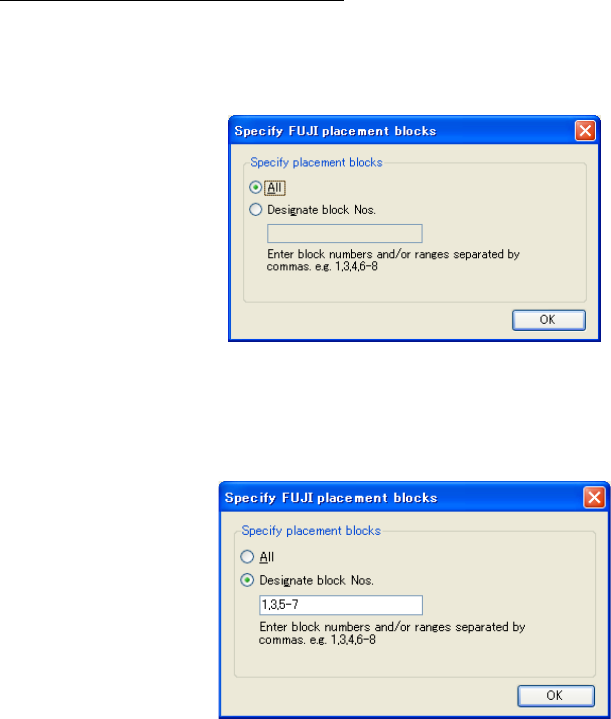
Table Fuji-3: Fuji Component section
Data Item
Lines
Field
Units
Scaling
Reference
Designator
Line inside the
component data
section except the
three comment lines
Based on the order of the
section schema line which lists all
the data fields’ names. The keyword
for this field is “Device_#”.
N/A N/A
Component
Name
Line inside the
component data
section except the
three comment lines
Based on the order of the
section schema line which lists all
the data fields’ names. The keyword
for this field is “Device_comment”
N/A N/A
Component
Comment
Line inside the
component data
section except the
three comment lines
Based on the order of the
section schema line which lists all
the data fields’ names. The keyword
for this field is “Device_constant”.
N/A N/A
C-17
Selecting Placement Blocks to Convert
After the data file is read, select the "Convert" - Start conversion" command or click the "Start
conversion" button of the tool bar to display the "Specify FUJI placement blocks" dialog box.
The default is set to the "All."
Figure C-1 Specify FUJI placement blocks (All)
After selecting the "Designate block Nos.," the text box can be used. Enter block numbers. Only
an integer of 0 to 255 can be entered as the block number. For multiple numeric values, specify
them by separating each of them by "," (comma) or specify the range by using "-" (hyphen).
Figure C-2 Designate FUJI placement blocks (Designate block Nos.)
When you click the "OK" button, the conversion starts.