FLEXLINE-CAD_INM.pdf - 第23页
18 3.4.7 Inst a lling the driver for the protect module W hen this driver is not y et installed, the following dialog box is displayed in the process of installation. 1. The install start screen of the driver for t he pr…
17
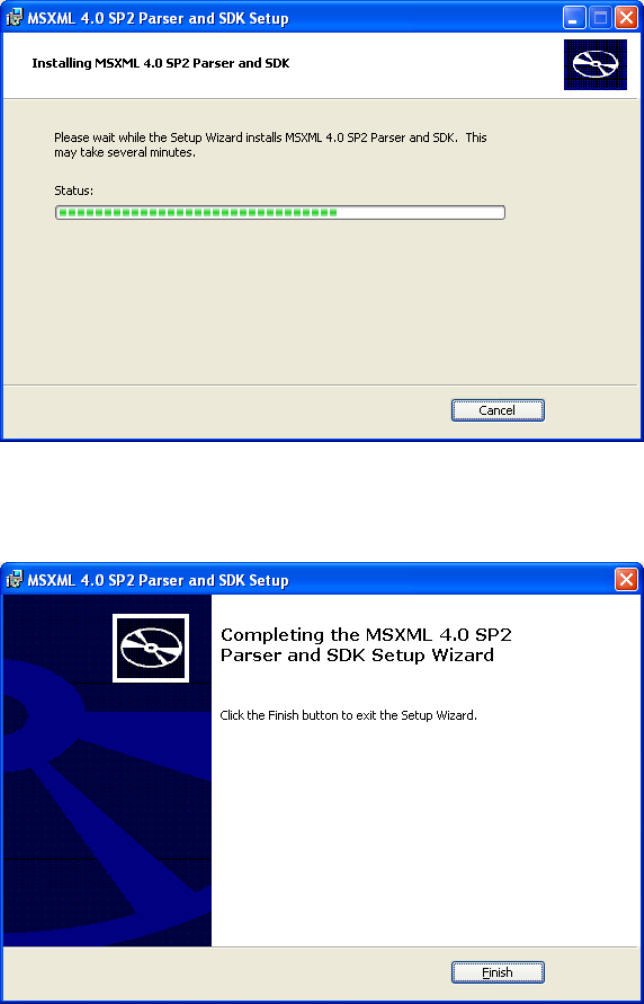
5. The progress of installation is displayed.
Figure 3.4.6-5 Progress of installation
6. Click the [Finish] button to complete the installation of MSXML4.0 SP2 Parser and SDK.
Figure 3.4.6-6 Completion of installation
18
3.4.7 Installing the driver for the protect module
When this driver is not yet installed, the following dialog box is displayed in the process of
installation.
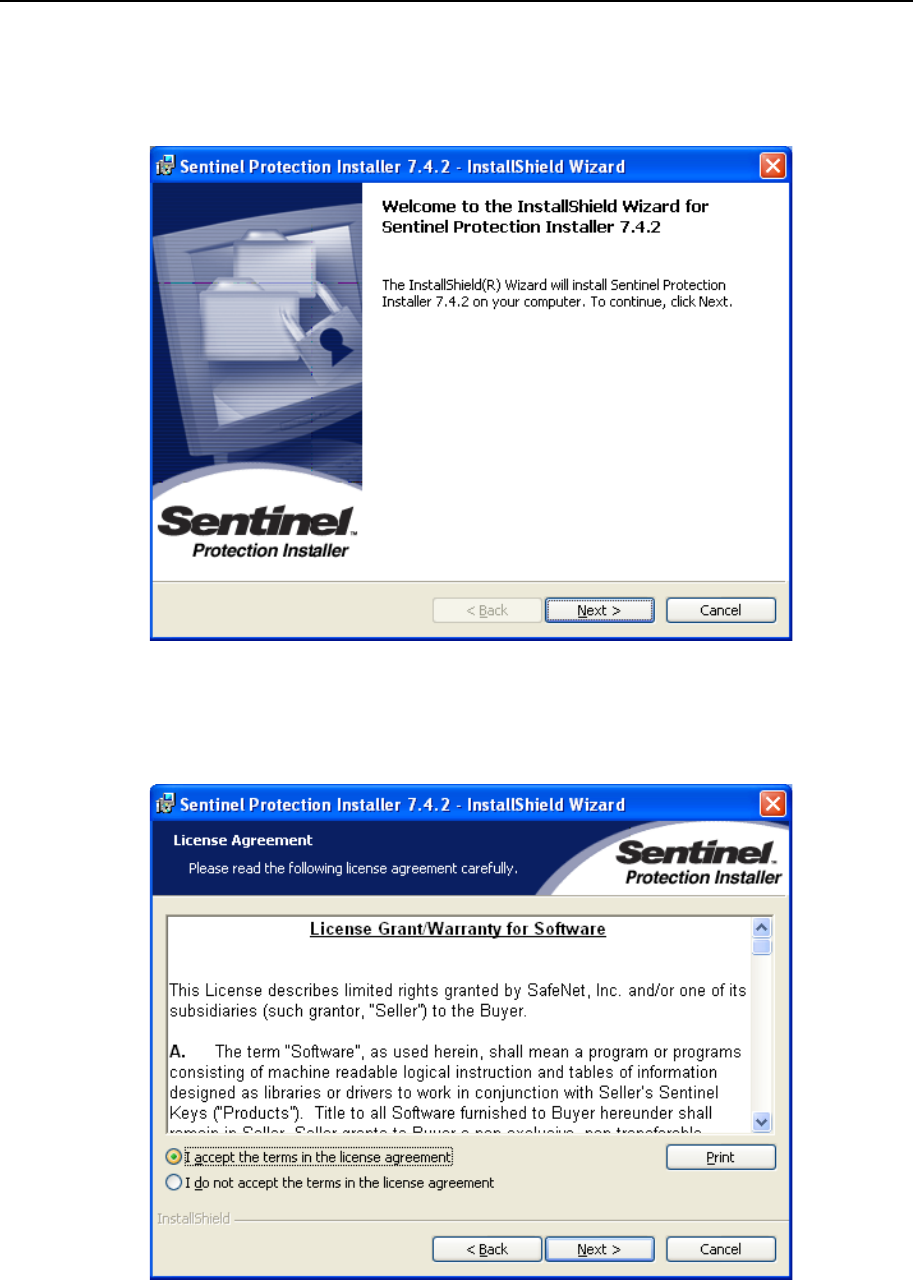
1. The install start screen of the driver for the protect module is displayed.
Click the [Next] button.
Figure 3.4.7-1 Start of installation
2. The license agreement is displayed. Select "I accept the terms in the license
agreement" and then click the [Next] button.
Figure 3.4.7-2 License agreement
19
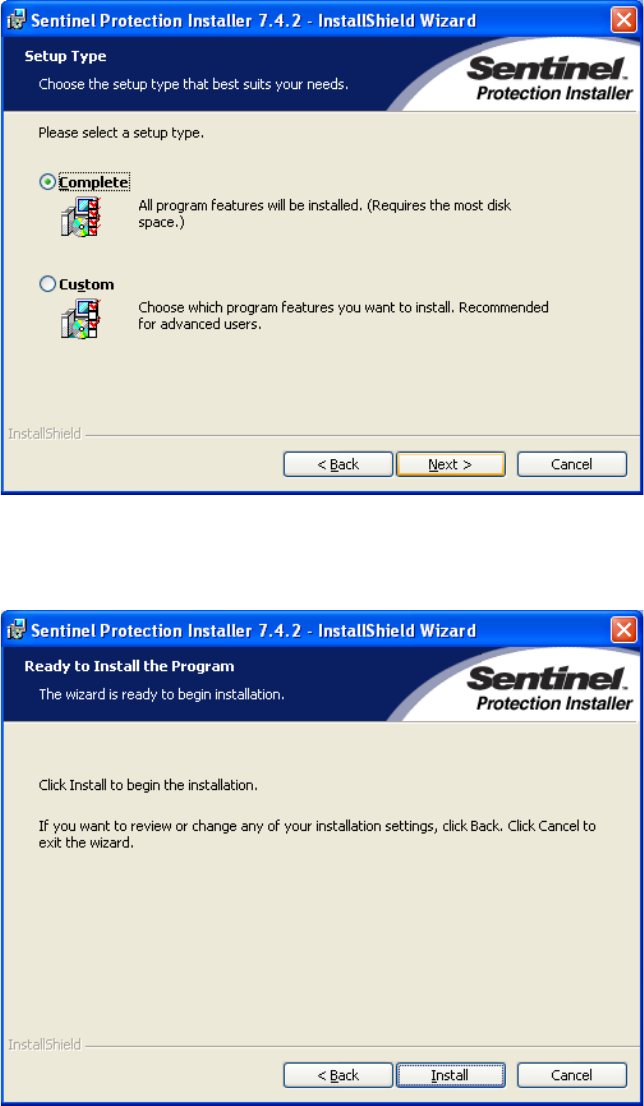
3. The setup type is displayed. Select "Complete" and then select the [Next] button.
Figure 3.4.7-3 Setup type
4. Click the [Install] button to begin installation.
Figure 3.4.7-4 Checking installation