00198829-01_SM_X-Series-S_Hxxxx_EN.pdf - 第142页
6 Gantries 6.5 MGCU 142 Service Manual SIPLACE X-Series S (from Hxxxx) 01/2021 Installation Follow the removal instructions in reverse order for installation. Also observe the following note: Fig.183: Fan cable ► Fit th…
6 Gantries
6.5 MGCU
Service Manual SIPLACE X-Series S (from Hxxxx) 01/2021 141
6.5.2 Replacing the MGCU fan
Parts, equipment and tools
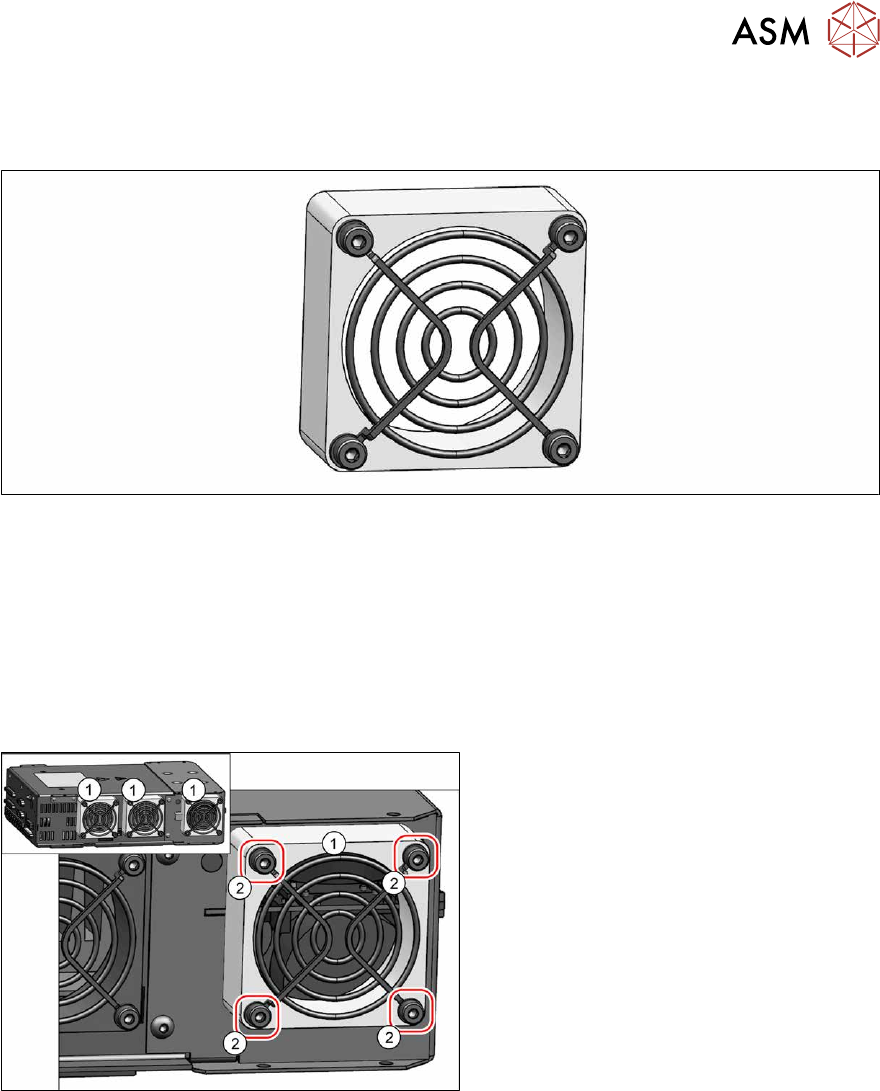
Fig.181: Cooling fan
●
Fan [03104136‑xx]
Removal
► Switch off the machine, disconnect it from the power supply and secure it to prevent
unauthorized reactivation.
1.2 "Preparatory work..." [}16]
► Remove the MGCU.
6.5.1 "Replacing the MGCU" [}140]
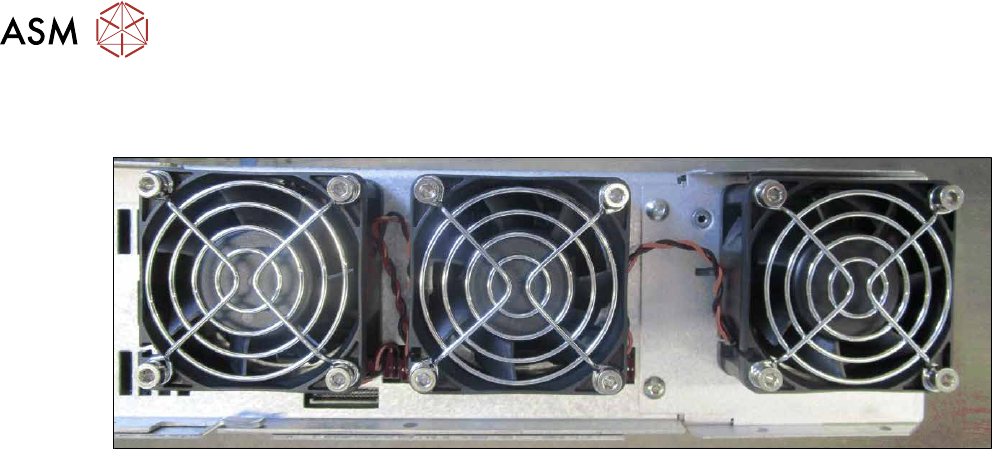
Fig.182: Cooling fan
► Unplug the cable from the fan (1). You
may want to mark the position, to make
clear assignment easier later on.
► Remove the four screws (2) (M4x30)
fastening the fan and then remove the
fan.
6 Gantries
6.5 MGCU
142 Service Manual SIPLACE X-Series S (from Hxxxx) 01/2021
Installation
Follow the removal instructions in reverse order for installation. Also observe the following note:
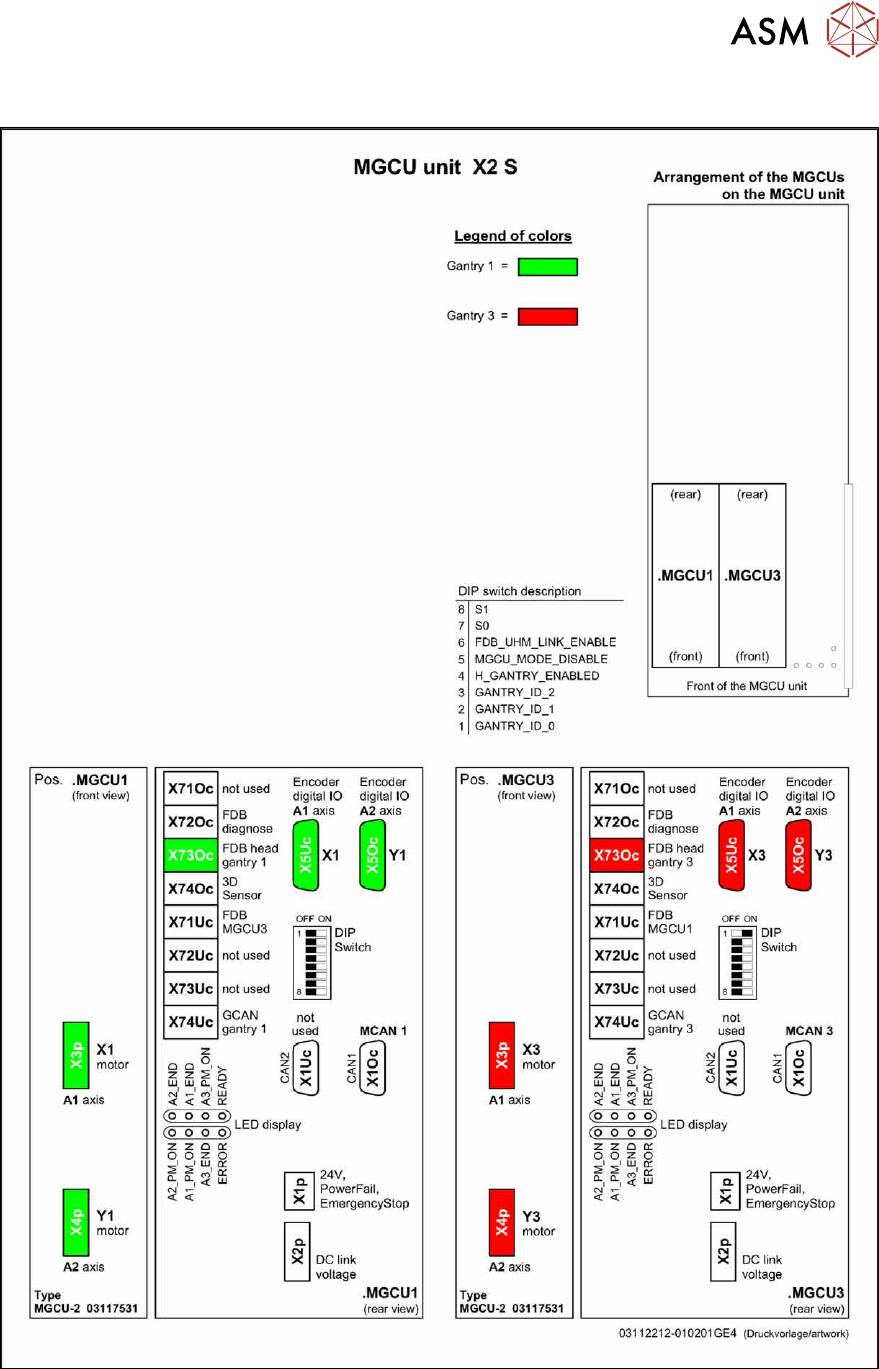
Fig.183: Fan cable
► Fit the fan so that the cable outlet points to the adjacent fan (see image).
Run the fan cable so that it does not protrude and can not be damaged when fitting the
MGCU (see image).
6 Gantries
6.5 MGCU
Service Manual SIPLACE X-Series S (from Hxxxx) 01/2021 143
6.5.3 Overview of MGCUs
Fig.184: Overview of MGCUs on X2 S