MDS-C1-SPA Series INSTRUCTION MANUALib1500152(eng)a.pdf - 第185页
5. Troubleshooting 5 - 14 Alarm No. 5C Orientation feedback error After orientation was completed, the command and feedback error exceeded the parameter setting. Investigation details Investigation results Remedies The c…
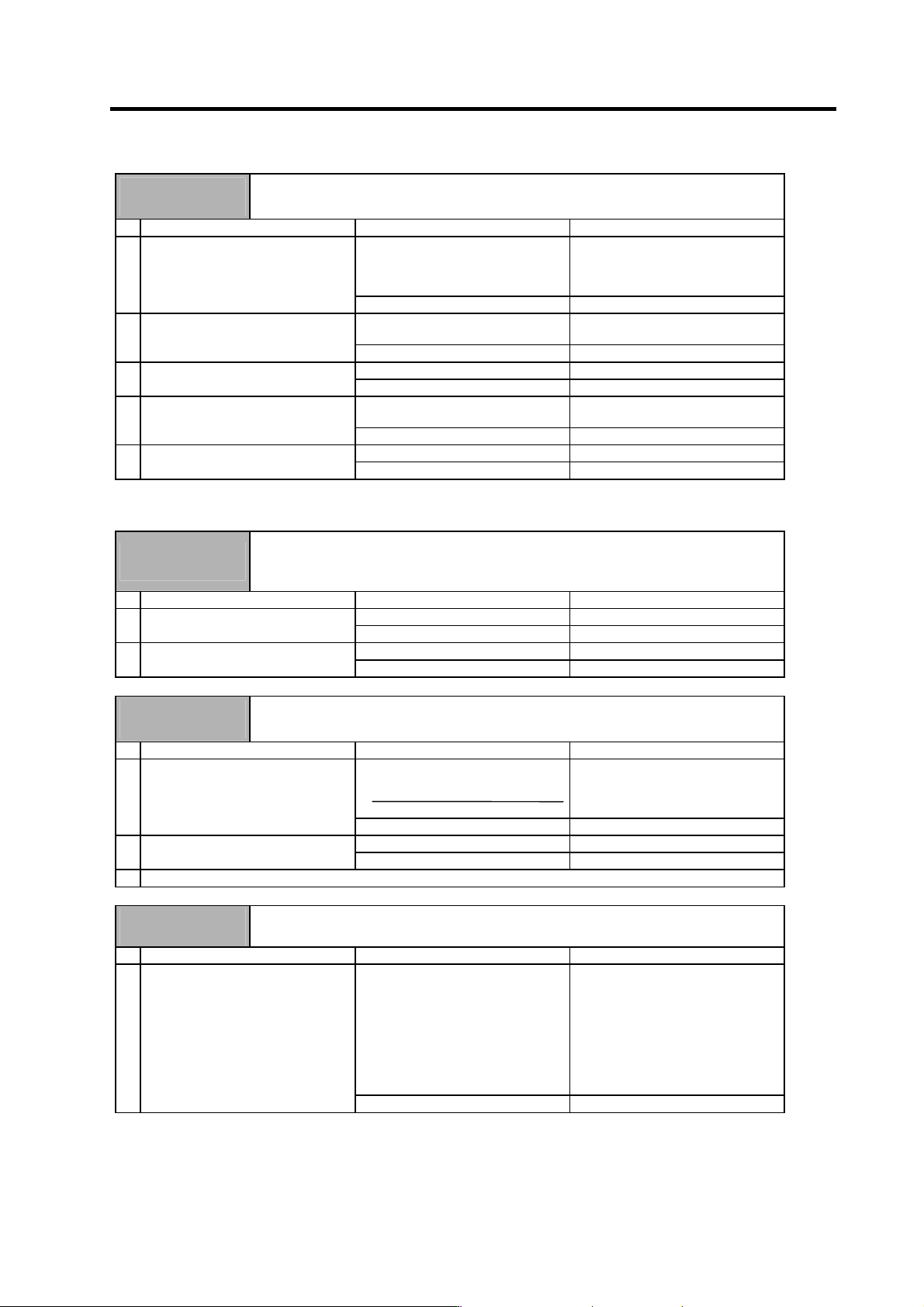
5. Troubleshooting
5 - 13
Alarm No.
50
Overload 1
The overload detection level reached 100% or more. The motor or drive unit is in the overload
state.
Investigation details Investigation results Remedies
The standard values (below) are not
set.
Servo : SV021 = 60, SV022 = 150
Spindle : SV063 = 60, SP064 = 110
Set the standard values.
1 Check the overload parameters.
SP063, SP064
The standard values are set. Investigate item 2.
The load is large. Servo : Investigate item 3.
Spindle : Investigate item 7.
2 Check the load meter (spindle).
The load is not large. Investigate item 9.
There is a problem. Adjust the PLG output waveform. 3 Check the PLG output waveform.
Normal Investigate item 4.
The motor performance is
insufficient.
Lower the acceleration/deceleration
rate or cutting load.
4 Confirm the motor capacity selection
again.
The motor performance is sufficient. Investigate item 5.
Improved. Replace the drive unit. 5 Try replacing the drive unit.
Not improved. Replace the motor.
(Note) PR resetting is not possible when the overload level is 50% or more. Do not forcibly reset (AR) by turning the unit power
OFF. If AR resetting is used at 50% or higher, the level is set to 80% when the power is turned ON next.
Alarm No.
51
Overload 2
With the servo, a current command exceeding 95% of the unit's maximum current continued
for one second or more. With the spindle, a load exceeding the continuous rating continued
for 30 minutes or more.
Investigation details Investigation results Remedies
The load is large. Lower the load. 1 Check the load meter value.
The load is not large. Investigate item 2.
There is a problem. Adjust the PLG output waveform. 2 Check the PLG output waveform.
Normal Replace the drive unit.
Alarm No.
52
Excessive error 1
The difference between the motor's actual position at servo ON and the theoretical position
exceeded the setting value.
Investigation details Investigation results Remedies
A value larger than the droop amount:
Droop amount =
Spindle rotation speed
×
No. of pulses
60
×
position loop gain
Set appropriate values. 1 Check the excessive error detection
width.
SP102 (Orientation control)
Appropriate values are set. Investigate item 2.
The polarity is reversed. Correctly set the parameters. 2 Check the position detector polarity.
SP097/bit5 (Orientation control)
Normal. Investigate item 3.
3 Check the alarm No. "51" items.
Alarm No.
57
Option error
An input that does not exist in the option settings was selected for the general-purpose input.
Investigation details Investigation results Remedies
The setting value is incorrect.
Drive unit option symbol
None: For 1 to 3, 15 or 17,
setting impossible
R: For 15 or 17, setting impossible
D: For 1 to 3, 15, setting impossible
T: For 1 to 3, 17, setting impossible
RD: For 17, setting impossible
RT: For 17, setting impossible
Change the setting value.
1 Check the spindle parameters SP140
to SP151 settings.
The setting value is correct. Replace the drive unit.
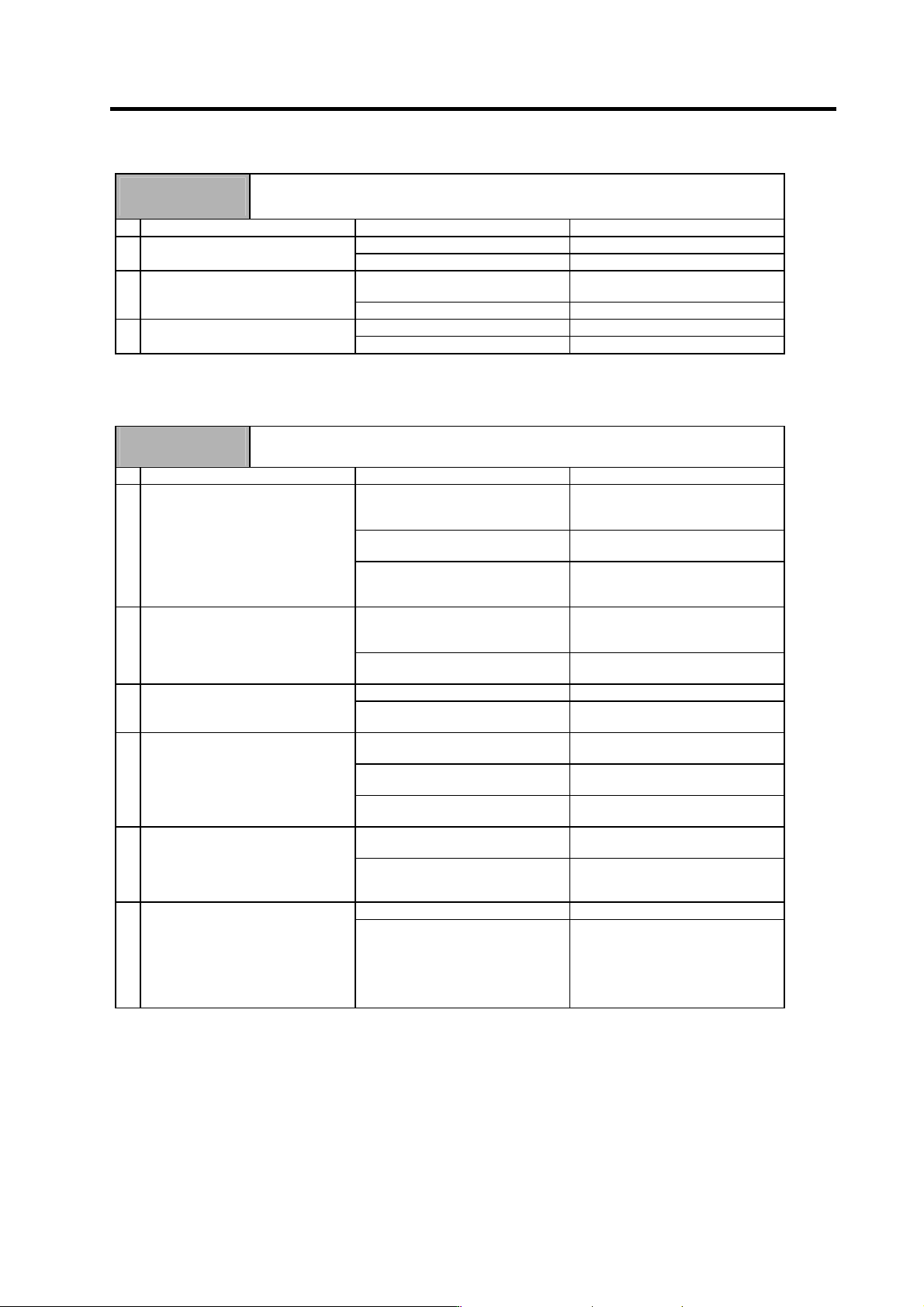
5. Troubleshooting
5 - 14
Alarm No.
5C
Orientation feedback error
After orientation was completed, the command and feedback error exceeded the parameter
setting.
Investigation details Investigation results Remedies
The cable is not correctly shielded. Shield the cable. 1 Check the PLG cable shield.
The cable is correctly shielded. Investigate item 2.
The cable is incorrectly connected or
broken.
Replace the cable. 2 Check the PLG cable connection.
Normal Investigate item 3.
There is a problem. Adjust the PLG output waveform. 3 Check the PLG output waveform.
Normal Replace the drive unit
The following alarms of the alarm No. 61 to 77 occur in the power supply unit.
Alarm No.
61
Power module overcurrent
The power module's overcurrent protection function activated.
Investigation details Investigation results Remedies
The alarm occurs immediately after
200VAC is supplied and after READY
is turned ON.
Replace the unit.
The alarm occurs frequently during
READY ON.
Investigate item 3.
1 Check the state of the operation
when the alarm occurs, and check
the repeatability.
The alarm occurs after continuous
operation for a long time.
The unit is hot.
Investigate item 2.
The total load of all motors exceeds
the rated capacity of the power
supply unit.
Lower the motor load and operation
frequency.
2 Check the load state of all motors,
and the starting/stopping frequency.
The total does not exceed the
capacity.
Investigate item 3.
The power capacity is insufficient. Increase the power capacity. 3 Check the power capacity.
The specified power capacity is
secured.
Investigate item 4.
The voltage drops to 170V or less
occasionally.
Increase the power capacity.
The difference of the voltage across
wires is 10V or more.
Improve the power phase balance.
4 Measure the voltage across wires.
• Is the voltage 170V or more even
when the motor is accelerating?
The difference of the voltage across
wires is less than 10V.
Investigate item 5.
The power voltage is distorted. Improve the source of the distortion.
Install an AC reactor.
5 Measure the power voltage with a
synchroscope, and check whether
there is any distortion.
• Are there any other devices
causing the power distortion?
The power voltage waveform is not
abnormal.
Investigate item 6.
No abnormality is found in particular. Replace the unit. 6 Check if there is any abnormality in
the unit's ambient environment.
(Ex. Noise, grounding)
The grounding is incomplete.
An alarm will occur easily if another
device operates.
Take remedies according to the
causes of the abnormality.
Ex. Incomplete grounding:
Additionally ground.
Noise: Noise measures for
other devices.
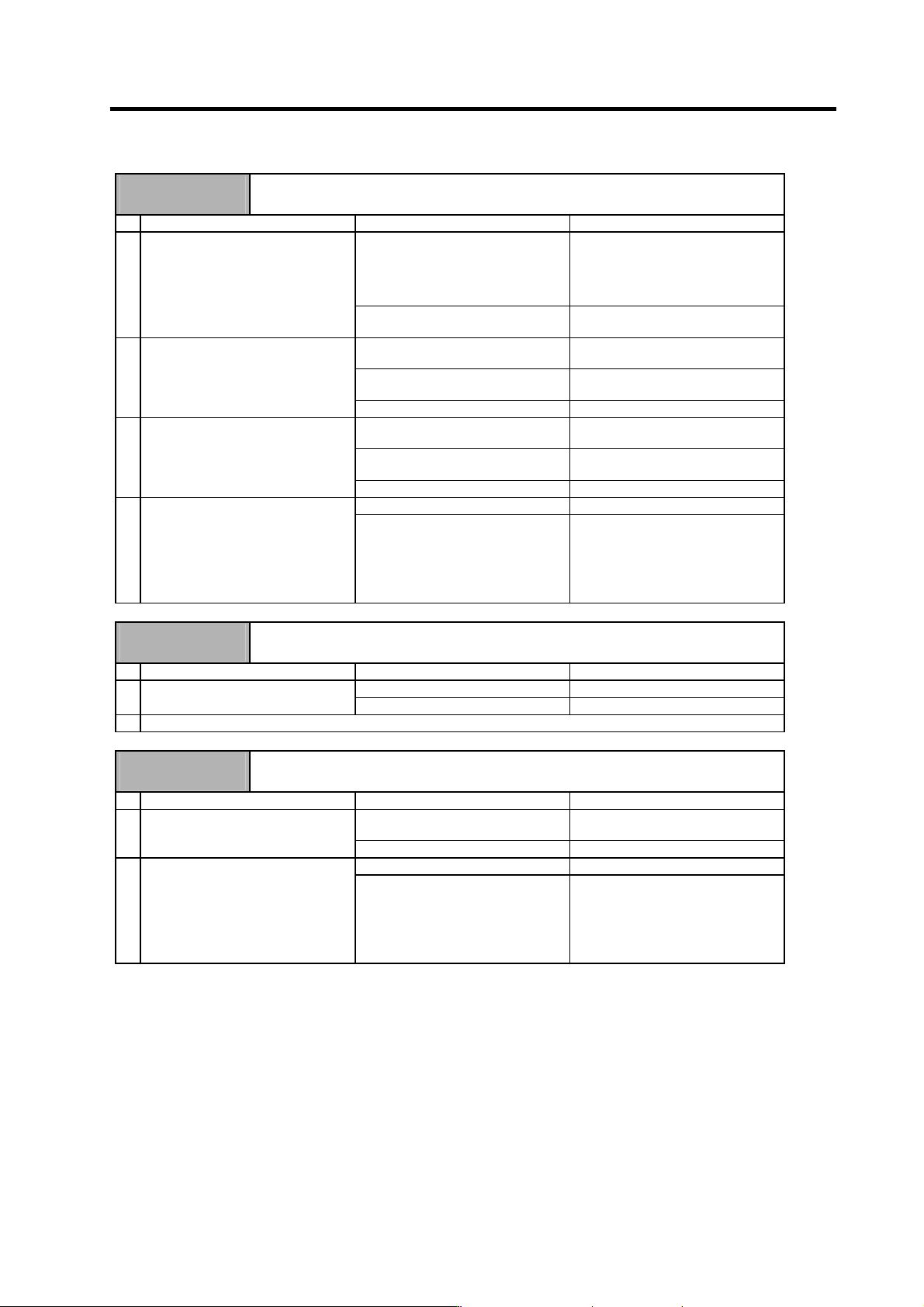
5. Troubleshooting
5 - 15
Alarm No.
62
Frequency error
The input power frequency exceeded the specified range.
Investigation details Investigation results Remedies
The alarm occurs each time
immediately after the power is turned
ON. Or, the alarm occurs
occasionally regardless of the
operation state.
Investigate item 2.
1 Check the state of the operation
when the alarm occurs, and check
the repeatability.
The alarm occurs only while the
motor is accelerating/decelerating.
Investigate item 3.
The frequency is deviated from
50Hz±3% or 60Hz±3%.
Review the power facilities.
The voltage waveform dips at some
sections.
Improve the source of the distortion.
Install an AC reactor.
2 Measure the power voltage waveform
during normal operation.
There is no problem. Investigate item 4.
The frequency greatly fluctuates
during acceleration/deceleration.
Review the power facilities.
The voltage waveform during
deceleration dips in some sections.
Improve the source of the distortion.
Install an AC reactor.
3 Measure the power voltage when the
motor is accelerating/decelerating.
There is no problem. Investigate item 4.
No abnormality is found in particular. Replace the unit. 4 Check if there is any abnormality in
the unit's ambient environment.
(Ex. Noise, grounding)
The grounding is incomplete.
An alarm will occur easily if another
device operates.
Take remedies according to the
causes of the abnormality.
Ex. Incomplete grounding:
Additionally ground.
Noise: Noise measures for
other devices.
Alarm No.
67
Phase failure
There is a phase failure in the input power.
Investigation details Investigation results Remedies
There are phases with no voltage. Correct the power supply. 1 Check the voltage for each input
phase.
There is no problem. Investigate item 2.
2 Check the alarm No. "71" items.
Alarm No.
68
Watch dog
The system is not operating normally.
Investigation details Investigation results Remedies
The alarm occurs each time READY
is turned ON.
Replace the unit. 1 Check the repeatability.
The alarm occurs occasionally. Investigate item 2.
No abnormality is found in particular. Replace the unit. 2 Check if there is any abnormality in
the unit's ambient environment.
(Ex. Noise, grounding)
The grounding is incomplete.
An alarm will occur easily if another
device operates.
Take remedies according to the
causes of the abnormality.
Ex. Incomplete grounding:
Additionally ground.
Noise: Noise measures for
other devices.