LCX_UserManual_en_08_1.pdf - 第244页
T roubleshooting and notifications R&S ® LCX Series 244 User Manual 1 179.2260.02 ─ 08 12 T roubleshooting and notifications ● Displaying status information and notifications .........................................…
Remote control commands
R&S
®
LCX Series
243User Manual 1179.2260.02 ─ 08
TRIGger[:IMMediate]
Starts a new measurement.
In manual trigger mode, the command triggers a single measurement cycle. When
completed, the R&S LCX waits for the next trigger event.
Example: See Example "Triggering measurements" on page 242.
Usage: Event
Manual operation: See "[Trig.]" on page 76
See "Measurement Mode" on page 81
TRIGger subsystem

Troubleshooting and notifications
R&S
®
LCX Series
244User Manual 1179.2260.02 ─ 08
12 Troubleshooting and notifications
● Displaying status information and notifications..................................................... 244
● Problems during firmware update......................................................................... 244
● Cannot establish a LAN connection......................................................................245
● Contacting customer support................................................................................ 245
12.1 Displaying status information and notifications
The R&S LCX displays status information in different ways:
●
Status bars
Using icons, the status bars indicate general instrument configuration and operat-
ing modes, and measurement modes and states, see "Status bar" on page 39.
●
Notifications
Notifications are messages that appear on the screen to inform you on current set-
tings and states. The R&S LCX distinguishes between status, information and error
notifications and warnings.
Some information and notifications are entered in the error/event queue of the sta-
tus reporting system, see Section 10.2.4, "Status reporting system", on page 156.
12.2 Problems during firmware update
The firmware update is described in Section 9.11, "Update device", on page 140. Solu-
tions for potential problems that can occur during firmware update are described in the
following sections.
Firmware update was interrupted
If for example, a power cut happened during the firmware update, problems can occur.
1. Perform the firmware update again. Sometimes, a further update fixes the prob-
lems.
2. If you nevertheless cannot access the R&S LCX, contact the local service repre-
sentative, see Section 12.4, "Contacting customer support", on page 245.
Firmware update was aborted
If there is not enough free memory space, the firmware update aborts. The instrument
displays an error message.
1. Execute the sanitization procedure, as described in the instrument security proce-
dures. You find this document on the product page at: www.rohde-schwarz.com/
manual/lcx.
2. Start the firmware update again.
Problems during firmware update
Troubleshooting and notifications
R&S
®
LCX Series
245User Manual 1179.2260.02 ─ 08
12.3 Cannot establish a LAN connection
If you have problems to establish a LAN connection as described in Section 4.1.7,
"Connecting to LAN", on page 24:
1. Check if the TCP/IP address information is valid.
2. Assign the IP address manually, e.g. if the network does not support DHCP config-
uration, see Section 10.5, "Adjusting interface addresses", on page 169.
12.4 Contacting customer support
Technical support – where and when you need it
For quick, expert help with any Rohde & Schwarz product, contact our customer sup-
port center. A team of highly qualified engineers provides support and works with you
to find a solution to your query on any aspect of the operation, programming or applica-
tions of Rohde & Schwarz products.
Contact information
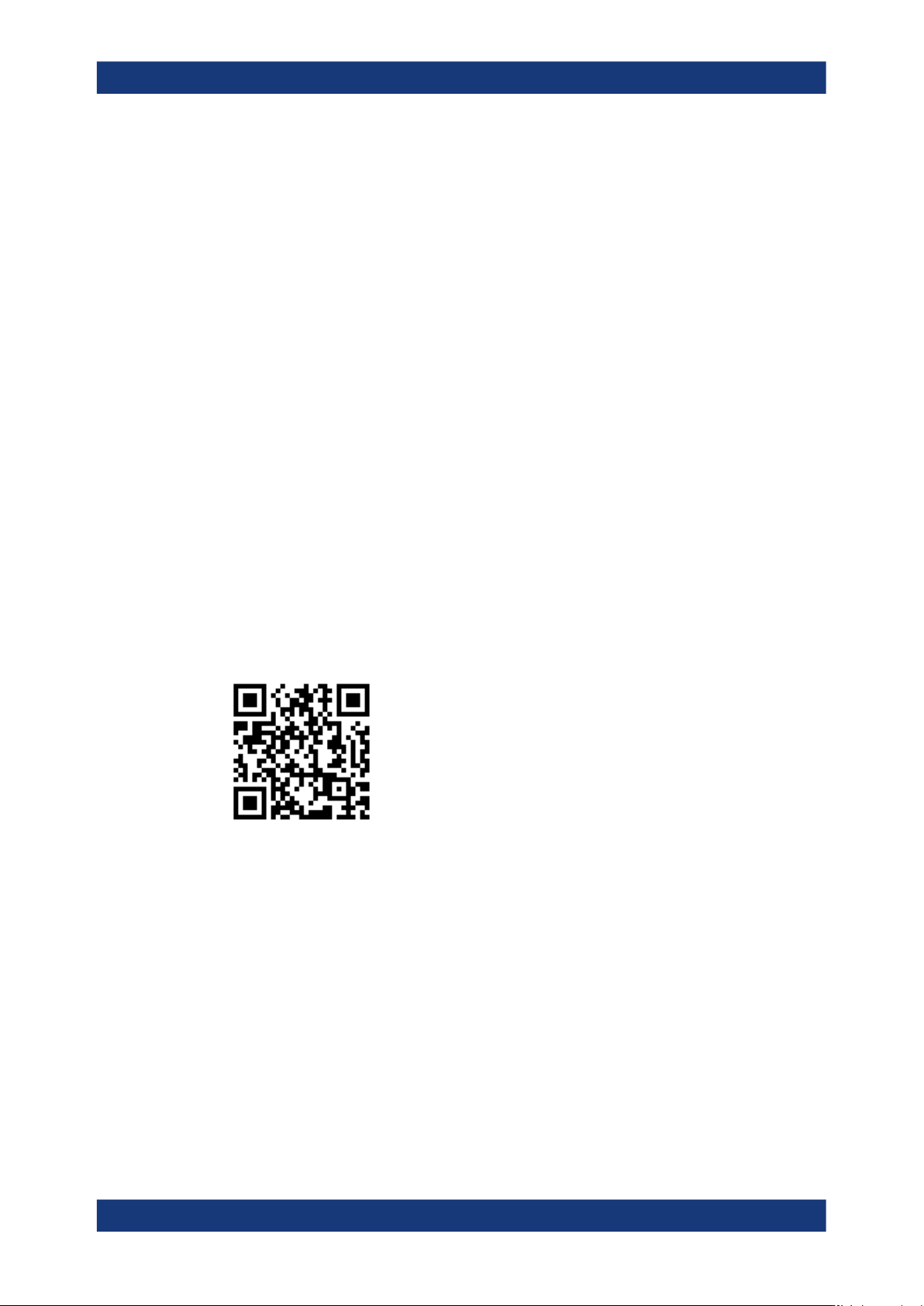
Contact our customer support center at www.rohde-schwarz.com/support, or follow this
QR code:
Figure 12-1: QR code to the Rohde
&
Schwarz support page
Contacting customer support