LCX_UserManual_en_08_1.pdf - 第246页
T ransporting R&S ® LCX Series 246 User Manual 1 179.2260.02 ─ 08 13 T ransporting Lifting and carrying See: ● "Lifting and carrying the product" on page 10 ● Section 4.1.1, "Lifting and carrying"…
Troubleshooting and notifications
R&S
®
LCX Series
245User Manual 1179.2260.02 ─ 08
12.3 Cannot establish a LAN connection
If you have problems to establish a LAN connection as described in Section 4.1.7,
"Connecting to LAN", on page 24:
1. Check if the TCP/IP address information is valid.
2. Assign the IP address manually, e.g. if the network does not support DHCP config-
uration, see Section 10.5, "Adjusting interface addresses", on page 169.
12.4 Contacting customer support
Technical support – where and when you need it
For quick, expert help with any Rohde & Schwarz product, contact our customer sup-
port center. A team of highly qualified engineers provides support and works with you
to find a solution to your query on any aspect of the operation, programming or applica-
tions of Rohde & Schwarz products.
Contact information
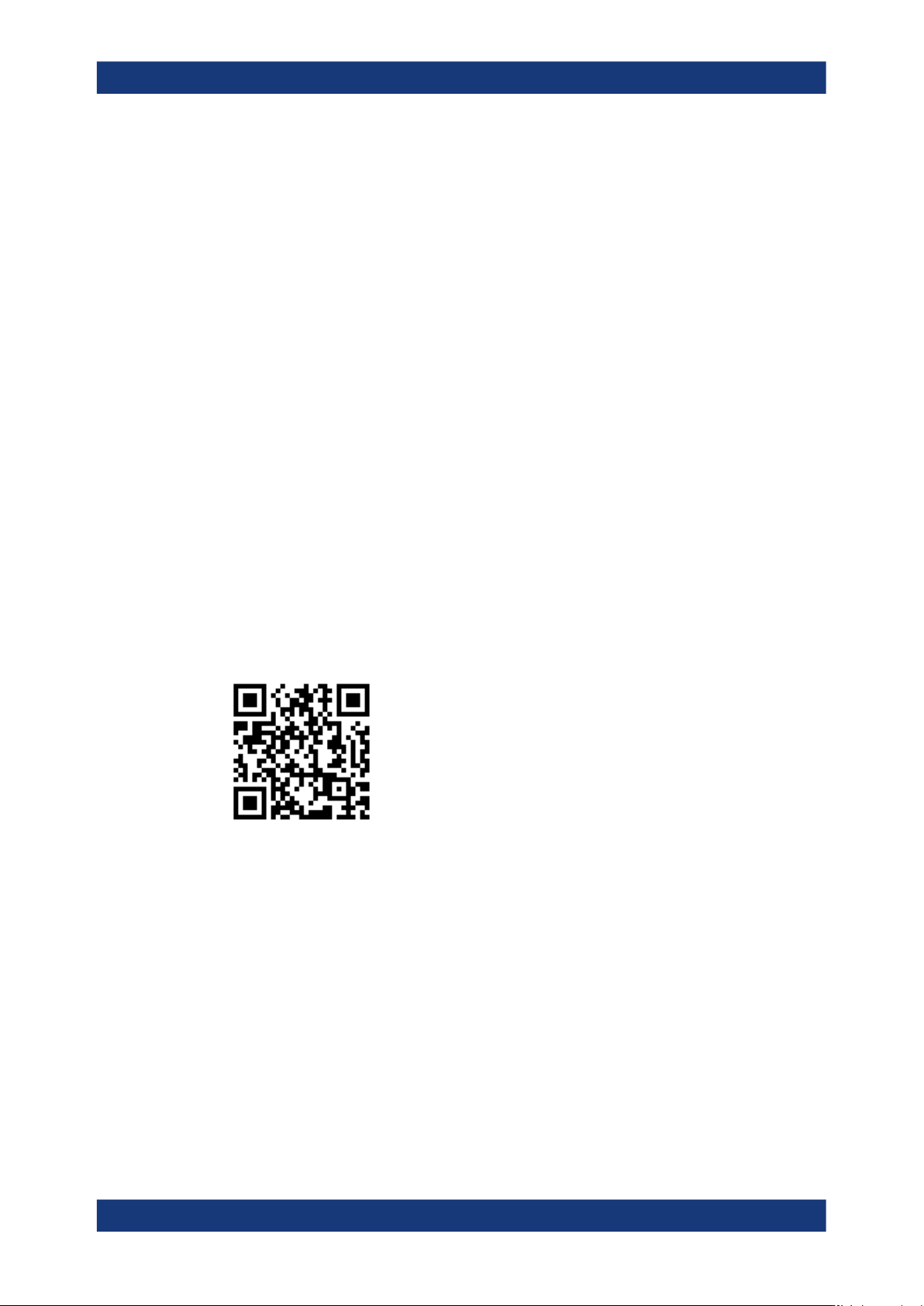
Contact our customer support center at www.rohde-schwarz.com/support, or follow this
QR code:
Figure 12-1: QR code to the Rohde
&
Schwarz support page
Contacting customer support

Transporting
R&S
®
LCX Series
246User Manual 1179.2260.02 ─ 08
13 Transporting
Lifting and carrying
See:
●
"Lifting and carrying the product" on page 10
●
Section 4.1.1, "Lifting and carrying", on page 18.
Packing
Use the original packaging material. It consists of antistatic wrap for electrostatic pro-
tection and packing material designed for the product.
If you do not have the original packaging, use similar materials that provide the same
level of protection. You can also contact your local Rohde & Schwarz service center for
advice.
Securing
When moving the product in a vehicle or using transporting equipment, make sure that
the product is properly secured. Only use items intended for securing objects.
Transport altitude
Unless otherwise specified in the data sheet, the maximum transport altitude without
pressure compensation is 4500 m above sea level.

Maintenance, storage and disposal
R&S
®
LCX Series
247User Manual 1179.2260.02 ─ 08
14 Maintenance, storage and disposal
We advise to check the nominal data from time to time.
14.1 Cleaning
How to clean the product is described in "Cleaning the product" on page 11.
Do not use any liquids for cleaning. Cleaning agents, solvents, acids and bases can
damage the front panel labeling, plastic parts and display.
14.2 Changing fuses
The R&S LCX is protected by two fuses, which you can check and replace, if there are
any problems:
●
F1: Line fuse
If the R&S LCX does not start, it is possible that a blown line fuse is the cause. In
this case, check the line fuse and replace it, see Replacing the line fuse.
●
F2: Bias fuse
Protects the bias voltage input from overload to avoid damage of the circuitry. Reg-
ularly check the condition of the fuse and replace it in case it is blown or damaged,
see "Replacing the external bias fuse" on page 22.
If you have still problems, contact Rohde & Schwarz customer service at www.rohde-
schwarz.com/support.
14.3 Storage
Protect the product against dust. Ensure that the environmental conditions, e.g. tem-
perature range and climatic load, meet the values specified in the specifications docu-
ment.
14.4 Disposal
Rohde & Schwarz is committed to making careful, ecologically sound use of natural
resources and minimizing the environmental footprint of our products. Help us by dis-
posing of waste in a way that causes minimum environmental impact.
Disposal