2OM-1733-005w_F8.pdf - 第117页
2OM-1733 1-6-1 1212-002 6. "Manage" Submenu 6. "Manage" Submenu Fig. 2A6-1 The "Manage" submenu is provided with the following three buttons. When a button is pressed, the corresponding wind…

2OM-1733
1-5-21204-001
2OM-1733
1-6-11212-002
6. "Manage" Submenu
6. "Manage" Submenu
Fig. 2A6-1
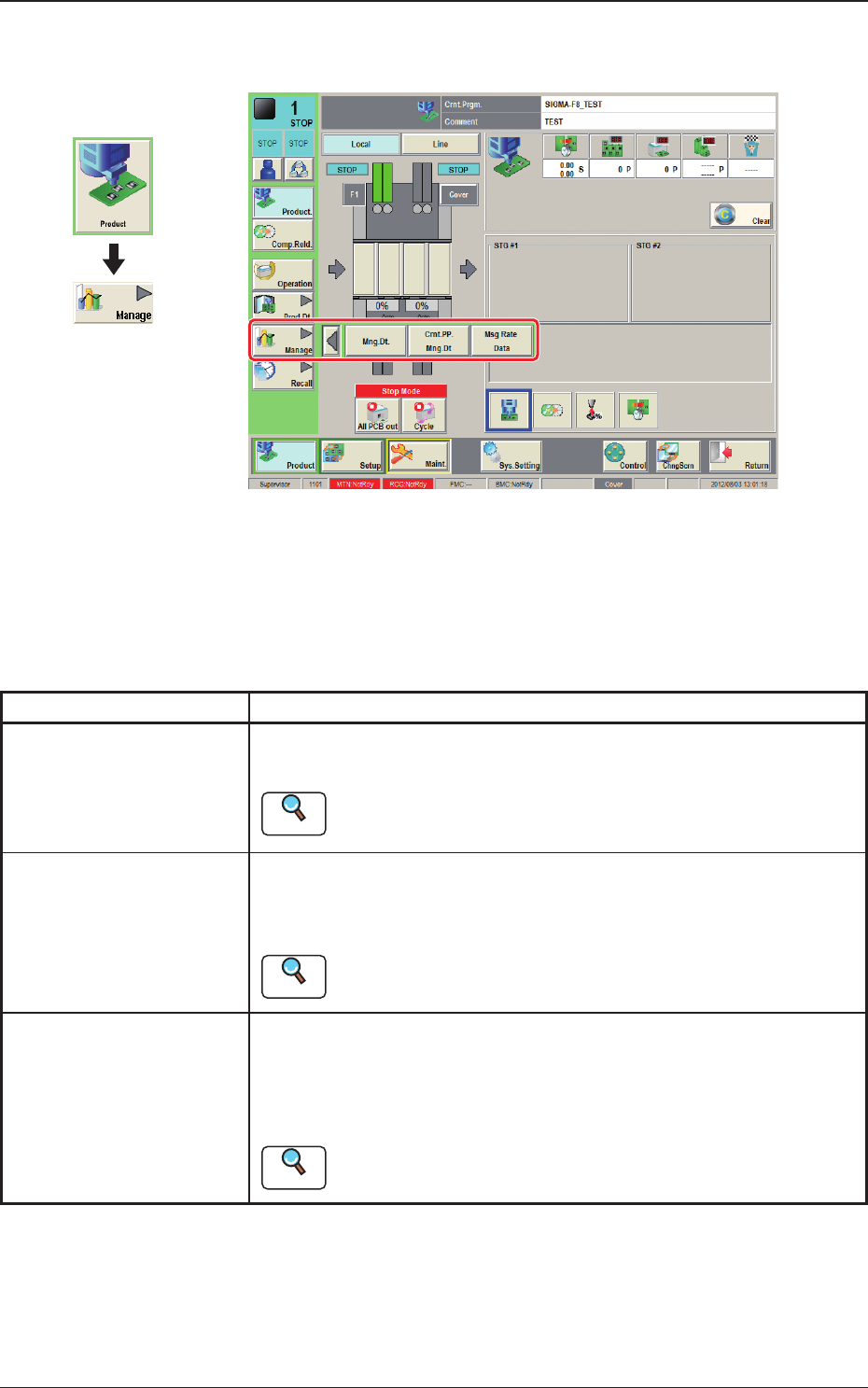
The "Manage" submenu is provided with the following three buttons.
When a button is pressed, the corresponding window opens, enabling the operator
to select the required data.
Table 2A6-1
Buttons Description
Mng.Dt.
When pressed, the "Management Data" window is displayed and
operated for totaling the management data for the whole system.
Reference
Refer to "2. "Mng.Dt." Window" in Chapter 4 for the details.
Cmt.PP.Mng.Dt
When pressed, the "Crnt.PP.Mng.Dt" window is displayed and operated
for totaling the current pattern program management data for each
pattern program.
Reference
Refer to "3. "
Crnt.PP.Mng.Dt" window"
in Chapter 4 for the
details.
Msg Rate Data
When pressed, the "Msg Rate Data" window is displayed and operation
for displaying the component handling error rate managed for each
feeder or nozzle based on each component handling error rate specied
in the operation parameter setting.
Reference
Refer to "4. "MESSAGE.RATE.DT" Window" in Chapter 4 for the
details.
Graphic
Development

2OM-1733
1-6-21205-001