2OM-1733-005w_F8.pdf - 第290页
2OM-1733 6-3-4 1205-001
2OM-1733
6-3-3
[6] [Prgm Chng] Button
When pressed, the pattern program is change to the one selected in the "[3]
Pattern Program List".
[Line] Button
This button is pressed when the pattern program in all the machines in the
line is to be changed.
Light Blue
: This shows that the pattern program in all the machines in the
line is to be changed.
Gray
: This shows that the pattern program in the single specied
machine is to be changed.
Note
When the line consists of a single machine, this button is not displayed.
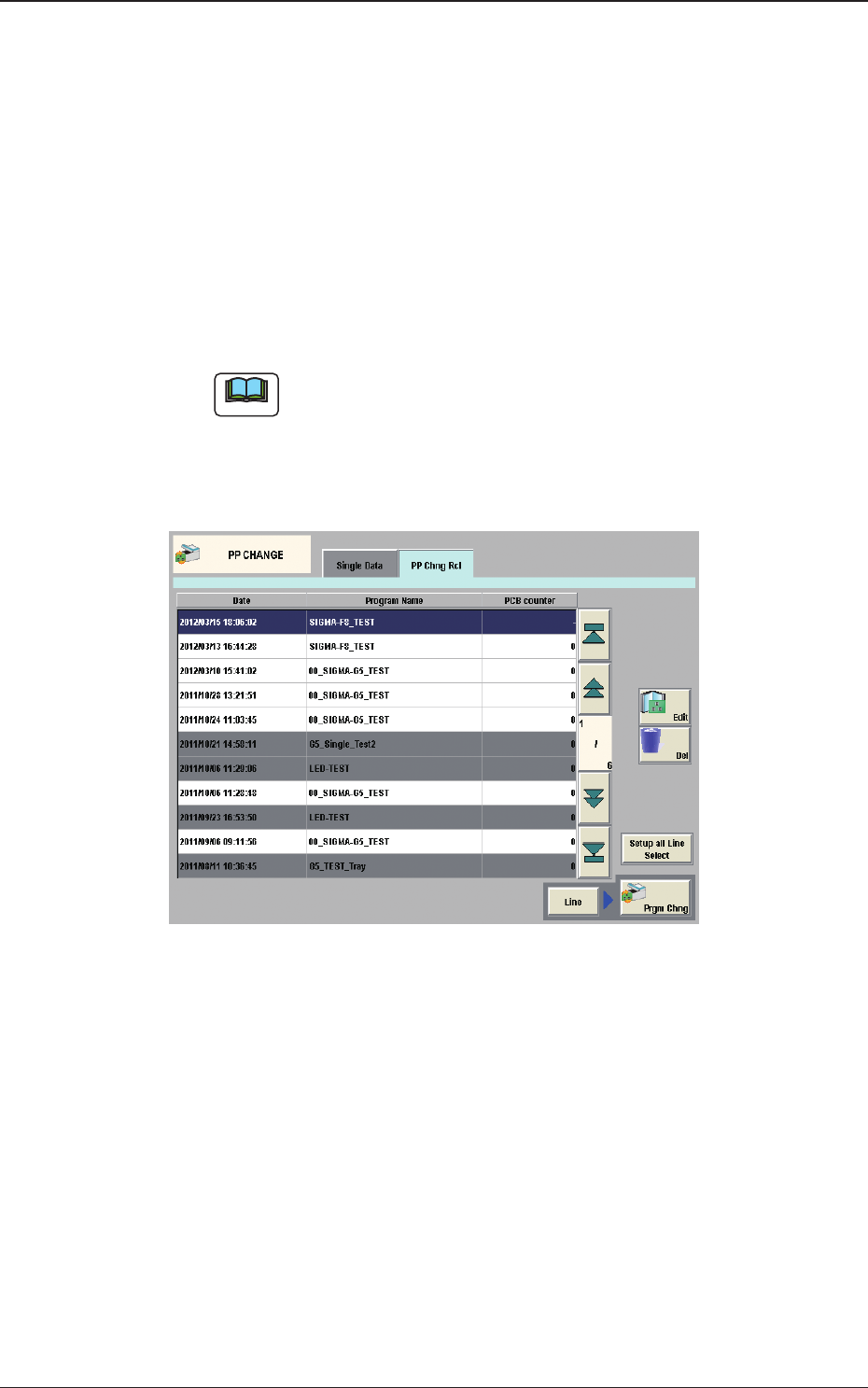
[7] "PP Chng Rcl" Tab Sheet
The pattern program change history is displayed in this section.
Fig. 2F3-3
1212-002
3. "PP CHANGE" Window

2OM-1733
6-3-41205-001
2OM-1733
6-4-1
4. "CNVR Set-up" Window
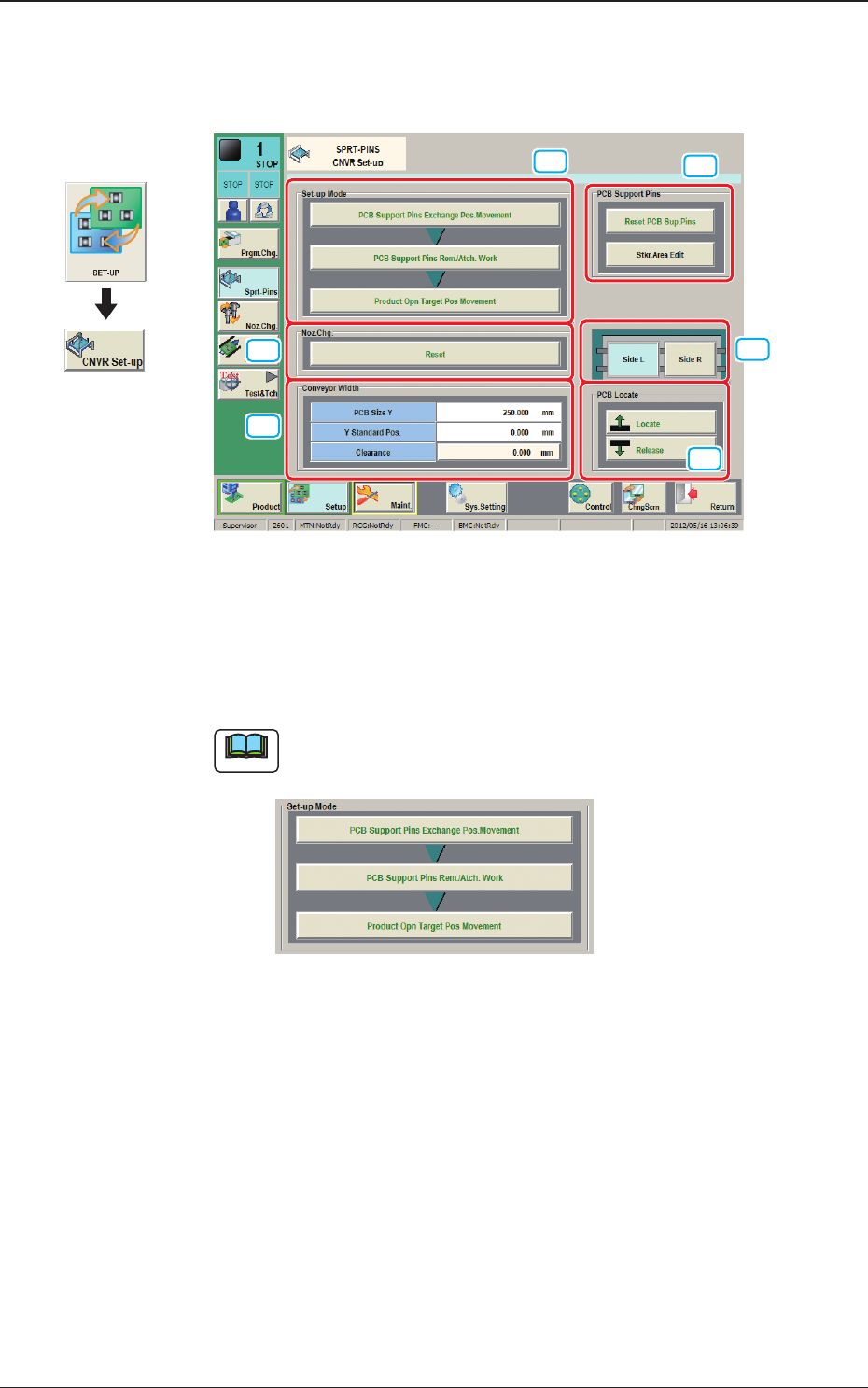
The "CNVR Set-up SPRT-PINS" window appears.
[1]
[2]
[5]
[4]
[3]
[6]
Fig. 2F4-1
[1] "Set-up Mode" Group Box
Each function in this group box can be used for the replacement work of the
support pins.
Note
The display varied depending on the product model pattern program
setting.
Fig. 2F4-2
When "Enable (Automatic Change)" has been set up for "Support Pin
Setting", the above is displayed.
Graphic
Development
1212-002
4. "CNVR Set-up" Window