2OM-1733-005w_F8.pdf - 第282页
2OM-1733 1205-001 6-B

2OM-1733
1212-002 6-A
Chapter 6
Product Change Menu
This chapter describes how to navigate in each window of "Product
Change Menu".
1. Outline of Product Change Menu
2. Setup
3. "PP CHANGE" Window
4. "CNVR Set-up" Window
5. "NOZ.CHG." Window
6. "PCB XFER" Window
7. "Test&Tch" Submenu
Chapter 6 Product Change Menu

2OM-1733
1205-001 6-B
2OM-1733
6-1-11212-002
1. Outline of Product Change Menu
1. Outline of Product Change Menu
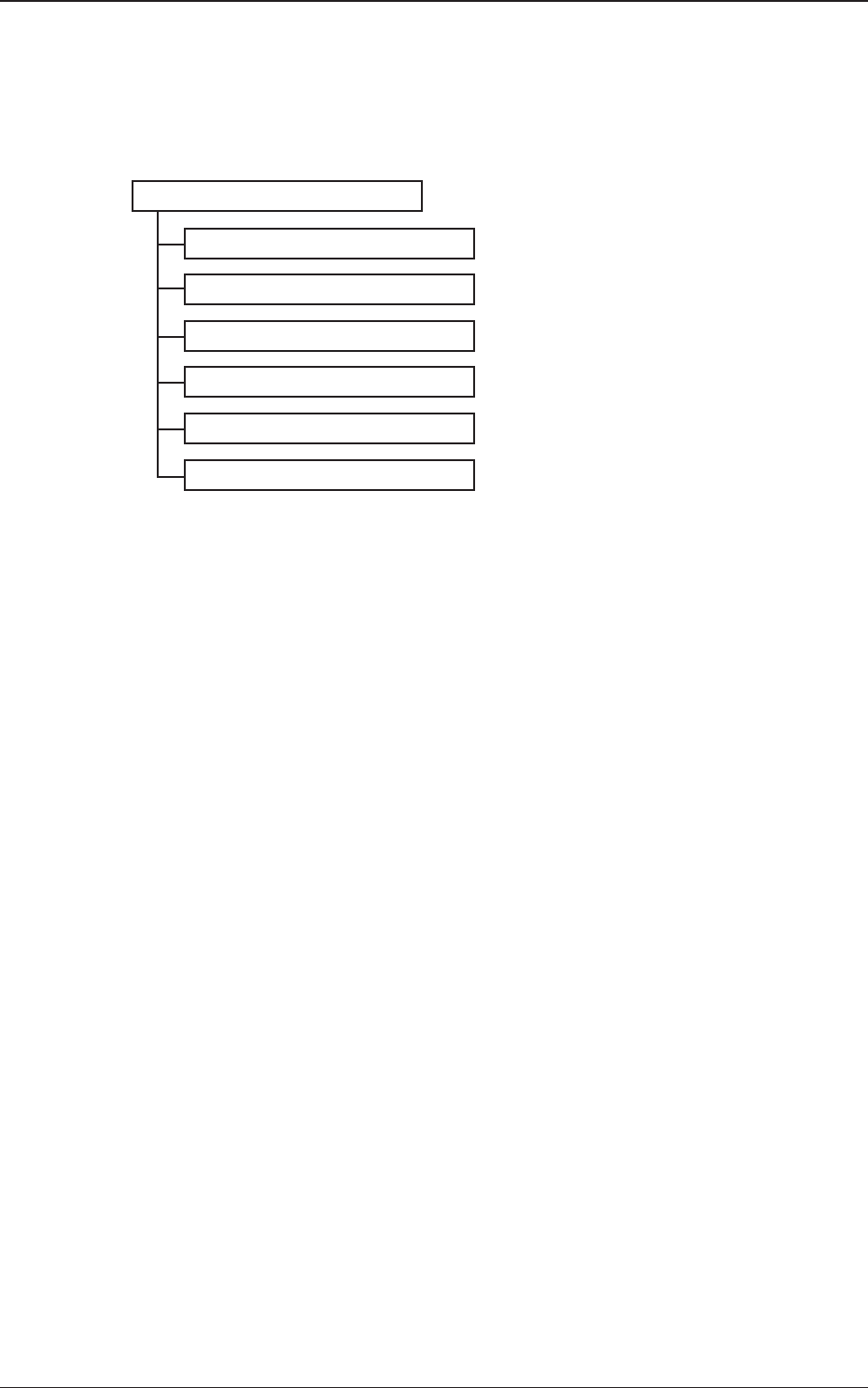
The following shows the hierarchical structure of the menus (including the
submenus and windows) for the setup operations.
Setup Reference Item Nos.
"PP CHANGE" Window 3
"CNVR Set-up" Window 4
"NOZ.CHG." Window 5
"PCB XFER" Window 6
"Test&Tch" Submenu 7
"PCB.CNT." Window 8
Fig. 2F1-1