OM-1068-001.pdf - 第143页
Tg0252-PM-SO 991 1-001 C ha p t er 1 4- 2 1. LOCAL MODE Display When the [LOCAL MODE] key is pressed at the neutral mode display (Fig. 1.54), the following display appears on the screen. Fig. 1.68 [ZEROING OPERA TION] …

9911-001 Chapter 1 4-1
LOCAL Mode Menu
Section 4
Tg0252-PM-SO
Tg0252-PM-SO
9911-001 Chapter 1 4-2
1. LOCAL MODE Display
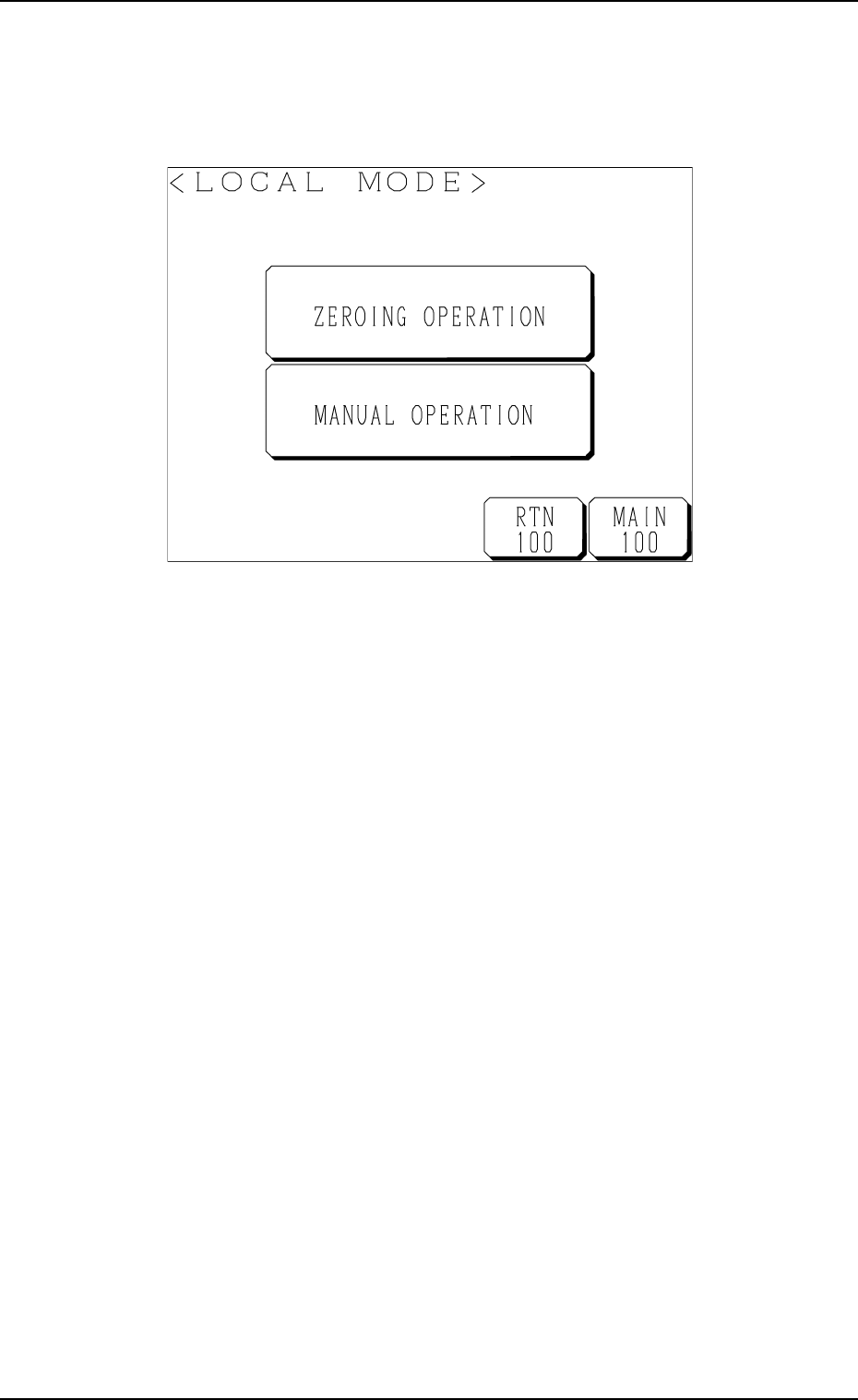
When the [LOCAL MODE] key is pressed at the neutral mode display (Fig.
1.54), the following display appears on the screen.
Fig. 1.68
[ZEROING OPERATION] Key
The multi-layer tray feeder can be zeroed.
[MANUAL OPERATION] Key
The multi-layer tray feeder can be operated manually.
1. LOCAL MODE Display
Tg0252-PM-SO
9911-001 Chapter 1 4-3
2. Zeroing Operation
It is required to perform the zeroing operation before activating each device.
The zeroing operation can be performed either from the local side (multi-layer
tray feeder) or the main machine side.
Refer to “11.1.2 Zeroing Operation Maneuvered on Main Machine Side of
Section 2 in Chapter 1” for the detailed information on how to perform the
zeroing operation from the main machine side.
Operation Procedure
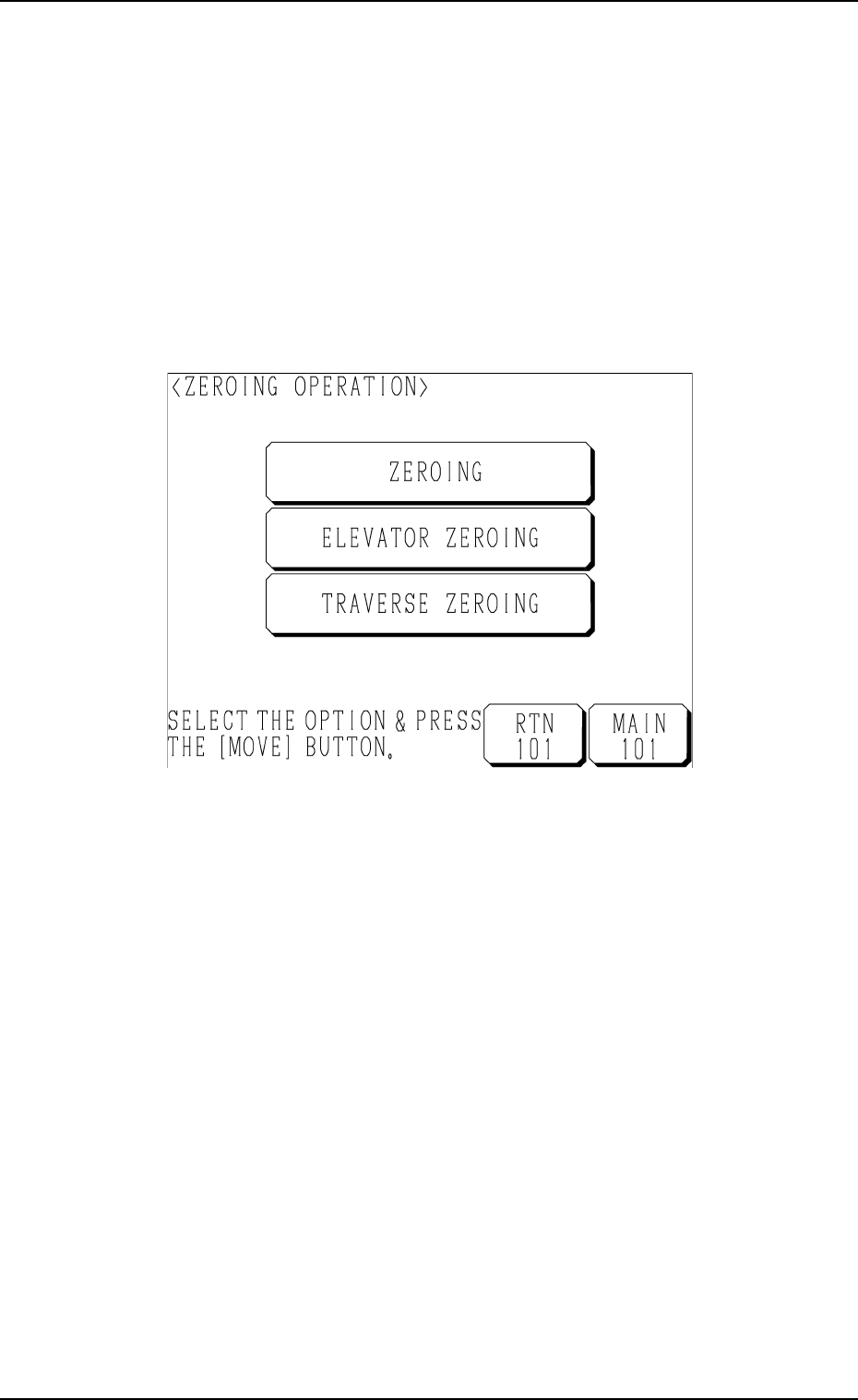
(1) Press the [ZEROING OPERATION] key at the “LOCAL MODE” dis-
play (Fig. 1.68). The following display appears on the screen.
Fig. 1.69
(2) Select the desired key and press the [MOVE] button.
• When the [ZEROING] key is selected, the elevator shaft and the
traverses are zeroed.
• When the [ELEVATOR ZEROING] key is selected, the elevator shaft
is zeroed.
• When the [TRAVERSE ZEROING] key is selected, the traverses are
zeroed.
2. Zeroing Operation