OM-1068-001.pdf - 第216页
0010-002 C h ap t er 3 3 - 1 Tg0252-PM-SO Management Information Messages Section 3
0112-001 Chapter 3 2-54 Tg0252-PM-SO
4. Troubleshooting after Error Message
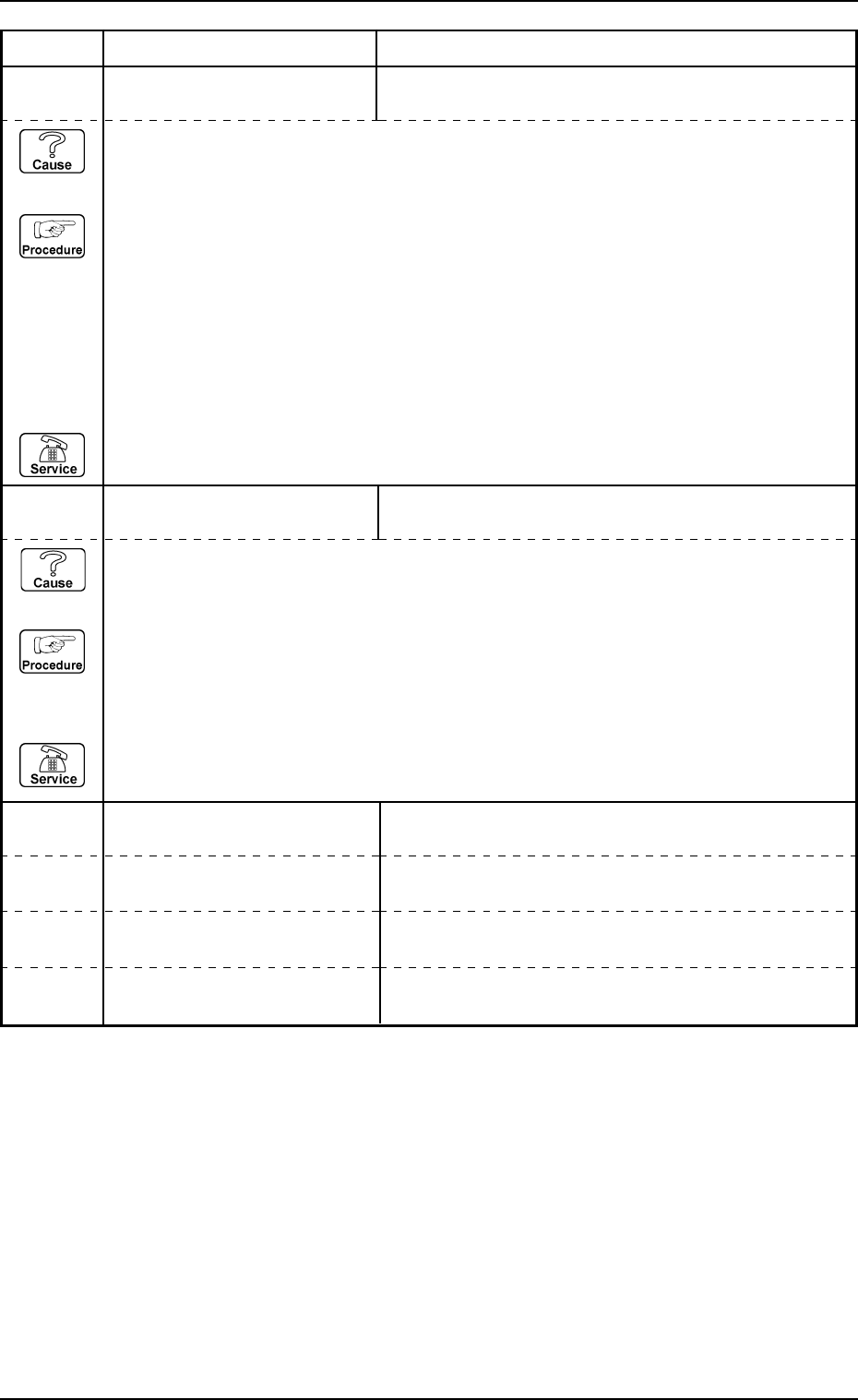
6F 01 01 SHORTAGE OF COMPONENT
FOR TRAY-R
SHORTAGE OF COMPONENT IS DETECTED.
6F 02 01 SOFTWARE VERSION UP FOR
TRAY-R
SOFTWARE VERSION UP OF TRAY-R DISPLAY
FAILED.
Error Code Display A Display B
(Cause 1) This is the device's self-diagnostic message.
(Reset Procedure in the case of Cause 1)
Reset Procedure
(1) Press the [CLEAR ALARM] key to stop the buzzer sound.
(2) Press the [RESET] button to cancel the error mode.
(3) Check the tray matrix data.
There is no component in the block where the red light flashes.
Refer to “Chapter 1, Section 2, 7. Component Supply during Automatic Operation” in the
Multi-Tray Feeder Service Manual.
(4) Re-start.
(5) If the device is not re-started, contact our service personnel.
(Cause 1) This is the device’s self-diagnostic message.
(Reset Procedure in the case of Cause 1)
Reset Procedure
(1) Press the [CLEAR ALARM] key to stop the buzzer sound.
(2) Press the [RESET] button to cancel the error mode.
(3) Check the RS-232C cable.
(4) If the device is not reset after the above procedure, contact our service personnel.
6F 03 01
6F 03 02
6F 04 01
6F 04 02

0010-002 Chapter 3 3-1
Tg0252-PM-SO
Management Information Messages
Section 3
0005-002 Chapter 3 3-2 Tg0252-PM-SO
1. Starting Guidance
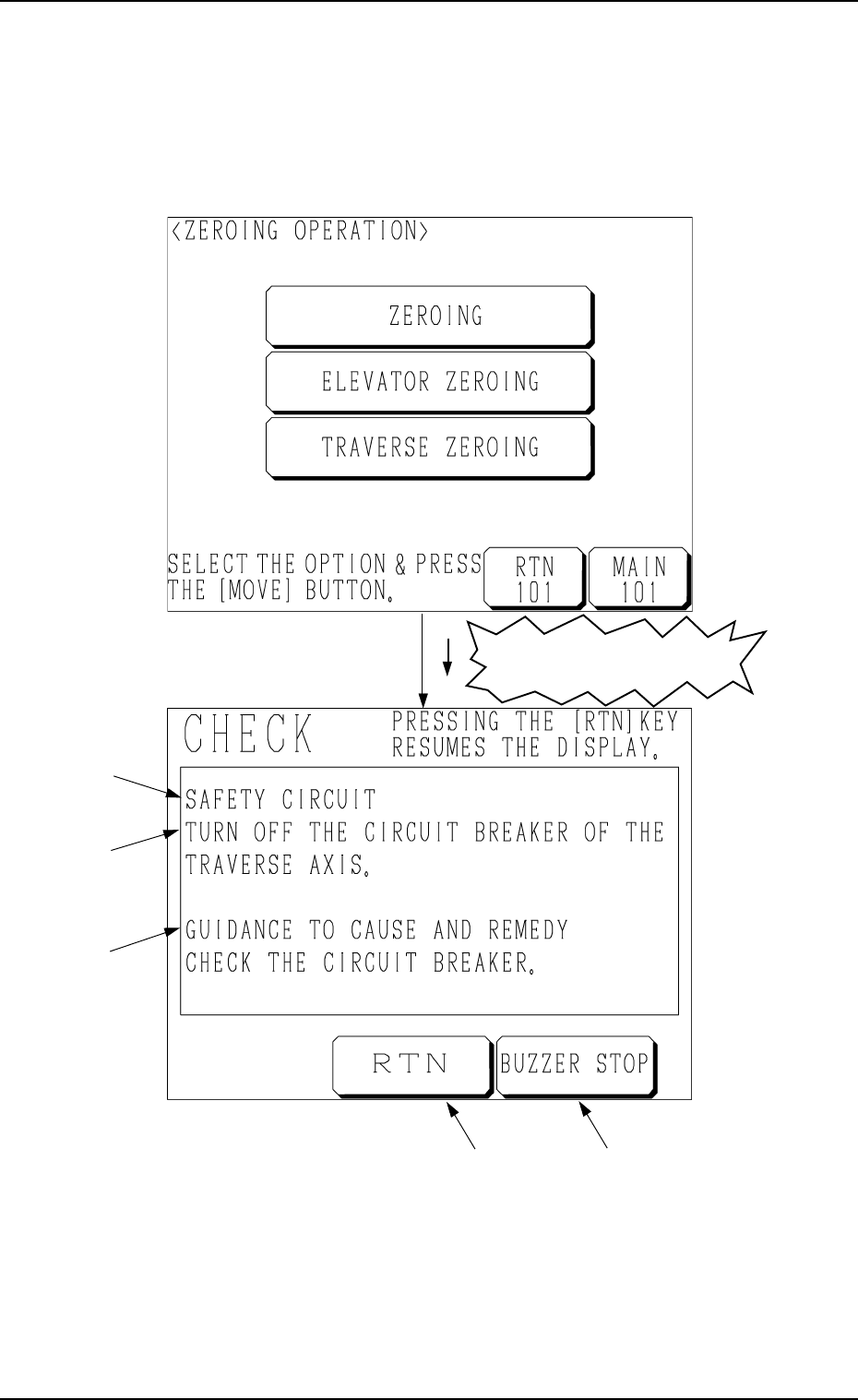
When a pushbutton on the operation panel is pressed under the condition that
requirements for a device to be activated are not fulfilled with the machine in
the “STOP” or the “PAUSE” mode, a “CHECK” display (Fig. 3.4) appears on
the screen.
1. Starting Guidance
A : Check Message
B : Description of Check Message
C : Guidance to Cause and Remedy of Nonfulfillment of Starting Require-
ments
D : This key is used to stop buzzer sound.
E : This key is used to stop buzzer sound and resume the display opened
before the “CHECK” display.
Refer to “3. List of Check Messages of Section 3 in Chapter 3” for details.
Fig. 3.4
A
B
C
ED
Fig. 3.3
Nonfulfillment of Starting
Requirements