OM-1068-001.pdf - 第208页
01 12-001 C h ap t er 3 2-47 Tg0252-PM-SO 4. Troubleshooting after Error Message 14 0 6 05 EV2-AXIS INTERLOCK P ALLET STOPPER CHECK (UPPER) [BPH595] NOT DETECTED. 14 0 6 07 EV2-AXIS INTERLOCK UPR MAGAZINE CLUTCH CONNECTI…
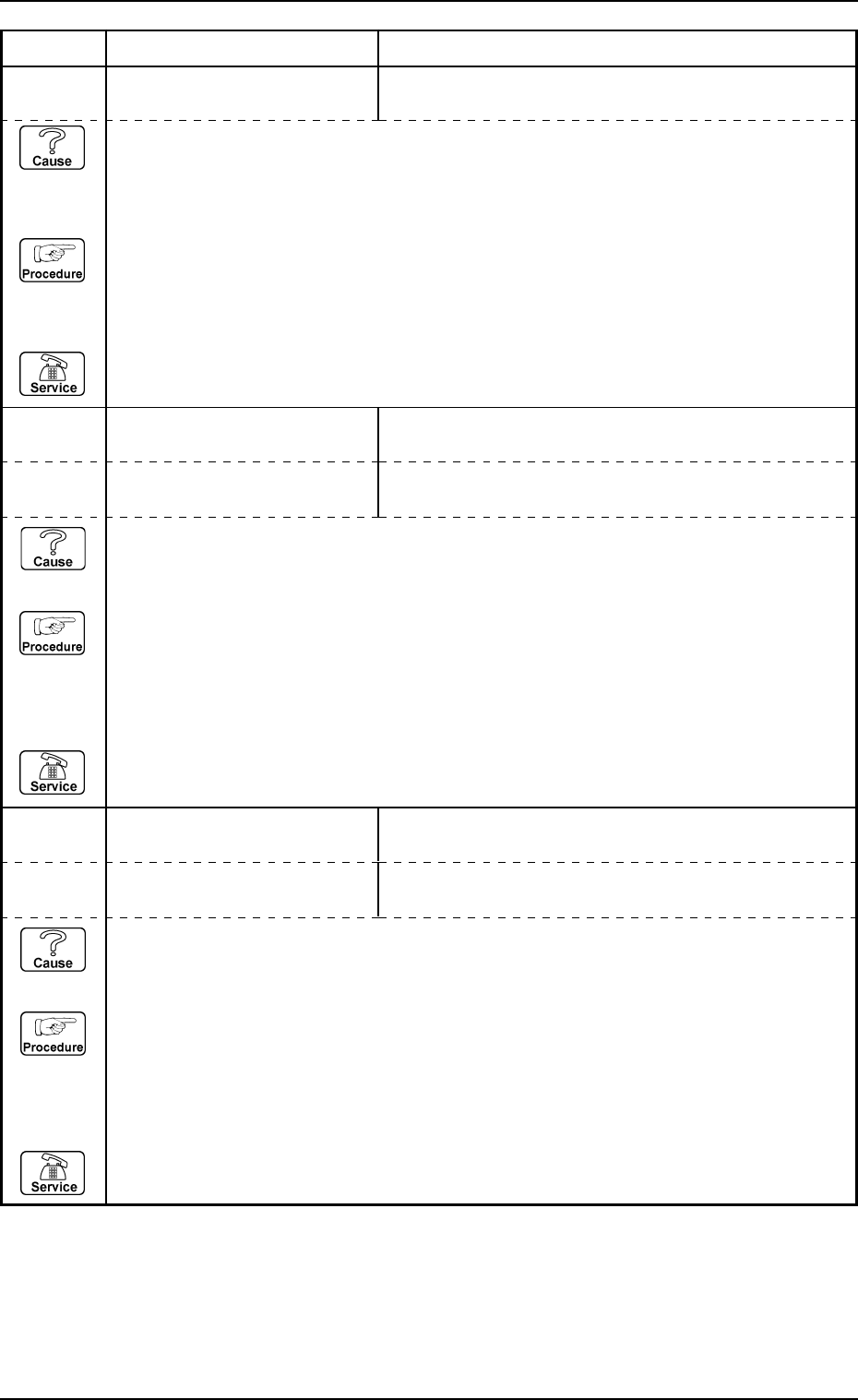
0112-001 Chapter 3 2-46 Tg0252-PM-SO
4. Troubleshooting after Error Message
14 05 01 EV2-AXIS SERVOMOTOR
DRIVER
ABNORMAL DATA SETTING WAS DETECTED.
14 06 01 EV2-AXIS INTERLOCK UPPER DOOR ELECTROMAGNETIC LOCK SWITCH
[SQ501] NOT DETECTED.
Error Code Display A Display B
(Cause 1) This is the device’s self-diagnostic message.
(Reset Procedure in the case of Cause 1)
Reset Procedure
(1) Press the [CLEAR ALARM] key to stop the buzzer sound.
(2) Press the [RESET] button to cancel the error mode.
(3) Press the [ZERO] button to return all axes to their original positions. Continue the production
according to the “WARM Start Operation Procedure”.
(4) If the device can’t be reset after the above procedure, contact our service personnel.
14 06 03 EV2-AXIS INTERLOCK CARRIAGE STOPPER RELEASE FORWARD LIMIT
[BPH597] NOT DETECTED.
14 06 04 EV2-AXIS INTERLOCK PALLET STOPPER RELEASE BACKWARD LIMIT
[BPH598] NOT DETECTED.
(Cause 1) This is the device’s self-diagnostic message.
(Reset Procedure in the case of Cause 1)
Reset Procedure
(1) Press the [CLEAR ALARM] key to stop the buzzer sound.
(2) Press the [RESET] button to cancel the error mode.
(3) Press the [ZERO] button to return all axes to their original positions. Continue the production
according to the “WARM Start Operation Procedure”.
(4) If the device can’t be reset after the above procedure, contact our service personnel.
14 06 02 EV2-AXIS INTERLOCK LOWER DOOR ELECTROMAGNETIC LOCK SWITCH
[SQ502] NOT DETECTED.
(Cause 1) Overcurrent or overload may occur in the servo pack or the motor signal cable connec-
tion may be defective.
(Reset Procedure in the case of Cause 1)
Reset Procedure
(1) Turn off the power and check for loose connections between the sections of the motor and
signal cable.
(2) Re-start.
(3) If the device can’t be reset even after the above check, contact our service personnel because
the signal cable may be broken or the motor defective.
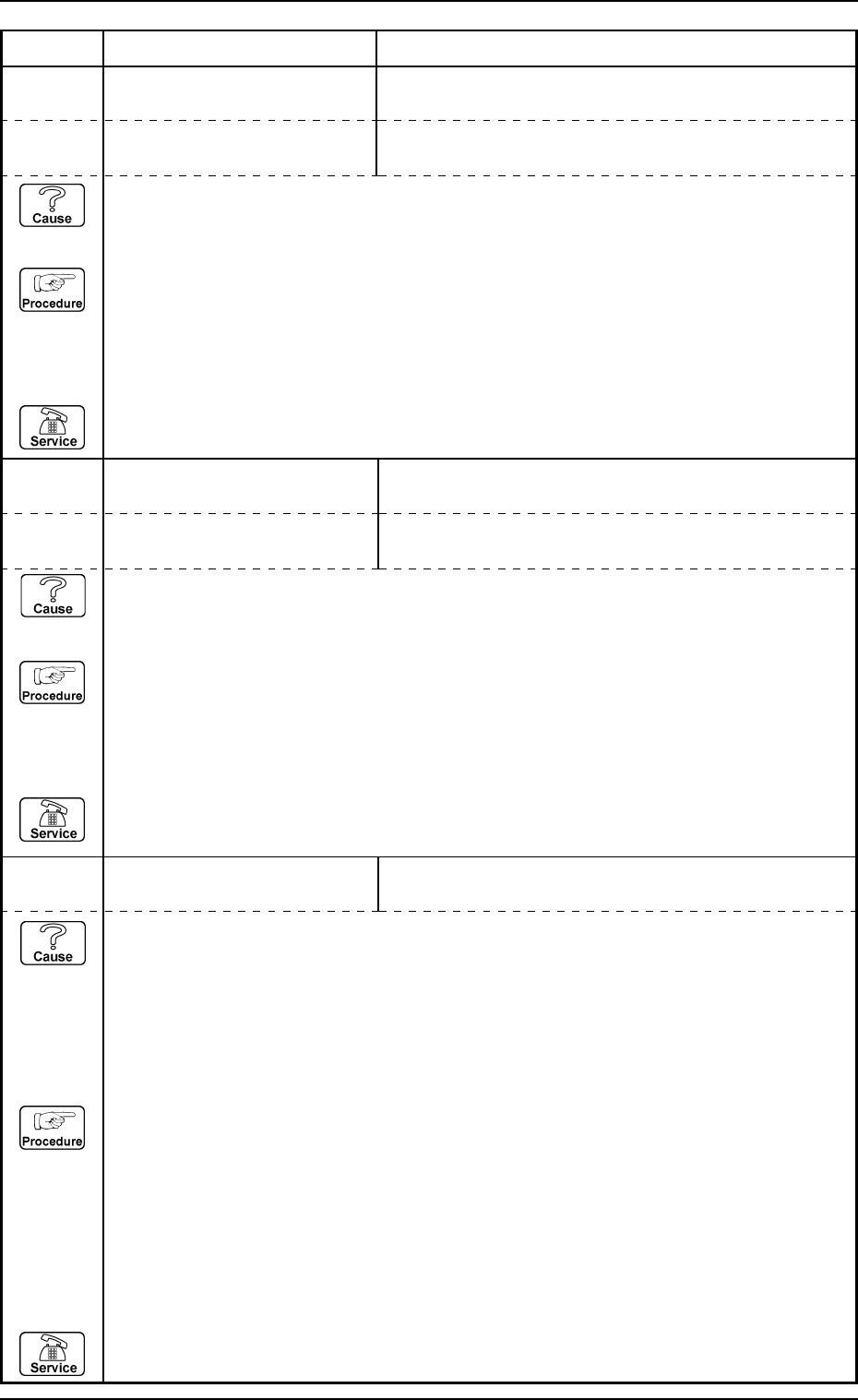
0112-001 Chapter 3 2-47 Tg0252-PM-SO
4. Troubleshooting after Error Message
14 06 05 EV2-AXIS INTERLOCK PALLET STOPPER CHECK (UPPER) [BPH595] NOT
DETECTED.
14 06 07 EV2-AXIS INTERLOCK UPR MAGAZINE CLUTCH CONNECTION FWD LIMITS
[K511,513] NOT DETECTED.
Error Code Display A Display B
(Cause 1) This is the device’s self-diagnostic message.
(Reset Procedure in the case of Cause 1)
Reset Procedure
(1) Press the [CLEAR ALARM] key to stop the buzzer sound.
(2) Press the [RESET] button to cancel the error mode.
(3) Press the [ZERO] button to return all axes to their original positions. Continue the production
according to the “WARM Start Operation Procedure”.
(4) If the device can’t be reset after the above procedure, contact our service personnel.
14 06 08 EV2-AXIS INTERLOCK UPR MAGAZINE CLUTCH CONNECTION BWD LIMITS
[K512,514] NOT DETECTED.
(Cause 1) This is the device’s self-diagnostic message.
(Reset Procedure in the case of Cause 1)
Reset Procedure
(1) Press the [CLEAR ALARM] key to stop the buzzer sound.
(2) Press the [RESET] button to cancel the error mode.
(3) Press the [ZERO] button to return all axes to their original positions. Continue the production
according to the “WARM Start Operation Procedure”.
(4) If the device can’t be reset after the above procedure, contact our service personnel.
14 06 09 EV2-AXIS INTERLOCK UPPER MAGAZINE DETECTION CHECK [BPH589] NOT
DETECTED.
(Cause 1) The upper magazine might not inserted into the tray feeder.
(Cause 2) The [BPH589] sensor might not be in conformity.
(Cause 3) The [BPH589] sensor might be adjusted incorrectly.
(Reset Procedure in the case of Cause 1)
Reset Procedure
(1) Set the upper magazine onto the tray feeder.
(Reset Procedure in the case of Cause 2)
Reset Procedure
(1) Press the [CLEAR ALARM] key to stop the buzzer sound.
(2) Press the [RESET] button to cancel the error mode.
(3) Press the [ZERO] button to return all axes to their original positions. Continue the production
according to the “WARM Start Operation Procedure”.
(4) If the device can’t be reset after the above procedure, contact our service personnel.
14 06 06 EV2-AXIS INTERLOCK PALLET STOPPER CHECK (LOWER) [BPH596] NOT
DETECTED.
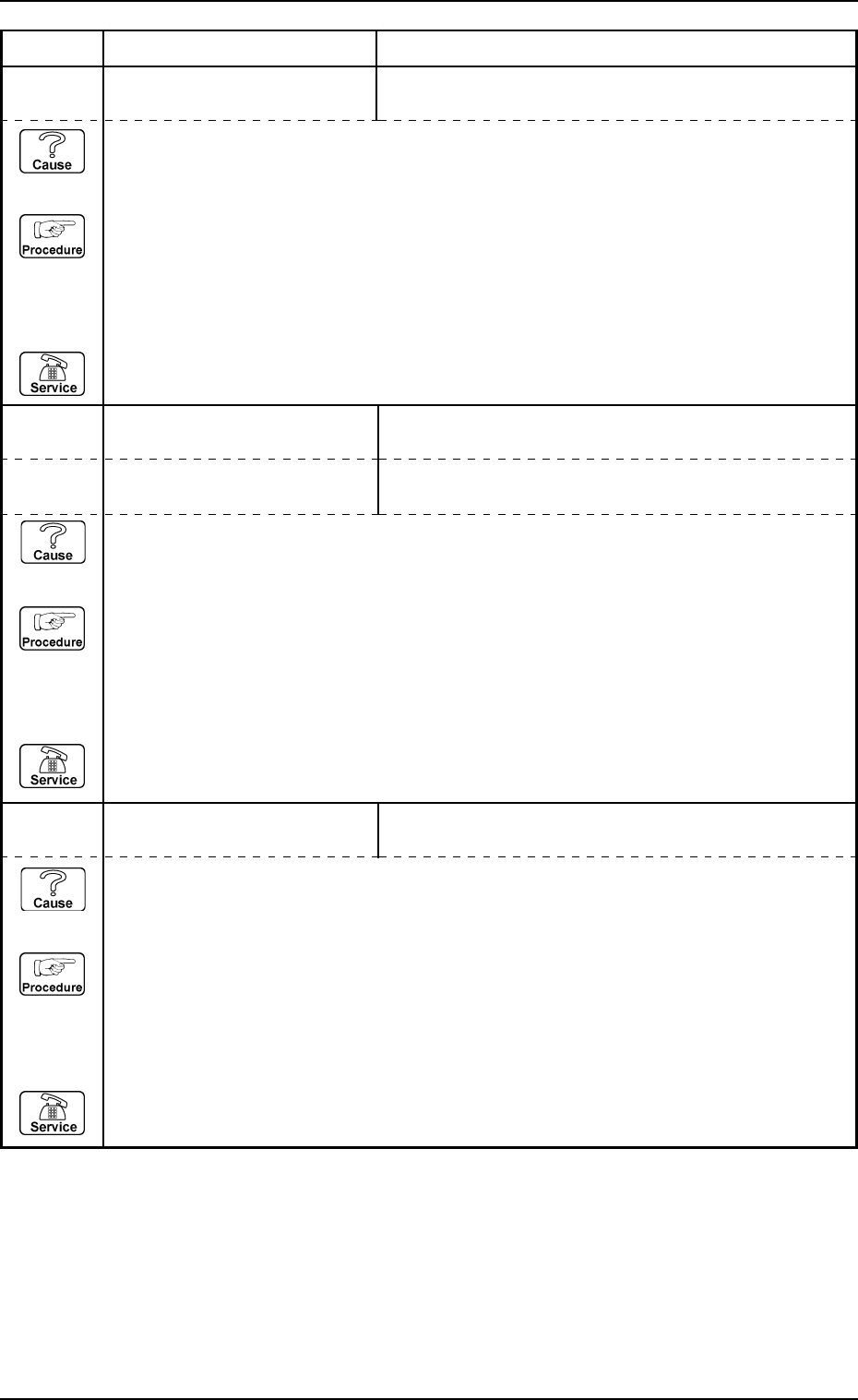
0112-001 Chapter 3 2-48 Tg0252-PM-SO
4. Troubleshooting after Error Message
14 06 0A EV2-AXIS INTERLOCK UPPER MAGAZINE STATIONARY POSITION CHECK
[K515] NOT DETECTED.
14 06 0B EV2-AXIS INTERLOCK LWR MAGAZINE CLUTCH CONNECTION FWD LIMITS
[K521,523] NOT DETECTED.
Error Code Display A Display B
(Cause 1) This is the device’s self-diagnostic message.
(Reset Procedure in the case of Cause 1)
Reset Procedure
(1) Press the [CLEAR ALARM] key to stop the buzzer sound.
(2) Press the [RESET] button to cancel the error mode.
(3) Press the [ZERO] button to return all axes to their original positions. Continue the production
according to the “WARM Start Operation Procedure”.
(4) If the device can’t be reset after the above procedure, contact our service personnel.
14 06 0C EV2-AXIS INTERLOCK LWR MAGAZINE CLUTCH CONNECTION BWD LIMITS
[K522,524] NOT DETECTED.
(Cause 1) This is the device’s self-diagnostic message.
(Reset Procedure in the case of Cause 1)
Reset Procedure
(1) Press the [CLEAR ALARM] key to stop the buzzer sound.
(2) Press the [RESET] button to cancel the error mode.
(3) Press the [ZERO] button to return all axes to their original positions. Continue the production
according to the “WARM Start Operation Procedure”.
(4) If the device can’t be reset after the above procedure, contact our service personnel.
14 06 0D EV2-AXIS INTERLOCK LOWER MAGAZINE DETECTION CHECK [BPH591] NOT
DETECTED.
(Cause 1) This is the device’s self-diagnostic message.
(Reset Procedure in the case of Cause 1)
Reset Procedure
(1) Press the [CLEAR ALARM] key to stop the buzzer sound.
(2) Press the [RESET] button to cancel the error mode.
(3) Press the [ZERO] button to return all axes to their original positions. Continue the production
according to the “WARM Start Operation Procedure”.
(4) If the device can’t be reset after the above procedure, contact our service personnel.