OM-1068-001.pdf - 第191页
01 12-001 C h ap t er 3 2-30 Tg0252-PM-SO 4. Troubleshooting after Error Message 12 05 1 1 TV2-AXIS INTERLOCK TV2-AXIS EMERGENCY STOP . BPH279 (CRASH DE- TECTED OR TRA Y HEIGHT OF COMPONENT ERROR) 12 06 06 POWER ON MONIT…
0112-001 Chapter 3 2-29 Tg0252-PM-SO
4. Troubleshooting after Error Message
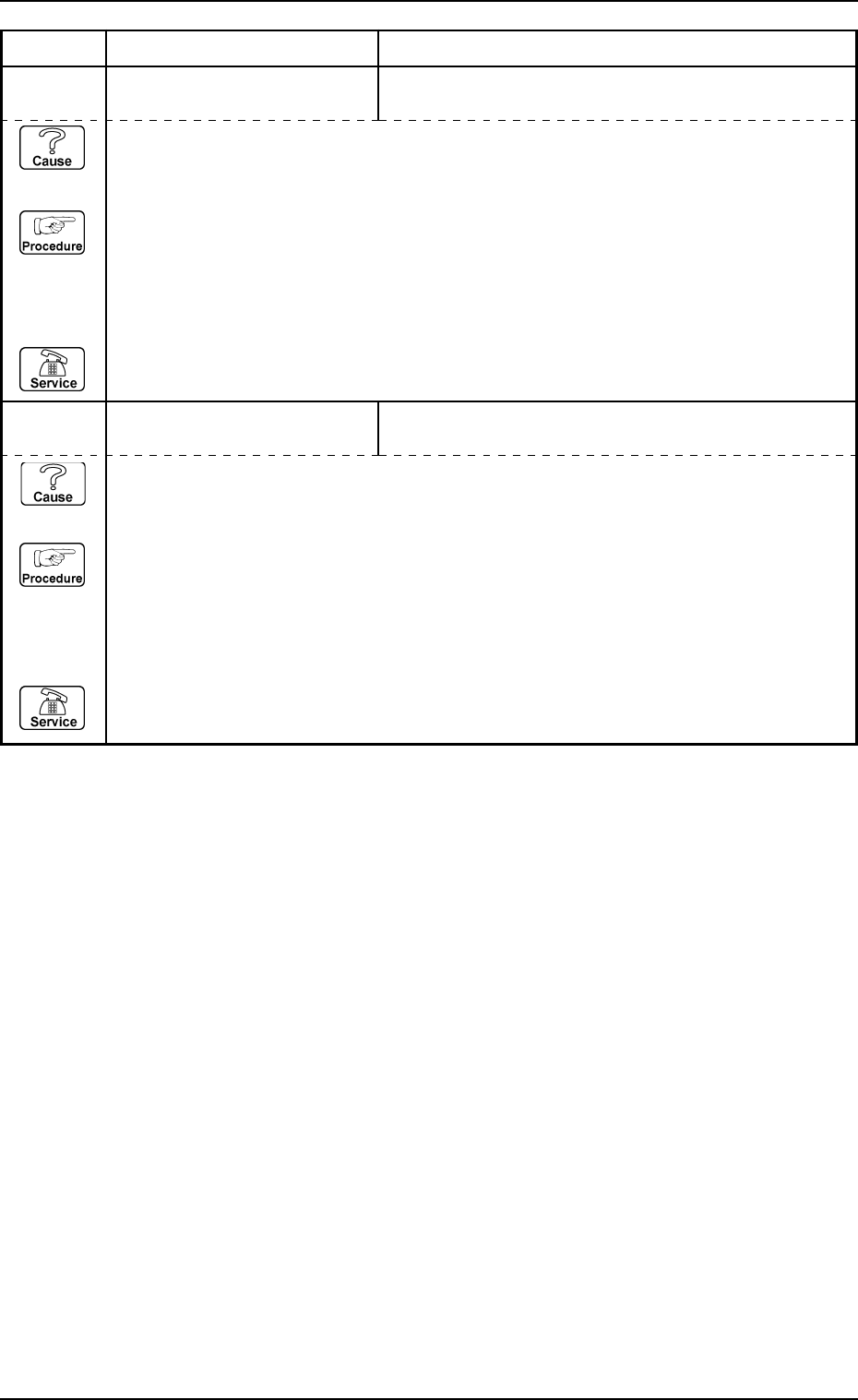
12 05 0E TV2-AXIS INTERLOCK THERE IS CARRIAGE IN THE STORED STEP.
12 05 0F TV2-AXIS INTERLOCK SPECIFIED DRAWN CARRIAGE NOT DETECTED.
Error Code Display A Display B
(Cause 1) This is the device’s self-diagnostic message.
(Reset Procedure in the case of Cause 1)
Reset Procedure
(1) Press the [CLEAR ALARM] key to stop the buzzer sound.
(2) Press the [RESET] button to cancel the error mode.
(3) Press the [ZERO] button to return all axes to their original positions. Continue the production
according to the “WARM Start Operation Procedure”.
(4) If the device can’t be reset after the above procedure, contact our service personnel.
(Cause 1) This is the device’s self-diagnostic message.
(Reset Procedure in the case of Cause 1)
Reset Procedure
(1) Press the [CLEAR ALARM] key to stop the buzzer sound.
(2) Press the [RESET] button to cancel the error mode.
(3) Press the [ZERO] button to return all axes to their original positions. Continue the production
according to the “WARM Start Operation Procedure”.
(4) If the device can’t be reset after the above procedure, contact our service personnel.
0112-001 Chapter 3 2-30 Tg0252-PM-SO
4. Troubleshooting after Error Message
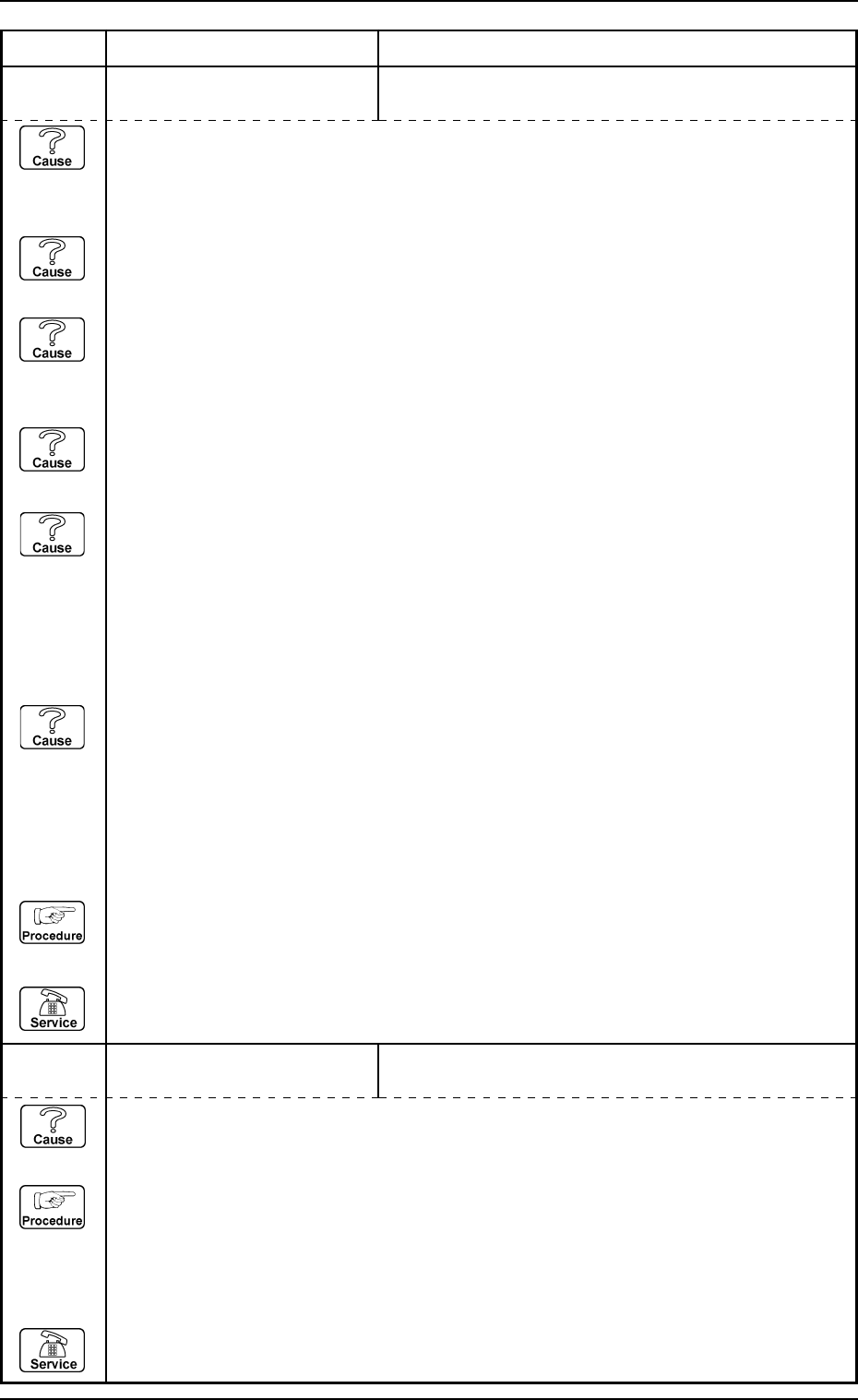
12 05 11 TV2-AXIS INTERLOCK TV2-AXIS EMERGENCY STOP. BPH279 (CRASH DE-
TECTED OR TRAY HEIGHT OF COMPONENT ERROR)
12 06 06 POWER ON MONITOR CIRCUIT BREAKERS [Q401,Q402] NOT DETECTED.
Error Code Display A Display B
(Cause 1) This is the device’s self-diagnostic message.
(Reset Procedure in the case of Cause 1)
Reset Procedure
(1) Press the [CLEAR ALARM] key to stop the buzzer sound.
(2) Press the [RESET] button to cancel the error mode.
(3) Press the [ZERO] button to return all axes to their original positions. Continue the production
according to the “WARM Start Operation Procedure”.
(4) If the device can’t be reset after the above procedure, contact our service personnel.
(Cause 1) Is there any dust on the light emission or light receipt section in the traverse collision
detection sensor [BPH276], which detects abnormal access of the traverse axis 1 to the
traverse axis 2? If so, wipe clean.
(Cause 2) Has the optical axis of the traverse collision detection sensor [BPH276] deviated?
If so, adjust it.
(Cause 3) Is there any large plus value in the traverse pulling out position X (width) column at the
“Multi-tray Offset” display? If the data value is not correct, set the correct value with
the matching teaching operation.
(Cause 4) Does the shield dog plate which shields the sensor's optical axis when the traverse axis
1 is too close to the traverse axis 2, move smoothly? If not then adjust.
(Cause 5) Is a tray higher than the specified value pulled out from the upper chute in the multi-
tray unit?
The decision whether the tray is pulled out from the upper unit or lower unit is based
on the tray height data.
Check the tray height data on the component library data. If the data value is not
correct, set the actual height value.
(Cause 6) Is the optical axis of the traverse 1 pass line interlock 2 [BPH279] deviated? If so, adjust
it.
This sensor monitors the tray height when the pallet is pulled out. This sensor is not
attached on the tray unit where the use of the tray with the height of 1 inch is not
available.
(Reset Procedure in the case of Causes 1, 2, 3, 4, 5 and 6)
Reset Procedure
(1) Press the [ZERO] button to return all axes to their original positions.
(2) Re-start.
(3) If the device can’t be re-started, contact our service personnel.
0112-001 Chapter 3 2-31 Tg0252-PM-SO
4. Troubleshooting after Error Message
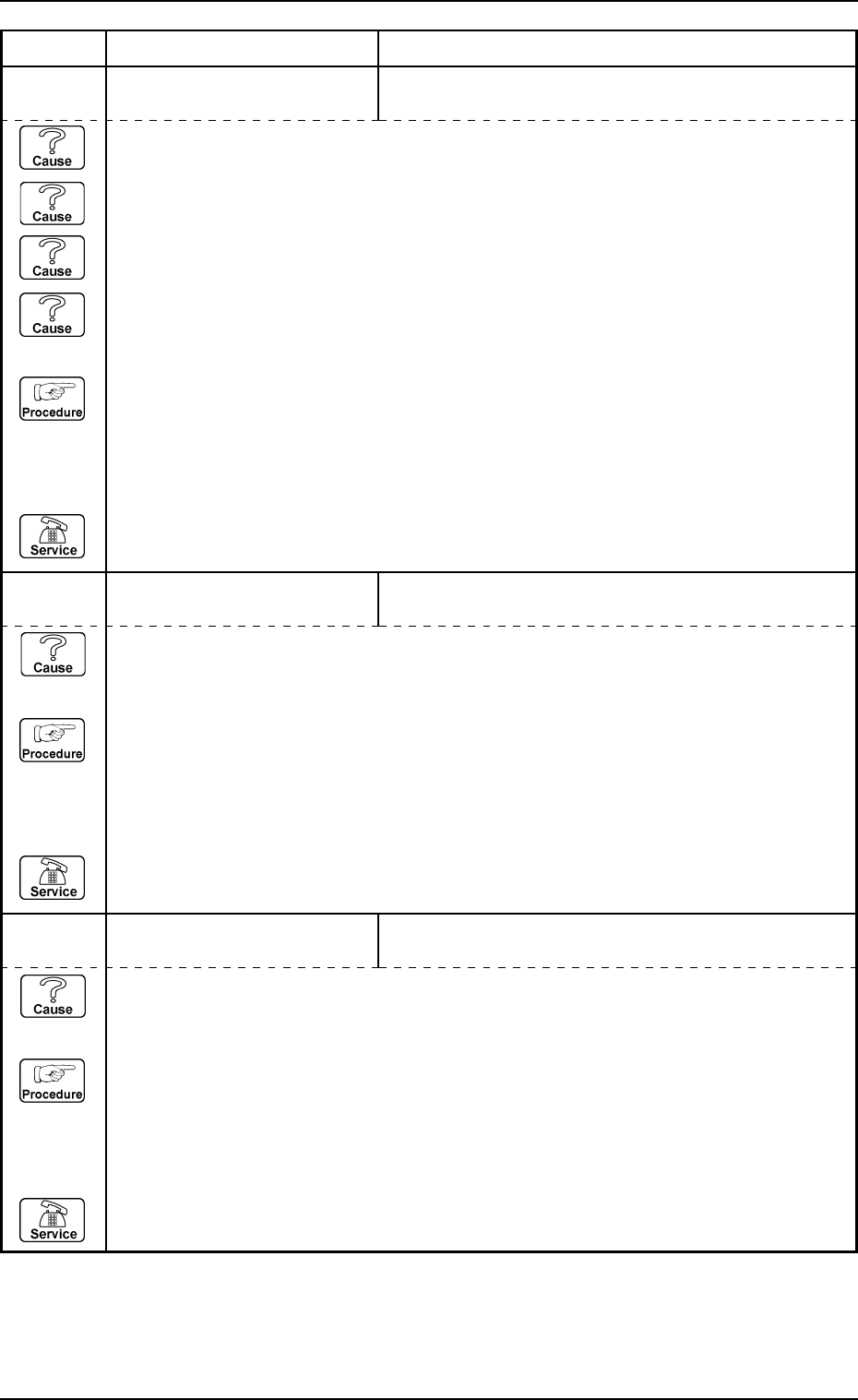
13 01 01 EV1-AXIS ORIGIN CARRIAGE JERKED OUT OF MAGAZINE DETECTED.
13 01 02 EV1-AXIS ORIGIN ELEVETOR #1 SENSOR MAY BE DEFECTIVE.
Error Code Display A Display B
(Cause 1) This is the device’s self-diagnostic message.
(Reset Procedure in the case of Cause 1)
Reset Procedure
(1) Press the [CLEAR ALARM] key to stop the buzzer sound.
(2) Press the [RESET] button to cancel the error mode.
(3) Press the [ZERO] button to return all axes to their original positions. Continue the production
according to the “WARM Start Operation Procedure”.
(4) If the device can’t be reset after the above procedure, contact our service personnel.
TRAVERSE #1 MIDDLE ORIGIN [BPH258] NOT DE-
TECTED.
(Cause 1) This is the device’s self-diagnostic message.
(Reset Procedure in the case of Cause 1)
Reset Procedure
(1) Press the [CLEAR ALARM] key to stop the buzzer sound.
(2) Press the [RESET] button to cancel the error mode.
(3) Press the [ZERO] button to return all axes to their original positions. Continue the production
according to the “WARM Start Operation Procedure”.
(4) If the device can’t be reset after the above procedure, contact our service personnel.
13 01 03 EV1-AXIS ORIGIN
(Cause 1) The pallet is projecting toward the side of the machine.
(Cause 2) The [BPH586] sensor light is shielded.
(Cause 3) The [BPH586] sensor is not adjusted correctly.
(Cause 4) The [BPH586] sensor is broken.
(Reset Procedure in the case of Causes 1, 2, 3, and 4)
Reset Procedure
(1) Press the [CLEAR ALARM] key to stop the buzzer sound.
(2) Press the [RESET] key and cancel the error mode.
(3) Press the [ZERO] button to return all axes to their original positions. Continue the production
according to the “WARM Start Operation Procedure”.
(4) If the device is not reset after the above procedure, contact our service personnel.