OM-1068-001.pdf - 第149页
在线预览 OM-1068-001.pdf PDF 文档。
Tg0252-PM-SO
9911-001 Chapter 1 4-7
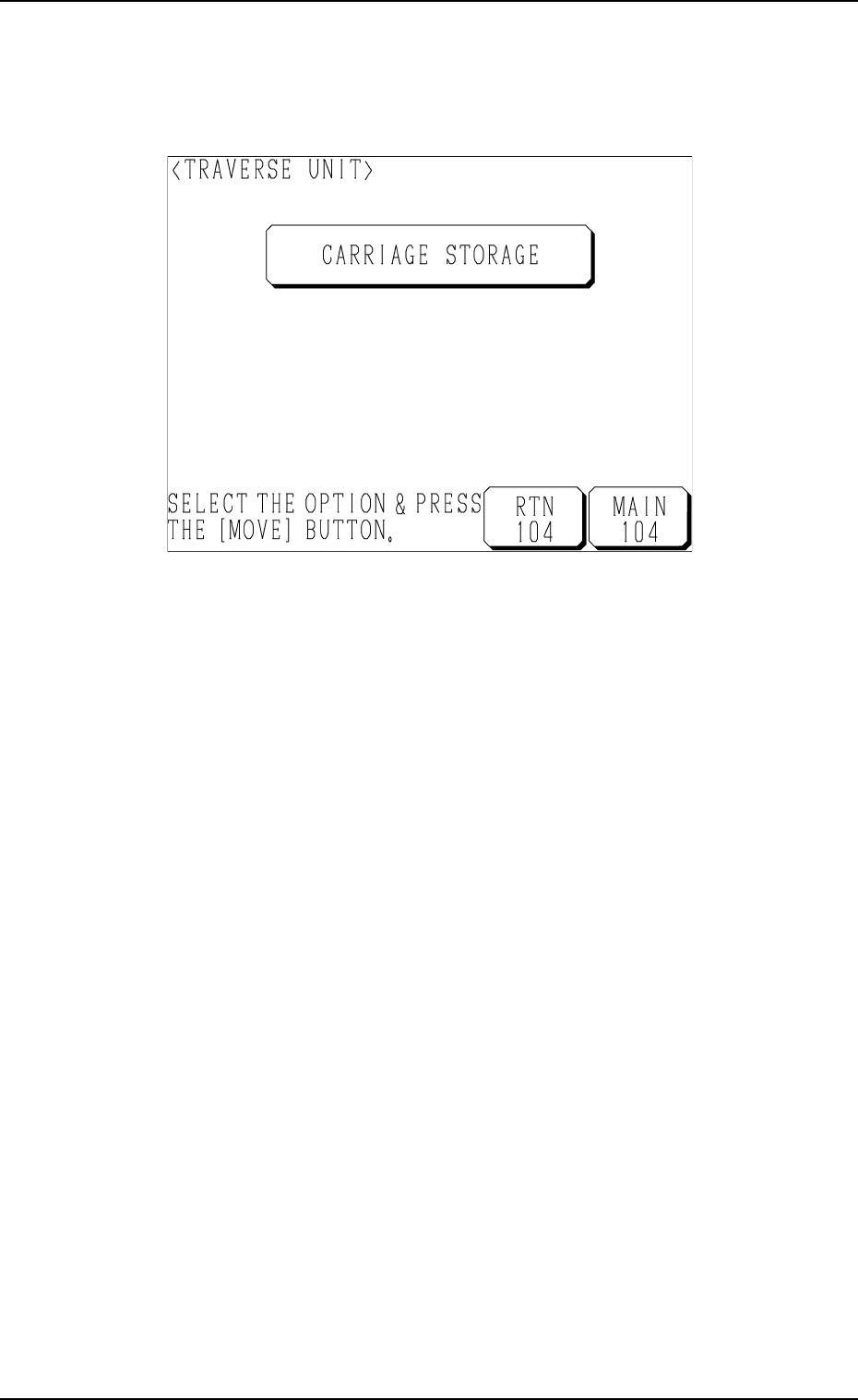
3.2 TRAVERSE UNIT Display
When the [TRAVERSE UNIT] key is pressed at the “MANUAL MODE”
display (Fig. 1.71), the following display appears on the screen.
Fig. 1.73
(2) Select the [CARRIAGE STORAGE] key and press the [MOVE] button.
Unless the traverse unit has pulled out the pallet, the pallet located at the
pullout position is pulled out. When the traverse unit has pulled it out, the
machine tries to store the pallet in the magazine.
3. MANUAL MODE Display

Chapter 2
This chapter discusses steps in creating, entering and editing
various kinds of data (pattern program data, etc.) required to
activate the machine.
9911-001 Chapter 2 1 Tg0252-PM-SO
Programming