OM-1068-001.pdf - 第198页
01 12-001 C h ap t er 3 2-37 Tg0252-PM-SO 4. Troubleshooting after Error Message 13 06 0A EV1-AXIS INTERLOCK UPPER MAGAZINE ST A TIONARY POSITION CHECK [K515] NOT DETECTED. 13 06 0B EV1-AXIS INTERLOCK L WR MAGAZINE CLUTC…
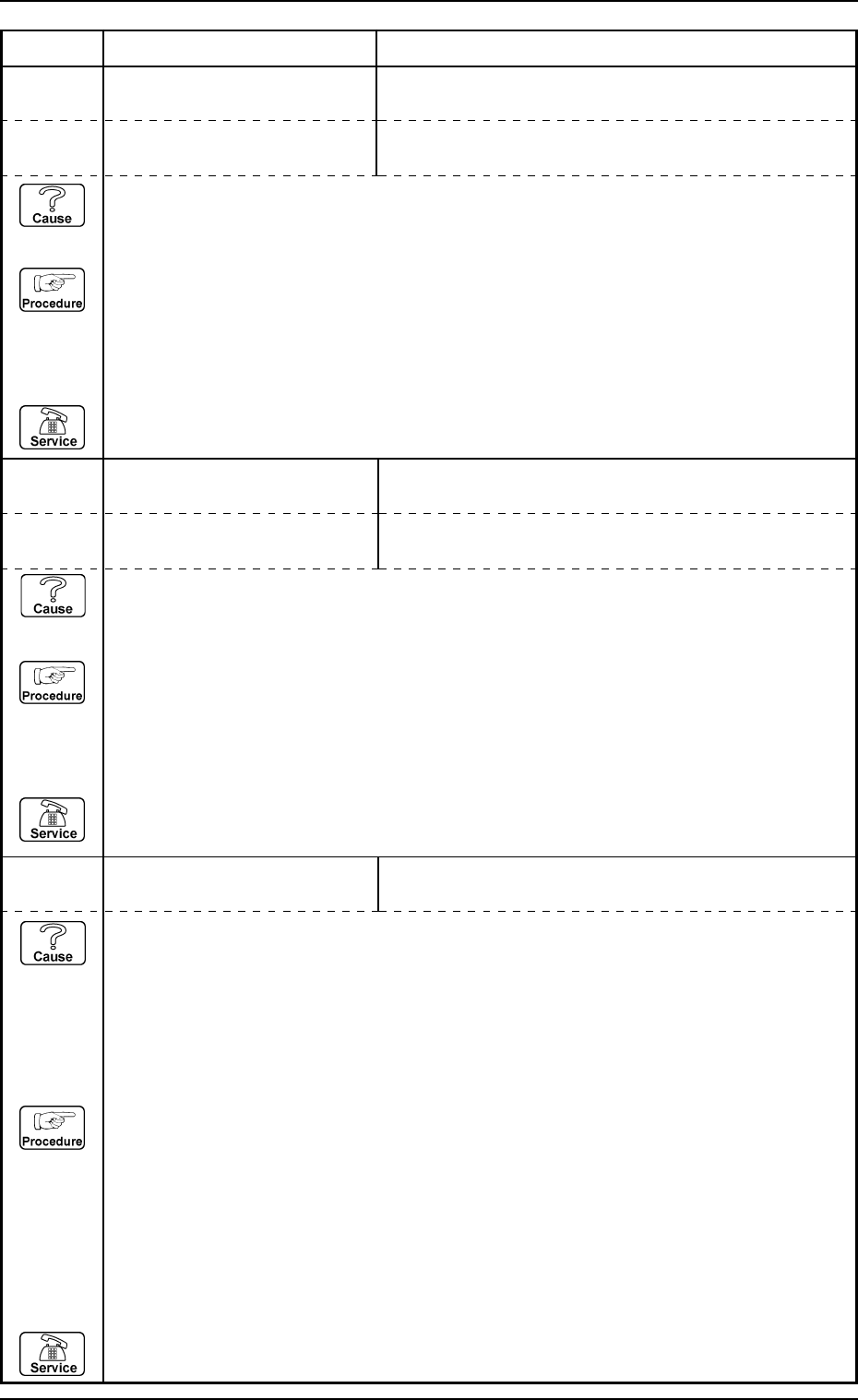
0112-001 Chapter 3 2-36 Tg0252-PM-SO
4. Troubleshooting after Error Message
13 06 05 EV1-AXIS INTERLOCK PALLET STOPPER CHECK (UPPER) [BPH595] NOT
DETECTED.
13 06 07 EV1-AXIS INTERLOCK UPR MAGAZINE CLUTCH CONNECTION FWD LIMITS
[K511,513] NOT DETECTED.
Error Code Display A Display B
(Cause 1) This is the device’s self-diagnostic message.
(Reset Procedure in the case of Cause 1)
Reset Procedure
(1) Press the [CLEAR ALARM] key to stop the buzzer sound.
(2) Press the [RESET] button to cancel the error mode.
(3) Press the [ZERO] button to return all axes to their original positions. Continue the production
according to the “WARM Start Operation Procedure”.
(4) If the device can’t be reset after the above procedure, contact our service personnel.
13 06 08 EV1-AXIS INTERLOCK UPR MAGAZINE CLUTCH CONNECTION BWD LIMITS
[K512,514] NOT DETECTED.
(Cause 1) This is the device’s self-diagnostic message.
(Reset Procedure in the case of Cause 1)
Reset Procedure
(1) Press the [CLEAR ALARM] key to stop the buzzer sound.
(2) Press the [RESET] button to cancel the error mode.
(3) Press the [ZERO] button to return all axes to their original positions. Continue the production
according to the “WARM Start Operation Procedure”.
(4) If the device can’t be reset after the above procedure, contact our service personnel.
13 06 09 EV1-AXIS INTERLOCK UPPER MAGAZINE DETECTION CHECK [BPH589] NOT
DETECTED.
(Cause 1) The upper magazine might not inserted into the tray feeder.
(Cause 2) The [BPH589] sensor might not be in conformity.
(Cause 3) The [BPH589] sensor might be adjusted incorrectly.
(Reset Procedure in the case of Cause 1)
Reset Procedure
(1) Set the upper magazine onto the tray feeder.
(Reset Procedure in the case of Cause 2)
Reset Procedure
(1) Press the [CLEAR ALARM] key to stop the buzzer sound.
(2) Press the [RESET] button to cancel the error mode.
(3) Press the [ZERO] button to return all axes to their original positions. Continue the production
according to the “WARM Start Operation Procedure”.
(4) If the device can’t be reset after the above procedure, contact our service personnel.
13 06 06 EV1-AXIS INTERLOCK PALLET STOPPER CHECK (LOWER) [BPH596] NOT
DETECTED.
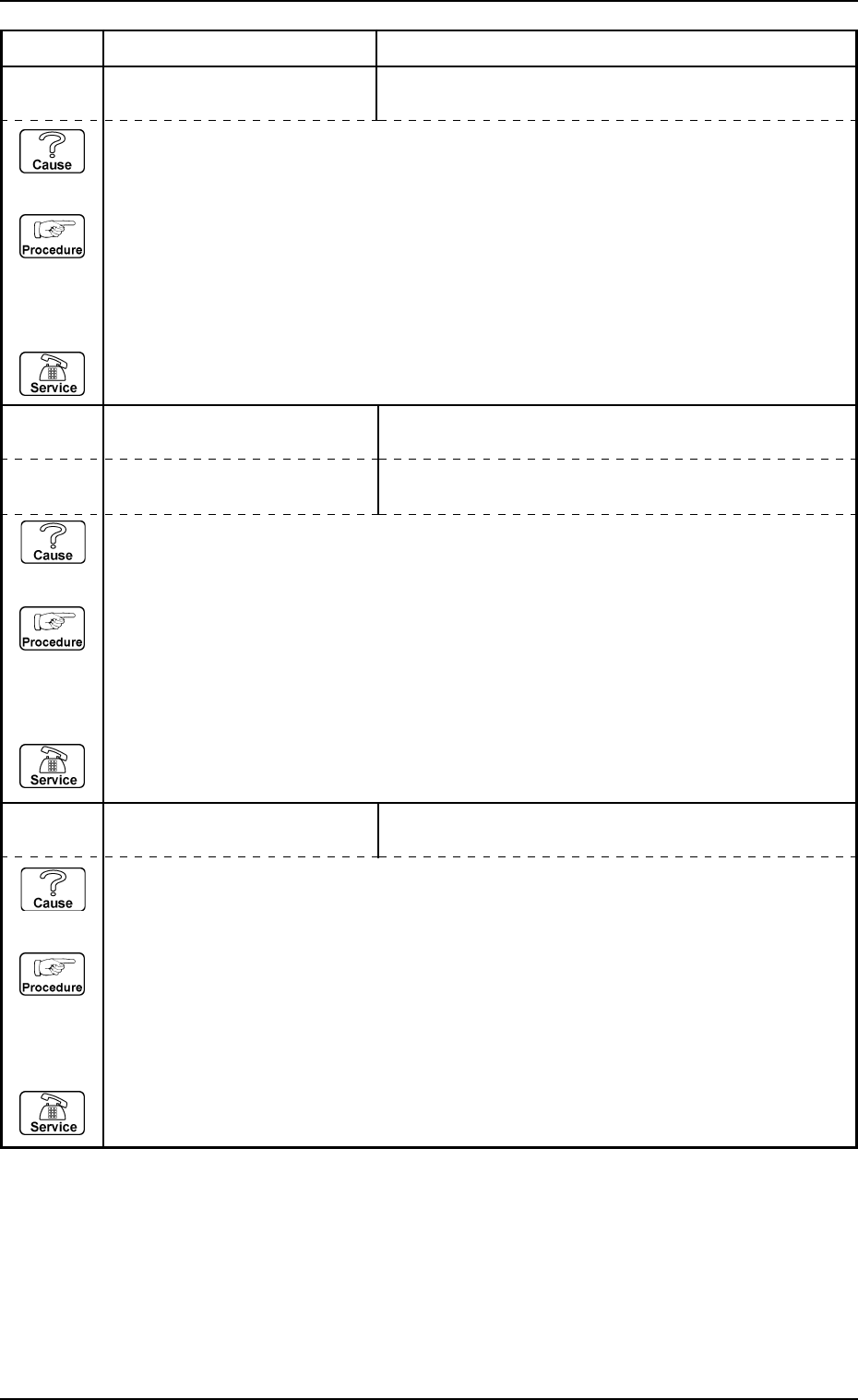
0112-001 Chapter 3 2-37 Tg0252-PM-SO
4. Troubleshooting after Error Message
13 06 0A EV1-AXIS INTERLOCK UPPER MAGAZINE STATIONARY POSITION CHECK
[K515] NOT DETECTED.
13 06 0B EV1-AXIS INTERLOCK LWR MAGAZINE CLUTCH CONNECTION FWD LIMITS
[K521,523] NOT DETECTED.
Error Code Display A Display B
(Cause 1) This is the device’s self-diagnostic message.
(Reset Procedure in the case of Cause 1)
Reset Procedure
(1) Press the [CLEAR ALARM] key to stop the buzzer sound.
(2) Press the [RESET] button to cancel the error mode.
(3) Press the [ZERO] button to return all axes to their original positions. Continue the production
according to the “WARM Start Operation Procedure”.
(4) If the device can’t be reset after the above procedure, contact our service personnel.
13 06 0C EV1-AXIS INTERLOCK LWR MAGAZINE CLUTCH CONNECTION BWD LIMITS
[K522,524] NOT DETECTED.
(Cause 1) This is the device’s self-diagnostic message.
(Reset Procedure in the case of Cause 1)
Reset Procedure
(1) Press the [CLEAR ALARM] key to stop the buzzer sound.
(2) Press the [RESET] button to cancel the error mode.
(3) Press the [ZERO] button to return all axes to their original positions. Continue the production
according to the “WARM Start Operation Procedure”.
(4) If the device can’t be reset after the above procedure, contact our service personnel.
13 06 0D EV1-AXIS INTERLOCK LOWER MAGAZINE DETECTION CHECK [BPH591] NOT
DETECTED.
(Cause 1) This is the device’s self-diagnostic message.
(Reset Procedure in the case of Cause 1)
Reset Procedure
(1) Press the [CLEAR ALARM] key to stop the buzzer sound.
(2) Press the [RESET] button to cancel the error mode.
(3) Press the [ZERO] button to return all axes to their original positions. Continue the production
according to the “WARM Start Operation Procedure”.
(4) If the device can’t be reset after the above procedure, contact our service personnel.
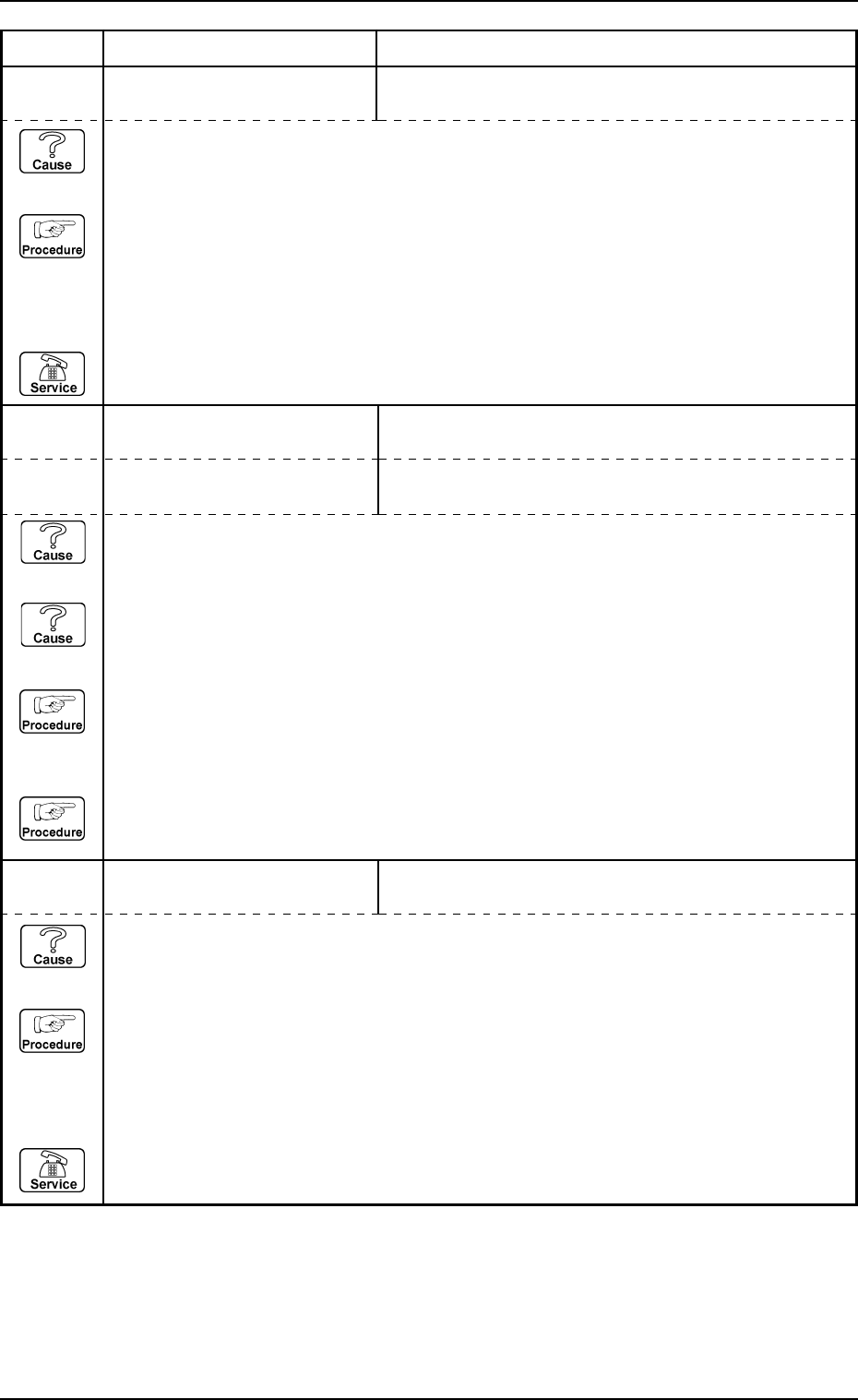
0112-001 Chapter 3 2-38 Tg0252-PM-SO
4. Troubleshooting after Error Message
13 06 0E EV1-AXIS INTERLOCK LOWER MAGAZINE STATIONARY POSITION CHECK
[K525] NOT DETECTED.
13 06 0F EV1-AXIS INTERLOCK PALLET DETECTION CHECK (UPPER) [BPH593] NOT
DETECTED.
Error Code Display A Display B
(Cause 1) This is the device’s self-diagnostic message.
(Reset Procedure in the case of Cause 1)
Reset Procedure
(1) Press the [CLEAR ALARM] key to stop the buzzer sound.
(2) Press the [RESET] button to cancel the error mode.
(3) Press the [ZERO] button to return all axes to their original positions. Continue the production
according to the “WARM Start Operation Procedure”.
(4) If the device can’t be reset after the above procedure, contact our service personnel.
13 06 10 EV1-AXIS INTERLOCK PALLET DETECTION CHECK (LOWER) [BPH594] NOT
DETECTED.
(Cause 1) The zeroing operation might have been performed after the pallet was removed during
the pull-out of traverse.
(Cause 2) The pallet is stuck in the way of returning to the magazine.
(Reset Procedure in the case of Cause 1)
Reset Procedure
(1) Return the pallet to its correct position.
(Reset Procedure in the case of Cause 2)
Reset Procedure
(1) Remove the cause of sticking of the pallet.
13 06 11 EV1-AXIS INTERLOCK TRAVERSE 1 NOT AT ORIGIN.
(Cause 1) The traverse 1 might not be on the original position.
(Reset Procedure in the case of Cause 1)
Reset Procedure
(1) Press the [CLEAR ALARM] key to stop the buzzer sound.
(2) Press the [RESET] button to cancel the error mode.
(3) Press the [ZERO] button to return all axes to their original positions. Continue the production
according to the “WARM Start Operation Procedure”.
(4) If the device can’t be reset after the above procedure, contact our service personnel.