OM-1068-001.pdf - 第214页
01 12-001 C h ap t er 3 2-53 Tg0252-PM-SO 4. Troubleshooting after Error Message 6F 01 01 SHORT AGE OF COMPONENT FOR TRA Y-L SHORT AGE OF COMPONENT IS DETECTED. 6F 02 01 SOFTWARE VERSION UP FOR TRA Y-L SOFTW ARE VERSION …
0112-001 Chapter 3 2-52 Tg0252-PM-SO
4. Troubleshooting after Error Message
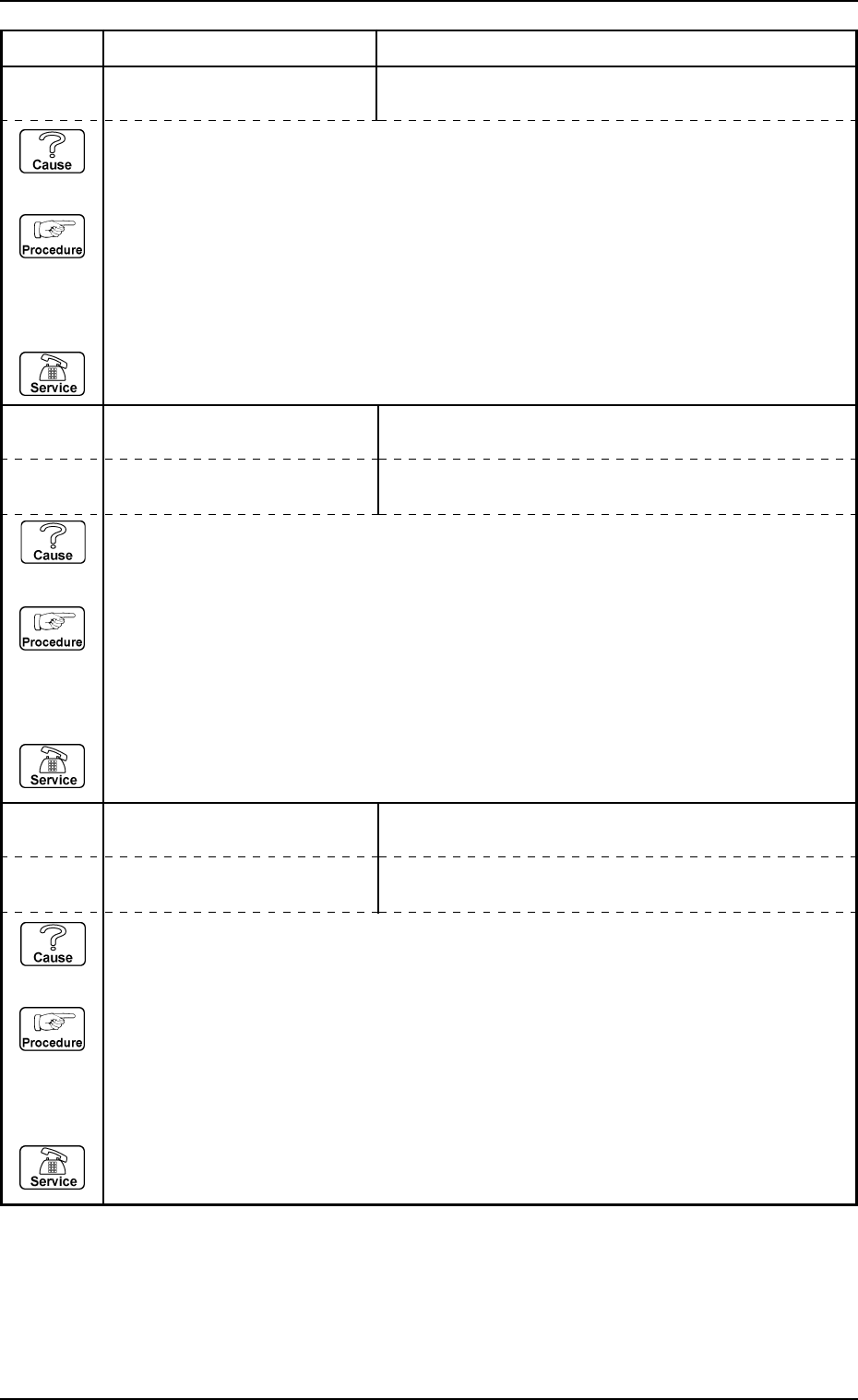
14 08 02 POWER ON MONITOR ELEVATOR SAFETY RELAY [K501] NOT DETECTED.
14 08 03 POWER ON MONITOR SERVO POWER ON CHECK #1 [KM502] NOT DE-
TECTED.
Error Code Display A Display B
(Cause 1) This is the device’s self-diagnostic message.
(Reset Procedure in the case of Cause 1)
Reset Procedure
(1) Press the [CLEAR ALARM] key to stop the buzzer sound.
(2) Press the [RESET] button to cancel the error mode.
(3) Press the [ZERO] button to return all axes to their original positions. Continue the production
according to the “WARM Start Operation Procedure”.
(4) If the device can’t be reset after the above procedure, contact our service personnel.
14 08 04 POWER ON MONITOR SERVO POWER ON CHECK #2 [KM501] NOT DE-
TECTED.
(Cause 1) This is the device’s self-diagnostic message.
(Reset Procedure in the case of Cause 1)
Reset Procedure
(1) Press the [CLEAR ALARM] key to stop the buzzer sound.
(2) Press the [RESET] button to cancel the error mode.
(3) Press the [ZERO] button to return all axes to their original positions. Continue the production
according to the “WARM Start Operation Procedure”.
(4) If the device can’t be reset after the above procedure, contact our service personnel.
14 08 05 POWER ON MONITOR TRAY TYPE CODE #1 NOT CONNECTED.
(Cause 1) This is the device’s self-diagnostic message.
(Reset Procedure in the case of Cause 1)
Reset Procedure
(1) Press the [CLEAR ALARM] key to stop the buzzer sound.
(2) Press the [RESET] button to cancel the error mode.
(3) Press the [ZERO] button to return all axes to their original positions. Continue the production
according to the “WARM Start Operation Procedure”.
(4) If the device can’t be reset after the above procedure, contact our service personnel.
14 08 06 POWER ON MONITOR TRAY TYPE CODE #2 NOT CONNECTED.
0112-001 Chapter 3 2-53 Tg0252-PM-SO
4. Troubleshooting after Error Message
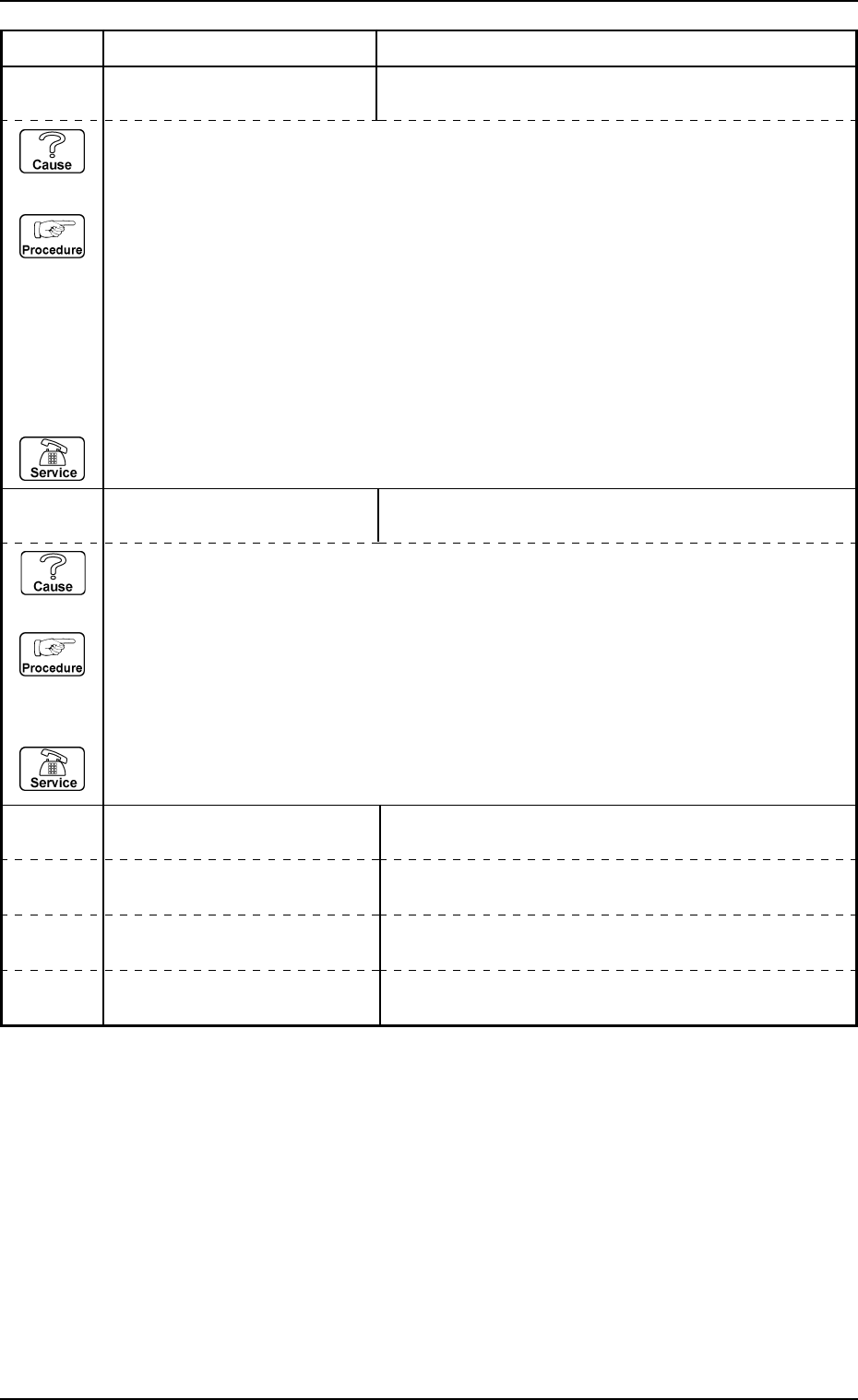
6F 01 01 SHORTAGE OF COMPONENT
FOR TRAY-L
SHORTAGE OF COMPONENT IS DETECTED.
6F 02 01 SOFTWARE VERSION UP FOR
TRAY-L
SOFTWARE VERSION UP OF TRAY-L DISPLAY
FAILED.
Error Code Display A Display B
(Cause 1) This is the device's self-diagnostic message.
(Reset Procedure in the case of Cause 1)
Reset Procedure
(1) Press the [CLEAR ALARM] key to stop the buzzer sound.
(2) Press the [RESET] button to cancel the error mode.
(3) Check the tray matrix data.
There is no component in the block where the red light flashes.
Refer to “Chapter 1, Section 2, 7. Component Supply during Automatic Operation” in the
Multi-Tray Feeder Service Manual.
(4) Re-start.
(5) If the device is not re-started, contact our service personnel.
(Cause 1) This is the device’s self-diagnostic message.
(Reset Procedure in the case of Cause 1)
Reset Procedure
(1) Press the [CLEAR ALARM] key to stop the buzzer sound.
(2) Press the [RESET] button to cancel the error mode.
(3) Check the RS-232C cable.
(4) If the device is not reset after the above procedure, contact our service personnel.
6F 03 01
6F 03 02
6F 04 01
6F 04 02
0112-001 Chapter 3 2-54 Tg0252-PM-SO
4. Troubleshooting after Error Message
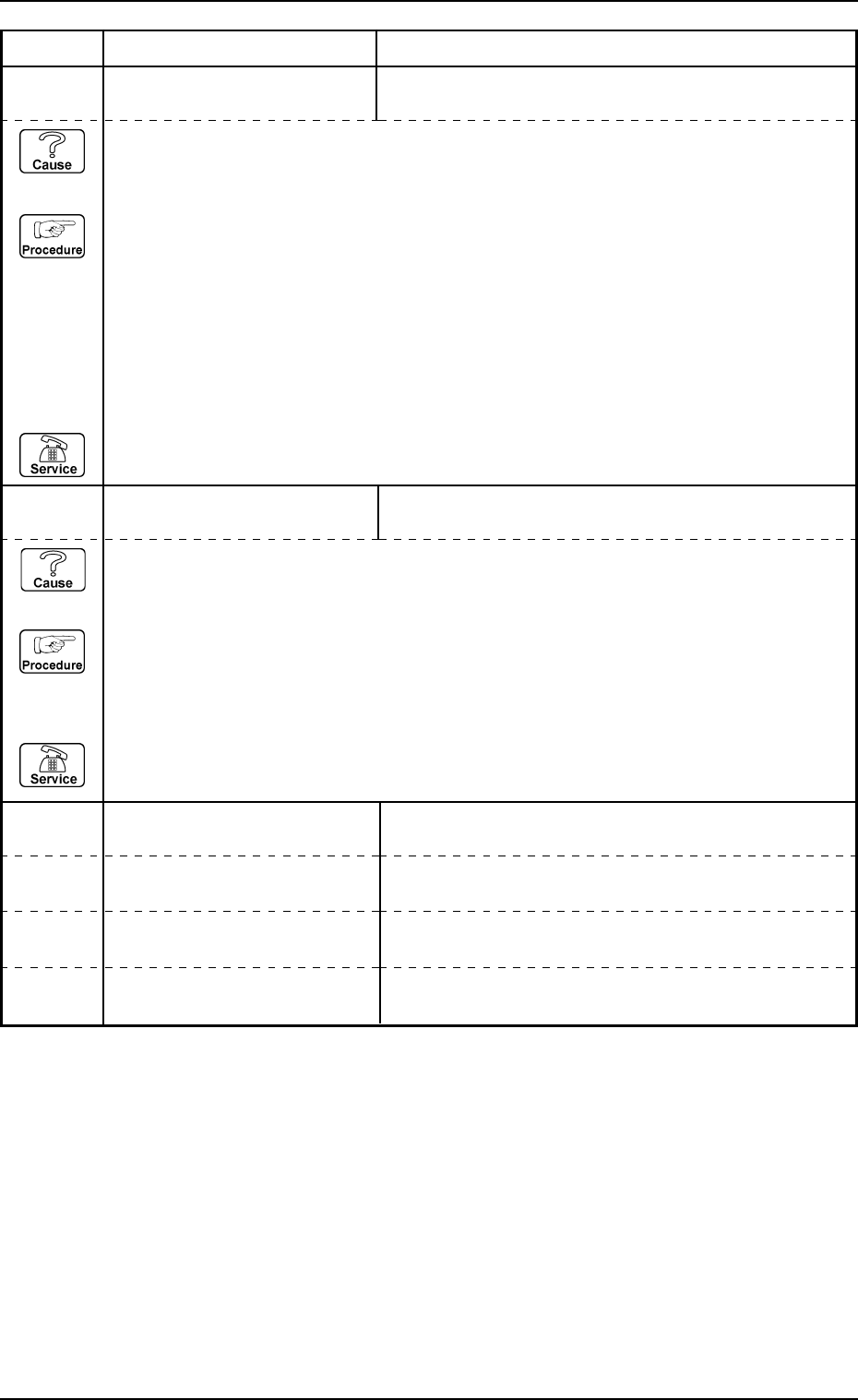
6F 01 01 SHORTAGE OF COMPONENT
FOR TRAY-R
SHORTAGE OF COMPONENT IS DETECTED.
6F 02 01 SOFTWARE VERSION UP FOR
TRAY-R
SOFTWARE VERSION UP OF TRAY-R DISPLAY
FAILED.
Error Code Display A Display B
(Cause 1) This is the device's self-diagnostic message.
(Reset Procedure in the case of Cause 1)
Reset Procedure
(1) Press the [CLEAR ALARM] key to stop the buzzer sound.
(2) Press the [RESET] button to cancel the error mode.
(3) Check the tray matrix data.
There is no component in the block where the red light flashes.
Refer to “Chapter 1, Section 2, 7. Component Supply during Automatic Operation” in the
Multi-Tray Feeder Service Manual.
(4) Re-start.
(5) If the device is not re-started, contact our service personnel.
(Cause 1) This is the device’s self-diagnostic message.
(Reset Procedure in the case of Cause 1)
Reset Procedure
(1) Press the [CLEAR ALARM] key to stop the buzzer sound.
(2) Press the [RESET] button to cancel the error mode.
(3) Check the RS-232C cable.
(4) If the device is not reset after the above procedure, contact our service personnel.
6F 03 01
6F 03 02
6F 04 01
6F 04 02