YV180X_Mainte_E.pdf - 第129页
4 -71 SED8013110 Service Manual Chapter 4 4 Machine adjust mode 4. Other commands In addition to adjustment utilities, the following commands are also av ailable on the <B/SA VE & QUIT> menu in MCH_ADJUST mode …

4
-70
Service Manual
Chapter 4
SED8013110
4
Machine adjust mode
q Quit the calibration according to the message displayed on
the operation monitor.
To calibrate other heads, repeat from Step 4.
w Save the calibrated data.
Select <B2 SAVE DATA> or <B0 SAVE & QUIT> and press the [ENTER]
key. (To quit without saving, select <B3 RECOVER ADJUST> or <B7
QUIT> and press the [ENTER] key.)
4
-71
SED8013110
Service Manual
Chapter 4
4
Machine adjust mode
4. Other commands
In addition to adjustment utilities, the following commands are also
available on the <B/SAVE & QUIT> menu in MCH_ADJUST mode to
save the adjusted data, recover previous data, or set the teaching condi-
tions.
3/3/B2 SAVE DATA
Saves the machine data into the file. (Adjusted data is temporarily stored in
the RAM of the controller before this command is run.) After the machine
data is stored with this command, the subsequent operations are controlled
by using this data.
3/3/B3 RECOVER ADJUST
Recovers and reloads the previous data stored in the file. The subsequent
operations are controlled by using the previous data stored in the file.
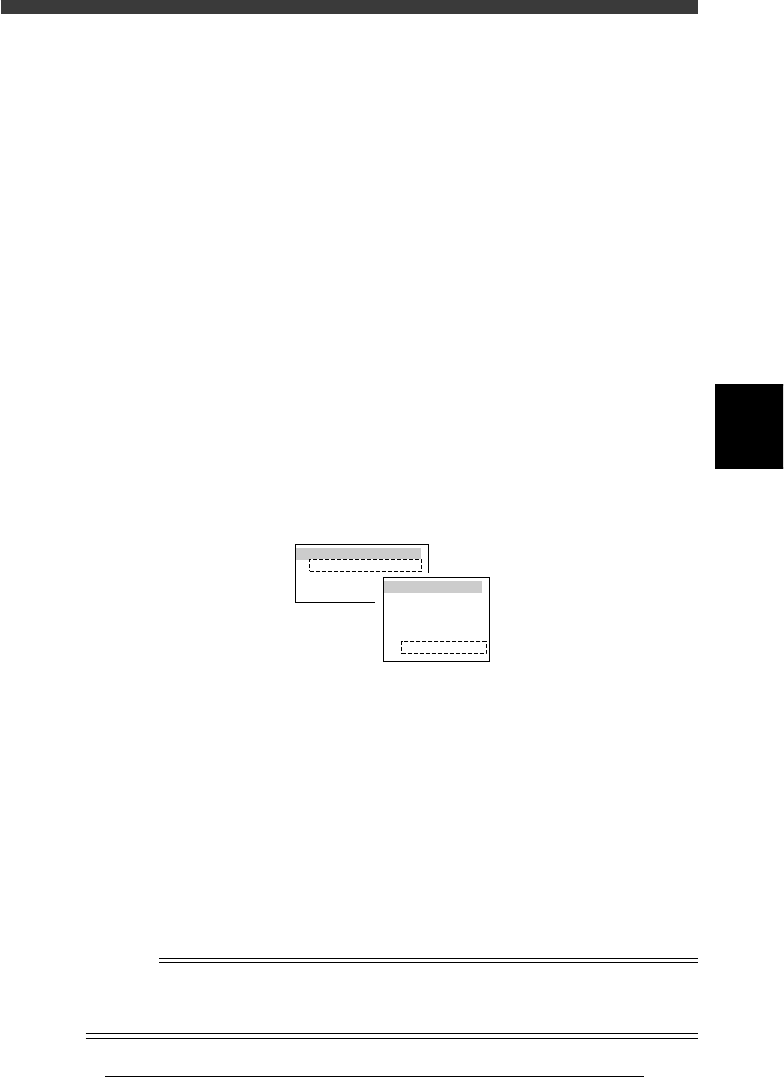
3/3/B4 CONDITION OF TCH
Use this command to select the unit and speed to perform teaching or
tracing.
47413-D8-00
TEACH-UNIT SEL.
Camera
Head1
Head8
SPEED SELECT.
Speed1 =
Speed2 =
Speed3 =
Speed4 =
Speed5 =
100
80
60
40
20
TEACH-UNIT SEL. (Teaching/trace unit selection):
Select the teaching/trace unit from among “Head 1”,
“Head 8“ or “Camera”. Selecting “Camera” allows
you to perform teaching or tracing while viewing
the target on the vision monitor.
SPEED SELECT (Axis moving speed selection):
Select the speed from among “Speed 1” to “Speed
5” to perform teaching or tracing. “100” is the
highest speed. For safety, a lower speed is recom-
mended during adjustment. The speed settings
(SPEED 1 to 5) can be changed with the <3/4/B2
RUNNING SPEED> command.
Reference
This command can also be run by pressing the [F10] or [F9] key on the data edit screen
such as the Position (machine coordinates) screen. For details on teaching and tracing,
refer to the mounter operation manual.

4
-72
Service Manual
Chapter 4
SED8013110
4
Machine adjust mode
3/3/B7 QUIT
Exits MCH_ADJUST mode without saving changes to the machine data.
The previous data stored in the file is reloaded for the operation.
c
CAUTION
All data temporarily stored in the RAM of the controller is deleted when this command
is run.
3/3/B0 SAVE & QUIT
Exits MCH_ADJUST mode after saving changes to the machine data. The
data temporarily stored in the RAM of the controller is now used for
subsequent operations.