YV180X_Mainte_E.pdf - 第24页
2 -5 SED800A100 Service Manual Chapter 2 2 Machine configuration mode 2. Machine configuration mode The Machine Configuration (3/1/ MCH_CONFIG) mode in the MAINTE- N ANCE Manager allo ws y ou to make basic settings for t…
2
-4
Service Manual
Chapter 2
SED800A100
2
Machine configuration mode
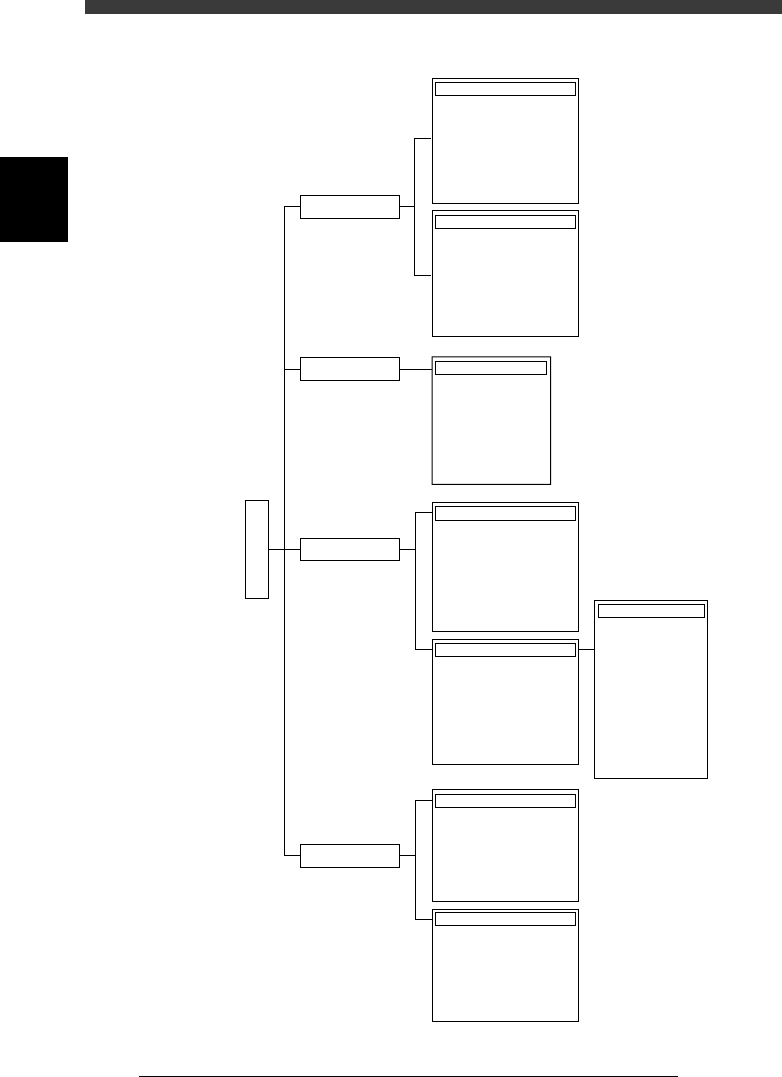
MAINTENANCE Manager modes and commands
43202-D8-00
1/MCH_CONFIG
2/MCH_DATA
3/MCH_ADJUST
4/MANUAL
3/MAINTE/M
B/SPEC_INF
B1 HEAD SPEC. INF.
B2 FEEDER PLATE INF.
B3 NOZZLE SPEC. INF.
B4 FEEDER SPEC. INF.
B5
B6 DISPENSE. SEQ. INF.
B7 DISPENSE. COR. INF.
B0 EXIT
A/MCH_CFG
A1 OPTION CONFIG.
A2 ROM CONFIG.
A3 FILE CONFIG.
A4
A5
A6
A7
A8 FLYING NOZZLE INF.
A/UTILITY
A1 VACUUM ON
A2 VACUUM OFF
A3 PICK COMPONENT
A4 DUMP COMPONENT
A5 CHANGE NOZZLE
A6 HEAD DOWN VALVE
A7 CHANGE SPEED
A8 SEARCH ORIGIN
B/SAVE & QUIT
B1 ADJUST TARGET
B2 SAVE DATA
B3 RECOVER ADJUST
B4 CONDITION OF TCH
B5 ∗
B6 ∗∗
B7 QUIT
B0 SAVE & QUIT
A/IO_UTILITY
A1
INPUT/OUTUT MONITOR
A2
FEEDER OUT MONITOR
A3
COMP. LIGHT OUT MONITOR
A4 VACUUM IN MONITOR
A5 CHANGE NOZZLE
A6 ATS/YTF PALETTE
A0 CONVEYOR UNITS
B/SERVO_CONTROL
B1
SELECT SERVO MOTOR
B2 RUNNING SPEED
B3 POINT MOVE
B4
B5
B6 INIT. SERVO ORIGIN
B0 EXIT FROM MANUAL
Object
Soft Limit
Position
Tray Changer
Vacuum Level
Moving Camera
Single Camera
Multi Camera
Co-Planarity
R Axis Accuracy
Mount Feedback
4 Point Accuracy
DualDrive Offset
MCHDATA SORT
Head
Camera
Machine
Tray Changer
Station
Other
Laser
Precision
2
-5
SED800A100
Service Manual
Chapter 2
2
Machine configuration mode
2. Machine configuration mode
The Machine Configuration (3/1/ MCH_CONFIG) mode in the MAINTE-
NANCE Manager allows you to make basic settings for the mounter and
options, as well as to check the various specification data. When you select
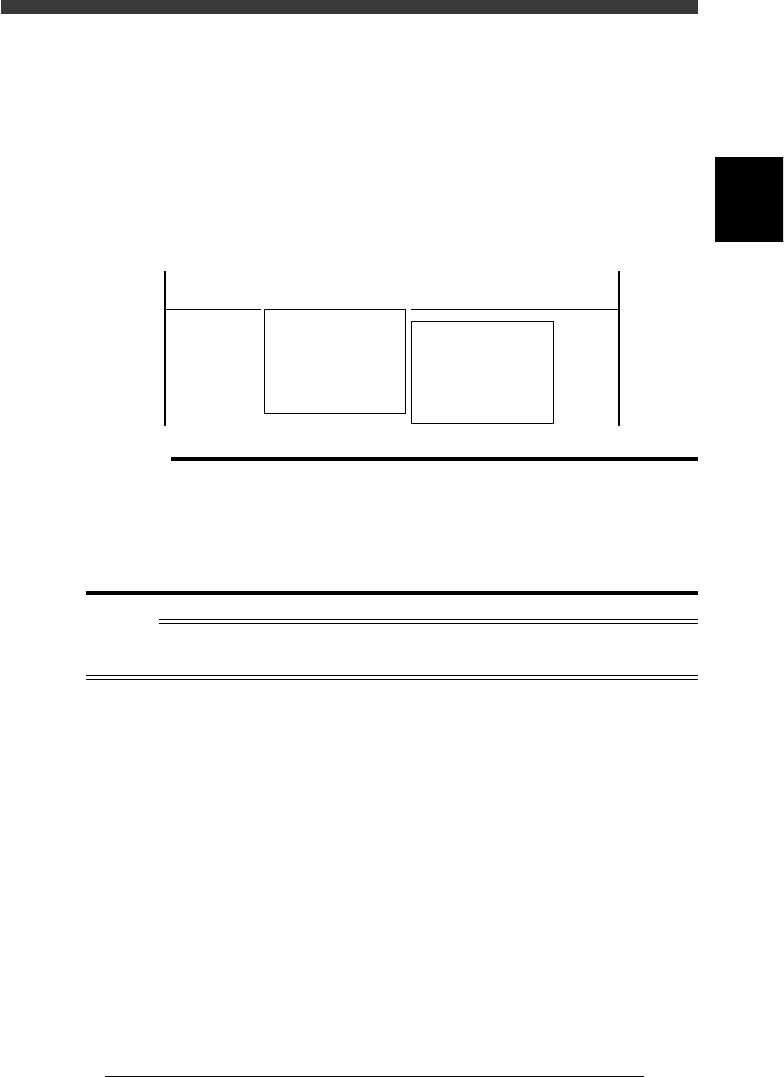
<3/1/ MCH_CONFIG> and press the [ENTER] key, the following menu
window appears. Each menu is described below.
Menu window in the Machine Configuration mode
47201-D8-00
<<<APPLICATION>>> 3/MAINTE/M
<<MODE>> 1MCH_CONFIG
<COMMAND_LIST> A/MCH_CFG B/SPEC_INF
A1 OPTION CONFIG.
A2 ROM CONFIG.
A3 FILE CONFIG.
A4 PATLIGHT SPEC.INF.
A5
A6
A7 MACHINE MTN.UTL.
A8 FLYING NOZZLE INF.
B1 HEAD SPEC.INF.
B2 FEEDER PLATE INF.
B3 NOZZLE SPEC.INF
B4 FEEDER SPEC INF.
B5
B6 DISPENSE.SEQ.INF.
B7 DISPENSE.COR.INF
B8 EXIT
c
CAUTION
• The machine configuration data is properly set at the factory prior to shipment,
according to the required specifications. It is unlikely that you will need to change
thisdata. However, make the necessary settings when you add an optional device or
intend to change functions.
• Changes to the machine configuration data relating to machine operation are
enabled by turning off the machine power switch and then turning it on again.
Reference
The <B6 DISPENSE SEQ. INF.> and <DISPENSE COR. INF.> commands are only for
dispenser machines. For details, see the HSD-X dispenser user’s manual.
2
-6
Service Manual
Chapter 2
SED800A100
2
Machine configuration mode
2.1 Option configuration
<3/1/A1>
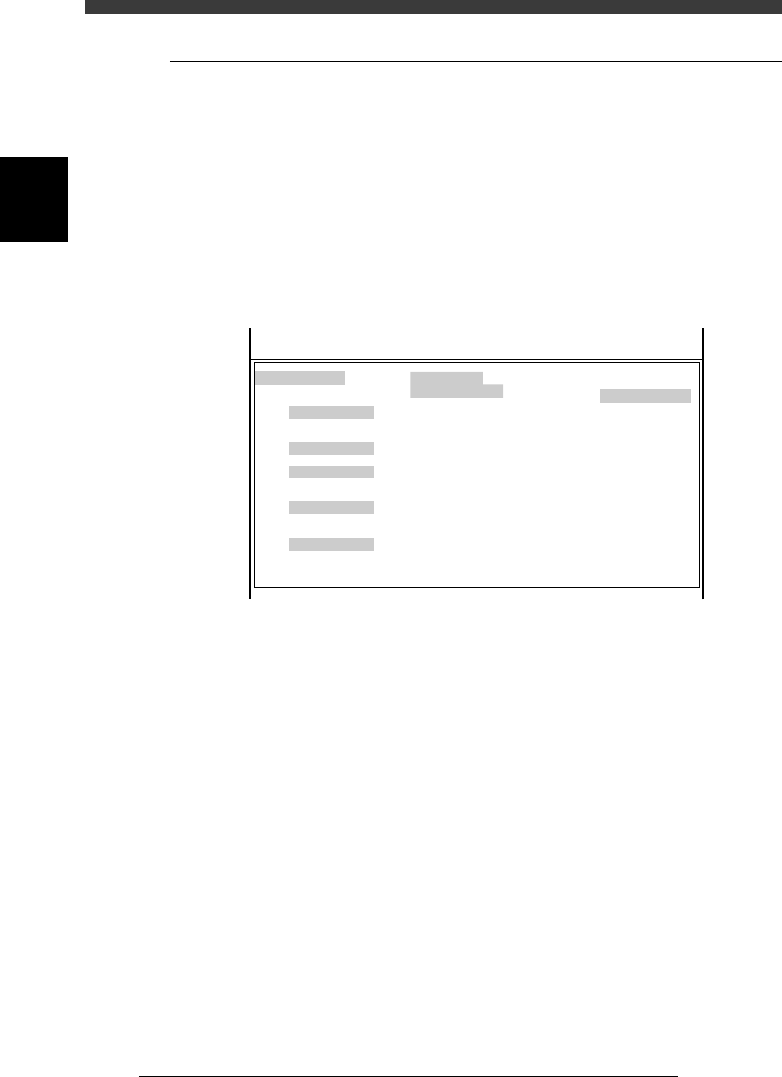
When you run the <3/1/A1 OPTION CONFIG.> command, the OPTION
CONFIG. (option configuration) screen appears showing basic settings of
this machine and options. Each parameter is briefly explained below.
Press the [F1] key as necessary to refer to the help message displayed on
the operation monitor.
2.1.1 Basic menu in OPTION CONFIG. mode
Basic menu in OPTION CONFIG. mode
47202-D8-00
OPTION CONFIG.
/BASIC CONF./
/SOFTWARE/
/RECOGNITION/
/CONVEYOR/
/OPTIONS/
Message
Simple Edition
RS232C CMU
Pick Pos Correction
Production Log
Multi Detection
Adjust Mode
MarkLightingControl
Conveyor Spec.
Conveyor Width
Precede Pick Sensor
Dump Station
English
Full Items
Normal
None
Use (with Flash ROM)
Standard
None
Exist
Manual
Exist
None
None
Serial :
MchType :
MchSubType : SM180X
<<<APPLICATION>>> 3/MAINTE/M
<<MODE>> 1/MCH_CONFIG
Y4622
SM180X
Message Switch the language to show the VIOS software
messages and commands on the screen. English and
Japanese are supported at present.
Simple Edition Select whether to show all parameters or major
parameters of components in the DATA Manager.
Select “Prime Items” when you want to edit major
parameters only.
RS232C CMU Specify whether to transmit or receive data via the
RS232C port.
Pick Pos Correction This function is not supported by this machine. Set
to “None”.
Production Log Specify whether to record the production log data
such as production start time and error status.
Multi Detection Specify whether to correct the camera coordinates
during FINE mode. Set to “Standard” when no
correction is needed.