YV180X_Mainte_E.pdf - 第138页
5 -9 SED8013110 Service Manual Chapter 5 5 Manual mode 3.3 Point move <3/4/B3> When you run <3/4/B3 POINT MOVER>, the submenu box appears for specifying the position where you want to mo v e the unit selected…
5
-8
Service Manual
Chapter 5
SED8013110
5
Manual mode
3. Servo control
<3/4/B>
On the <3/4/B SERVO_CONTROL> menu, you can use commands for
axis movement during MANUAL mode. To run a command, move the
cursor to the command and press the [ENTER] key or directly enter the
corresponding number. The function of each command is explained below.
3.1 Select servo motor
<3/4/B1>
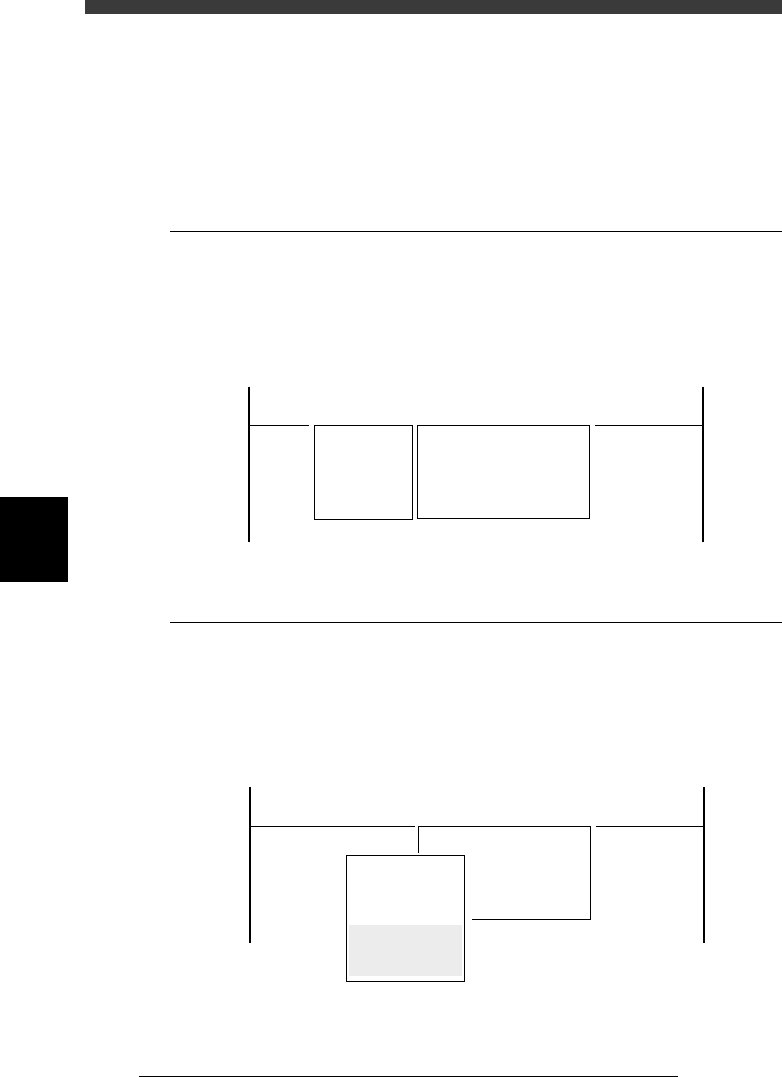
When you run <3/4/B1 SELECT SERVO MOTOR>, the submenu box
appears for selecting the axis, so move the cursor to the axis you want to
move and press the [ENTER] key.
Axis selection box
47509-C0-00
<<<APPLICATION>>> 3/MAINTE/M
<<MODE>> 4/MANUAL
<COMMAND_LIST> A/IO_UTILITY B/SERVO_CONTROL
B1 SELECT SERVO MOTOR [AXIS]
A_Table XY
A_Table ZR
B_Table XY
B_Table ZR
A_Table Width
B_Table Width
Transfer PCB
3.2 Running speed
<3/4/B2>
When you run <3/4/B2 RUNNING SPEED>, the submenu box appears for
selecting the axis movement speed, so move the cursor to the desired speed
and press the [ENTER] key. You can also change the speed settings (per-
centage) with the number keys.
Speed selection box
47510-C0-00
Speed1 =
Speed2 =
Speed3 =
Speed4 =
Speed5 =
Edit speed.
From 1 to 100
Cursor key : Select
Ok[Enter],Abort[ESC]
<<<APPLICATION>>> 3/MAINTE/M
<<MODE>> 4/MANUAL
<COMMAND_LIST> A/IO_UTILITY B/SERVO_CONTROL
B2 RUNNING SPEED [SPEED]
100
80
60
40
20
5
-9
SED8013110
Service Manual
Chapter 5
5
Manual mode
3.3 Point move
<3/4/B3>
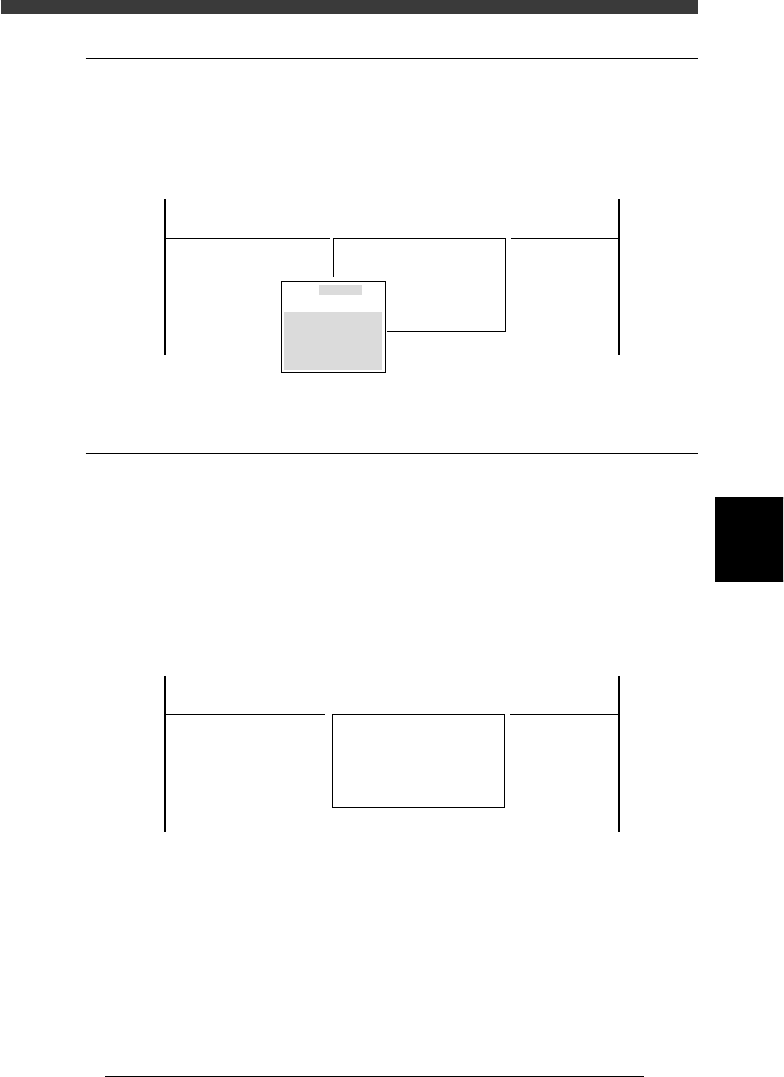
When you run <3/4/B3 POINT MOVER>, the submenu box appears for
specifying the position where you want to move the unit selected with the
<3/4/B1 SELECT SERVO MOTOR> command.
Position input box
47511-C0-00
Edit coordinates of
A_table XY
Cursor key to select
[Enert] key to move
[ESC] key to abort
<<<APPLICATION>>> 3/MAINTE/M
<<MODE>> 4/MANUAL
<COMMAND_LIST> A/IO_UTILITY B/SERVO_CONTROL
B3 POINT MOVE
0.000
0.000
3.4 Initialize servo origin
<3/4/B6>
Run the <3/4/B6 INIT. SERVO ORIGIN> command to perform return-to-
origin. Servo-controlled units on all axes move to their origins. You must
perform return-to-origin at least once after the power is turned on.
If you want to reperform return-to-origin, press the [SHIFT]+[ENTER]
keys. In this case, the machine reference of each axis is also displayed
when return-to-origin is complete. (See 2.7 in chapter 4.)
INIT. SERVO ORIGIN command
47512-C0-00
<<<APPLICATION>>> 3/MAINTE/M
<<MODE>> 4/MANUAL
<COMMAND_LIST> A/IO_UTILITY B/SERVO_CONTROL
B6 INIT. SERVO ORIGIN
5
-10
Service Manual
Chapter 5
SED8013110
5
Manual mode
3.5 Exit from manual
<3/4/B0>
Run the <3/4/B0 EXIT FROM MANUAL> command to exit MANUAL
mode.
EXIT FROM MANUAL command
47513-C0-00
<<<APPLICATION>>> 3/MAINTE/M
<<MODE>> 4/MANUAL
<COMMAND_LIST> A/IO_UTILITY B/SERVO_CONTROL
B0 EXIT FROM MANUAL