YV180X_Mainte_E.pdf - 第75页
4 -17 SED8013110 Service Manual Chapter 4 4 Machine adjust mode 5 Align the moving camera with the center of the fixed locate pin. Use the YPU joystick to move the camera to a position where the center of the fixed locat…
4
-16
Service Manual
Chapter 4
SED8013110
4
Machine adjust mode
When setting the locate pin position, perform teaching at the center of the
fixed locate pin as explained below.
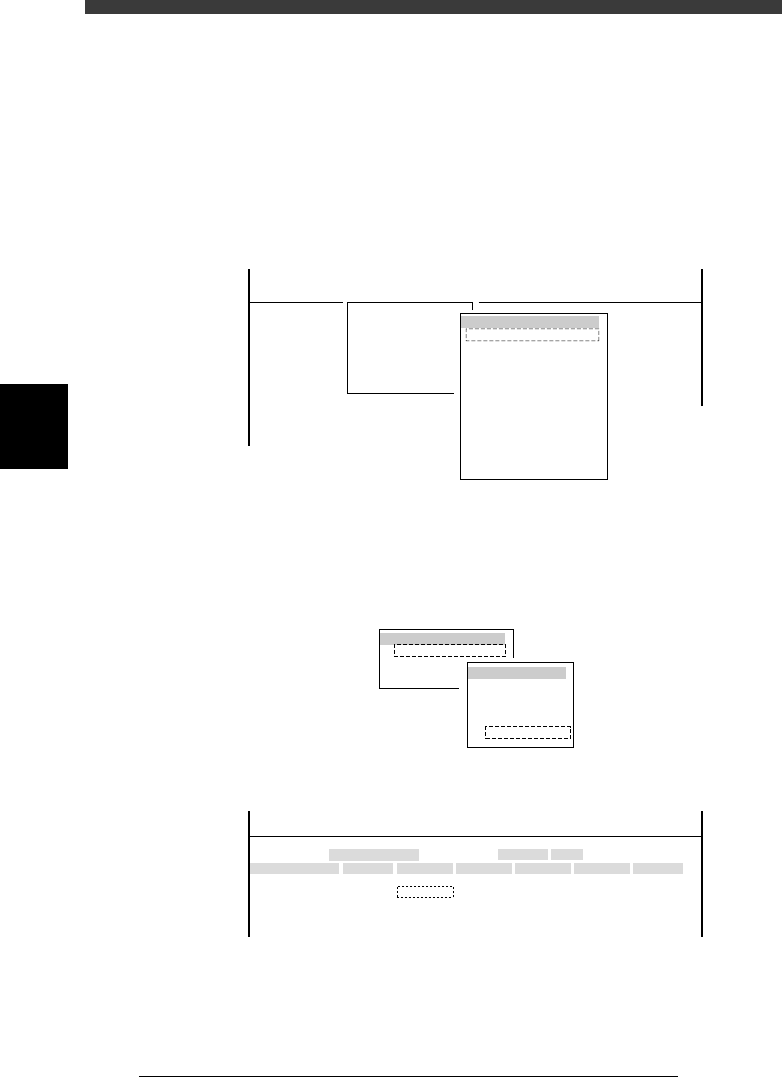
1 Raise the locate pin.
1. Select <3/4/A0 CONVEYOR UNITS> to open the CONVEYOR UNIT
menu box.
2. Use the arrow keys to line up the cursor with “LOCATE PIN” and press
the [ENTER] key to raise the locate pins.
The ON/OFF status on the right changes to “ON” when the locate pins
are raised.
47412-C0-00
(STS.)
OFF
OFF
OFF
OFF
OFF
OFF
OFF
OFF
OFF
OFF
LOCATE PIN
PUSH UP
PCB CLAMPE
EDGE CLAMP
PUSH IN
MAIN STOPPER
ENT. STOPPER
EXIT. STOPPER
CONV. MOTOR
CONV. WIDTH
PROGRAM PIN
RETURN
CONVEYOR UNIT
<<<APPLICATION>>> 3/MAINTE/M
<<MODE>> 4/MANUAL
<COMMAND_LIST> A/IO_UTILITY
A0 CHANGE SPEED
2 Open the Position screen.
Select <3/3/B1 ADJUST TARGET> - “Position” and press the [ENTER] key.
3 Press the [F10] key to set the teaching conditions.
Select “Camera” for the teaching unit and a slow speed (e.g. SPEED=20 to
40).
47413-D8-00
TEACH-UNIT SEL.
Camera
Head1
Head8
SPEED SELECT.
Speed1 =
Speed2 =
Speed3 =
Speed4 =
Speed5 =
100
80
60
40
20
4 Move the cursor to “X” in the “Locate pin” row.
47411-D8-B0
X
-28.280
-28.280
562.000
255.916
Object
FINE mode
Locate pin
Edge Clamp
Wait point
Discard point
Type
NORMAL
100
OBJECT
Position
TCH. UNIT SPEED
- - - - - - - -
A
A
A
A
Y
0.005
118.810
118.810
0.000
71.321
Z
0.000
0.000
R
0.000
0.000
0.000
0.000
Feeder
<<<APPLICATION>>> 3/MAINTE/M
<<MODE>> 2/MCH_DATA

4
-17
SED8013110
Service Manual
Chapter 4
4
Machine adjust mode
5 Align the moving camera with the center of the fixed locate
pin.
Use the YPU joystick to move the camera to a position where the center of
the fixed locate pin is exactly aligned with the cross cursor on the vision
monitor.
6 Perform teaching for the locate pin.
1. Press the [F10] key twice to perform teaching for the X coordinate.
2. Then, position the cursor on “Y” in the “Locate pin” row, and press the
[F10] key twice to perform teaching for the Y coordinate.
7 Save the settings.
Press the [ESC] key, then select <B2 SAVE DATA> or <B0 SAVE & QUIT>
and press the [ENTER] key. (To quit without saving, select <B3 RECOVER
ADJUST> or <B7 QUIT> and press the [ENTER] key.)
4
-18
Service Manual
Chapter 4
SED8013110
4
Machine adjust mode
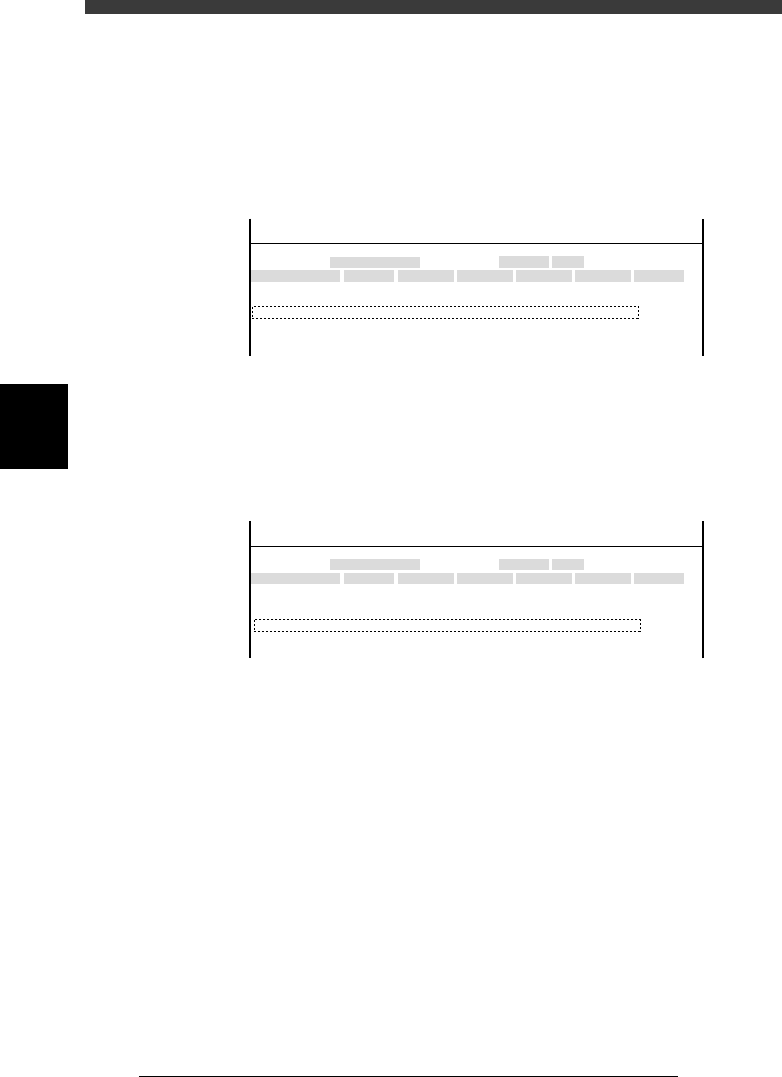
Edge clamps
When edge clamps are used to secure a PCB on the conveyor instead of
using the locate pins, the PCB position may shift slightly relative to the
position determined by the locate pins. If a shift (in millimeters) is found,
subtract it from the locate pin coordinates and enter this coordinate data for
“Edge clamp”. Usually, enter here the same coordinate data as that for
“Locate pin”.
47411-D8-C0
X
-28.280
-28.280
562.000
255.916
Object
FINE mode
Locate pin
Edge Clamp
Wait point
Discard point
Type
NORMAL
100
OBJECT
Position
TCH. UNIT SPEED
- - - - - - - -
A
A
A
A
Y
0.005
118.810
118.810
0.000
71.321
Z
0.000
0.000
R
0.000
0.000
0.000
0.000
Feeder
<<<APPLICATION>>> 3/MAINTE/M
<<MODE>> 2/MCH_DATA
W ait point
This parameter specifies a standby position where the head assembly waits
until PCB transfer is complete and air blow settings for preventing nozzle
clogging.
47411-D8-D0
X
-28.280
-28.280
562.000
255.916
Object
FINE mode
Locate pin
Edge Clamp
Wait point
Discard point
Type
NORMAL
100
OBJECT
Position
TCH. UNIT SPEED
- - - - - - - -
A
A
A
A
Y
0.005
118.810
118.810
0.000
71.321
Z
0.000
0.000
R
0.000
0.000
0.000
0.000
Feeder
<<<APPLICATION>>> 3/MAINTE/M
<<MODE>> 2/MCH_DATA
Type Specifies whether to perform air blow to prevent nozzle
clogging with dust or solder.
X, Y Position where the head assembly stands by during PCB
transfer. A typical standby position is entered at the factory.
(The Y position is not used for the YV180X.)
Z Height of the head assembly during PCB transfer. This should
be set to “0.000”. Do not change this setting.
R Rotary angle of each head during PCB transfer. This should be
set to “0.000”. Do not change this setting.