YV180X_Mainte_E.pdf - 第84页
4 -26 Service Manual Chapter 4 SED8013110 4 Machine adjust mode QFP clearance If a large impact is applied to a QFP at the instant the head lo wers to pick up or mount it, the lead pins may bend. T o av oid this, the sof…
4
-25
SED8013110
Service Manual
Chapter 4
4
Machine adjust mode
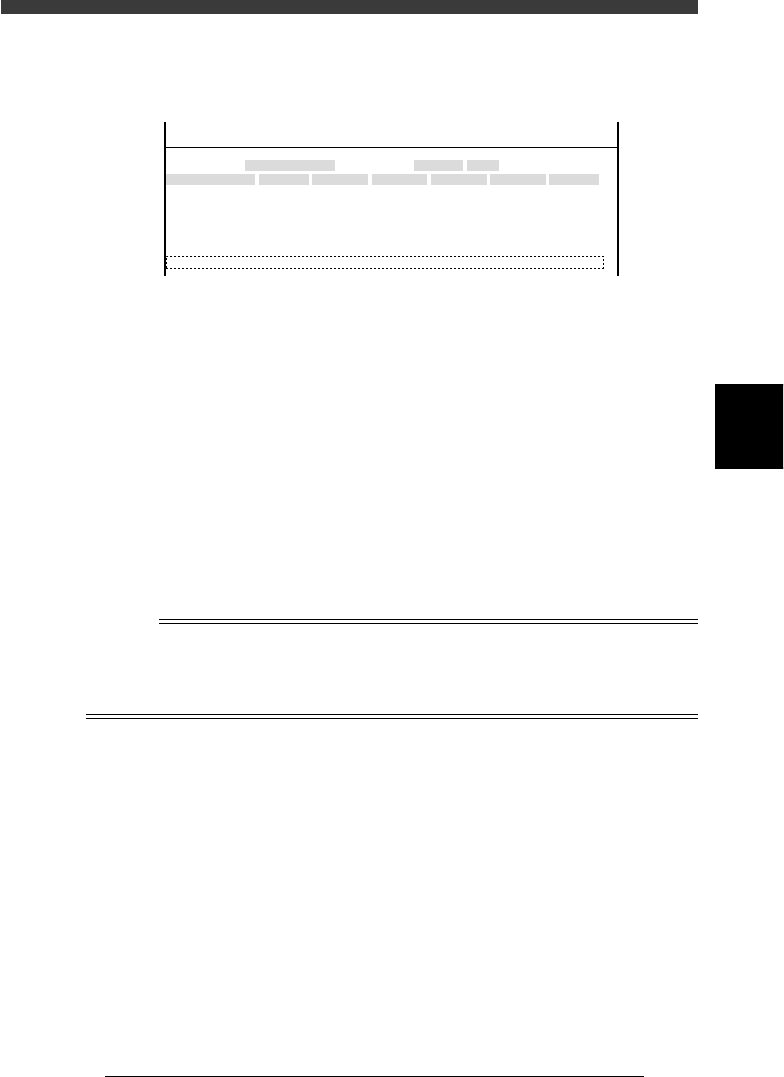
Simultaneous pickup area (Simul. pickarea)
This parameter is used to determine whether multiple heads can pick up
components simultaneously.
47417-D8-A0
X
-28.280
-28.280
562.000
255.916
0.500
Object
FINE mode
Locate pin
Edge Clamp
Wait point
Discard point
PCB Height
Simul. pickarea
Type
NORMAL
100
DUMP
OBJECT
Position
TCH. UNIT SPEED
- - - - - - - -
A
A
A
A
A
A
Y
0.005
118.810
118.810
0.000
71.321
0.5000
Z
0.000
0.000
17.480
0.500
R
0.000
0.000
0.000
0.000
17.480
0.200
Feeder
100
<<<APPLICATION>>> 3/MAINTE/M
<<MODE>> 2/MCH_DATA
X Allowable range of pickup position (XY) for standard size
components (both X and Y sizes are larger than 0.65mm).
Default setting is 0.35mm.
Y Allowable range of pickup position (XY) for small size
components (either X or Y size is smaller than 0.65mm).
Default setting is 0.20mm.
Z Allowable range of pickup position (Z) for standard size
components (both X and Y sizes are larger than 0.65mm).
Default setting is 0.30mm.
R Allowable range of pickup height (Z) for small size compo-
nents (either X or Y size is smaller than 0.65mm). Default
setting is 0.20mm.
n
NOTE
When the Pos. Definition parameter in component information is set to “Automatic” like
tape feeders, the head offset values (see “2.2 Offset” in Chapter 3) affect simultaneous
pickup. (If the head offset values are larger than the allowable range specified here, then
simultaneous pickup is not performed.)
4
-26
Service Manual
Chapter 4
SED8013110
4
Machine adjust mode
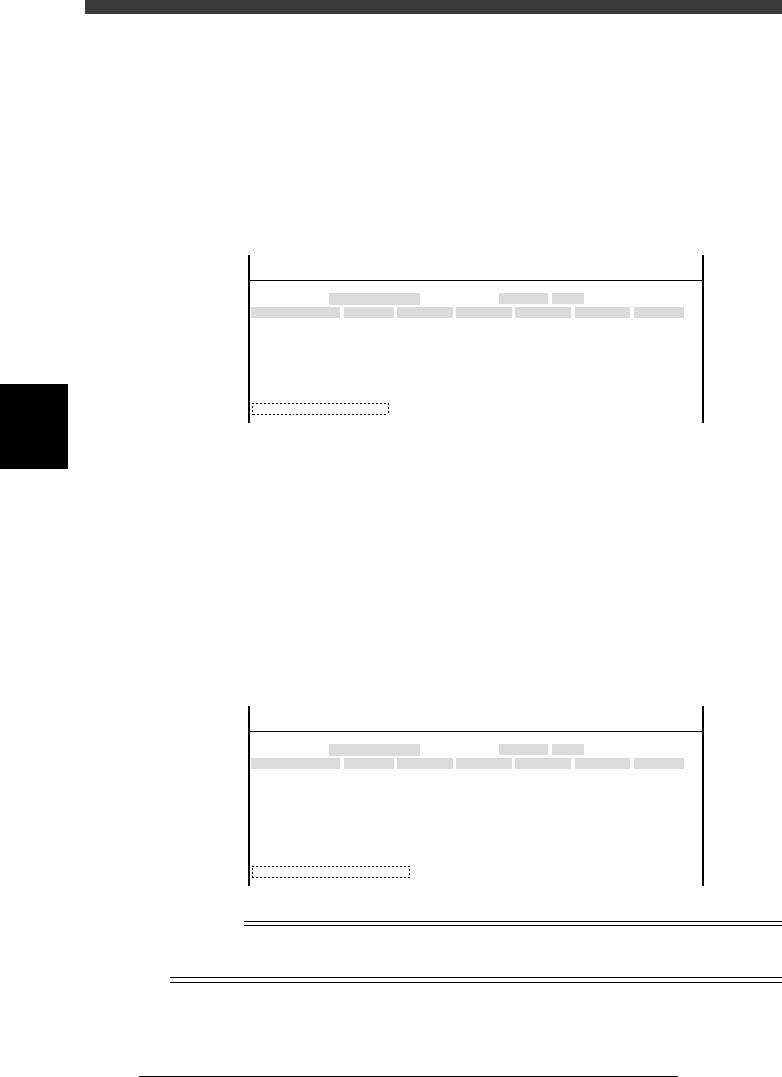
QFP clearance
If a large impact is applied to a QFP at the instant the head lowers to pick
up or mount it, the lead pins may bend. To avoid this, the soft landing
pickup or mount is effective. This parameter specifies the Z-axis stroke to
perform the soft landing and is typically set at around 4.00 (mm). Soft
landing is not performed when set to "0.00". Use the [SPACE], [INS] or
[DEL] key to make this setting.
47418-D8-00
X
-28.280
-28.280
562.000
255.916
0.500
Object
FINE mode
Locate pin
Edge Clamp
Wait point
Discard point
PCB Height
Simul. pickarea
QFP clearance
Type
NORMAL
100
DUMP
4.00
OBJECT
Position
TCH. UNIT SPEED
- - - - - - - -
A
A
A
A
A
A
A
Y
0.005
118.810
118.810
0.000
71.321
0.5000
Z
0.000
0.000
17.480
0.500
R
0.000
0.000
0.000
0.000
17.480
0.200
Feeder
100
<<<APPLICATION>>> 3/MAINTE/M
<<MODE>> 2/MCH_DATA
Retry Limit
This is the maximum number of retries that the mounter is allowed to retry
component pickup or recognition when a pickup error or recognition error
occurs. This parameter can be any value from 1 to 14. Use the [SPACE],
[INS] or [DEL] key to change the setting. When you do not want to allow
retries, set this parameter to “NO RETRY”.
47419-D8-00
X
-28.280
-28.280
562.000
255.916
0.500
Object
FINE mode
Locate pin
Edge Clamp
Wait point
Discard point
PCB Height
Simul. pickarea
QFP clearance
Retry Limit.
Type
NORMAL
100
DUMP
4.00
NO RETRY
OBJECT
Position
TCH. UNIT SPEED
- - - - - - - -
A
A
A
A
A
A
A
A
Y
0.005
118.810
118.810
0.000
71.321
0.5000
Z
0.000
0.000
17.480
0.500
R
0.000
0.000
0.000
0.000
17.480
0.200
Feeder
100
<<<APPLICATION>>> 3/MAINTE/M
<<MODE>> 2/MCH_DATA
Reference
The number of retries can also be specified for each component to be mounted. In this
case, retry is performed a certain number of times up to a minimum setting.
4
-27
SED8013110
Service Manual
Chapter 4
4
Machine adjust mode
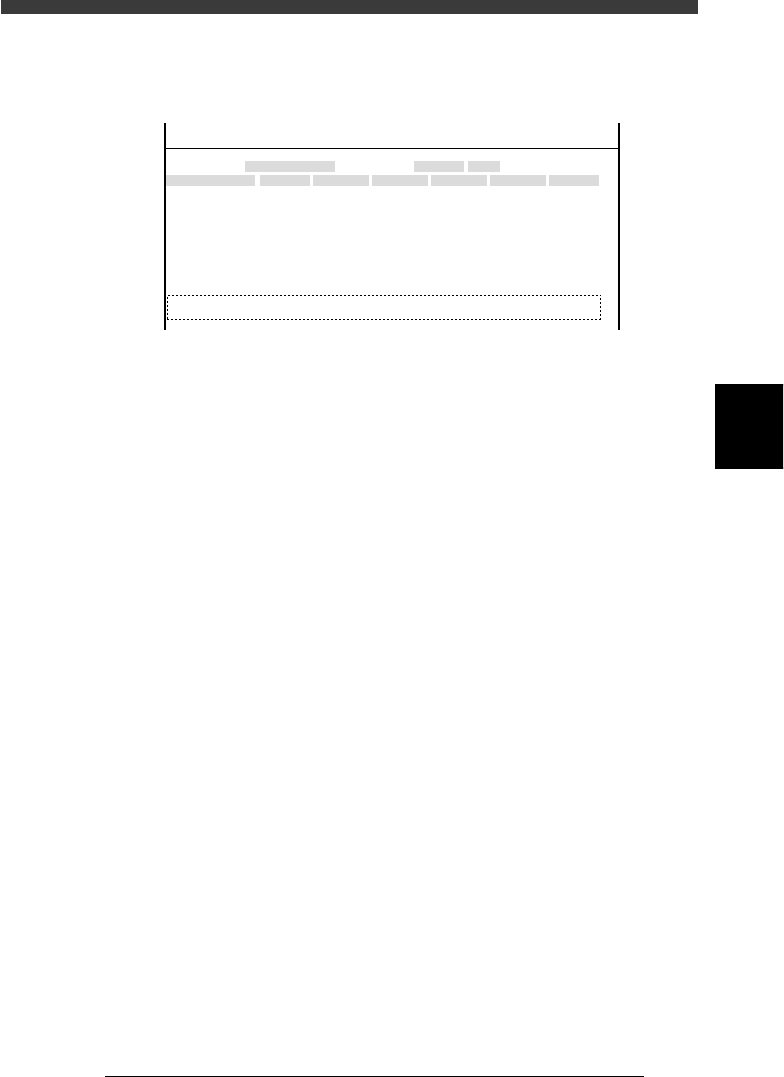
Dump station
When an optional dump station (QFP recovery conveyor) is installed on the
feeder plate, its position coordinates must be entered here.
47420-D8-00
X
-28.280
-28.280
562.000
255.916
0.500
100.000
130.000
Object
FINE mode
Locate pin
Edge Clamp
Wait point
Discard point
PCB Height
Simul. pickarea
QFP clearance
Retry Limit.
Dump station1
Dump station2
Type
NORMAL
100
DUMP
4.00
NO RETRY
2.00
2.00
OBJECT
Position
TCH. UNIT SPEED
- - - - - - - -
A
A
A
A
A
A
A
A
A
A
Y
0.005
118.810
118.810
0.000
71.321
0.5000
150.000
210.000
Z
0.000
0.000
17.480
0.500
16.000
16.000
R
0.000
0.000
0.000
0.000
17.480
0.200
Feeder
100
0
0
<<<APPLICATION>>> 3/MAINTE/M
<<MODE>> 2/MCH_DATA
Type Time duration for which the dump station turns on to send a
dumped component to the eject position. This can be set
within a range from 0 to 2.25 seconds. Use the [INS], [DEL]
or [space] key to change the setting.
X, Y XY coordinates of the dump station installed on the feeder
plate. The dump station should be installed in a position
where all heads can reach.
Z Height (Z coordinate) of the dump station installed on the
feeder plate.
FEEDER The feeder set position number where the dump station is
installed. Because one dump station occupies a space equal
to the width of 8 standard tape feeders, this setting must be
the lowest numbered position of each feeder block consisting
of 8 feeder set positions (e.g. 1, 9, 17, 25 etc.). When no
dump station is used, set to “0”.