YV180X_Mainte_E.pdf - 第73页
4 -15 SED8013110 Service Manual Chapter 4 4 Machine adjust mode FINE mode Accuracy for recognizing a fiducial mark with the moving camera and a component pickup error rate for triggering an alert function are specified h…
4
-14
Service Manual
Chapter 4
SED8013110
4
Machine adjust mode
3.2 Position (machine coordinates)
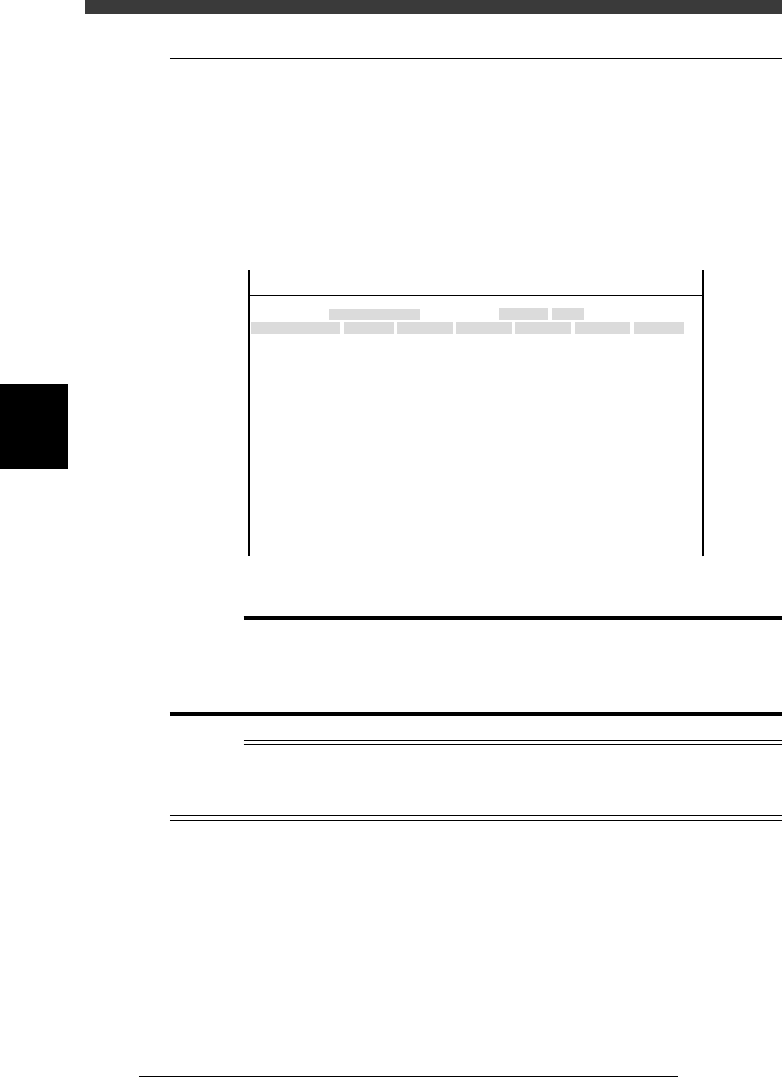
When you select <3/3/B1 ADJUST TARGET> - “Position”, the following
screen appears showing the position of each hardware device relative to the
origin and other basic parameter settings. On this screen, you can perform
teaching or editing of each parameter setting. This section describes how to
set the major parameters. (Press the [F1] key and refer to the help message
displayed on the operation monitor as necessary.)
Position (machine coordinates) screen
47459-D8-00
X
-28.280
-28.280
562.000
255.916
0.500
100.000
130.000
0.000
10.000
100
-9.709
312.105
312.105
-44.554
Object
FINE mode
Locate pin
Edge Clamp
Wait point
Discard point
PCB Height
Simul. pickarea
QFP clearance
Retry Limit.
Dump station1
Dump station2
Fiducial cor.
T-axis Distance
T-axis Speed
Conv Correct1
Conv Correct2
Conv Correct3
Conv Correct4
Type
NORMAL
100
DUMP
4.00
NO RETRY
2.00
2.00
Nouse
OBJECT
Position
TCH. UNIT SPEED
- - - - - - - -
A
A
A
A
A
A
A
A
A
A
A
A
A
A
A
Y
0.005
118.810
118.810
0.000
71.321
0.5000
150.000
210.000
0.000
30
110.195
110.194
290.522
290.441
Z
0.000
0.000
17.480
0.500
16.000
16.000
0.000
10.000
20
17.438
17.460
17.493
17.512
R
0.000
0.000
0.000
0.000
17.480
0.200
0.000
10.000
Feeder
100
0
0
<<<APPLICATION>>> 3/MAINTE/M
<<MODE>> 2/MCH_DATA
c
Caution
The position data is properly adjusted at the factory prior to shipment, according to the
system to be delivered. It is unlikely that you will need to change this data. If necessary,
however, follow the procedures described in this section in order to adjust the data
correctly.
Reference
The “Position” screen opens by selecting <3/2/Machine> - “Position” in MCH_DATA
mode. (See “4.3” in Chapter 3.)
The Fiducial Cor. parameter on the Position screen is not currently used.

4
-15
SED8013110
Service Manual
Chapter 4
4
Machine adjust mode
FINE mode
Accuracy for recognizing a fiducial mark with the moving camera and a
component pickup error rate for triggering an alert function are specified
here.
47411-D8-00
X
-28.280
-28.280
562.000
255.916
Object
FINE mode
Locate pin
Edge Clamp
Wait point
Discard point
Type
NORMAL
100
OBJECT
Position
TCH. UNIT SPEED
- - - - - - - -
A
A
A
A
Y
0.005
118.810
118.810
0.000
71.321
Z
0.000
0.000
R
0.000
0.000
0.000
0.000
Feeder
<<<APPLICATION>>> 3/MAINTE/M
<<MODE>> 2/MCH_DATA
Y This parameter is used to determine how accurately the mark
position should be converged (adjusted) to the specified point
during fiducial mark recognition with the moving camera.
This setting can be 0.000 to 0.100mm. Set to 0.005 in most
cases. This setting is valid only when FINE mode is selected
in the mark information.
R Component pickup error rate for issuing an alert signal. If the
pickup error rate of a component exceeds this setting during
automatic operation, an alert function is triggered for that
component.
c
CAUTION
The smaller the setting in the Y column parameter, the higher the positioning accuracy.
However, the recognition time becomes longer affecting the cycle time.
Locate pin position
This is the reference position when a PCB is clamped in the mounting
position on the conveyor.
47411-D8-A0
X
-28.280
-28.280
562.000
255.916
Object
FINE mode
Locate pin
Edge Clamp
Wait point
Discard point
Type
NORMAL
100
OBJECT
Position
TCH. UNIT SPEED
- - - - - - - -
A
A
A
A
Y
0.005
118.810
118.810
0.000
71.321
Z
0.000
0.000
R
0.000
0.000
0.000
0.000
Feeder
<<<APPLICATION>>> 3/MAINTE/M
<<MODE>> 2/MCH_DATA
X, Y XY coordinates at the center of the fixed locate pin.
R If the side of a PCB clamped in the component mounting
position is not in complete contact with the conveyor rail,
enter the offset angle here. Set to 0.00 in most cases.
4
-16
Service Manual
Chapter 4
SED8013110
4
Machine adjust mode
When setting the locate pin position, perform teaching at the center of the
fixed locate pin as explained below.
1 Raise the locate pin.
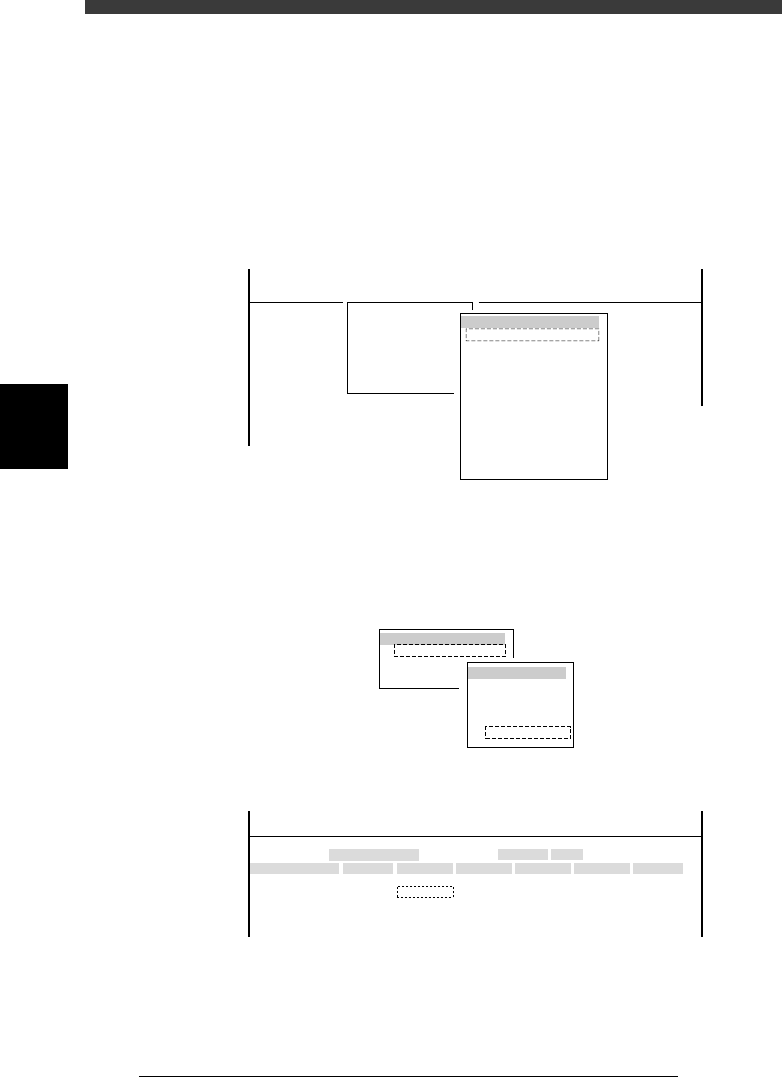
1. Select <3/4/A0 CONVEYOR UNITS> to open the CONVEYOR UNIT
menu box.
2. Use the arrow keys to line up the cursor with “LOCATE PIN” and press
the [ENTER] key to raise the locate pins.
The ON/OFF status on the right changes to “ON” when the locate pins
are raised.
47412-C0-00
(STS.)
OFF
OFF
OFF
OFF
OFF
OFF
OFF
OFF
OFF
OFF
LOCATE PIN
PUSH UP
PCB CLAMPE
EDGE CLAMP
PUSH IN
MAIN STOPPER
ENT. STOPPER
EXIT. STOPPER
CONV. MOTOR
CONV. WIDTH
PROGRAM PIN
RETURN
CONVEYOR UNIT
<<<APPLICATION>>> 3/MAINTE/M
<<MODE>> 4/MANUAL
<COMMAND_LIST> A/IO_UTILITY
A0 CHANGE SPEED
2 Open the Position screen.
Select <3/3/B1 ADJUST TARGET> - “Position” and press the [ENTER] key.
3 Press the [F10] key to set the teaching conditions.
Select “Camera” for the teaching unit and a slow speed (e.g. SPEED=20 to
40).
47413-D8-00
TEACH-UNIT SEL.
Camera
Head1
Head8
SPEED SELECT.
Speed1 =
Speed2 =
Speed3 =
Speed4 =
Speed5 =
100
80
60
40
20
4 Move the cursor to “X” in the “Locate pin” row.
47411-D8-B0
X
-28.280
-28.280
562.000
255.916
Object
FINE mode
Locate pin
Edge Clamp
Wait point
Discard point
Type
NORMAL
100
OBJECT
Position
TCH. UNIT SPEED
- - - - - - - -
A
A
A
A
Y
0.005
118.810
118.810
0.000
71.321
Z
0.000
0.000
R
0.000
0.000
0.000
0.000
Feeder
<<<APPLICATION>>> 3/MAINTE/M
<<MODE>> 2/MCH_DATA