YV180X_Mainte_E.pdf - 第26页
2 -7 SED800A100 Service Manual Chapter 2 2 Machine configuration mode Adjust Mode This setting is only for adjustment at the factory prior to shipping. Leave this parameter set to “ None ” . MarkLightingControlSet to “ E…
2
-6
Service Manual
Chapter 2
SED800A100
2
Machine configuration mode
2.1 Option configuration
<3/1/A1>
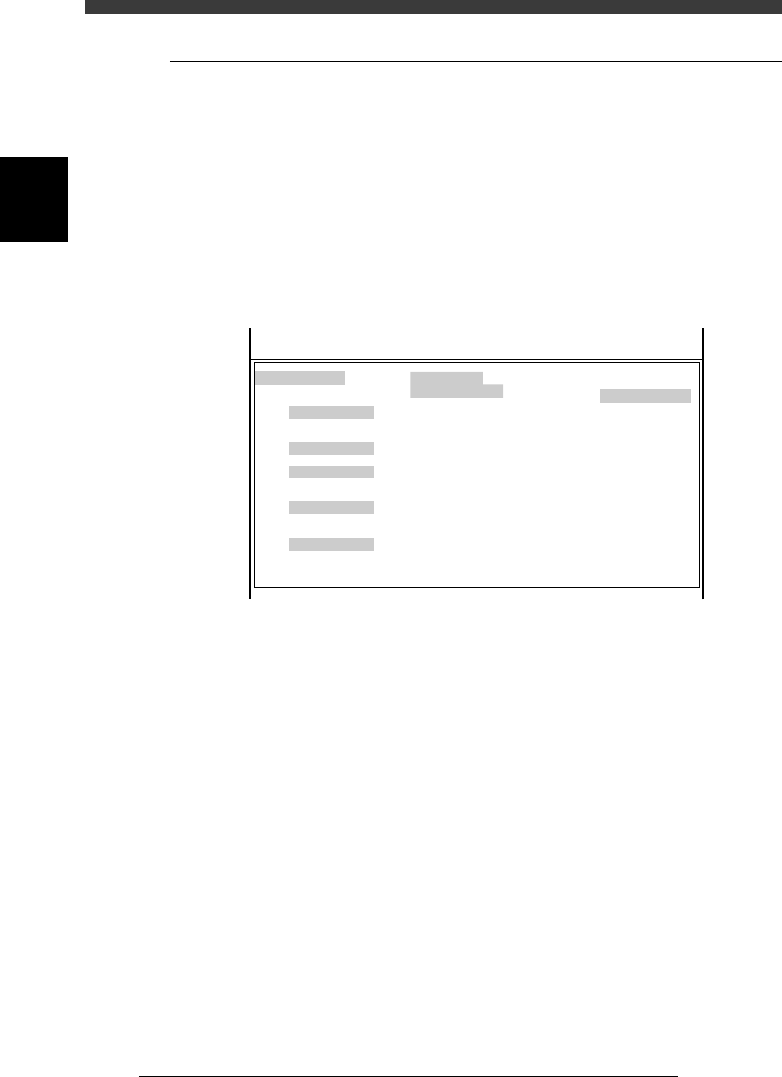
When you run the <3/1/A1 OPTION CONFIG.> command, the OPTION
CONFIG. (option configuration) screen appears showing basic settings of
this machine and options. Each parameter is briefly explained below.
Press the [F1] key as necessary to refer to the help message displayed on
the operation monitor.
2.1.1 Basic menu in OPTION CONFIG. mode
Basic menu in OPTION CONFIG. mode
47202-D8-00
OPTION CONFIG.
/BASIC CONF./
/SOFTWARE/
/RECOGNITION/
/CONVEYOR/
/OPTIONS/
Message
Simple Edition
RS232C CMU
Pick Pos Correction
Production Log
Multi Detection
Adjust Mode
MarkLightingControl
Conveyor Spec.
Conveyor Width
Precede Pick Sensor
Dump Station
English
Full Items
Normal
None
Use (with Flash ROM)
Standard
None
Exist
Manual
Exist
None
None
Serial :
MchType :
MchSubType : SM180X
<<<APPLICATION>>> 3/MAINTE/M
<<MODE>> 1/MCH_CONFIG
Y4622
SM180X
Message Switch the language to show the VIOS software
messages and commands on the screen. English and
Japanese are supported at present.
Simple Edition Select whether to show all parameters or major
parameters of components in the DATA Manager.
Select “Prime Items” when you want to edit major
parameters only.
RS232C CMU Specify whether to transmit or receive data via the
RS232C port.
Pick Pos Correction This function is not supported by this machine. Set
to “None”.
Production Log Specify whether to record the production log data
such as production start time and error status.
Multi Detection Specify whether to correct the camera coordinates
during FINE mode. Set to “Standard” when no
correction is needed.

2
-7
SED800A100
Service Manual
Chapter 2
2
Machine configuration mode
Adjust Mode This setting is only for adjustment at the factory
prior to shipping. Leave this parameter set to
“None”.
MarkLightingControlSet to “Exist” when a lighting controller for mark
recognition is installed in the machine, Set to
“None” when not installed.
Conveyor Spec. Select the conveyor transfer mode.
Conveyor Width Set to “Exist” when the machine is equipped with an
auto conveyor width adjustment function. Set to
“None” when not equipped with.
Precede Pick SensorSet to “Exist” when this sensor is installed in the
machine. Set to “None” when not installed.
Dump Station Set to “Exist” when a dump station for returning
QFPs or similar components is installed on the
feeder plate. Set to “None” when not installed.
2
-8
Service Manual
Chapter 2
SED8013110
2
Machine configuration mode
2.1.2 Detail menu in OPTION CONFIG. mode
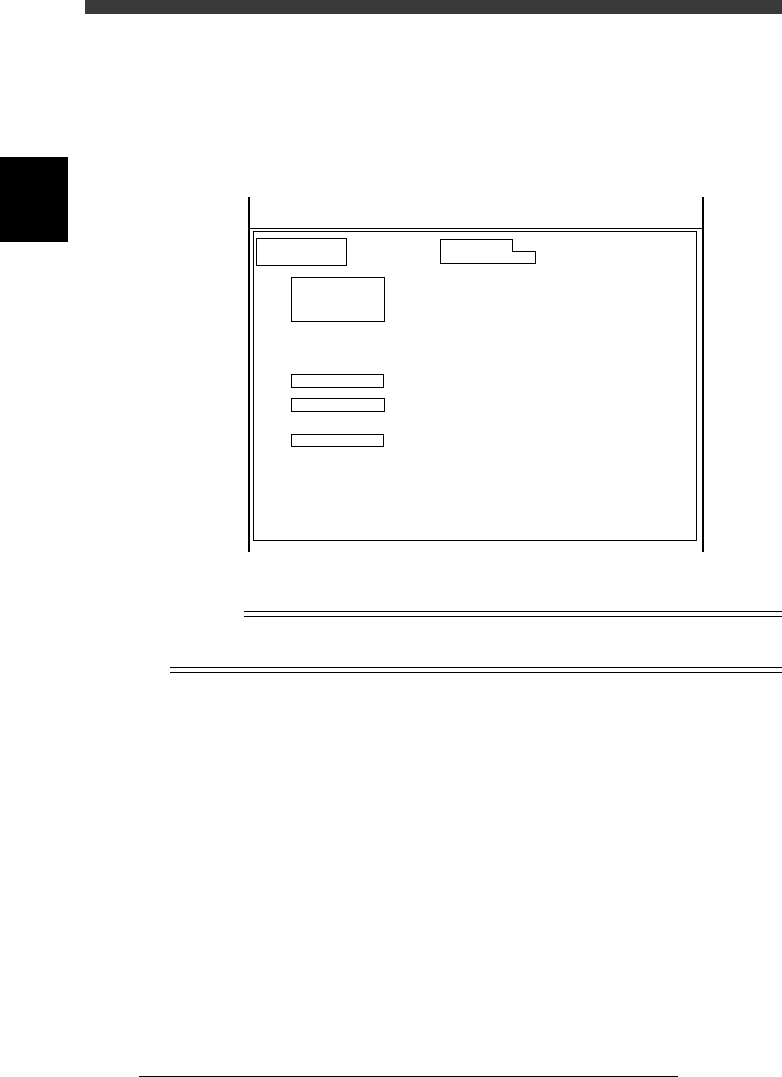
When you place the cursor on <3/1/A1 OPTION CONFIG.> and press the
[Ctrl] + [ENTER] keys, the following detail menu window opens. You can
here check or edit more detailed option settings.
Detail menu in OPTION CONFIG. mode.
47203-D8-00
OPTION CONFIG.
(Installation)
/BASIC CONF./
/RECOGNITION/
/CONVEYOR/
/BUFFER CONV/
/TRAY CHANGER/
/OPTIONS/
Sub Machine Type
Laser Alignment
Conveyor Width Axis
Conveyor Direction
Signal handling (L)
Signal hnadling (UL)
Programmable push-up
Exit Stopper
Buffer Conveyor
Buffer Conv. W axis
Tray Changer
Ext. TC Trv. Axis
TrayChanger Pos.
Nozzle Station
Slide Feeder Bar
Co-Planarity Sensor
Dispenser Data
Dot Station
RS232C extension
Option Edit
Screen Saver
SM100XT
None
Normal
R -> L
GATE-OUT
GATE-IN
None
Exist
None
None
None
Normal
Front
None
None
None
Disappear
None
None
Exist
10 min
KM1-632312
SM-100XT
Serial :
MchType :
<<<APPLICATION>>> 3/MAINTE/M
<<MODE>> 1/MCH_CONFIG
n
NOTE
To open the detail menu window, place the cursor on <3/1/A1 OPTION CONFIG.> and
press the [Ctrl] + [ENTER] keys.
Sub Machine Type Shows the machine type. Check that this is set to
“SM180X”. Otherwise the machine will not
work correctly.
Laser Alignment This is not used in this machine. Always set to
“None”.
Conveyor Width Axis Set to “Normal” for standard machines with the
fixed conveyor rail on the front side.
Conveyor Direction Select the PCB transfer direction. Set to “R->L”
for standard machines.
Signal handling (L) Specify the type of PCB transfer signals between
this machine and the upstream machine.
GATE-OUT:
The machine outputs a PCB request signal,
but no signal is input from the upstream
machine.