YCP10 Users_E.pdf - 第66页
2-6 2 Basic operations n Mask related errors Code Error name and description Ea8629 Mismatch of detected mask size. State The specified mask size is not matched with the detected mask size. Cause Possible causes: (1) Det…
2-5
2
Basic operations
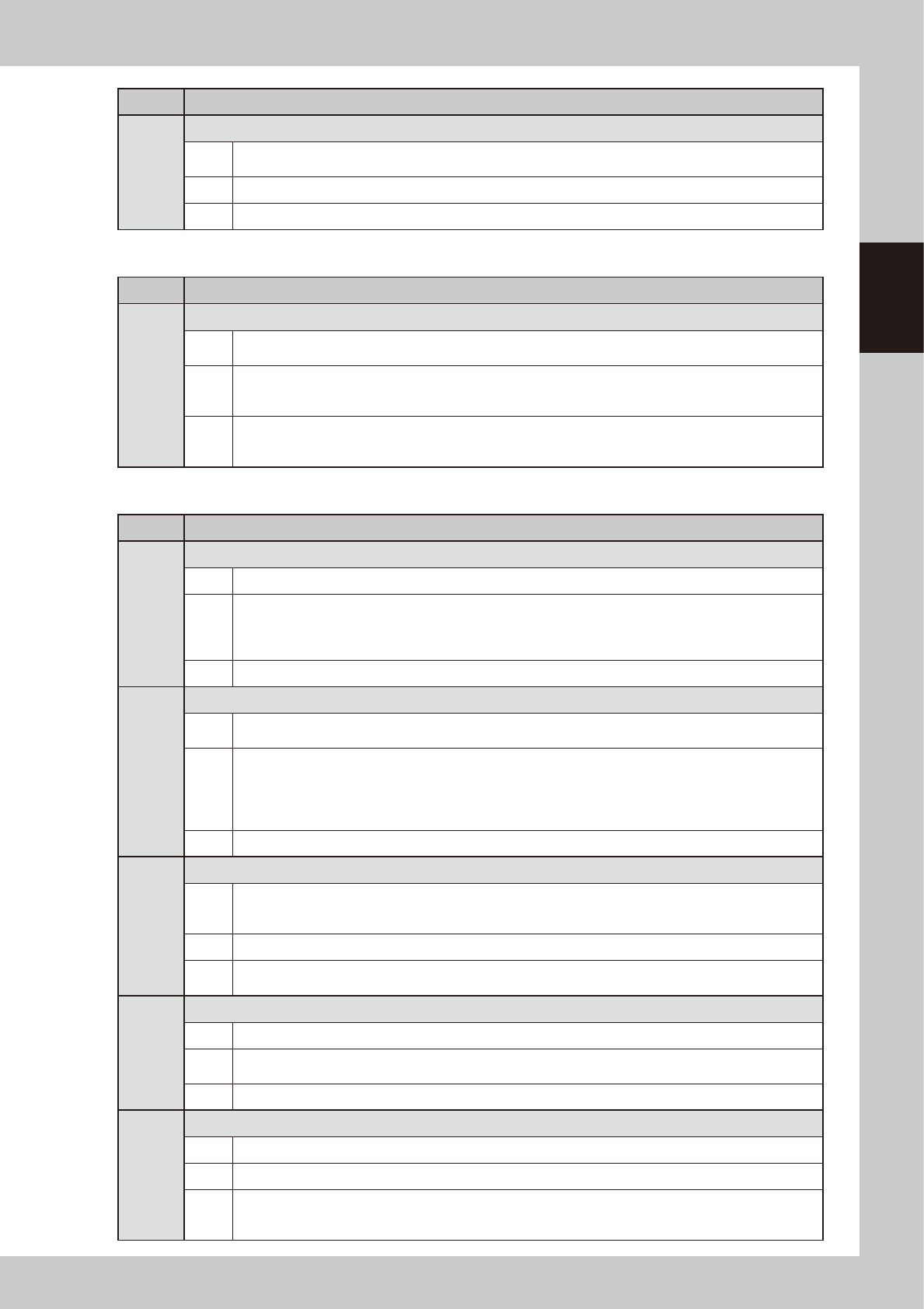
Code Error name and description
Ea8932
Cannot servo-on because blower motor is running
State
Cannot servo-on because blower motor is running.
Stop blower motor and push 'READY' button again.
Cause The servo cannot be turned on since the blower motor is running.
Action Please stop the blower motor on the [Unit] screen and press the [READY] button.
n
Air-conditioner related errors
Code Error name and description
Ea8094
AIR-CONDITIONER INTERLOCK
State
The Air-conditioner doesn't work normally.
Please check Air-Conditioner.
Cause
Possible cause:
1. The Air-Conditioner broke down.
2. Ten minutes passed after the water tank of Air-Conditioner is full.
Action
To cancel the interlock of the printer, please open the [Print]-[Board] tab screen and change the air conditioner
interlock parameter from “enabled” to “disabled”. Empty out the drain tank of the air conditioner or reset the
setting at the alarm occurrence location.
n
Program related errors
Code Error name and description
Ea8548
PLEASE CHECK FOR ANY ILLEGAL RUNNING CONDITION
State The operation condition settings are not adequate for the production.
Cause
Check followings. If all OK, please continue.
• Alignment should be [UseAlign].
• PrintFeedback should be [Use].
• Board Inspection JudgeMode should be [Normal Judge] or [Normal Judge & Exit Judge].
Action If no problem is found after the parameters described above have been checked, continue the operation.
Ea8555
DATA CHECK ERROR
State
Print inspection function is specified to work.
But all parameter of inspection execution for following
Cause
(1) Normal (All Board)
(2) Normal (Interval)
(3) After Dry Auto Cleaning
(4) After Wet Auto Cleaning
(5) After Manual Auto Cleaning
Action Please change the print inspection parameters 1 to 5 described above to “Use”.
Ea8556
DATA CHECK ERROR
State
Print inspection is specified to work for all Board.
But all objects are specified not to work for all Board on current "Inspection Execution Specification".
Check "Inspection Execution Specification" for all Board and "Execution Specification Number" of object data.
Cause The parameters are not set correctly.
Action
Please check the inspection execution condition settings for the normal operation (all boards) and check the
inspection condition No. of the object data.
Ea8590
BOARD TABLE PRINT HEIGHT ERROR
State The print action cannot be executed because the board table is not in the print height.
Cause
Please confirm the state of the board table and the board.
Please restart Auto-Running after Reset.
Action Please contact YAMAHA’s call-center.
Ea8928
DATA CHECK ERROR
State This machine is not supported Mask Standard Position "Rear".
Cause The parameters are not set correctly.
Action
Please set it to the following Mask Standard Position.
(1) Front
(2) Center
2-6
2
Basic operations
n
Mask related errors
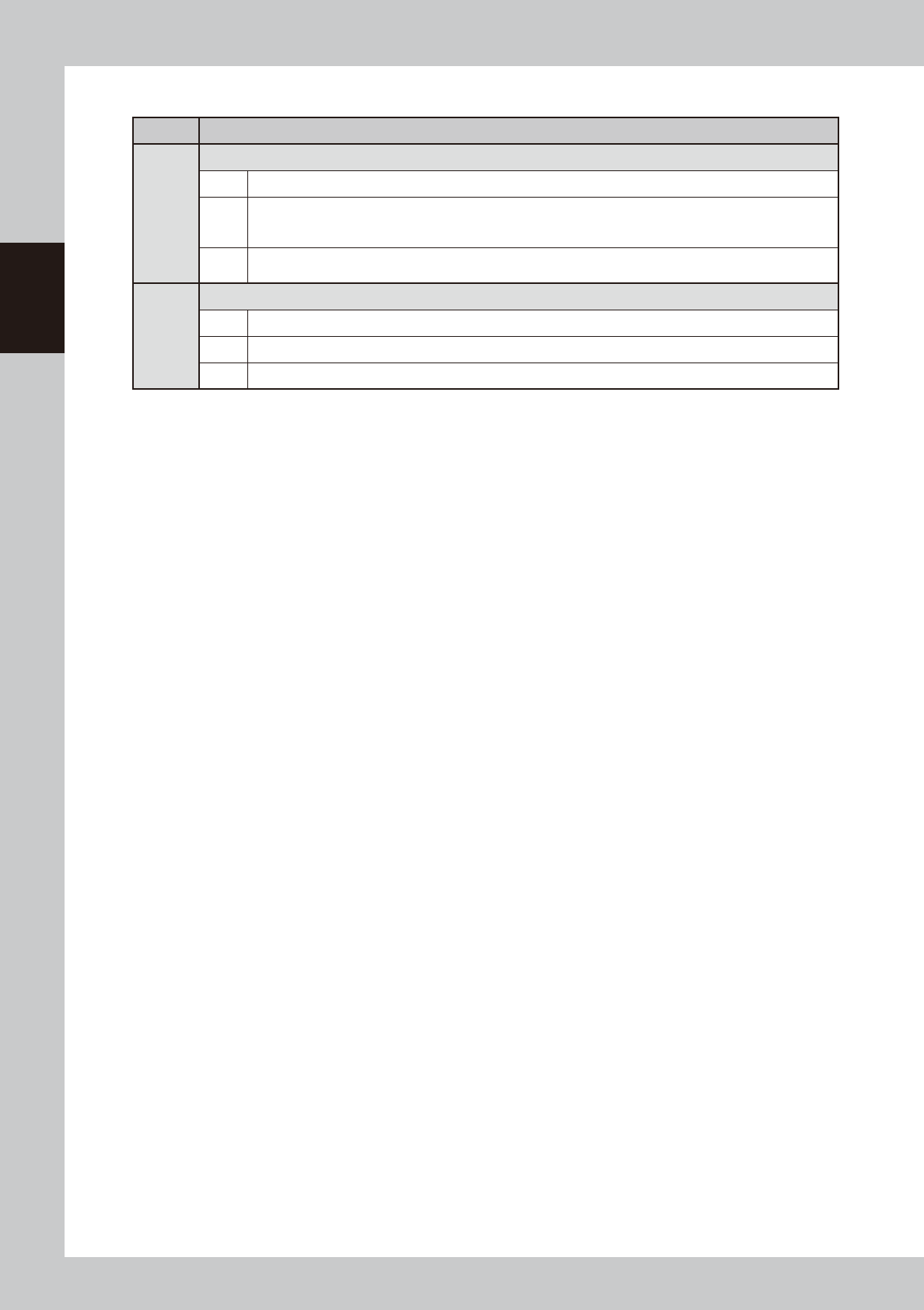
Code Error name and description
Ea8629
Mismatch of detected mask size.
State The specified mask size is not matched with the detected mask size.
Cause
Possible causes:
(1) Detected mask has mismatch size specified in Board data.
(2) Mask positioner pin is not set correctly.
Action
1. Please set a mask with a specified size.
2. Please mount the mask positioning pins at their proper positions.
Ea8909
Mask is not clamped.
State The mask is not clamped.
Cause The mask is not clamped.
Action Please clamp the mask.
2-7
2
Basic operations
2. Starting and stopping the machine
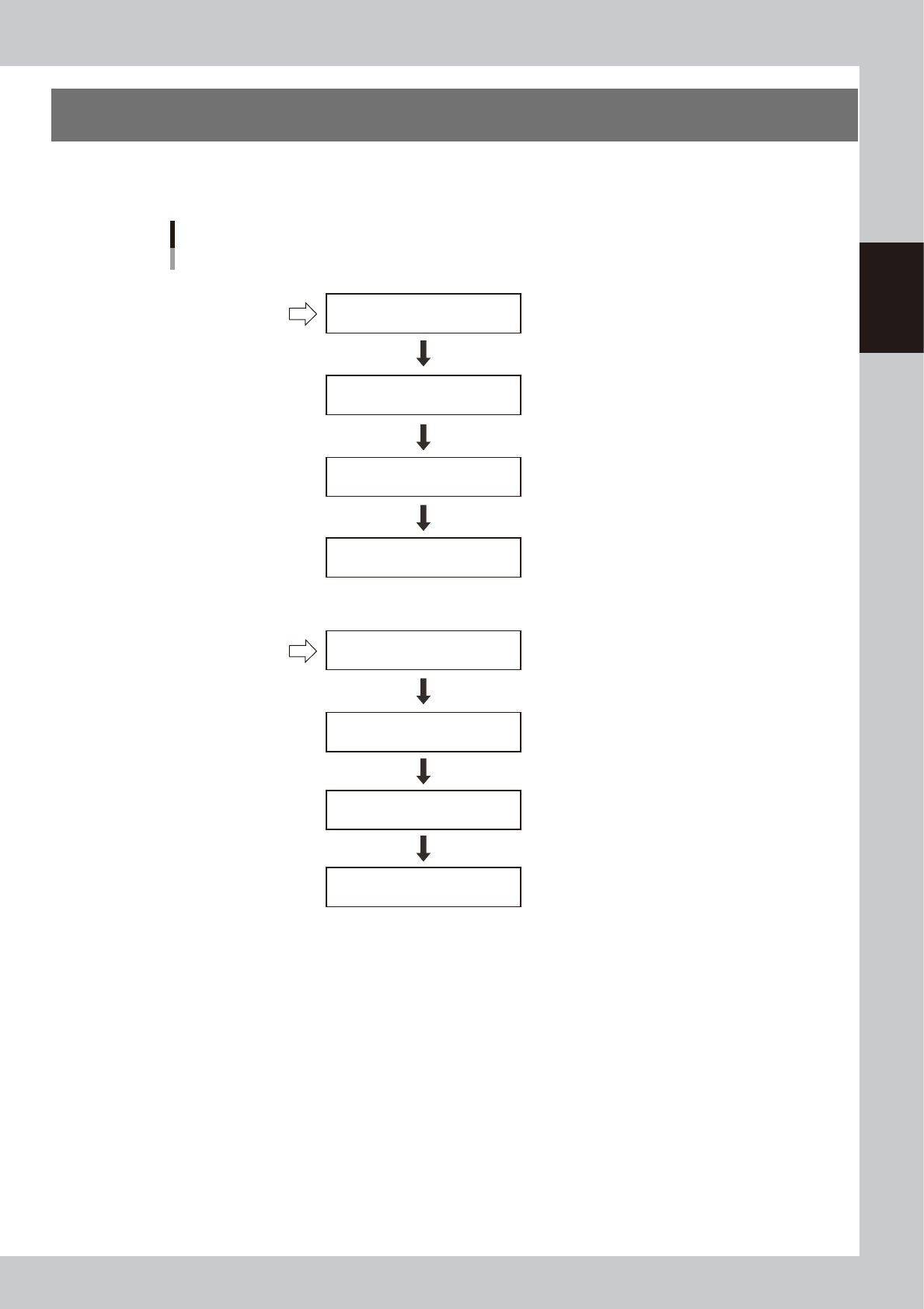
This section explains routine procedures for starting and powering off the machine according to the flow
charts below.
Starting and powering off the machine
Program is loaded.
The “Return-to-origin” screen appears.
Operation and production
Confirmation screen appears.
The “Move-to-origin” screen appears.
Setup screen appears.
Return axes to origins
Turn on power switch
Check before operation
Perform return-to-origin
Press [Off] button on operation screen
Press emergency stop button
Turn off machine power switch
Specify operator
Starting the
machine
Turning off the
machine
63202-N1-00