YCP10 Users_E.pdf - 第76页
4. Causes of troubles by symptoms 3-18 4.1 Positional deviation 3-18 4.2 Blur 3-18 4.3 Insuf ficient filling 3-18 4.4 Solder spread, solder bridge 3-19 4.5 Scraping trouble 3-19 4.6 Solder enlargement 3-19 4.7 Solder chi…

Chapter 3 Printing guide
This chapter explains data setting and changeover tasks to perform satisfactory solder printing. This chapter also describes the
relation between the print trouble symptoms and the conditions that may cause the trouble.
Before starting operation described in Chapter 4, “Daily operation”, read this chapter carefully.
Contents
1. Flow of printing condition setting 3-1
2. Data and condition setting 3-2
2.1 Material and setup information 3-2
2.2 Alignment offset setting 3-4
2.3 Rolling 3-5
2.4 Printing and production conditions 3-6
3. Details of each parameter item 3-7
3.1 Board clamp 3-7
3.1.1 Edge clamp pressure 3-7
3.1.2 Backup jig 3-7
3.2 Board transfer 3-8
3.2.1 Transfer position check 3-8
3.2.2 Board edge offset 3-9
3.2.3 Conveyor motor (board transfer) speed 3-11
3.2.4 X-axis movement during board transfer 3-12
3.2.5 Transfer start height 3-13
3.3 Board and mask mark recognition (Mark position) 3-14
3.4 Alignment offset 3-14
3.5 Squeegee (Rolling) 3-15
3.5.1 Squeegee speed 3-15
3.5.2 Squeegee pressure 3-15
3.5.3 Attack angle (degree (°)) 3-15
3.6 Solder supply interval 3-16
3.7 Detach pattern 3-16
3.7.1 Board separation speed 3-16
3.7.2 Board separation distance 3-17
3.8 Cleaning 3-17
3.8.1 Cleaning interval 3-17
3.8.2 Cleaning repeat 3-17
3.8.3 Cleaning speed 3-17

3-1
3
Printing guide
1. Flow of printing condition setting
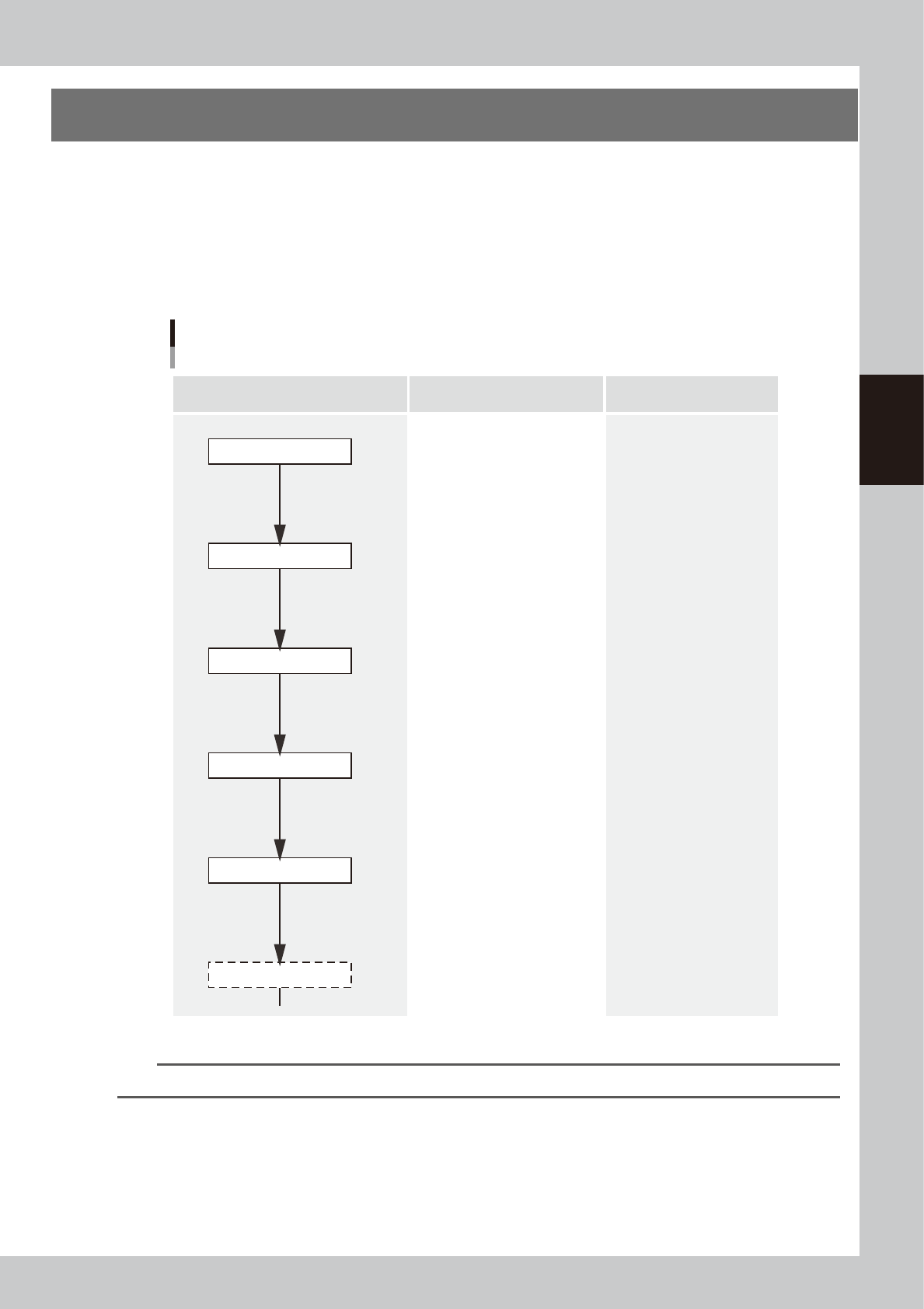
The following diagram shows the flow of the condition setting (data setting) and the setup work necessary to
perform the printing with excellent quality.
•
Before starting the condition setting, it is necessary that the basic data input and the setup work have been completed.
•
The parameter change results after completion of the condition setting may slightly vary depending on the solder and/
or mask status.
•
It is recommended to first perform the test print with the default values and gradually narrow the conditions from the
test print results.
Printing condition setting
Contents of work Items to be set Related troubles
Setup work
Basic data input
・Alignment offsets X, Y, R
・Board size
・Mask information
・Squeegee type
・Edge clamp pressure
・Fiducial position coordinates
・Backup jig setting
・Board clamp status check
・Mark information check
Print deviation
Solder spread
Solder bridge
Print deviation
Solder enlargement
Solder chipping, mask remaining
Solder spread, solder bridge
Blur
Scraping trouble
Insufficient filling
・Squeegee pressure
・Squeegee speed
・Attack angle
・Board separation speed
・Board separation distance
・Alignment offset Z
・Solder supply interval
Solder chipping, mask remaining
Solder spread, solder bridge
・Cleaning interval
・Cleaning repeat
・Cleaning speed
Alignment offset
Cleaning conditions
Printed status check
Graphic alignment
Test print
Rolling
63300-N1-00
n
NOTE
For more details about work procedures and contents of each parameter, see the relevant sections of this manual.