3OM-1003-005.pdf - 第200页
: Close When pressed, this closes the active file of the component ID data. : Save When pressed, this saves the edited data, replacing the existing file with the current one. When a new file is created, it will be saved …
3. "Component Library" Edit Window
3.1 Toolbar and Icons
This session describes the toolbar and icons in the "Component Li-
brary" edit window.
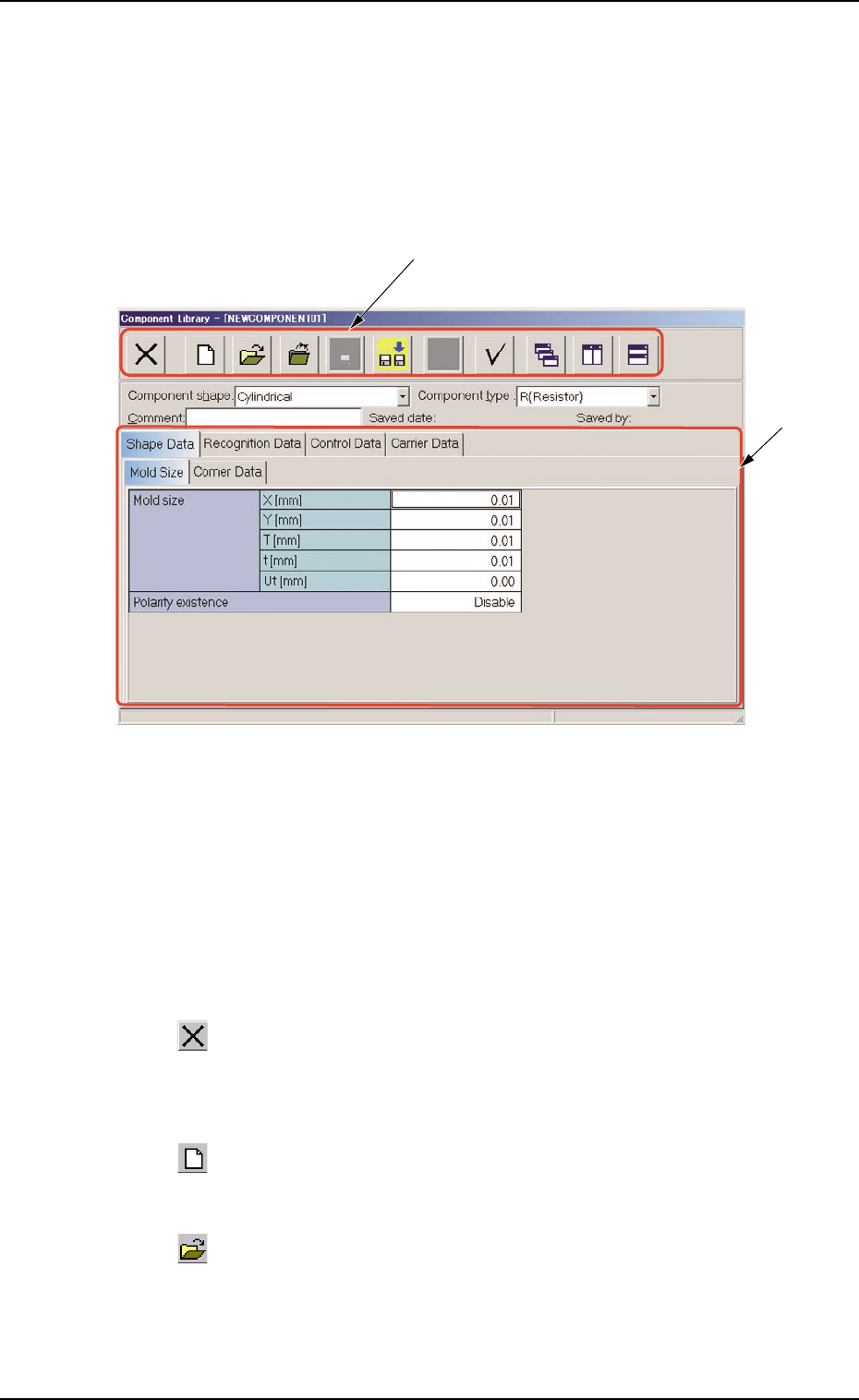
Fig. 3C12 "Component Library" Edit Window
• Composition of "Component Library" Edit Window
*1 Toolbar
This toolbar is provided with a collection of icons that can be imple-
mented as operation commands in the "Component Library" edit
window.
: Exit
When pressed, this closes the "Component Library" edit
window.
: New
When pressed, this creates a new component ID.
: Open File
When pressed, this opens the "The List of component ID"
window.
*2
*1
3. "Component Library" Edit Window
051 1-003 3-14 AIL01EDTP
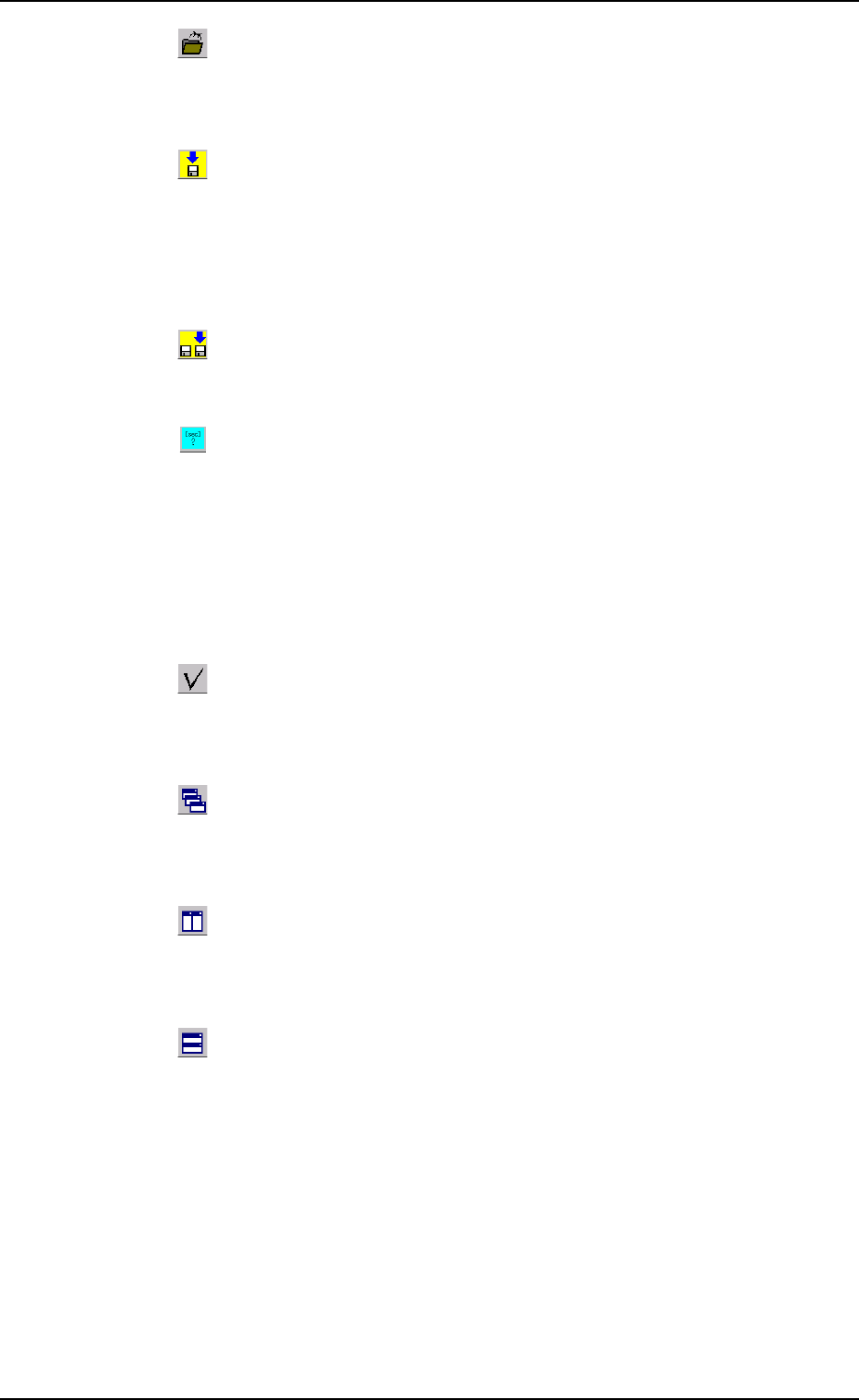
: Close
When pressed, this closes the active file of the component
ID data.
: Save
When pressed, this saves the edited data, replacing the
existing file with the current one.
When a new file is created, it will be saved with a new file
name.
: Save As
When pressed, this saves the edited data with a new name.
: When pressed, this button calculates the theoretical
values of the speed data.
The theoretical values of the speed data "Pick-Up", "Rotary
Turret", "Placement", and "Tape Feed Speed" are calculated
and the data is replaced with the calculated values.
When the data should not be replaced with the calculated
values, turn off the check box in the displayed window.
: Check
When pressed, this checks if there is any deficiency in the
data of the selected component ID.
: Cascade
When pressed, this overlays the selected windows (com-
ponent ID files) so that you can see each title bar.
: Tile Vertically
When pressed, this re-arranges the selected windows side
by side.
: Tile Horizontally
When pressed, this re-arranges the selected windows up
and down.
3.1 Toolbar and Icons
051 1-002 3-15 AIL01EDTP

*2 Edit Sheet
This sheet enables the operator to edit the parameters of the se-
lected component ID.
3.1 Toolbar and Icons
051 1-002 3-16 AIL01EDTP