N7201A616E00_0317.pdf - 第588页
NPM-W 2 EJM7DE-MB-07 O-00 7-2-5 -3 Installing nozzles Install no zzles in the nozzl e changer to th e pla cement head. 1 2 3 Choose with Choose w ith Choose a nozzle to install (The button turns in blue color) R eplacing…
NPM-W2 EJM7DE-MB-07O-00
7-2-5-2
+
+
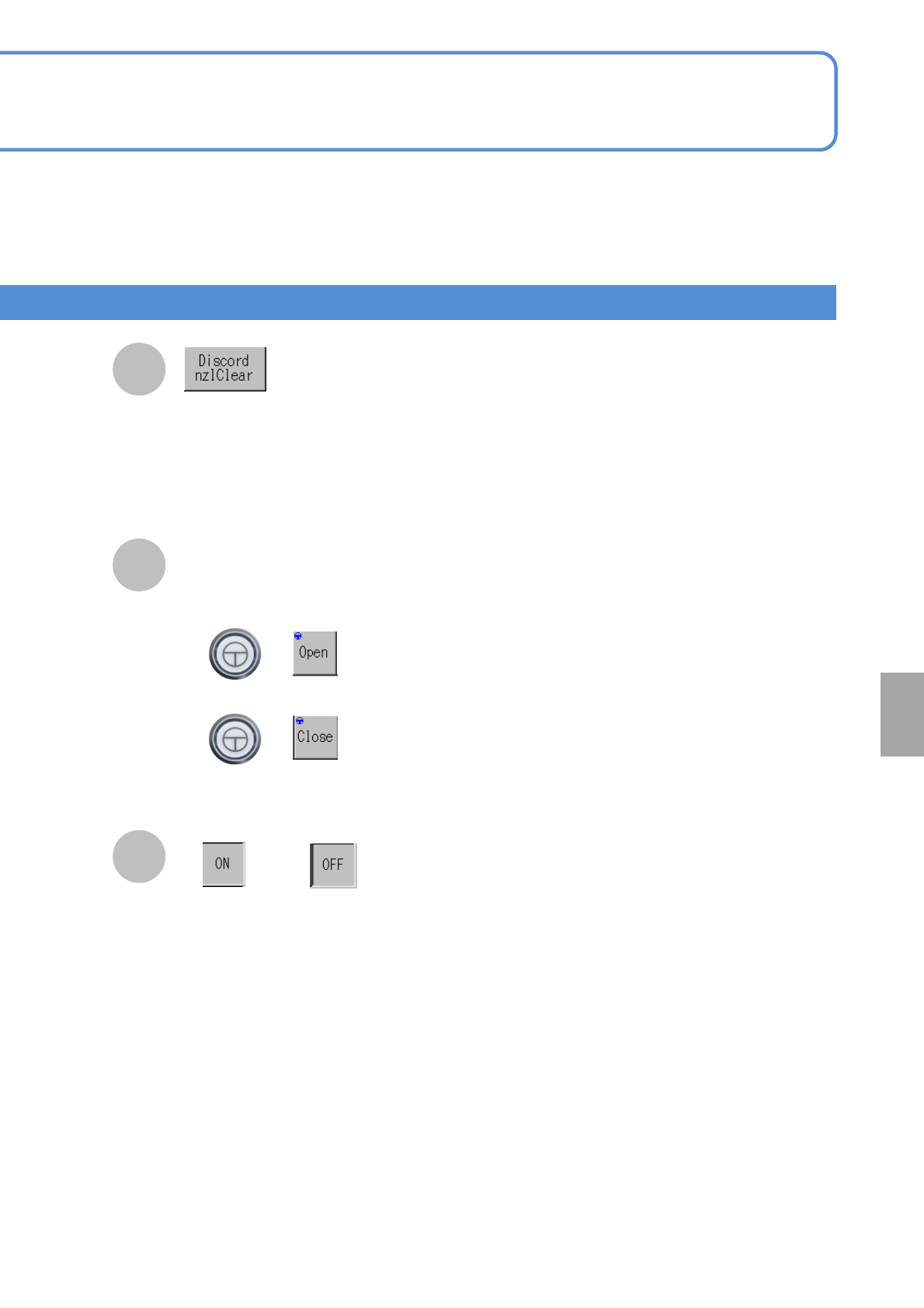
Select the presence or absence of
a nozzle.
or
Opening or closing of the
nozzle changer shutter
■To open the shutter
■To close the shutter
Set the nozzle positions, displayed in yellow
as discord nozzles, for Discord nzlClear.
●Nozzles, if different from the current ones
that install new production data, are
displayed in yellow.(A nozzle cannot be
attached or removed as it is)
B
A
C
System
administration
NPM-W2 EJM7DE-MB-07O-00
7-2-5-3
Installing nozzles
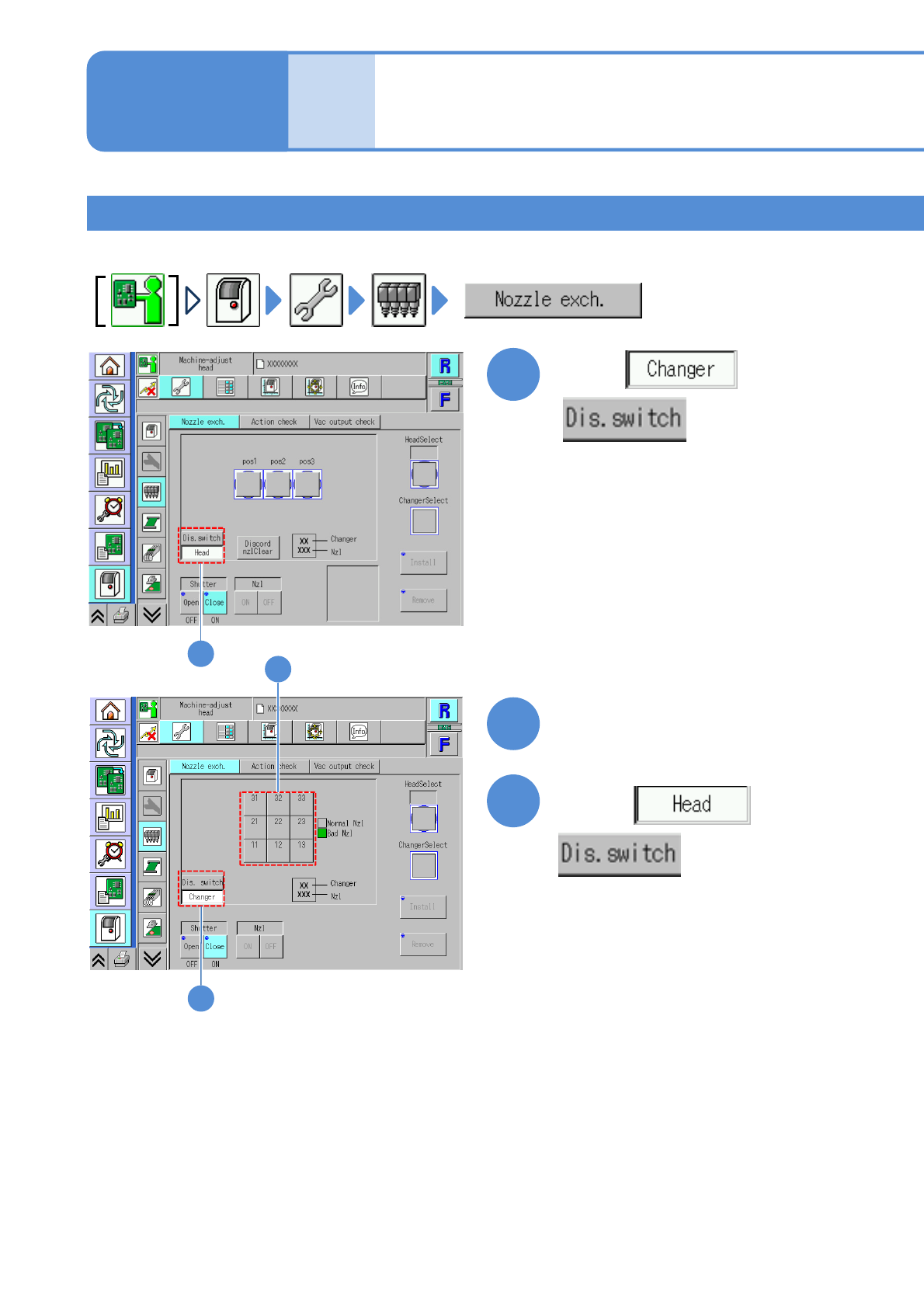
Install nozzles in the nozzle changer to the placement head.
1
2
3
Choose with
Choose with
Choose a nozzle to install
(The button turns in blue color)
Replacing the nozzle of
the placement head 2
Unit
adjust-
ment
Operating procedure
7-2-5
1
2
3
NPM-W2 EJM7DE-MB-07O-00
7-2-5-4
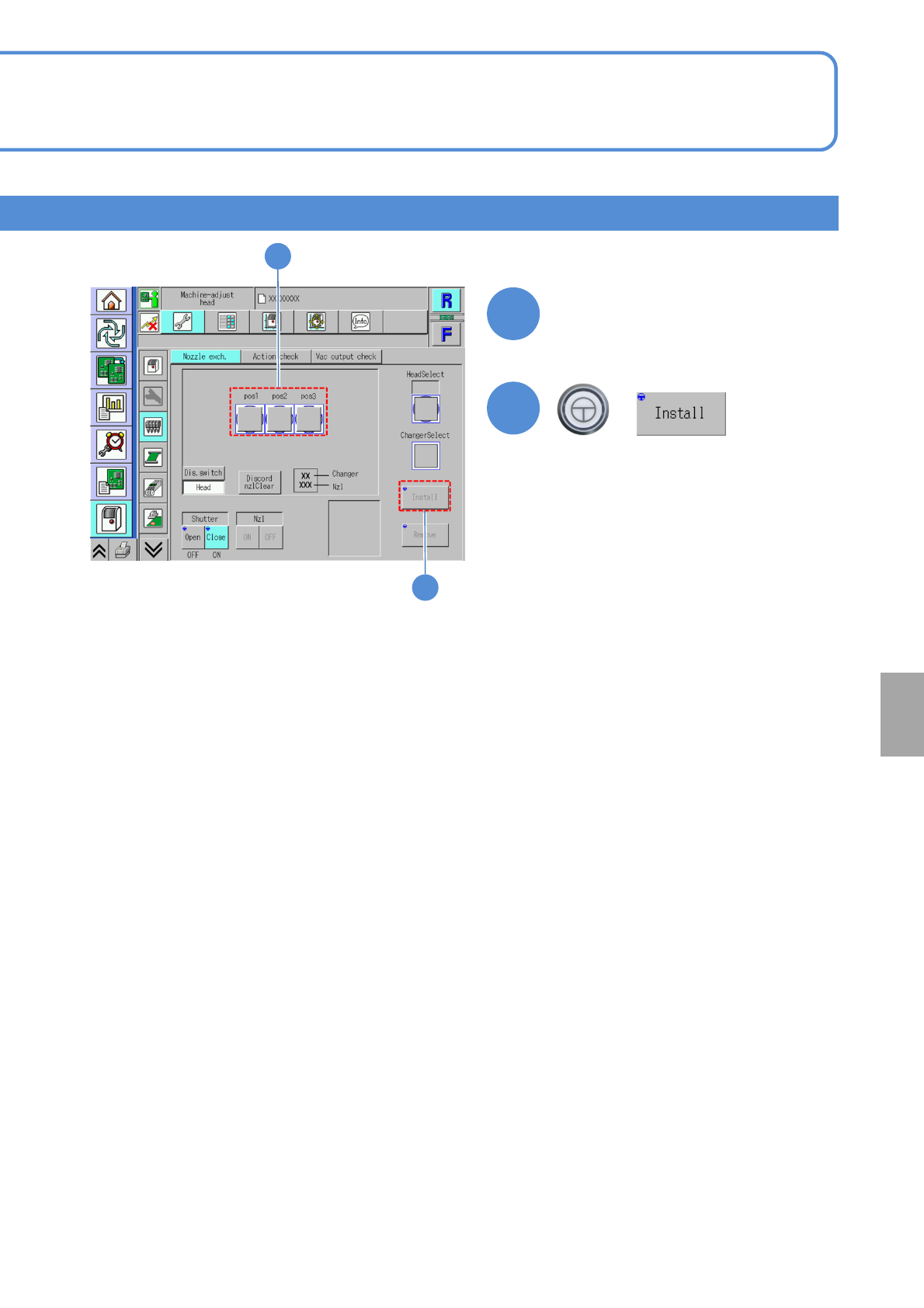
Choose the head to
install the nozzle
4
(The button turns in blue color)
+
5
5
4
System
administration