00196625-03_AI_SX12_PCB_Barcode_de_en.pdf - 第165页
Setting up and Commissioning 1D PCB Barcode Scanner Configuring the PCB Barcode Scanner PCB Barcode LP-Barcode 165 InstallShield Wizard - Welcome ► Click on Next> and follow the instructions iss u ed by the InstallShi…
Setting up and Commissioning
Configuring the PCB Barcode Scanner 1D PCB Barcode Scanner
164 PCB Barcode LP-Barcode
3.3.1.2 Installing and Configuring the Barcode Scanner Software
The barcode scanner software Datalogic WinHost is supplied on a CD. However, it can also be down-
loaded from the Download Center.
This software is used to configure the scanner. It is not needed during productive operations. If required,
it can be started from the Windows interface of the station computer.
Installing the Barcode Scanner Software
► Log into Windows at the station computer as an administrator.
► Place the CD into the drive.
► Doubleclick on the file IndexD0.exe.
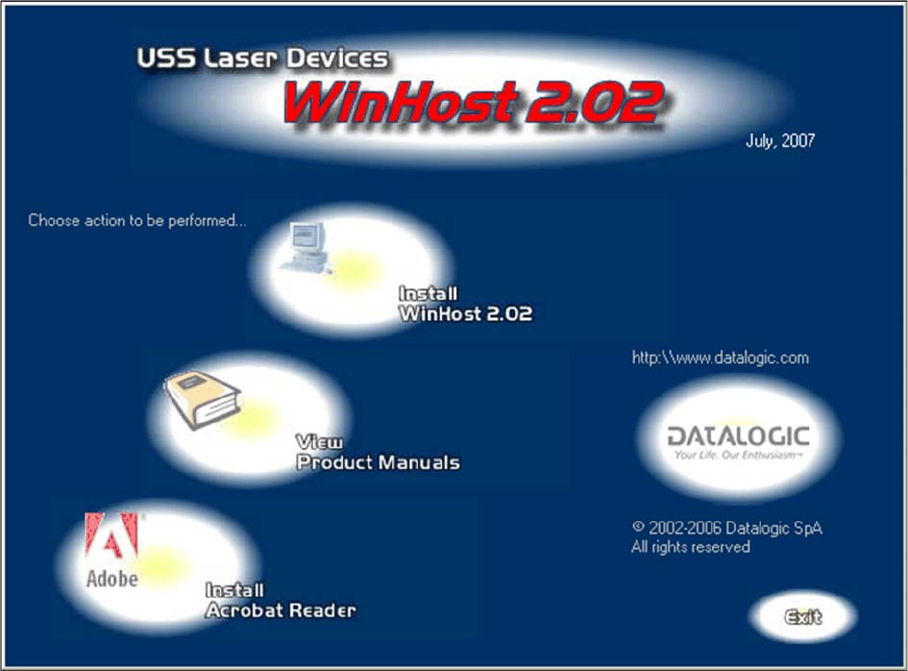
The WinHost 2.02 window will open.
WinHost 2.02 window
► Click on the Install WinHost 2.02 icon.
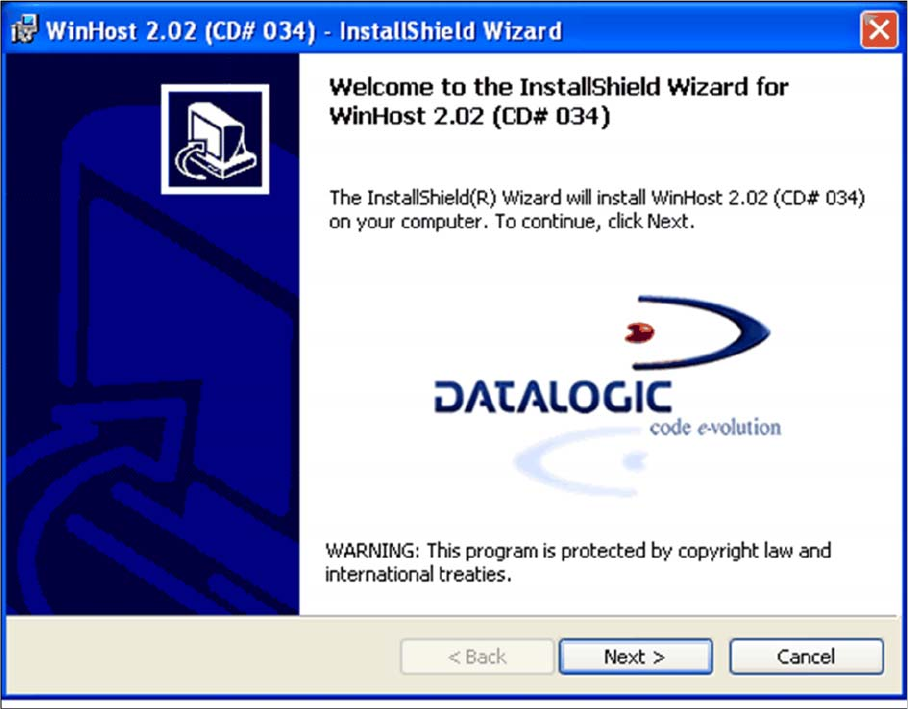
This starts the InstallShield Wizard for WinHost 2.02.
Setting up and Commissioning
1D PCB Barcode Scanner Configuring the PCB Barcode Scanner
PCB Barcode LP-Barcode 165
InstallShield Wizard - Welcome
► Click on Next> and follow the instructions issued by the InstallShield Wizards.
► Accept the license conditions.
► Enter the required user information in the Customer Information dialog and confirm with Next>.
Setting up and Commissioning
Configuring the PCB Barcode Scanner 1D PCB Barcode Scanner
166 PCB Barcode LP-Barcode
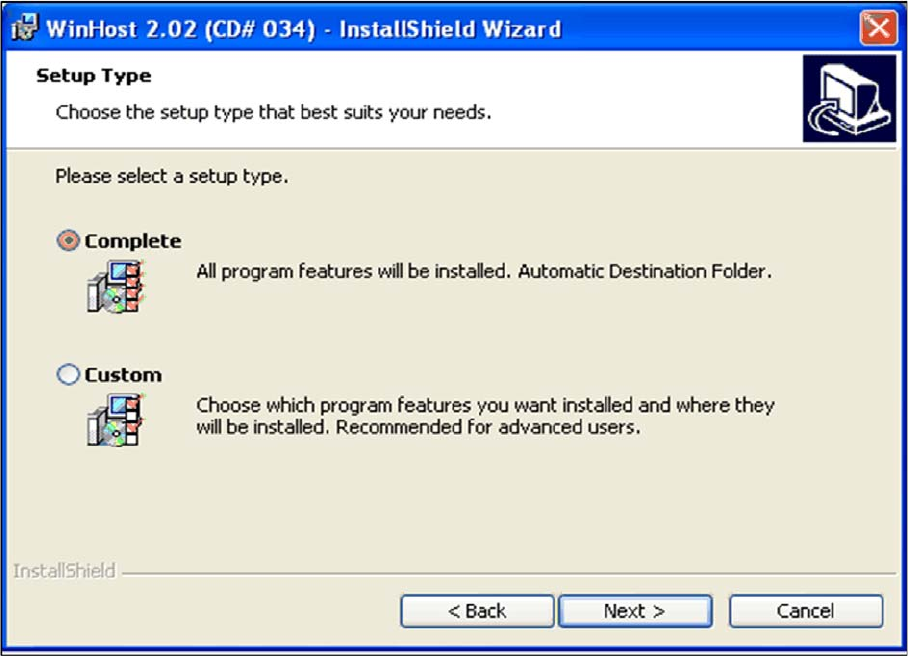
"Setup Type" dialog
► Click on Complete, to install the software in the default installation folder and then confirm with
Next>.
► Click on Custom to install the software in your chosen folder and confirm with Next>.
Enter the required installation folder in the next dialog and then click on Next> to confirm.
The installation procedure will start.