Smart Graphical User Interface (SmartG) Overview_rev1.pdf - 第10页
Copyright © ViT rox All Rights Reserved . Unload • Unload is a feature used to unload the board from a board clamp position to exit sensor . A board must be clamped in the clamp position in order to unload the board. Whe…
Copyright © ViTrox All Rights Reserved.
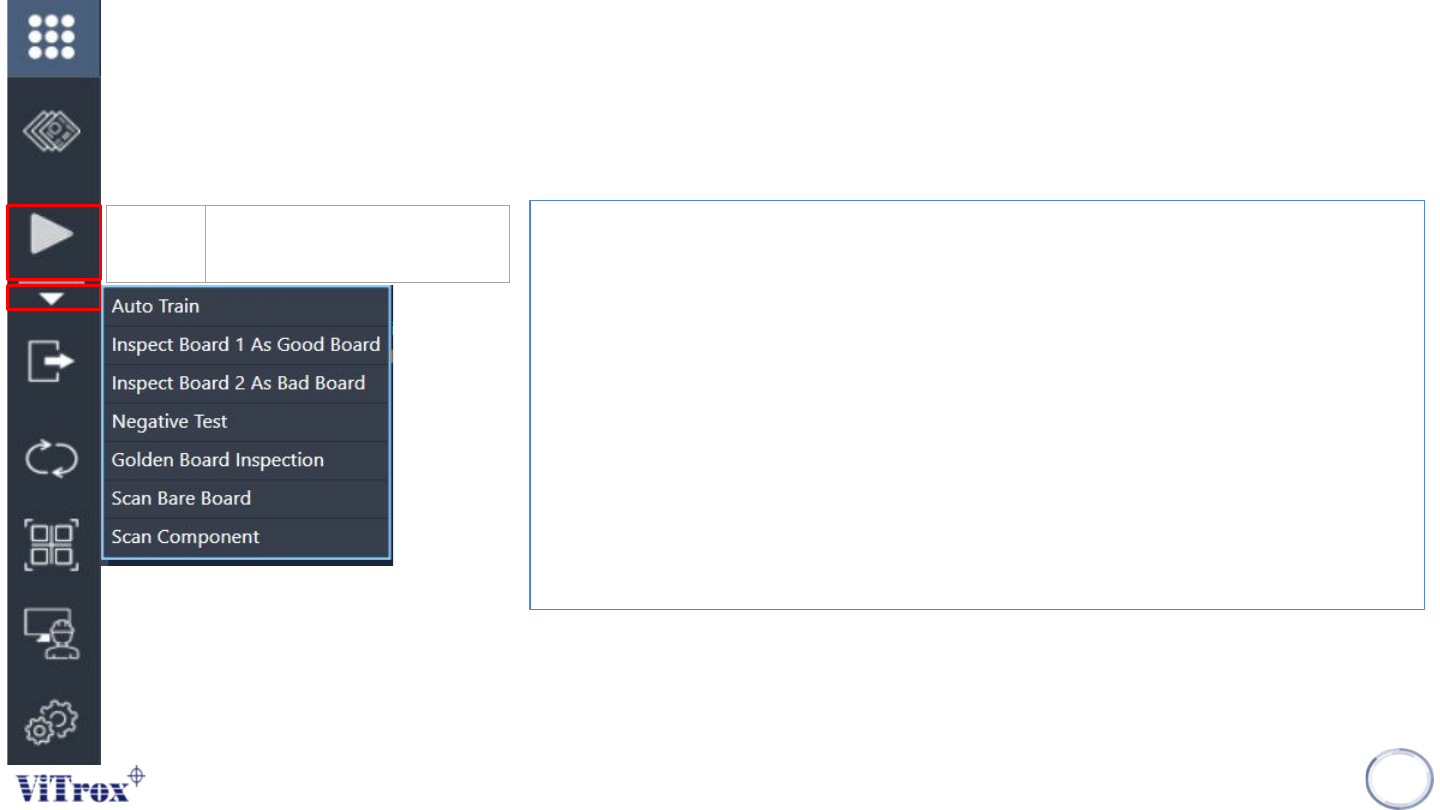
Inspect
• Auto Train- This feature that applied to Artificial Intelligence (A.I) technology. This
feature is specially used to train the component automatically by using A.I
technology.
• Inspect Board 1 As Good Board- To inspect the program as a good board
• Inspect Board 2 As Bad Board- To inspect the program as a bad board
• *Negative test- This is a quality checking tool of component orientation in the
program that includes:
● Test and measure the program quality
● Reduce false calls and escapee rate
● Reduce CAD errors
• **Golden Board Inspection- Golden Board is used to be a quality checking tool
of all trained component in the program.
• Scan Bare Board- To scan the program as Bare Board
• Scan Component- To scan all the component for entire board program.
9
Inspect Manual run one board
inspection
*Negative test must be applied to a good board.
**Golden board inspection must be applied when a component detected as a
defect is a true defect and the component is fine-tuned correctly.
Copyright © ViTrox All Rights Reserved.
Unload
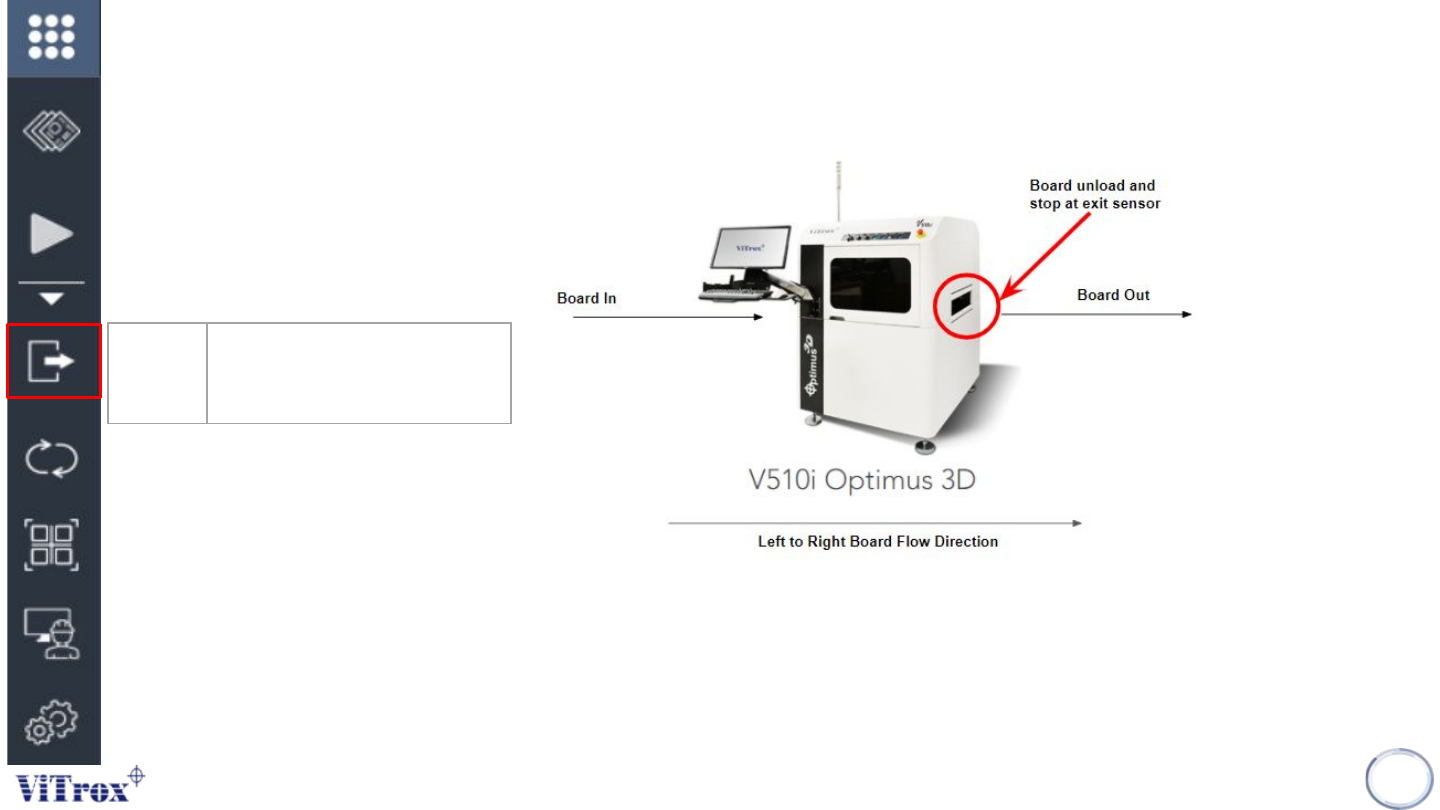
• Unload is a feature used to unload the board from a board clamp position to exit sensor. A board must be
clamped in the clamp position in order to unload the board. When there is no board in clamping condition,
no action will be taken.
10
Unload Unload board from board
clamp position to exit sensor
position
Figure 5: Left to right board flow direction
Copyright © ViTrox All Rights Reserved.
Compile
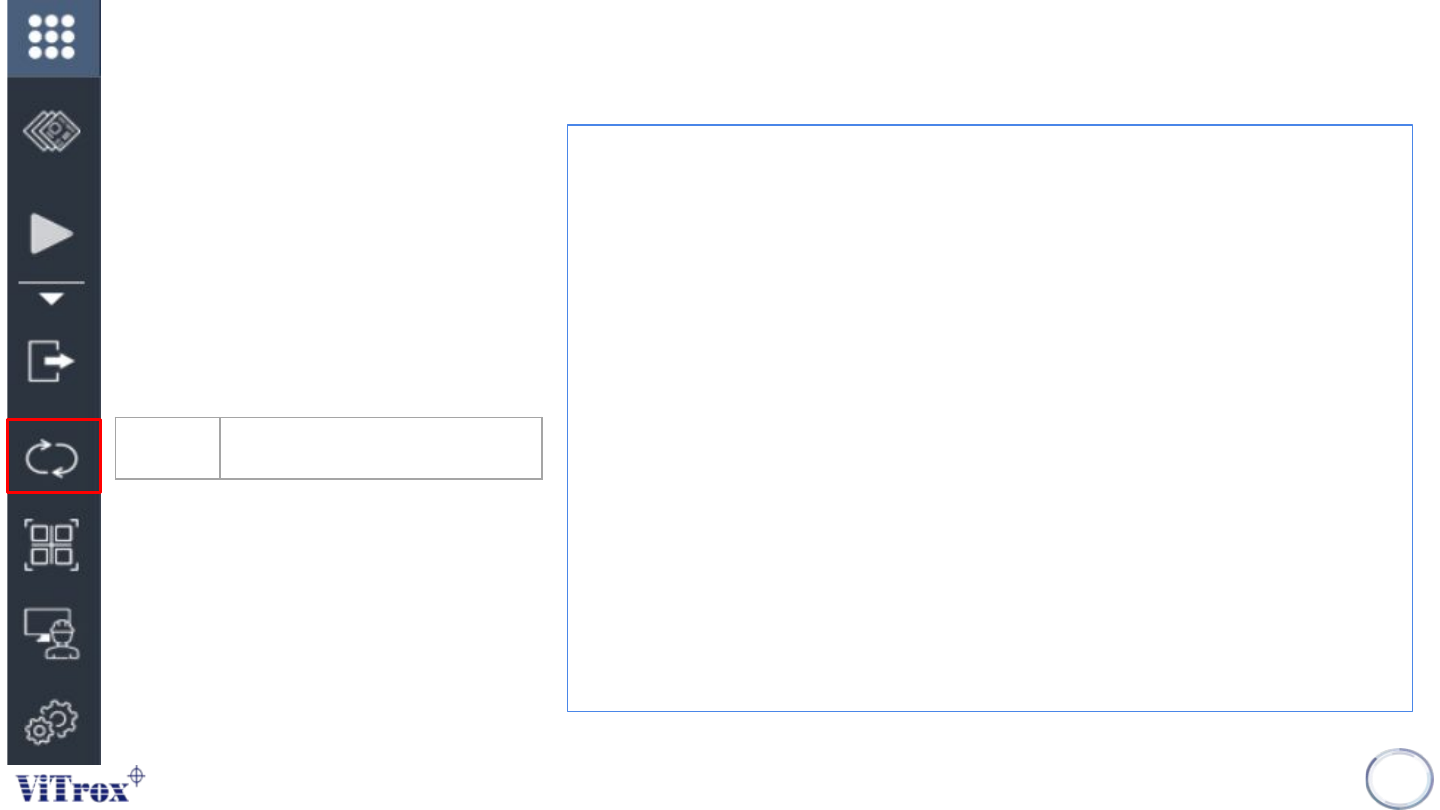
• Compile is a feature to compile, update and save the parameter
or setting change.
• Generally the compile button applied by SmartG software
automatically during entering or exiting engineer, fiducial, trainer,
and edit page.
When to used?
The conditions that are recommended to compile the program are:
● Parameter or setting change to the files in c:\cpi\cad
○ Edit the component search area, ref des and part number.
○ Edit the fiducial setting.
○ Edit the trainer and editor setting.
○ Edit the setting in Utilities
11
Compile Perform compile for the program