Smart Graphical User Interface (SmartG) Overview_rev1.pdf - 第96页
Copyright © ViT rox All Rights Reserved . Zoom in Selected region Note: User can drag any region to zoom in whether components or boards. 96 Zoom in Selected Region Zoom in with specific location or components. Figure 83…
Copyright © ViTrox All Rights Reserved.
Select Component
95
Select Component
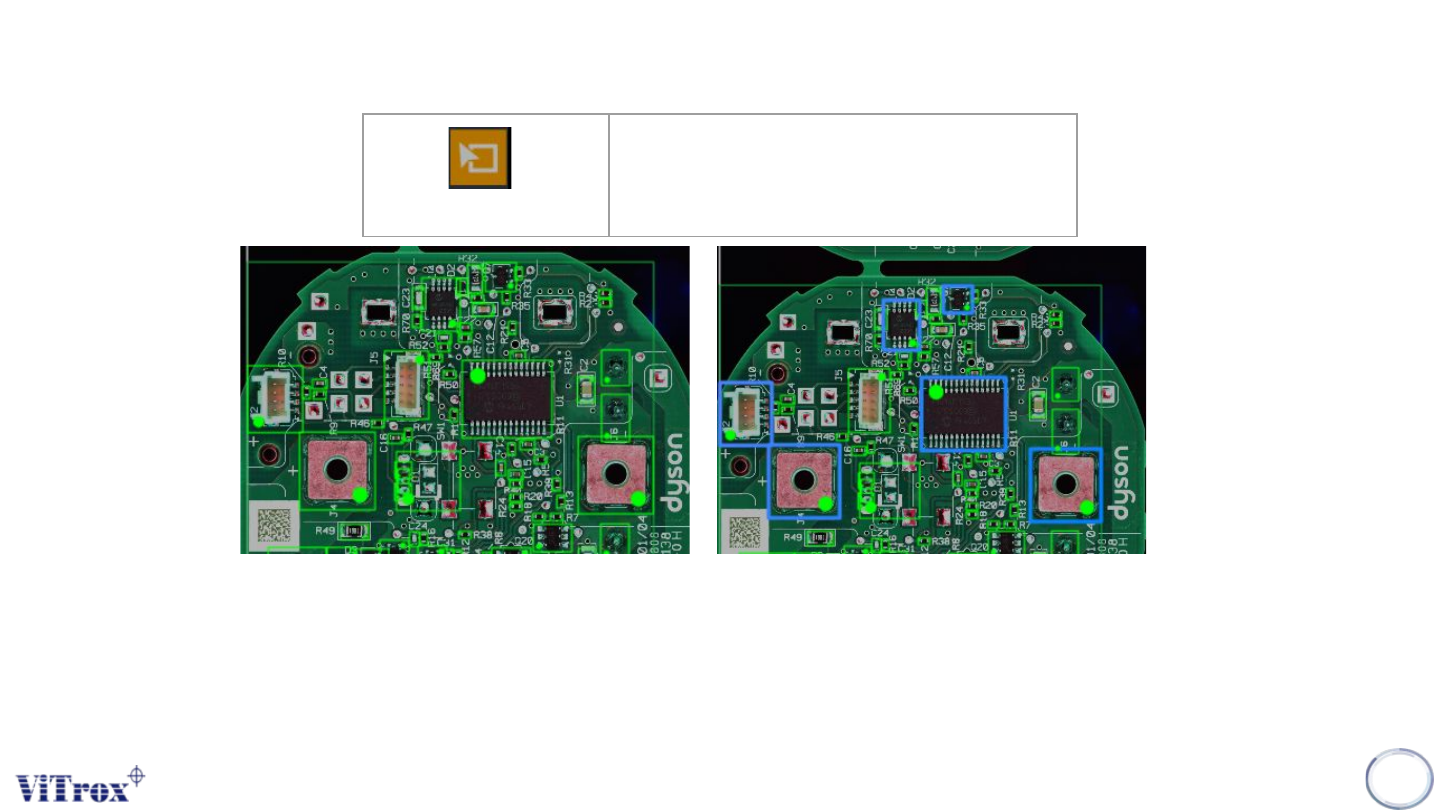
Select Multiple Components
Figure 82: Select Multiple components
Note: User can also use ctrl+left click or drag selected region to select multiple components
Copyright © ViTrox All Rights Reserved.
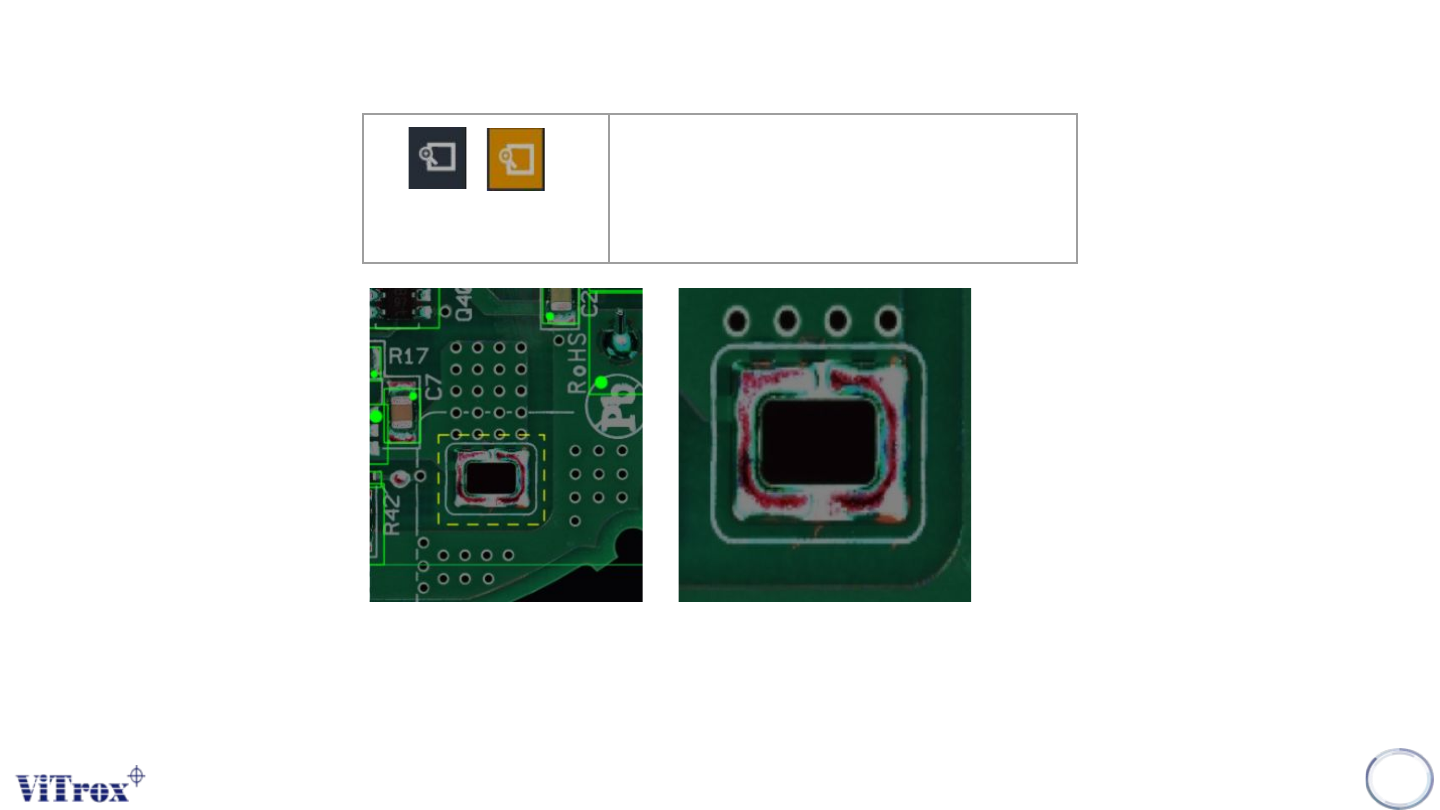
Zoom in Selected region
Note: User can drag any region to zoom in whether components or boards.
96
Zoom in Selected
Region
Zoom in with specific location or
components.
Figure 83: Example ‘yellow’ Selected region to zoom in
Copyright © ViTrox All Rights Reserved.
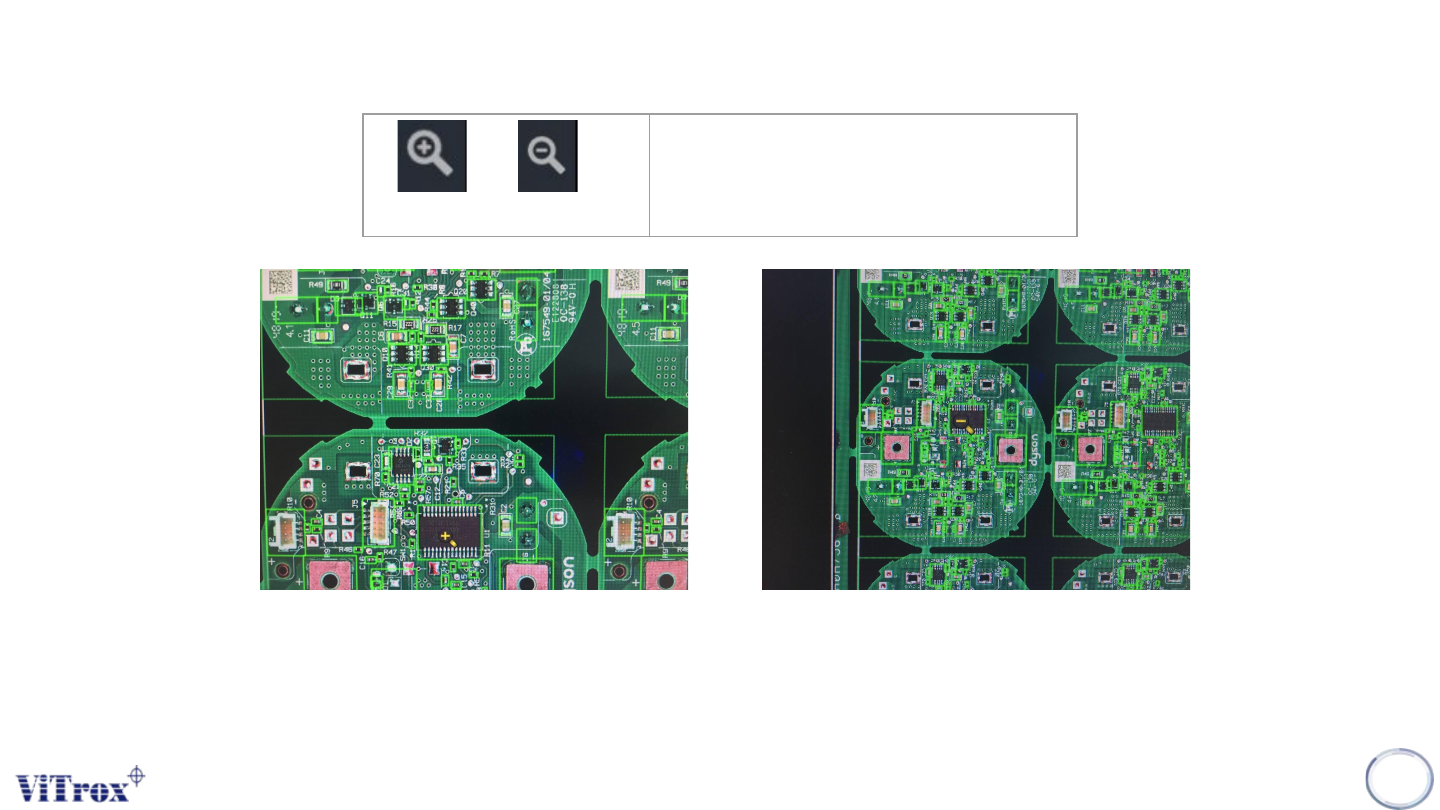
Zoom In,Zoom Out
Note: User can use mouse wheel to zoom in and out at any location
97
Zoom in (+), Zoom Out (-)
Zoom in the camera view
Figure 84: Zoom in/Zoom out to specific pointed mouse