Smart Graphical User Interface (SmartG) Overview_rev1.pdf - 第27页
Copyright © ViT rox All Rights Reserved . General Setting (Engineer Setting) Engineer setting in general setting is used to set up the engineer inspection result which includes: ● Disable confirmation dialogues ● Disable…
Copyright © ViTrox All Rights Reserved.
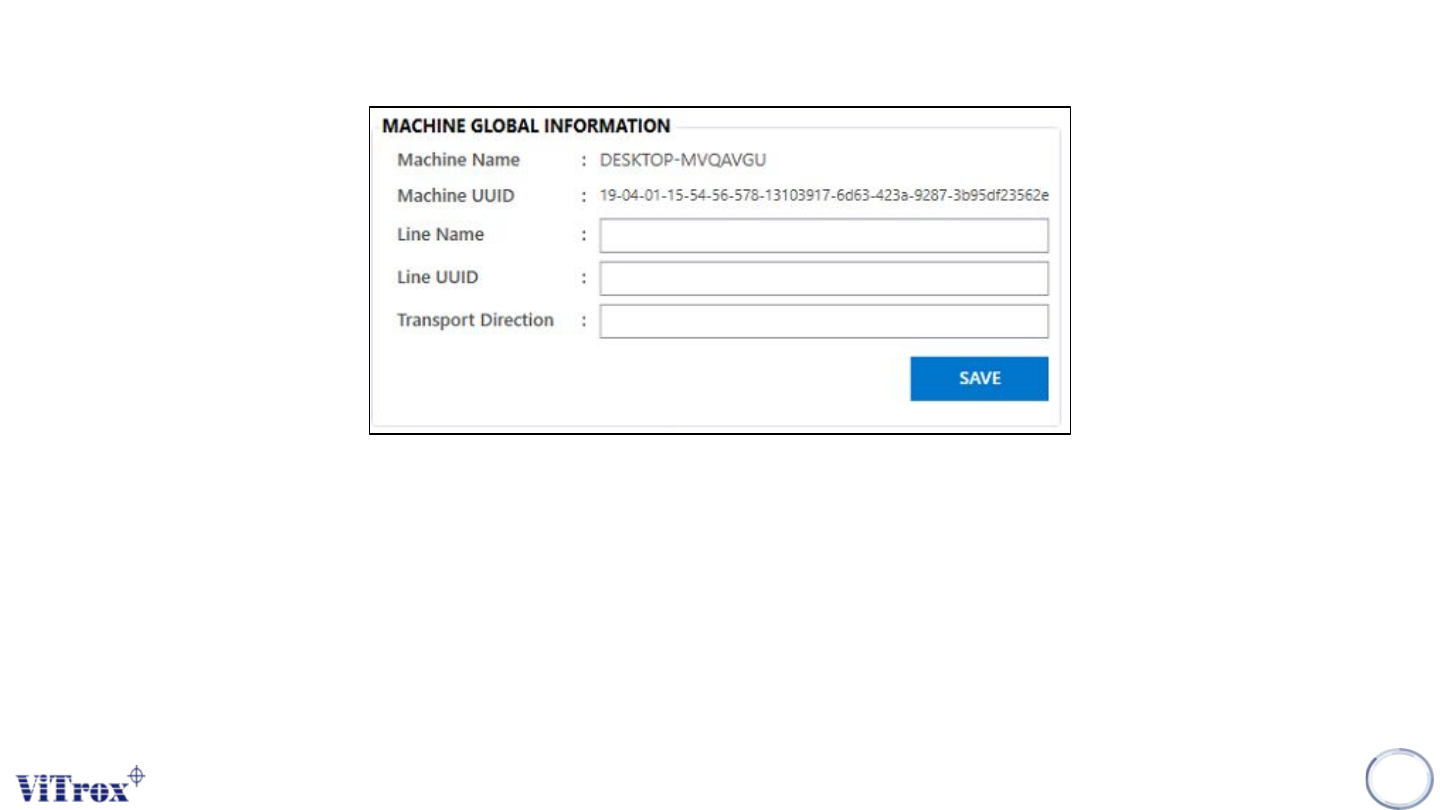
General Setting (Machine Global Information)
Machine global information is used to save the information and the line in this machine which include:
● Machine name
● Machine UUID
● Line name
● Line UUID
● Transport Direction
Note: All the machine global information will stored at c://cpi/data/machine_info.global
26
Figure 16: Machine Global Information
Copyright © ViTrox All Rights Reserved.
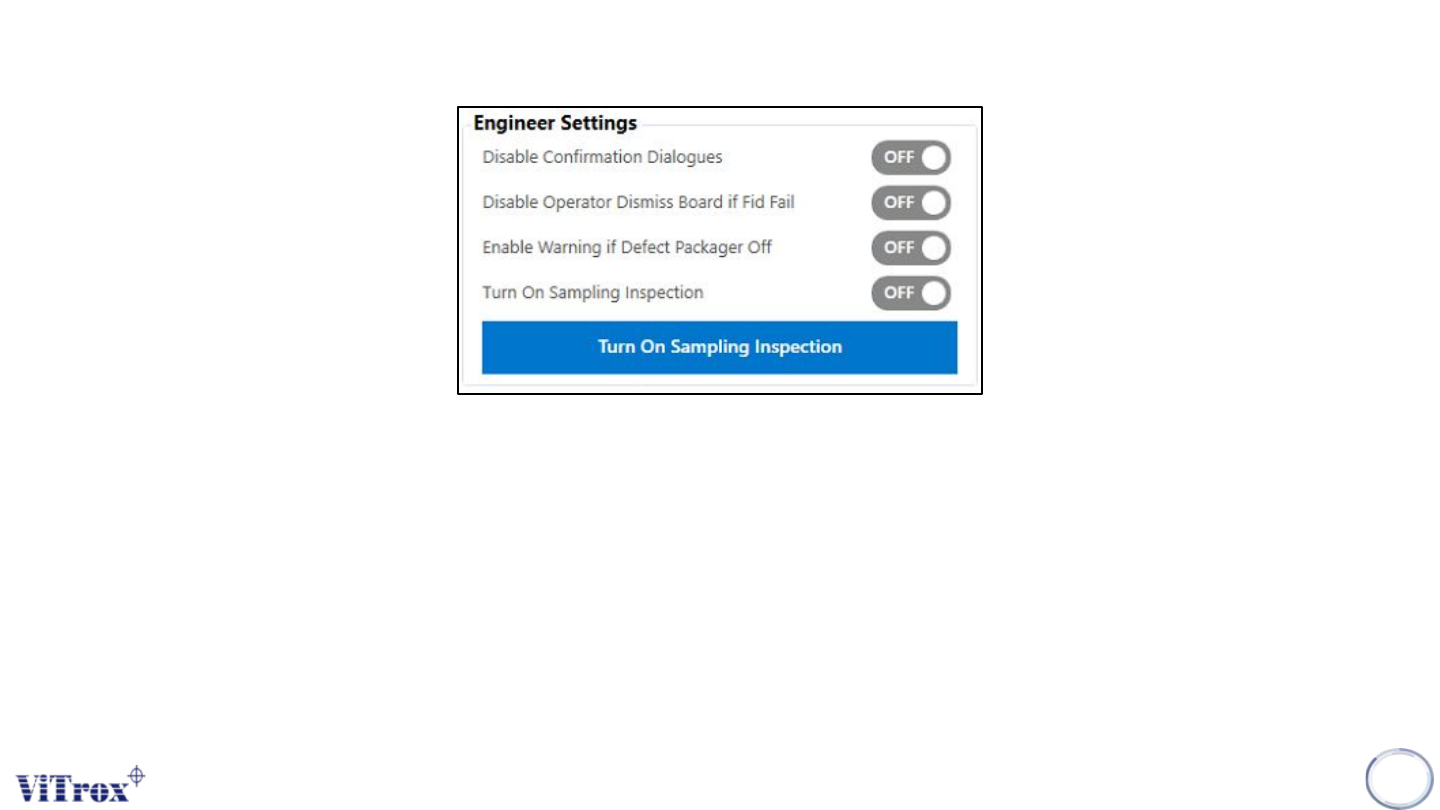
General Setting (Engineer Setting)
Engineer setting in general setting is used to set up the engineer inspection result which includes:
● Disable confirmation dialogues
● Disable operator dismiss board if fid fail
● Enable warning if defect packager off
● Turn on sampling inspection
27
Figure 17: Engineer Setting
Copyright © ViTrox All Rights Reserved.
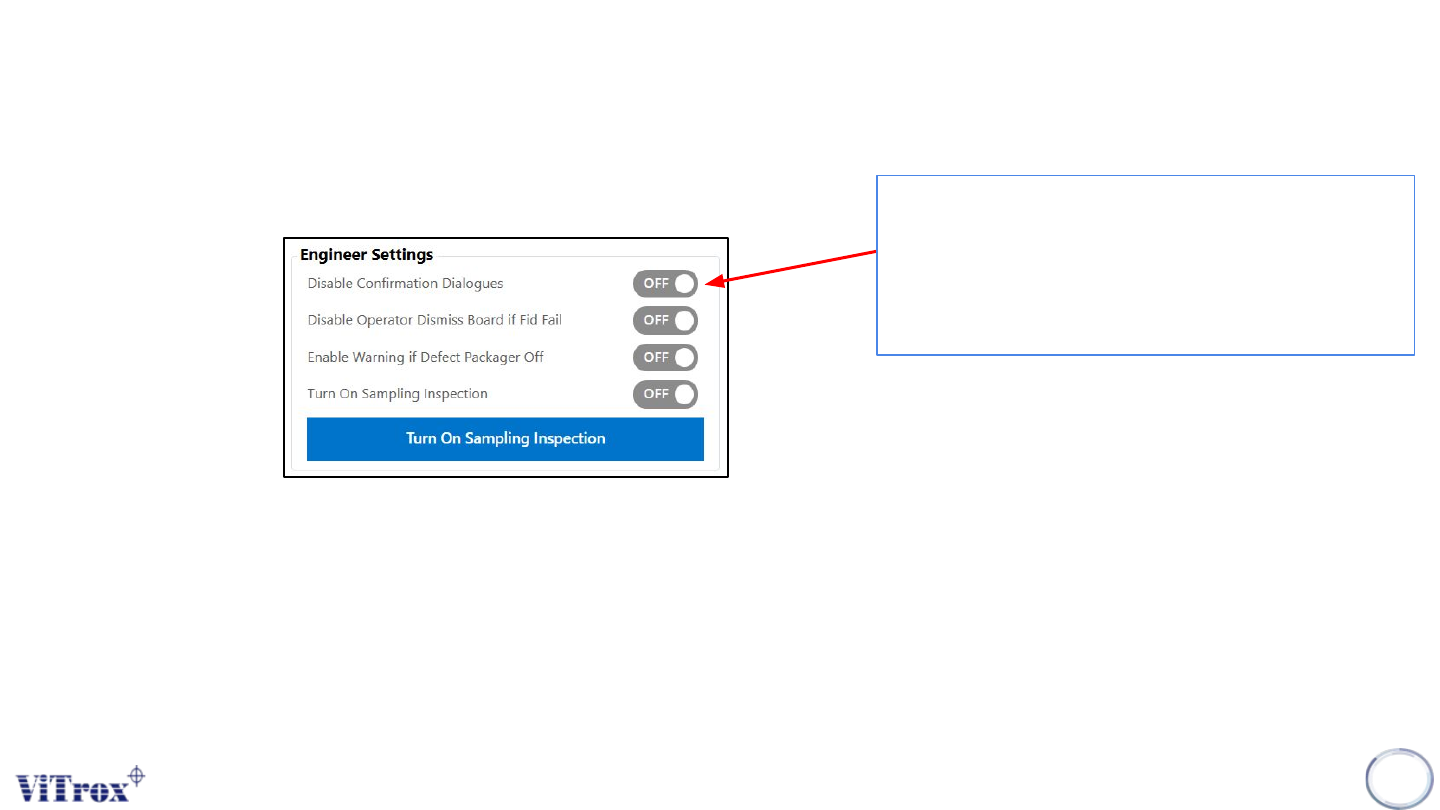
General Setting (Engineer Setting)
Disable Configuration Dialogues
28
Disable confirmation dialogues is to stop
prompting the confirmation window. It skips the
confirmation popup. Error messages that
require to perform action such as fiducial fail,
Barcode0 warning.
Figure 18: Engineer Settings