Smart Graphical User Interface (SmartG) Overview_rev1.pdf - 第109页
Copyright © ViT rox All Rights Reserved . 109 Program Information
Copyright © ViTrox All Rights Reserved.
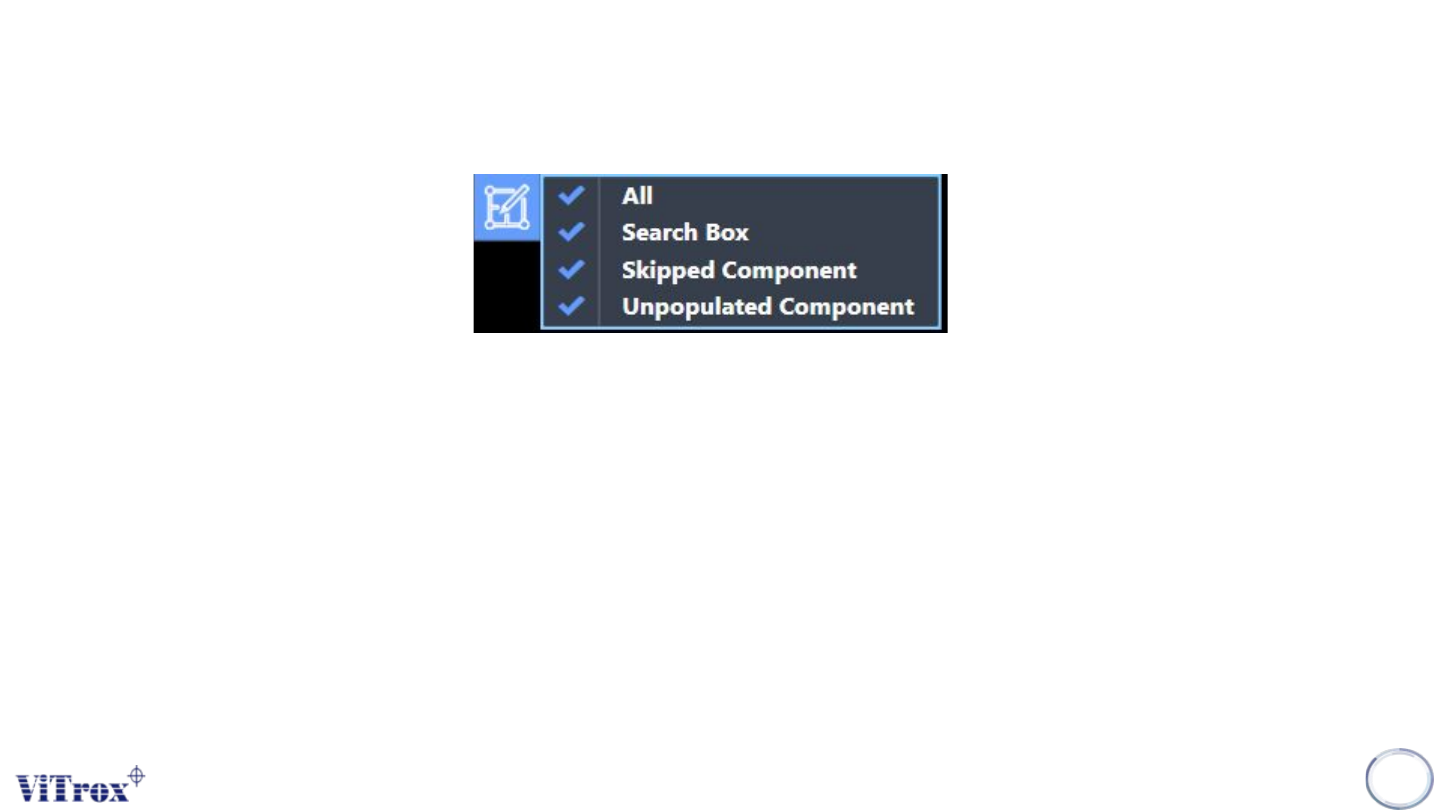
Filter Display
Filter Display of Component Geometry is used to set the display in board graphic. A drop-down menu shows after
clicking the button and comes with four selections which are:
● All
● Search Box
● Orientation Indicator
● Skipped Component
● Unpopulate components
Note: User can filter unnecessary item to display.
108

Copyright © ViTrox All Rights Reserved.
109
Program Information
Copyright © ViTrox All Rights Reserved.
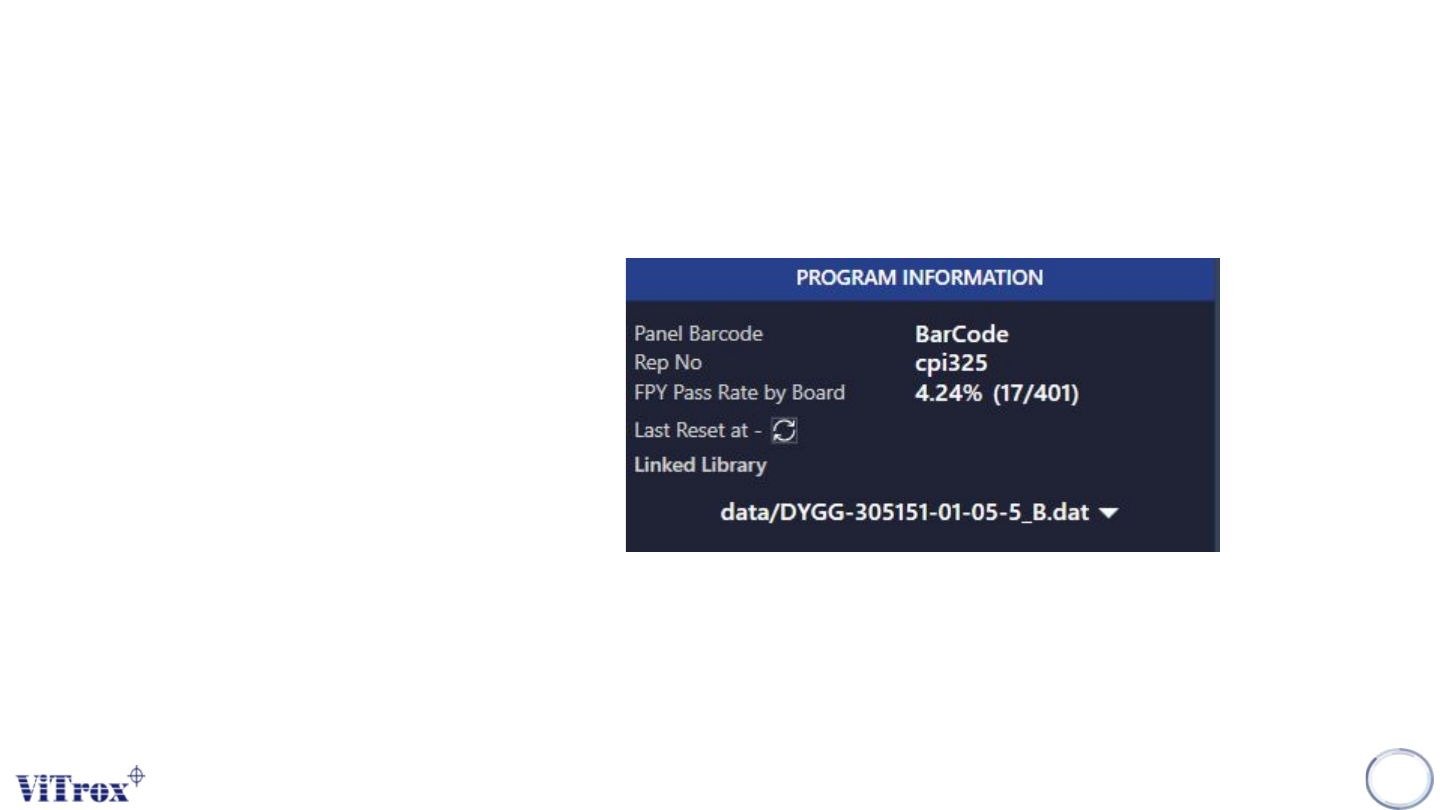
Program Information
Program Information is used to show the detailed information of the current program. Once changing to
a new program, the value changed to the new program information. The program information details
are:
● Panel Barcode
● Rep Number
● FPY Pass Rate by Board
● Reset
● Linked Library
*Reset is used to clear the all values in the machine first-pass yield to zero. After pressing the reset
button, the inspection time, pass, fail and pass rate reset to zero.
110
Figure 99: Program Information