Smart Graphical User Interface (SmartG) Overview_rev1.pdf - 第152页
Copyright © ViT rox All Rights Reserved . EOCV Note: (Shortcut key) User can enhanced OCV in List of tool box 152 EOCV Execute EOCV Figure 137: OCV Main Menu
Copyright © ViTrox All Rights Reserved.
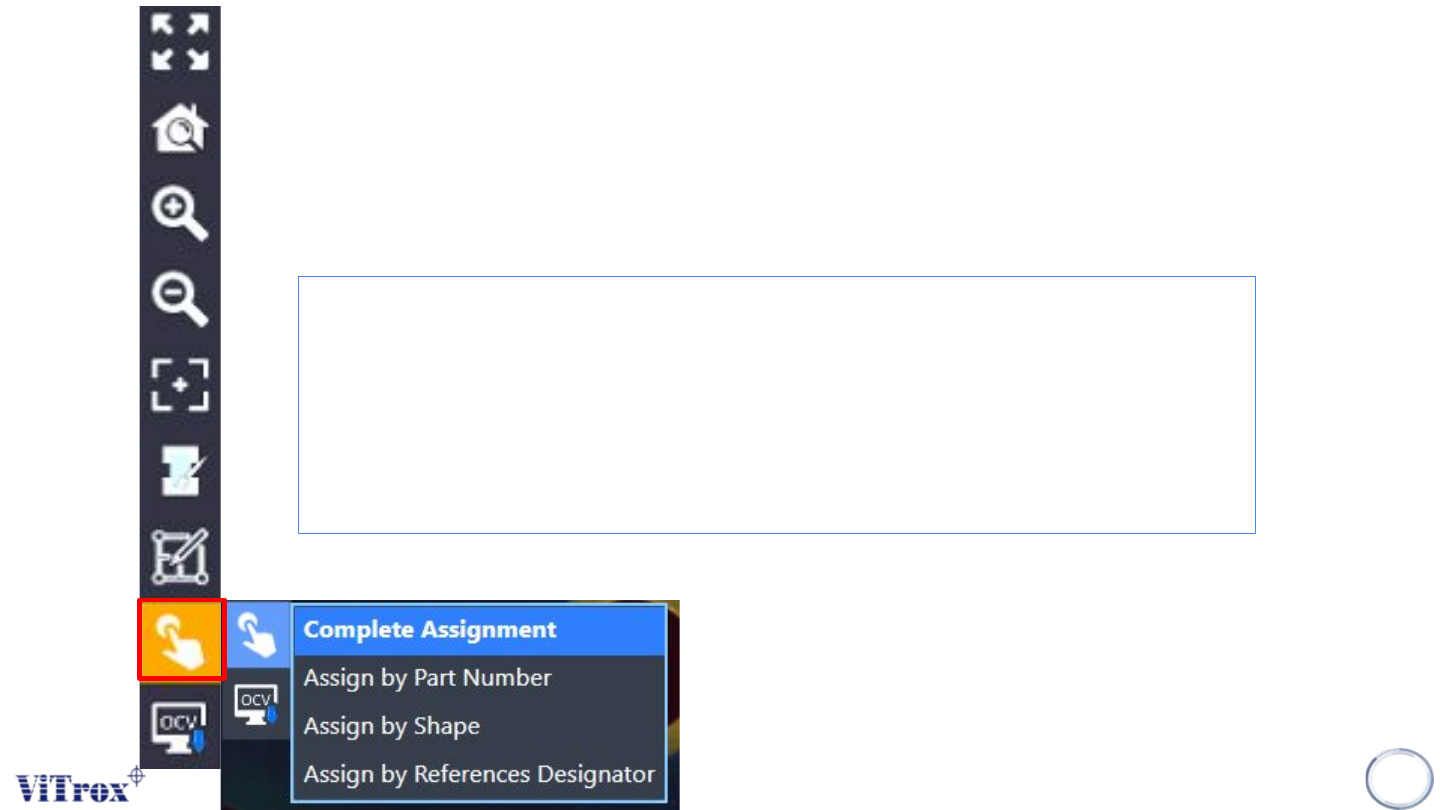
Drag and Drop Algorithm
Shortcut button to train the component.
Note: Shortcut Key press ‘D’ for enable this mode, For select on source component, hold ‘Ctrl’
151
Copyright © ViTrox All Rights Reserved.
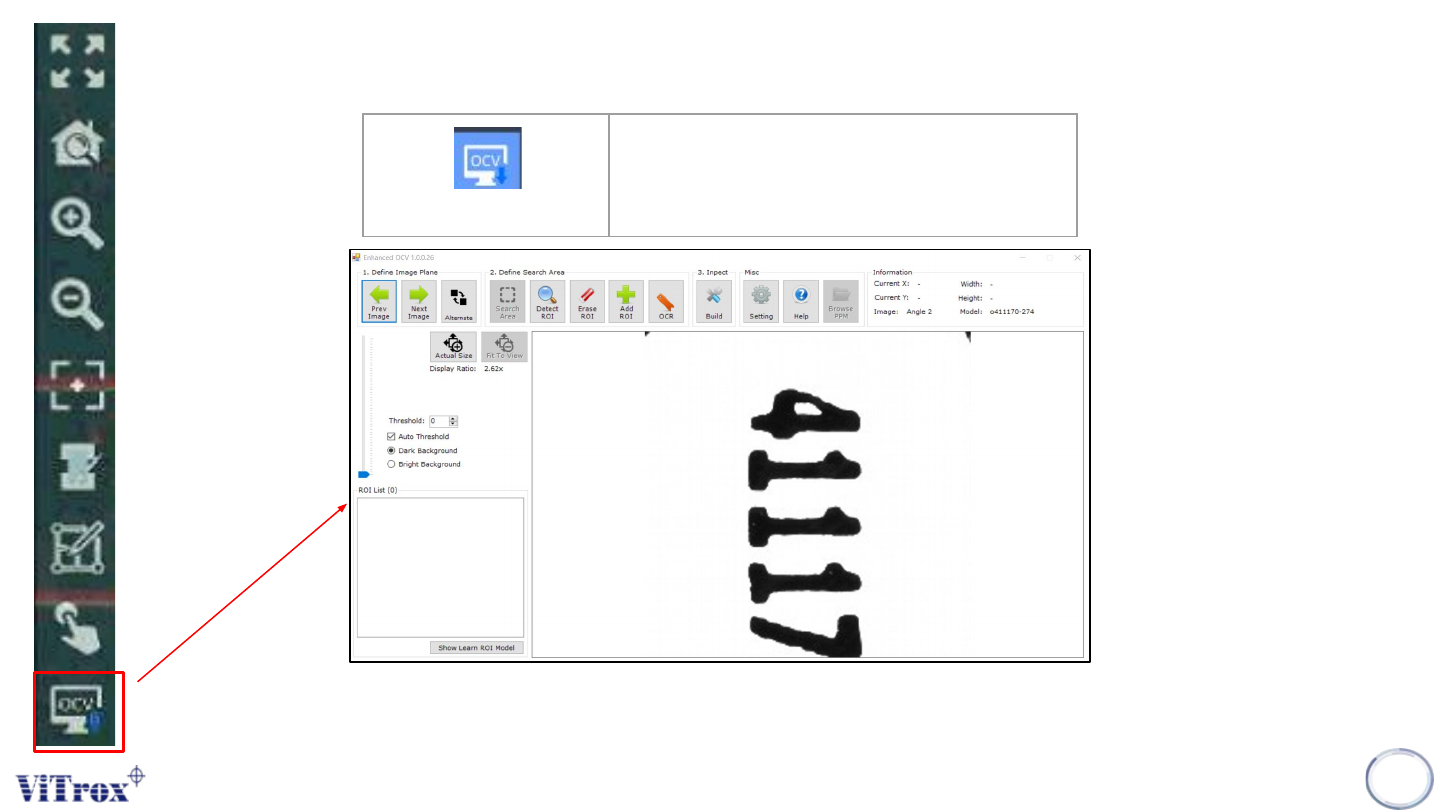
EOCV
Note: (Shortcut key) User can enhanced OCV in List of tool box
152
EOCV
Execute EOCV
Figure 137: OCV Main Menu

Copyright © ViTrox All Rights Reserved.
153
Trainer Main Button (Train Interface)