Smart Graphical User Interface (SmartG) Overview_rev1.pdf - 第147页
Copyright © ViT rox All Rights Reserved . Zoom In and Out 147 Zoom in (+), Zoom Out (-) Zoom in the camera view Figure 133: (Zoom out and Zoom in) pointed at any location Note: User can use mouse wheel to zoom in and out…
Copyright © ViTrox All Rights Reserved.
Fit to Home Screen
146
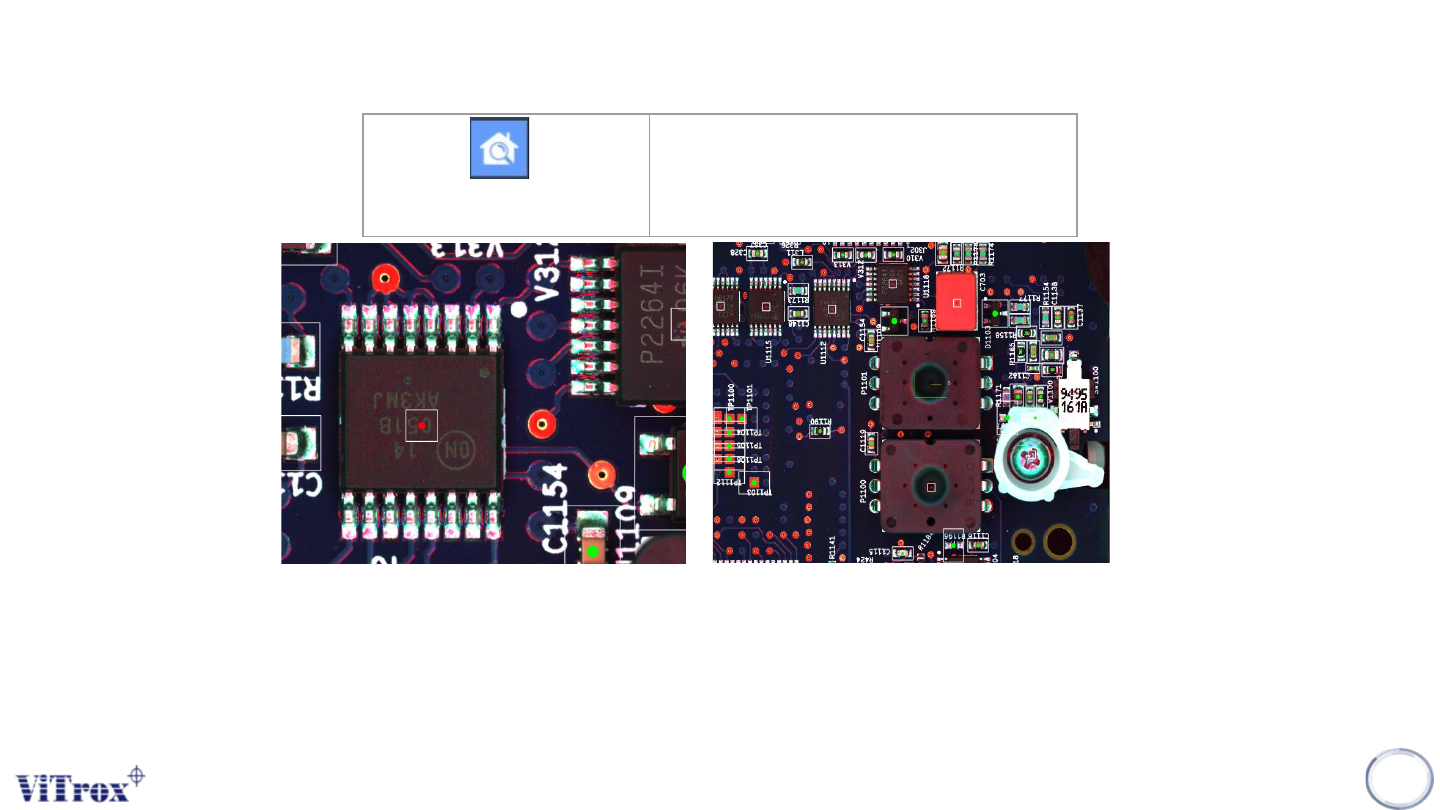
Fit To Home Screen
Zoom out to entire Home Screen
Figure 132: Before and After Click Fit To Home Screen
Fit to Screen is a feature to set the current FOV into full screen camera view. This feature helps user to find out the
full-board image.
Note: This button is very useful when user need to see the entire program.
Copyright © ViTrox All Rights Reserved.
Zoom In and Out
147
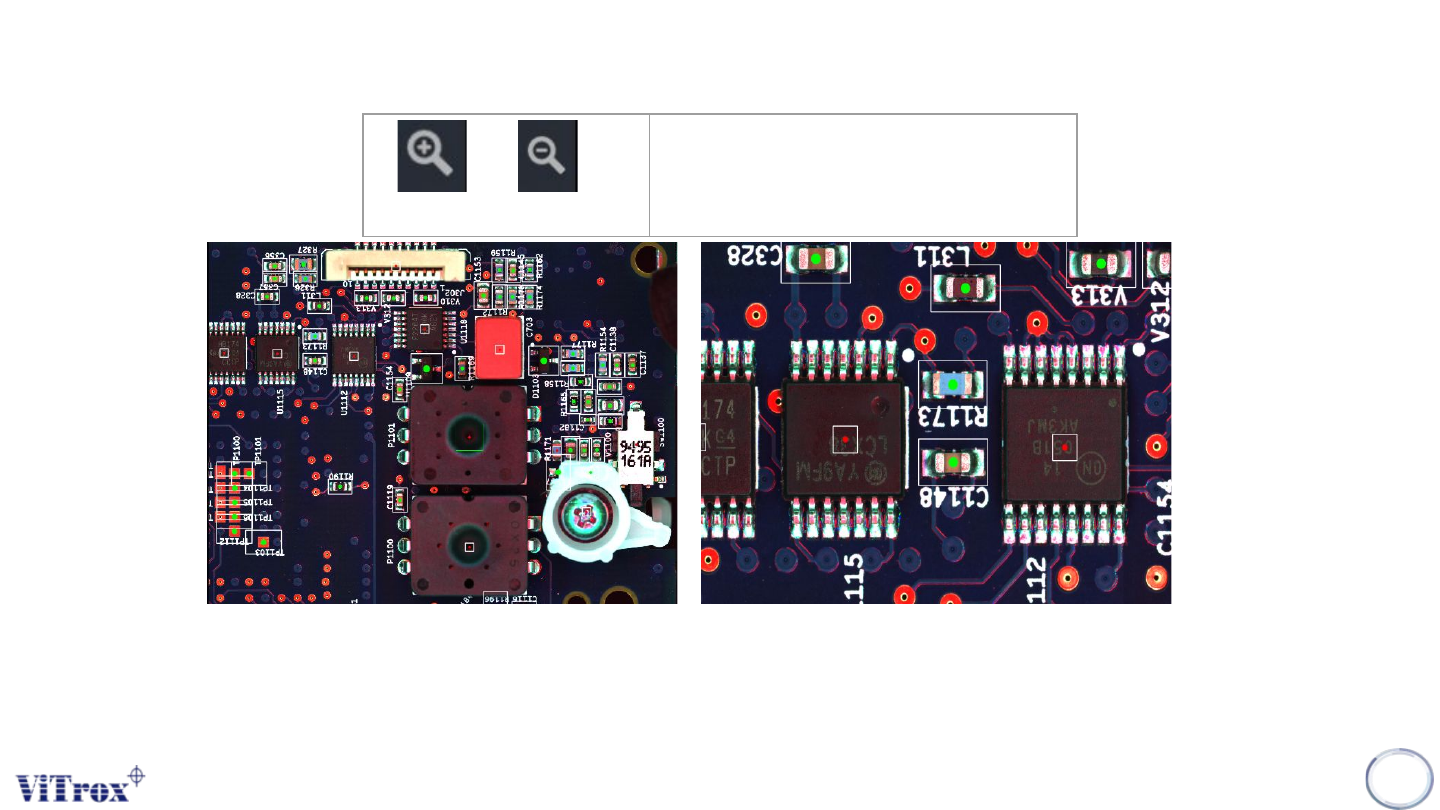
Zoom in (+), Zoom Out (-)
Zoom in the camera view
Figure 133: (Zoom out and Zoom in) pointed at any location
Note: User can use mouse wheel to zoom in and out at any location
Copyright © ViTrox All Rights Reserved.
Drag and Measure
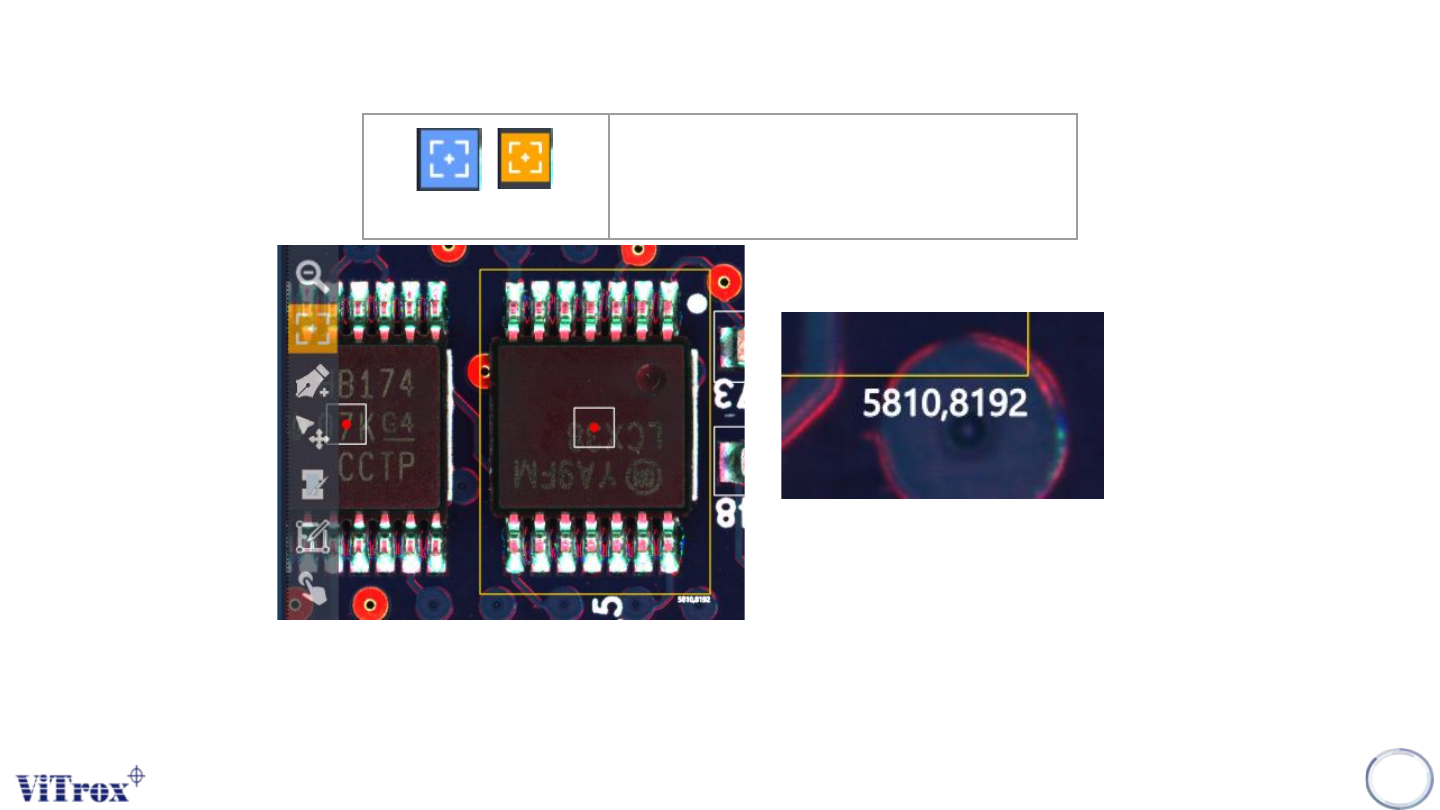
Note: User can drag and measure the specific area of any components (XY Length)
148
Drag and Measure
Drag and Measure the X and Y length
in specific area
Figure 134: Calculate Length in Micron XY