Smart Graphical User Interface (SmartG) Overview_rev1.pdf - 第14页
Copyright © ViT rox All Rights Reserved . 14 SmartG Setting
Copyright © ViTrox All Rights Reserved.
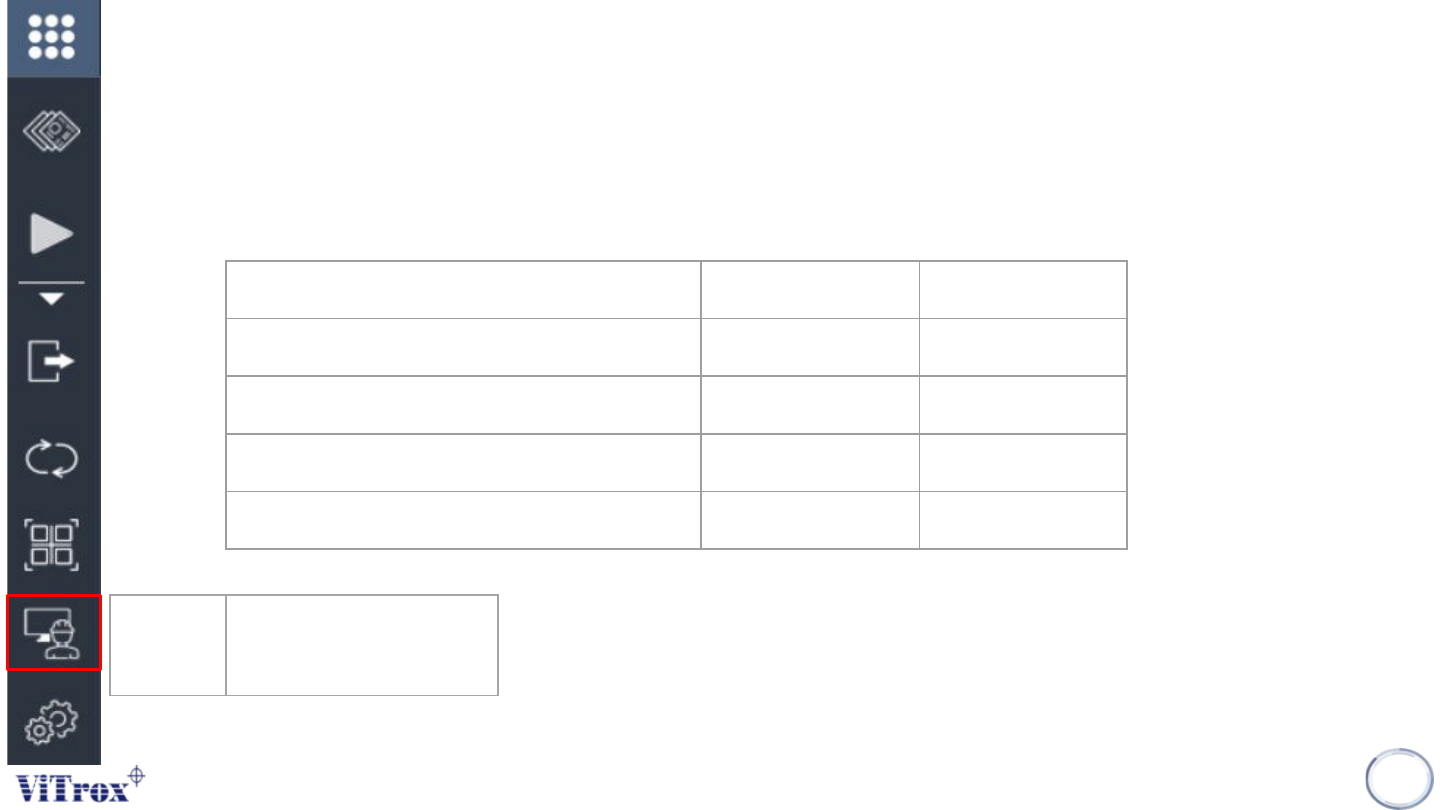
Operator Mode
• Operator Mode is a navigator from engineer page to operator page. Engineer page is used to perform
programming and fine tuning to the board while operator page is used to support production running and limited
control access to line operator.
13
Operator
Mode
Operator Mode with limited
control access to line
operator
Action Operator Mode Engineer Mode
Run and Stop Inspection ✓ ✓
Edit setting in engineer page ✘ ✓
Perform programming or fine tuning ✘ ✓
Move camera view and set fiducial ✘ ✓
Table 1: Comparison acces

Copyright © ViTrox All Rights Reserved.
14
SmartG Setting
Copyright © ViTrox All Rights Reserved.
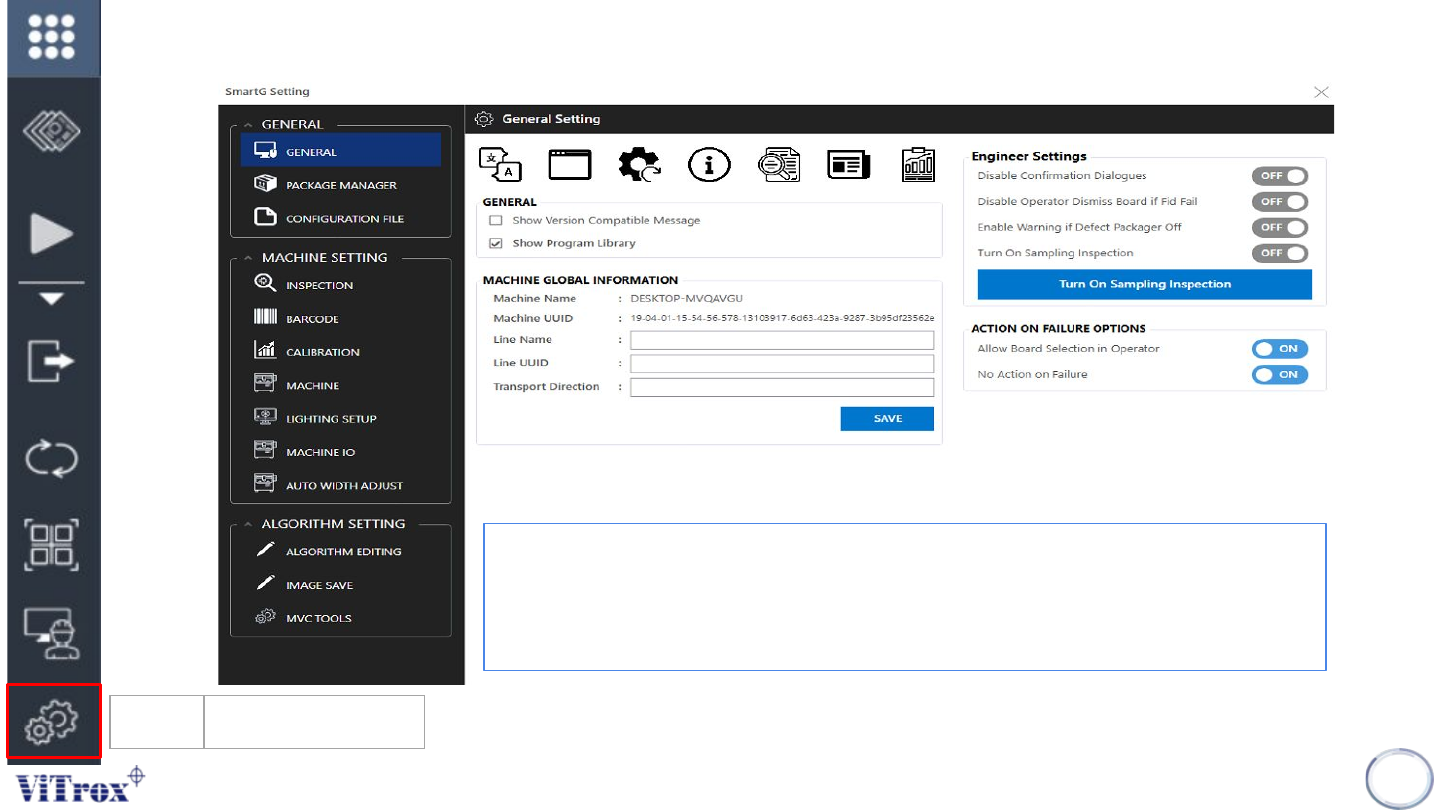
SmartG setting
15
Utilities SmartG Setting
Figure 7: SmartG setting main interface
Utilities is also known as SmartG Setting, a setting page that contains all important
feature and setting in SmartG. This is important to control the access control into
engineer users and operator user. When clicking Utilities, a popup window called
SmartG Setting shows.