Smart Graphical User Interface (SmartG) Overview_rev1.pdf - 第145页
Copyright © ViT rox All Rights Reserved . Zoom 1 to 1 145 Zoom 1 to 1 Zoom at component in centroid of camera view Figure 131: Before and after click Zoom 1 to 1 When click at the Zoom 1 to 1 button in the tool box, the …

Copyright © ViTrox All Rights Reserved.
List of Toolbox (Train Interface)
144
Copyright © ViTrox All Rights Reserved.
Zoom 1 to 1
145
Zoom 1 to 1
Zoom at component in centroid of
camera view
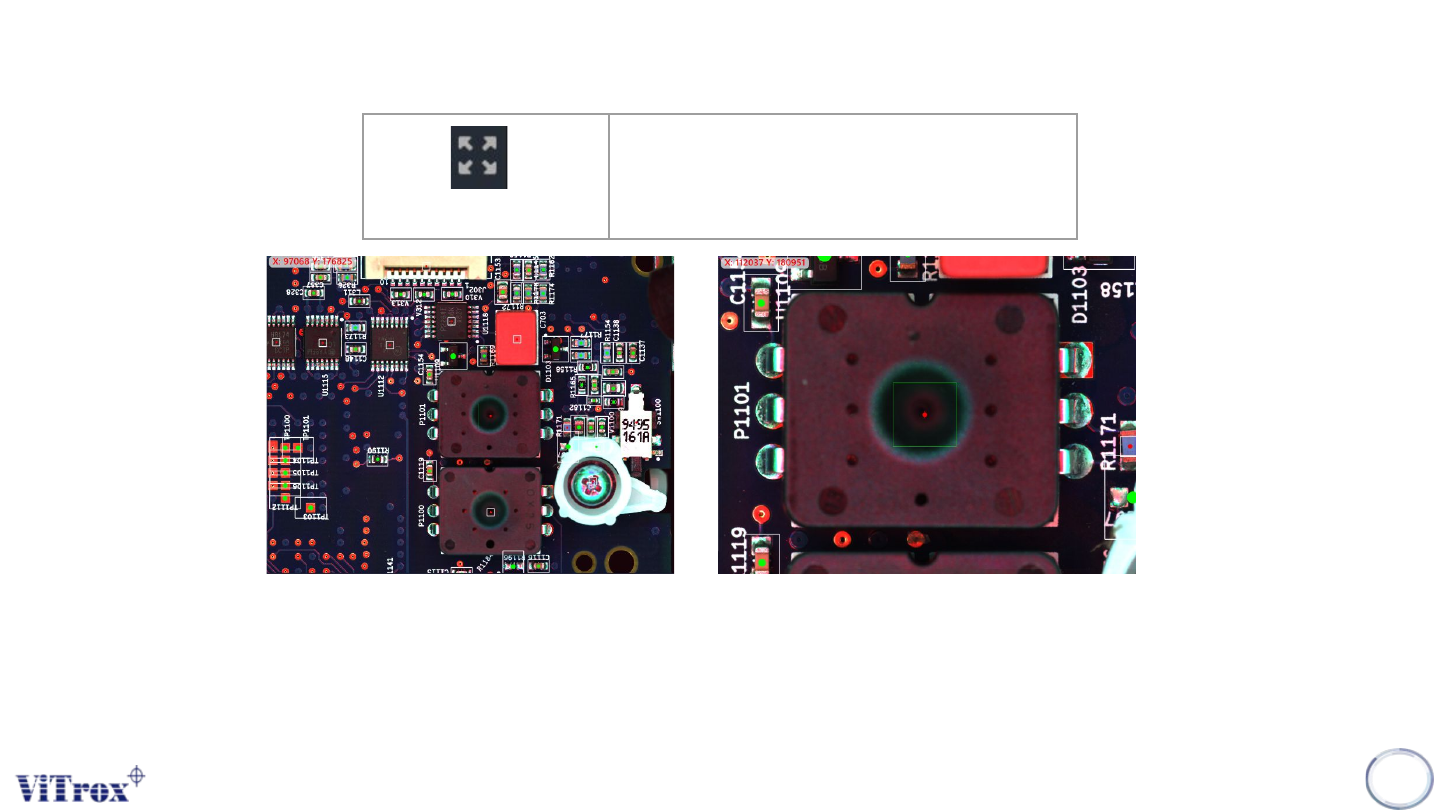
Figure 131: Before and after click Zoom 1 to 1
When click at the Zoom 1 to 1 button in the tool box, the camera view moves to the selected component (Blue bracket) and this
component stays in center of camera view.
Note: If there is no component selected, no action will be performed. Zoom 1 to 1 performed in component camera view and full
board view shows different sizes.
Copyright © ViTrox All Rights Reserved.
Fit to Home Screen
146
Fit To Home Screen
Zoom out to entire Home Screen
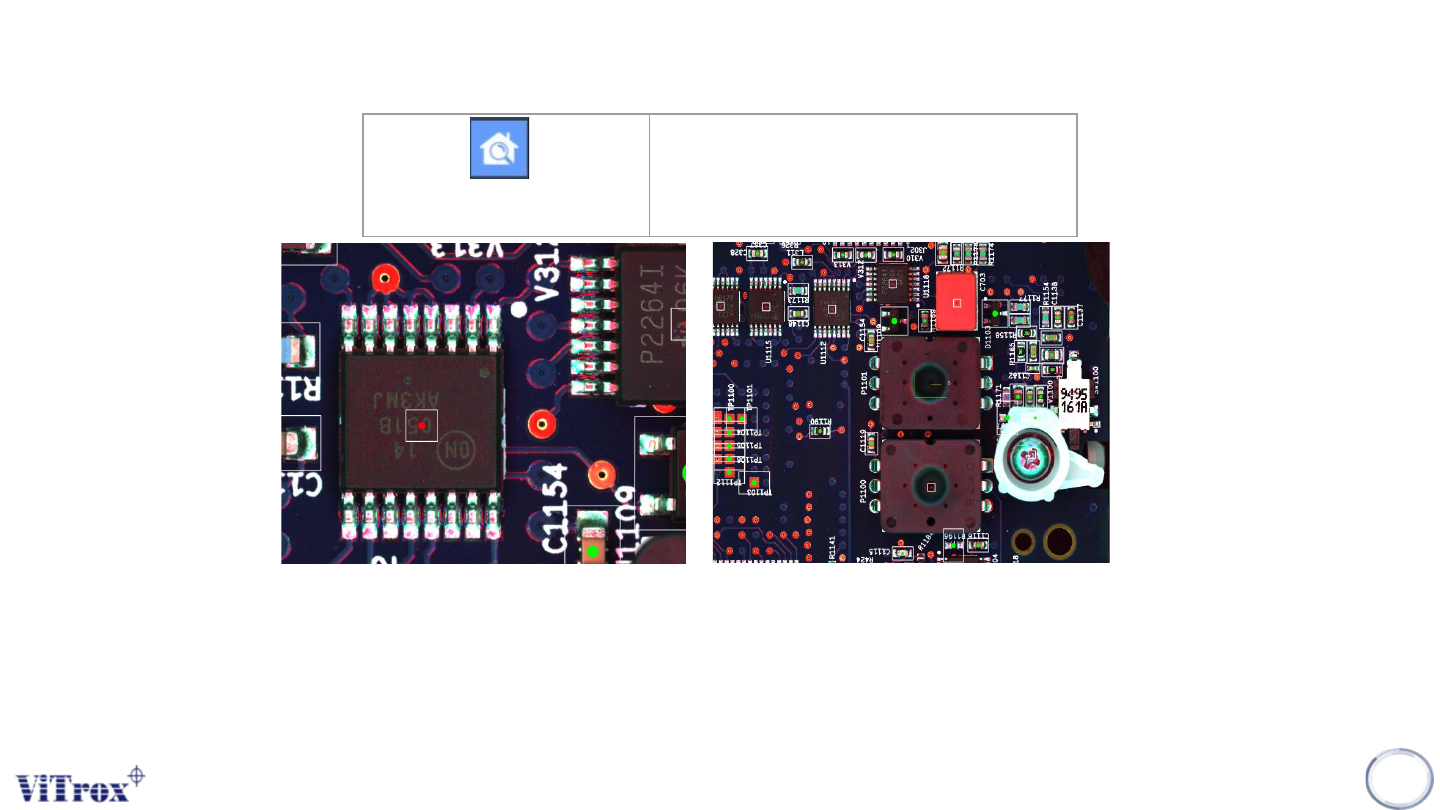
Figure 132: Before and After Click Fit To Home Screen
Fit to Screen is a feature to set the current FOV into full screen camera view. This feature helps user to find out the
full-board image.
Note: This button is very useful when user need to see the entire program.