Smart Graphical User Interface (SmartG) Overview_rev1.pdf - 第111页
Copyright © ViT rox All Rights Reserved . Inspection Result The inspection result list is used to show the latest board post-inspection summary . Before any inspection starts, the inspection result is empty . There are f…
Copyright © ViTrox All Rights Reserved.
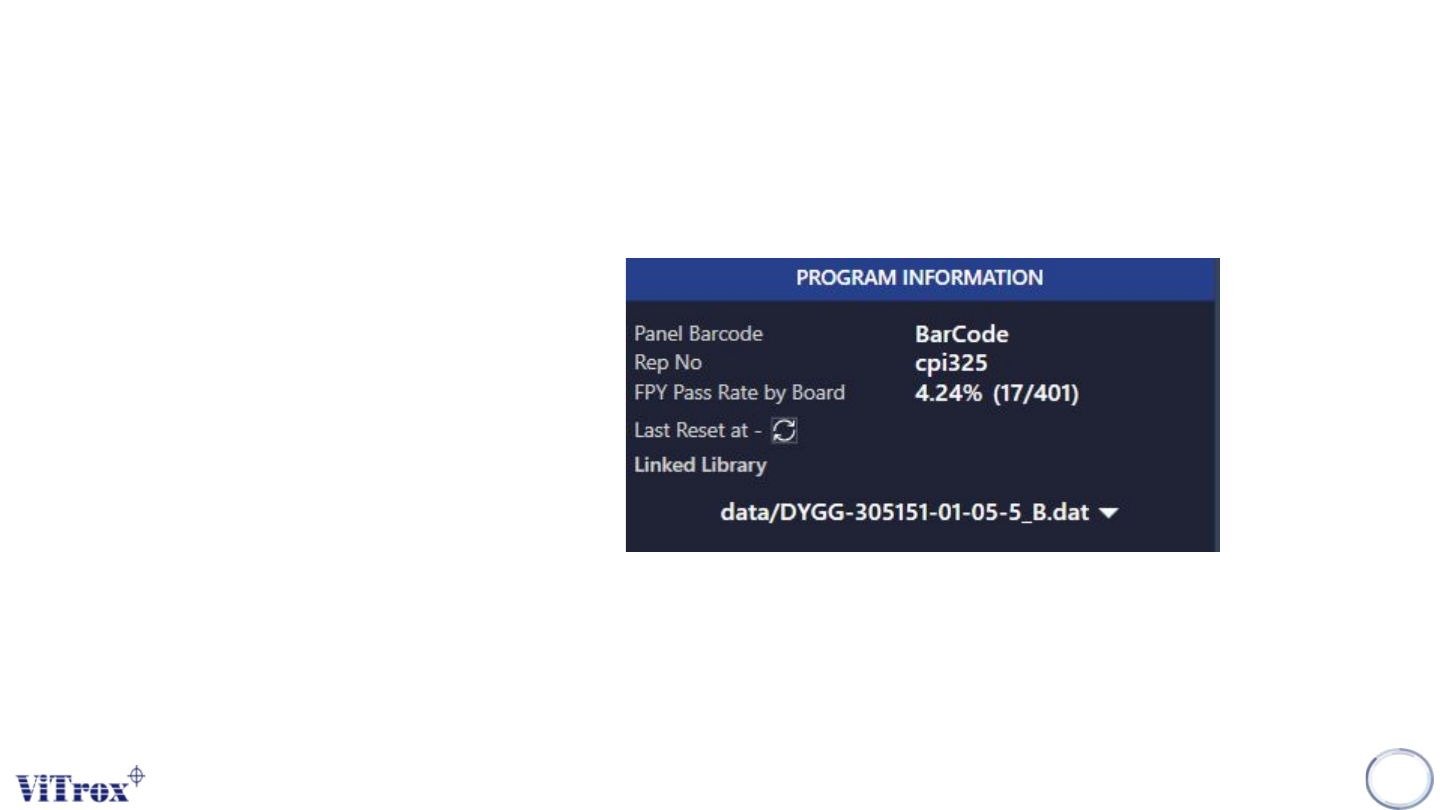
Program Information
Program Information is used to show the detailed information of the current program. Once changing to
a new program, the value changed to the new program information. The program information details
are:
● Panel Barcode
● Rep Number
● FPY Pass Rate by Board
● Reset
● Linked Library
*Reset is used to clear the all values in the machine first-pass yield to zero. After pressing the reset
button, the inspection time, pass, fail and pass rate reset to zero.
110
Figure 99: Program Information
Copyright © ViTrox All Rights Reserved.
Inspection Result
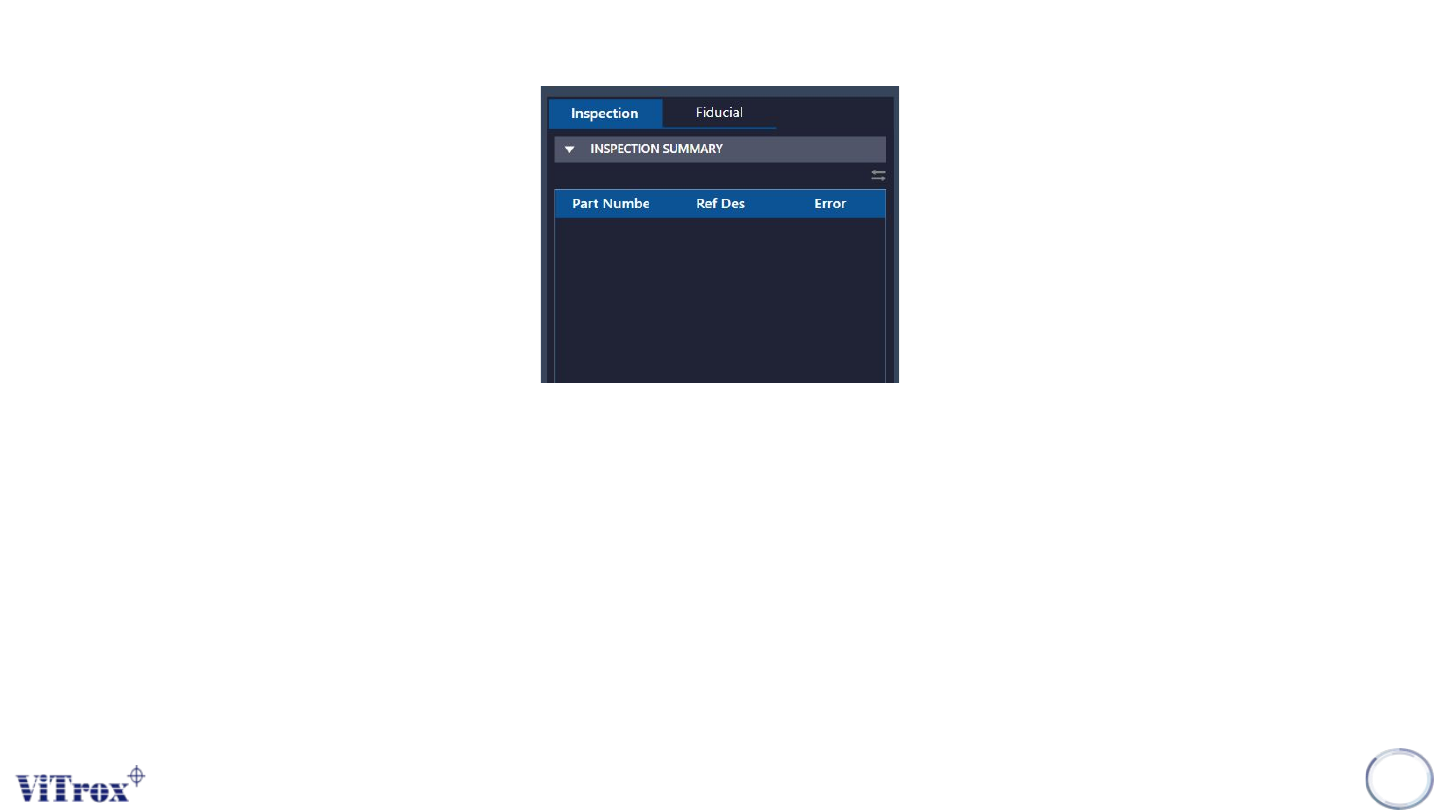
The inspection result list is used to show the latest board post-inspection summary. Before any inspection starts, the
inspection result is empty. There are four types of inspection will be displayed in the inspection result list:
● Post inspection result (Default)
● Fiducial inspection result (Default)
● Auto Train Result (Upon Inspection)
● Negative Orientation Test (Upon Inspection)
111
Figure 100: Inspection Result list
Copyright © ViTrox All Rights Reserved.
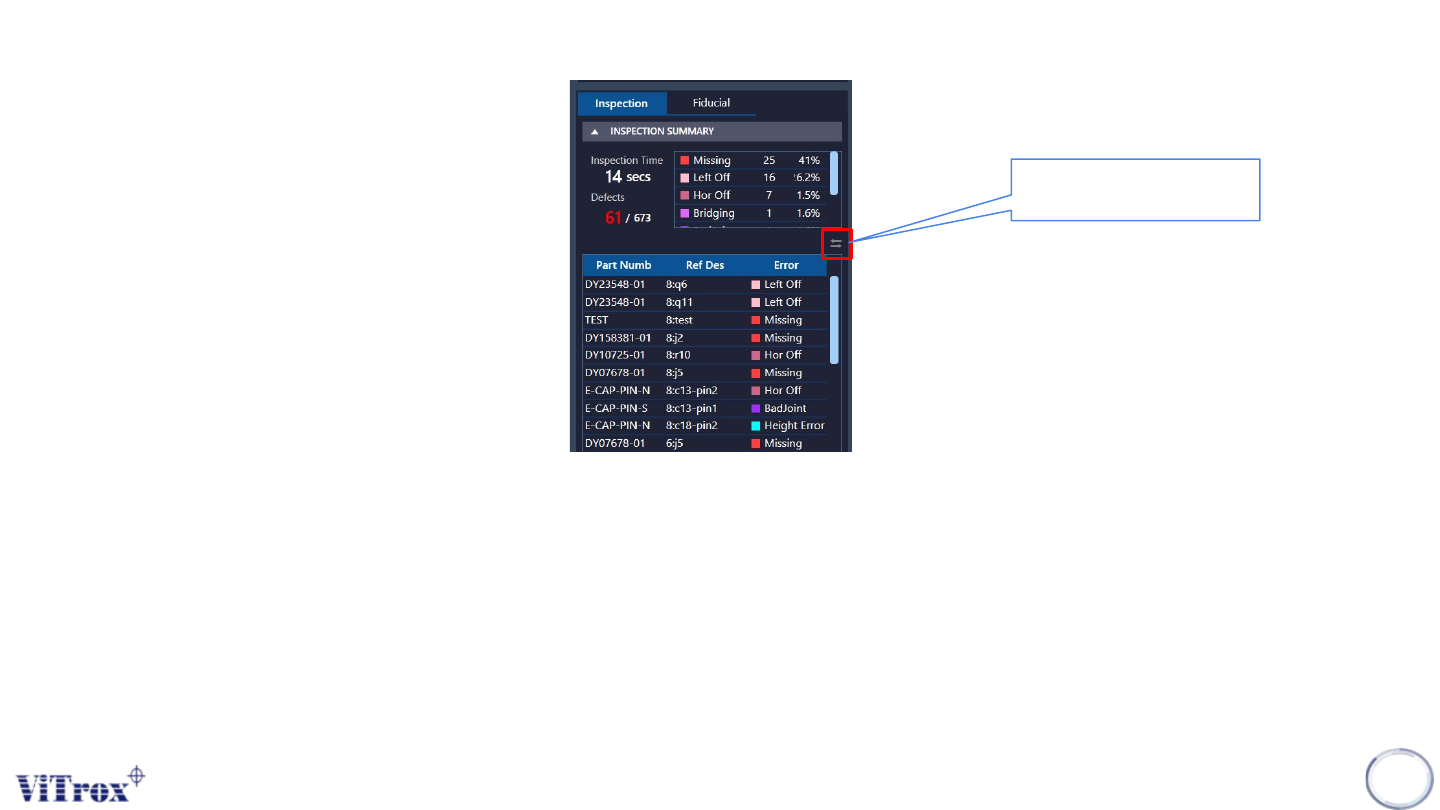
Post inspection result (Default)
To show post inspection result, the inspection can be run in two ways:
● Manual Way (Board remains in the machine):
○ Run in Engineer Home Page
● Auto Way (Board will unload to exit sensor):
○ Auto Inspect and Release in Engineer Page
Note: Post inspection result and defect list shares the same contents. Post-inspection result is based on reference
designator, while defect list is based on part number.
112
Figure 101: Post Inspection Result
To change the inspection
view by multiple defects.