Smart Graphical User Interface (SmartG) Overview_rev1.pdf - 第19页
Copyright © ViT rox All Rights Reserved . General Setting Language setting is used to set the different languages for the SmartG interface. There are two languages supported in SmartG which are: ● English ● Simplified Ch…
Copyright © ViTrox All Rights Reserved.
General Setting
18
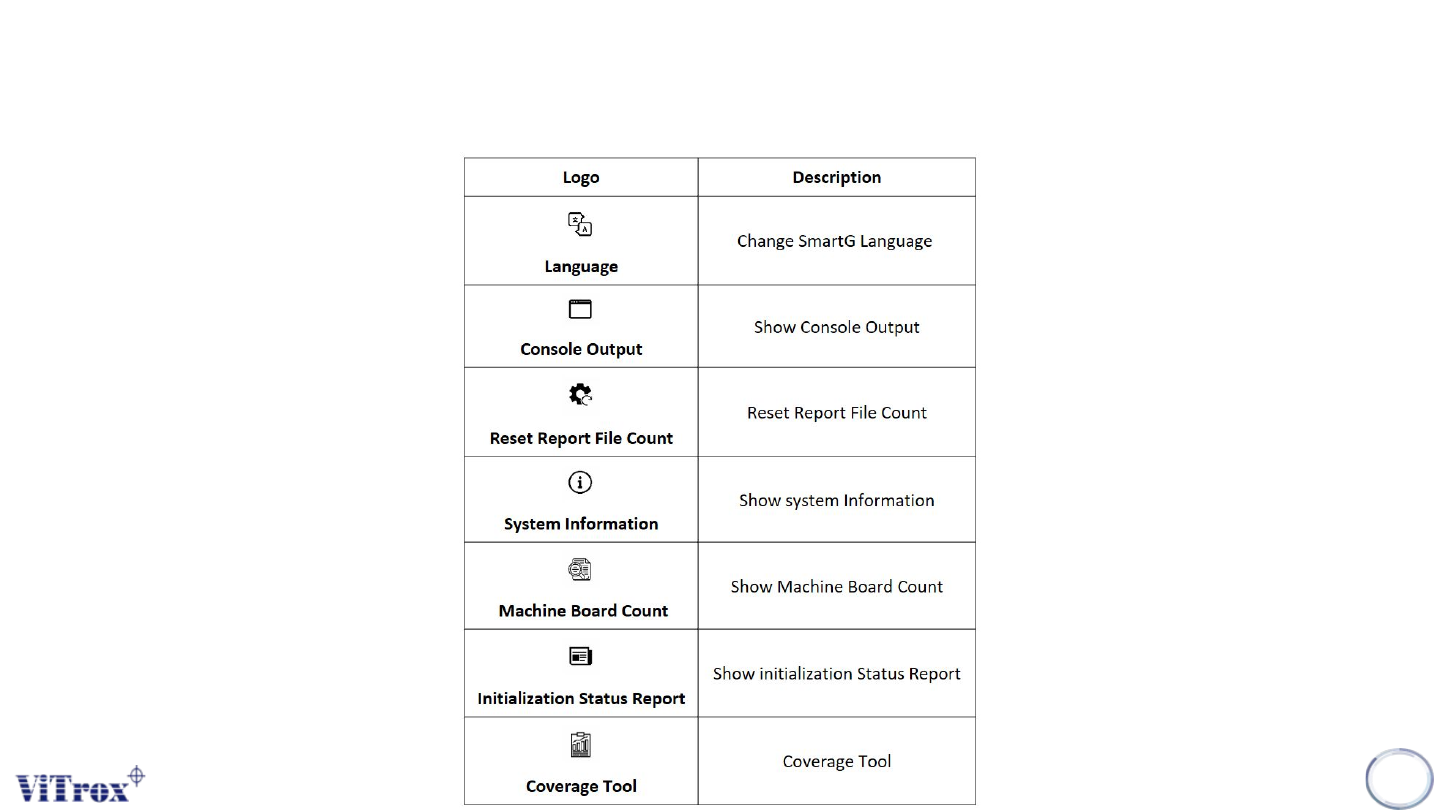
Table 1: General Logo
Copyright © ViTrox All Rights Reserved.
General Setting
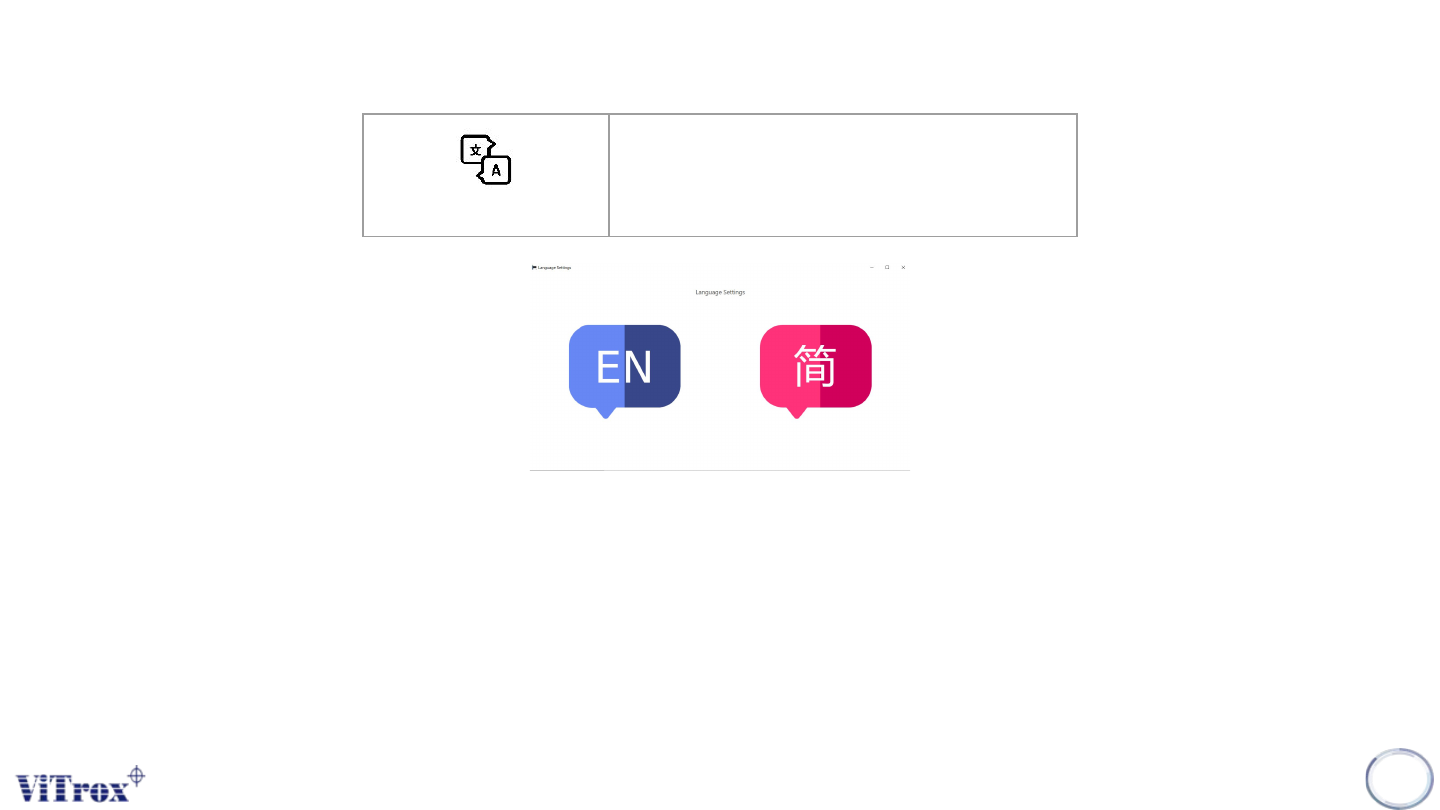
Language setting is used to set the different languages for the SmartG interface. There are two languages supported in SmartG
which are:
● English
● Simplified Chinese
Note: Language switching setting is temporarily unavailable in Utilities.
19
Language
Change SmartG Language
Figure 9: Language Setting
Copyright © ViTrox All Rights Reserved.
General Setting
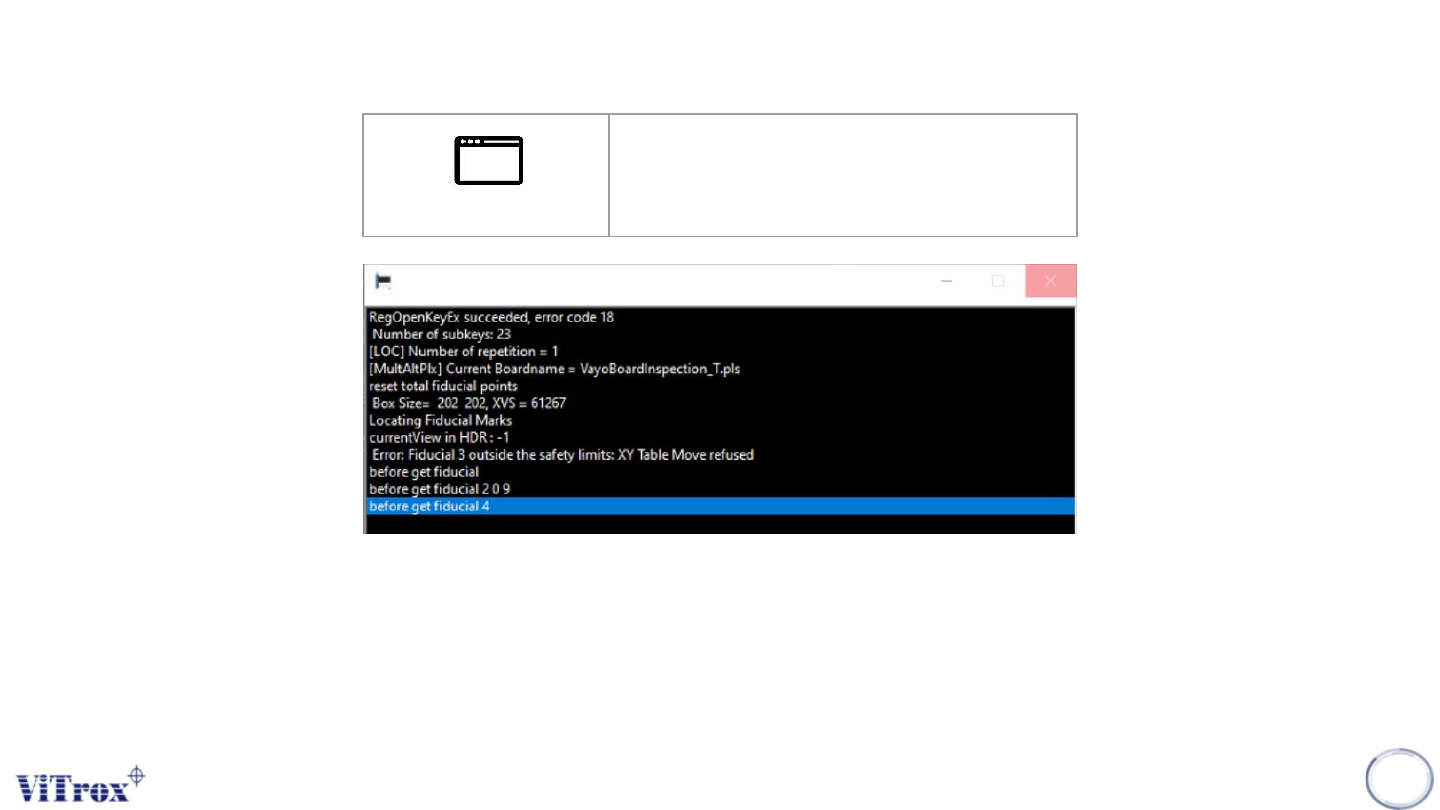
Console Output is used to display the results of various calibration procedures, such as R & R tests. This is also used for
development and troubleshooting purposes. This feature displays the console done in back-end service such as component
inspection, fiducial inspection, training and etc.
Note: Opening console output and run inspection will gradually increase cycle time.
20
Console Output
Show Console Output
Figure 10: Console Output