Smart Graphical User Interface (SmartG) Overview_rev1.pdf - 第175页
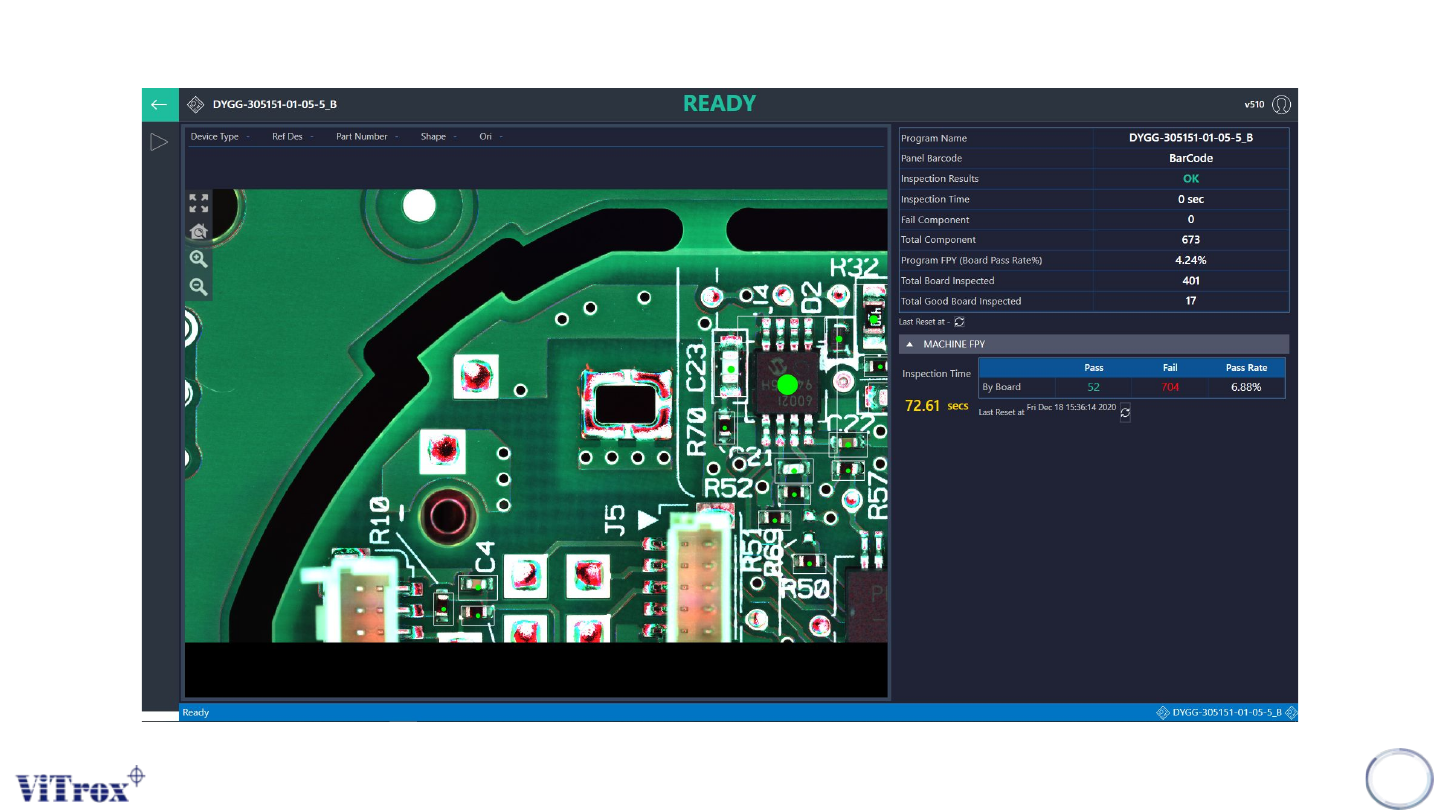
Copyright © ViT rox All Rights Reserved . SmartG Operator Mode Interface 175 Figure 160: SmartG Operator Mode Interface

Copyright © ViTrox All Rights Reserved.
Introduction
SmartG operator mode is designed for the system to run in production mode and provides minimum
control to the line operator.
In operator mode, some features able to use in operator mode which include:
● Main Button
● Camera View
● Board Name and Inspection Status
● Program Information
● Machine FPY
174
Copyright © ViTrox All Rights Reserved.
SmartG Operator Mode Interface
175
Figure 160: SmartG Operator Mode Interface
Copyright © ViTrox All Rights Reserved.
Board Name
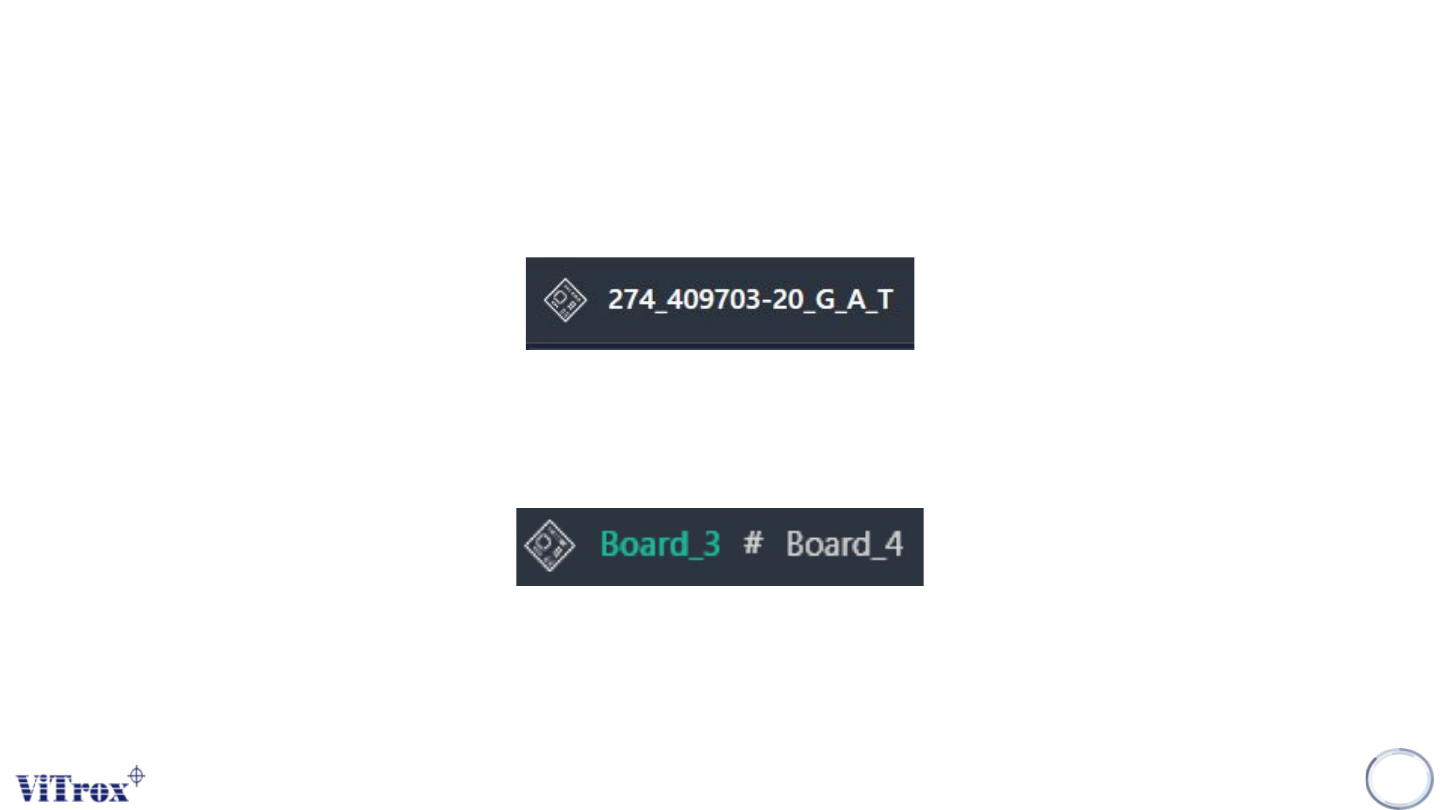
Board Name is always shown on top of the SmartG screen. When dual file is enabled, the board name
shows as two board names.
176
Figure 161: Board Name
Figure 162: The first and second board when dual file is enabled